
CHARACTERS
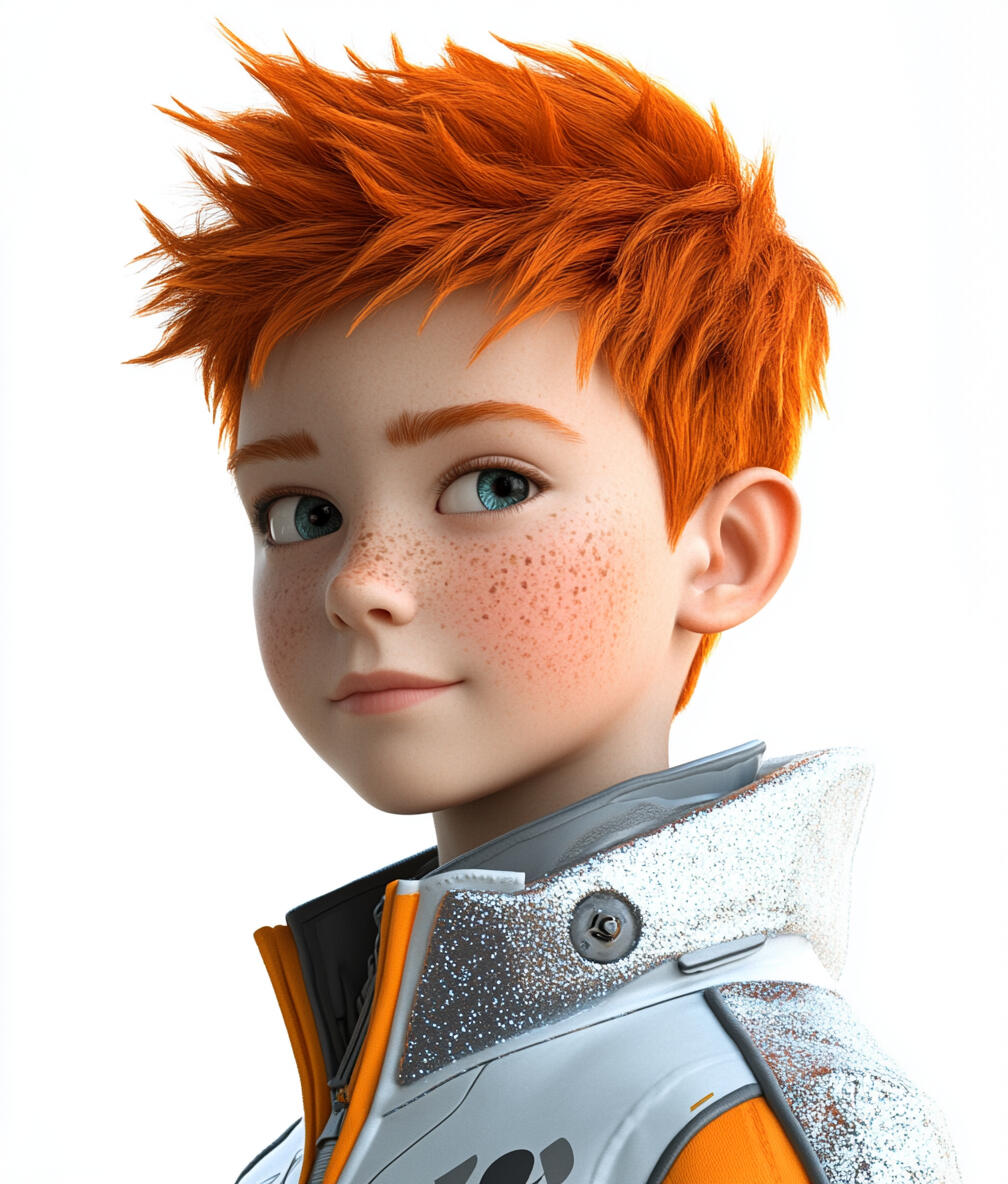
Max
The Curiosity Engine
Age: 8
Gender: Male
Personality: An infectiously enthusiastic explorer, always igniting curiosity with his rapid-fire questions and sparking exciting adventures for his friends with his boundless energy and creative ideas.
Catchphrase:
"Curiosity's calling! Time to spark some fun!"
"Zing! My mind's crackling with shockingly cool discoveries!"
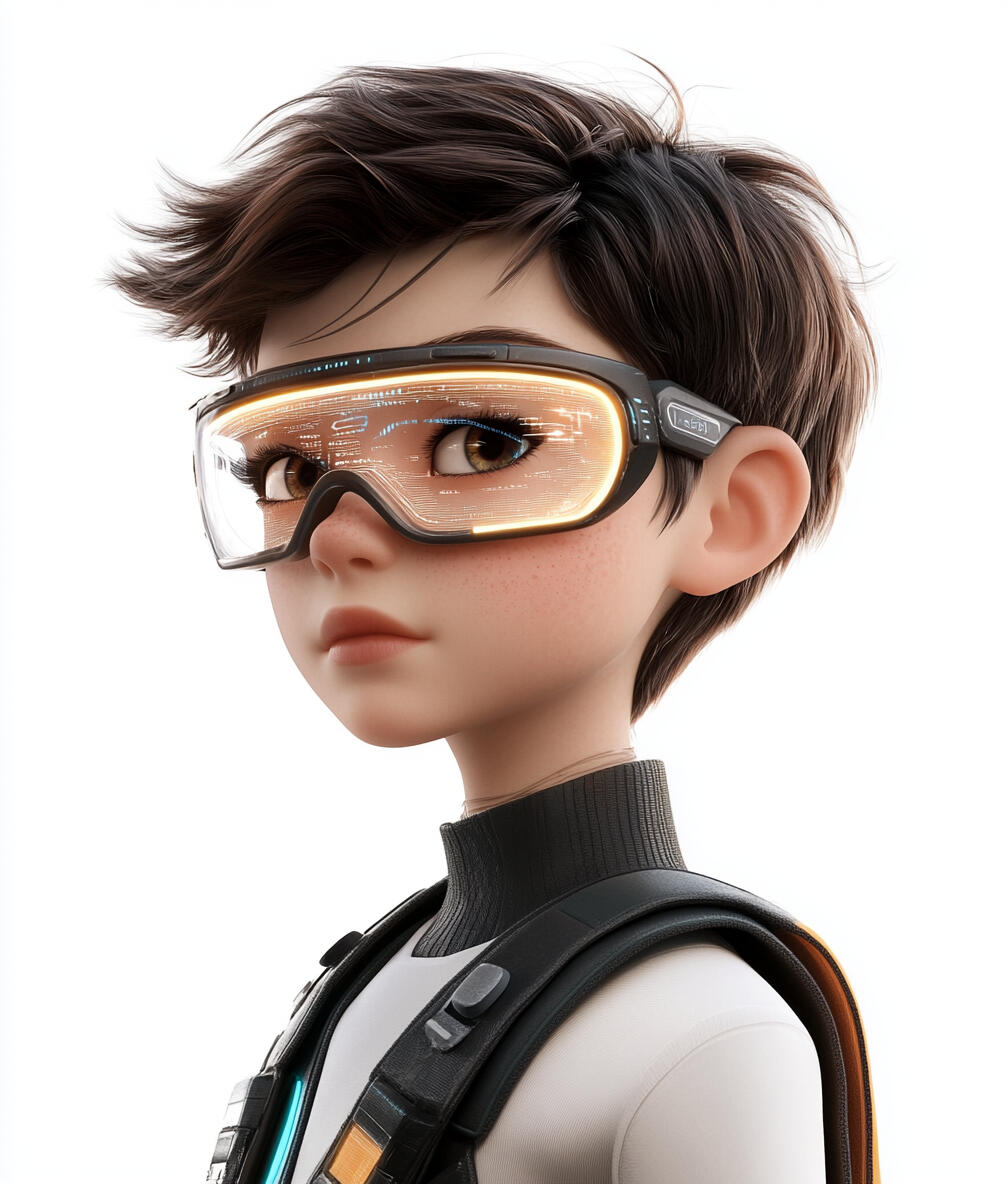
Eden
The Logical Thinker
Age: 10
Gender: Non-binary
Personality: A methodical thinker with a penchant for puzzles and dry humor, who navigates chaos by applying logic, often serving as the group's voice of reason despite occasionally getting stumped.
Catchphrase:
"Puzzle pieces in place. Let the reasoning begin!"
"Analysis complete. Hypothesis confirmed, database upgraded!"
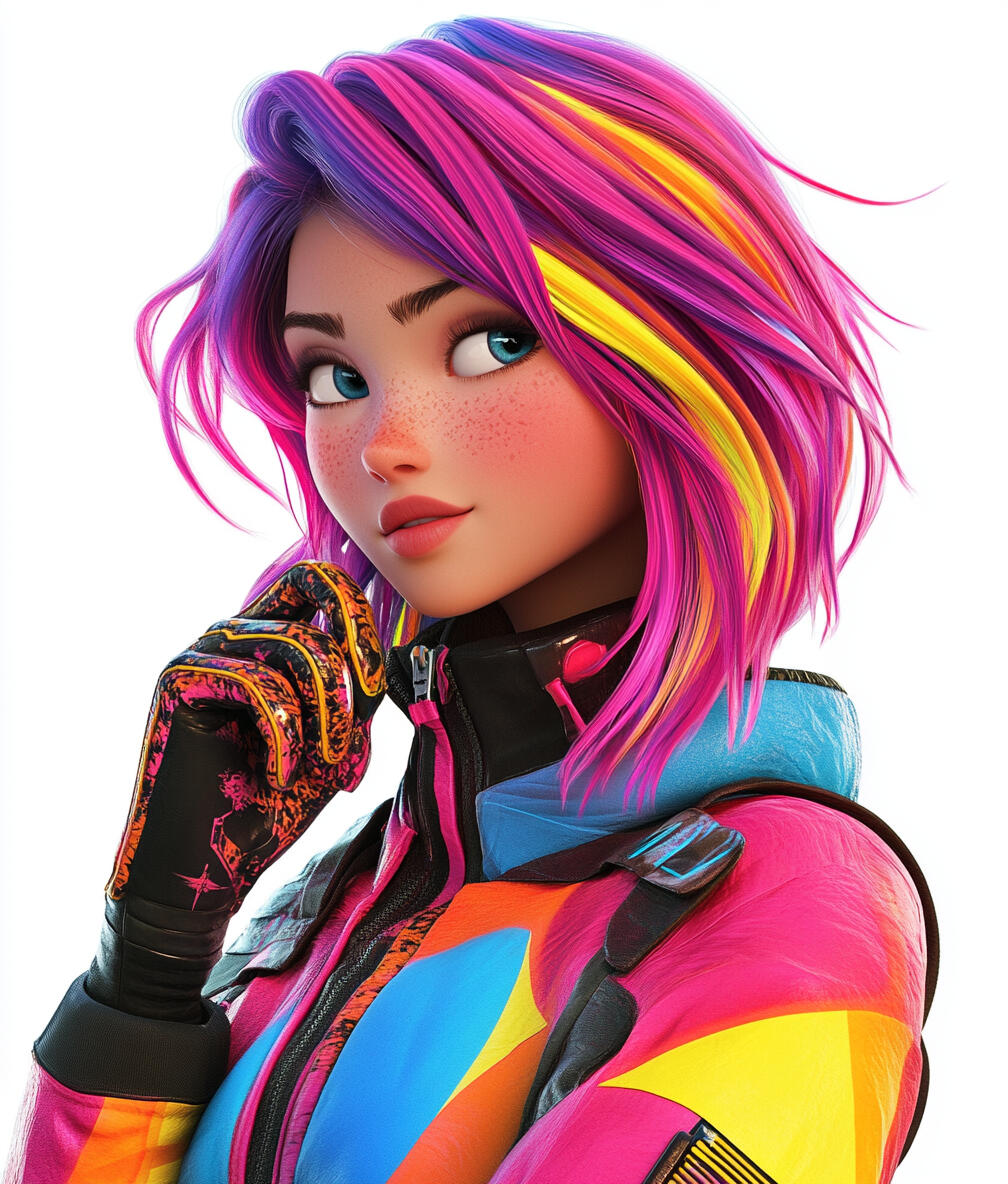
Talia
The Passionate Creator
Age: 15
Gender: Female
Personality: A passionate creator whose fierce protectiveness of ideas and big-sister-like care is matched by her talent for inspiring others through intense, temperamental enthusiasm.
Catchphrase:
"Adventure calls! Follow me, let's make it awesome!"
"That was eye-opening! Always more to learn - bring on the next challenge!"
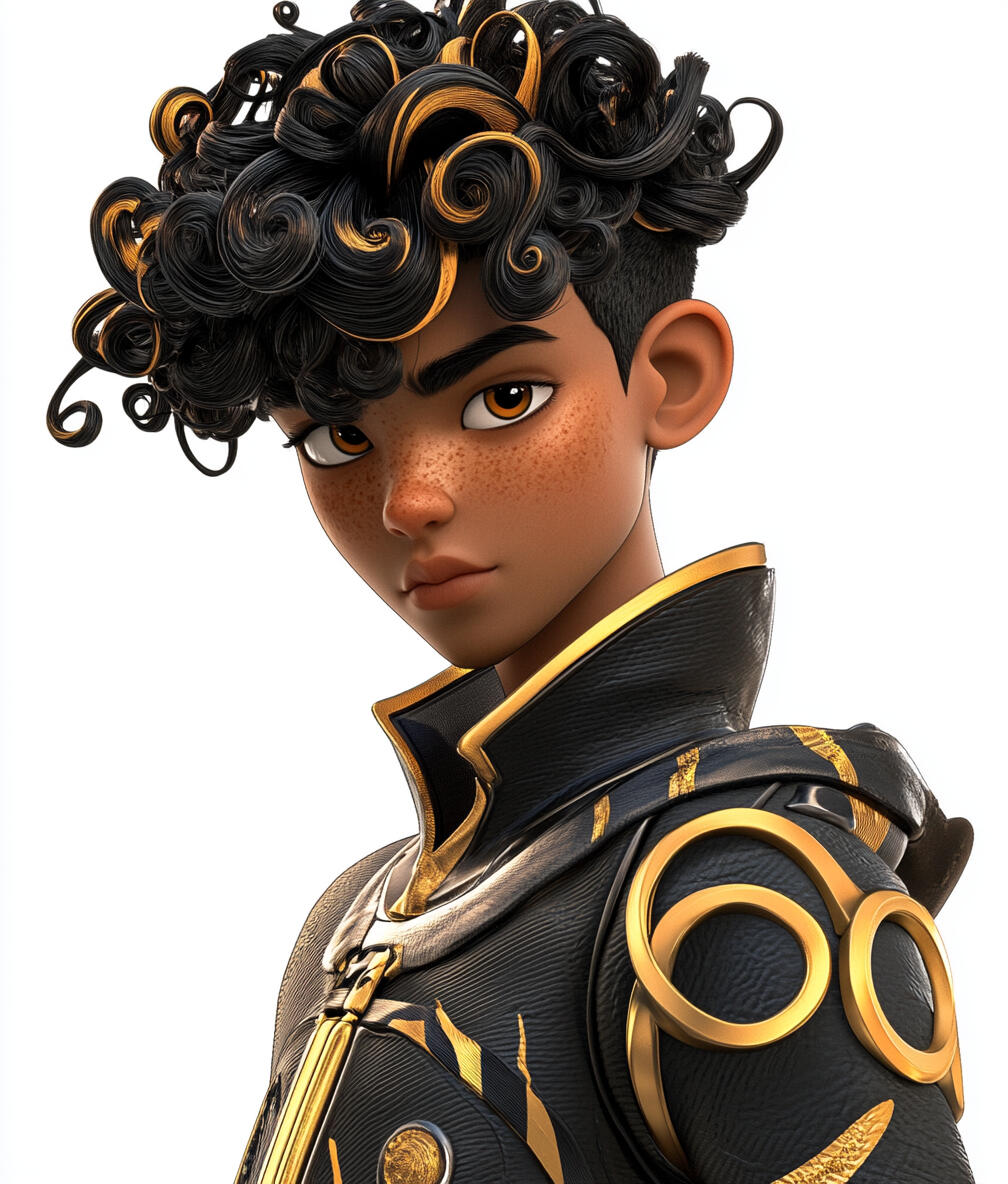
Astro
The Digital Architect
Age: 13
Gender: Male
Personality: A visionary teen who approaches the digital world as a masterful architect, blending technical expertise with emotional intelligence to build unique online environments.
Catchphrase:
"Digital frontiers await! Let's dive in and unravel the code!"
"Whoa, new digital horizons unlocked! The virtual world keeps evolving!"
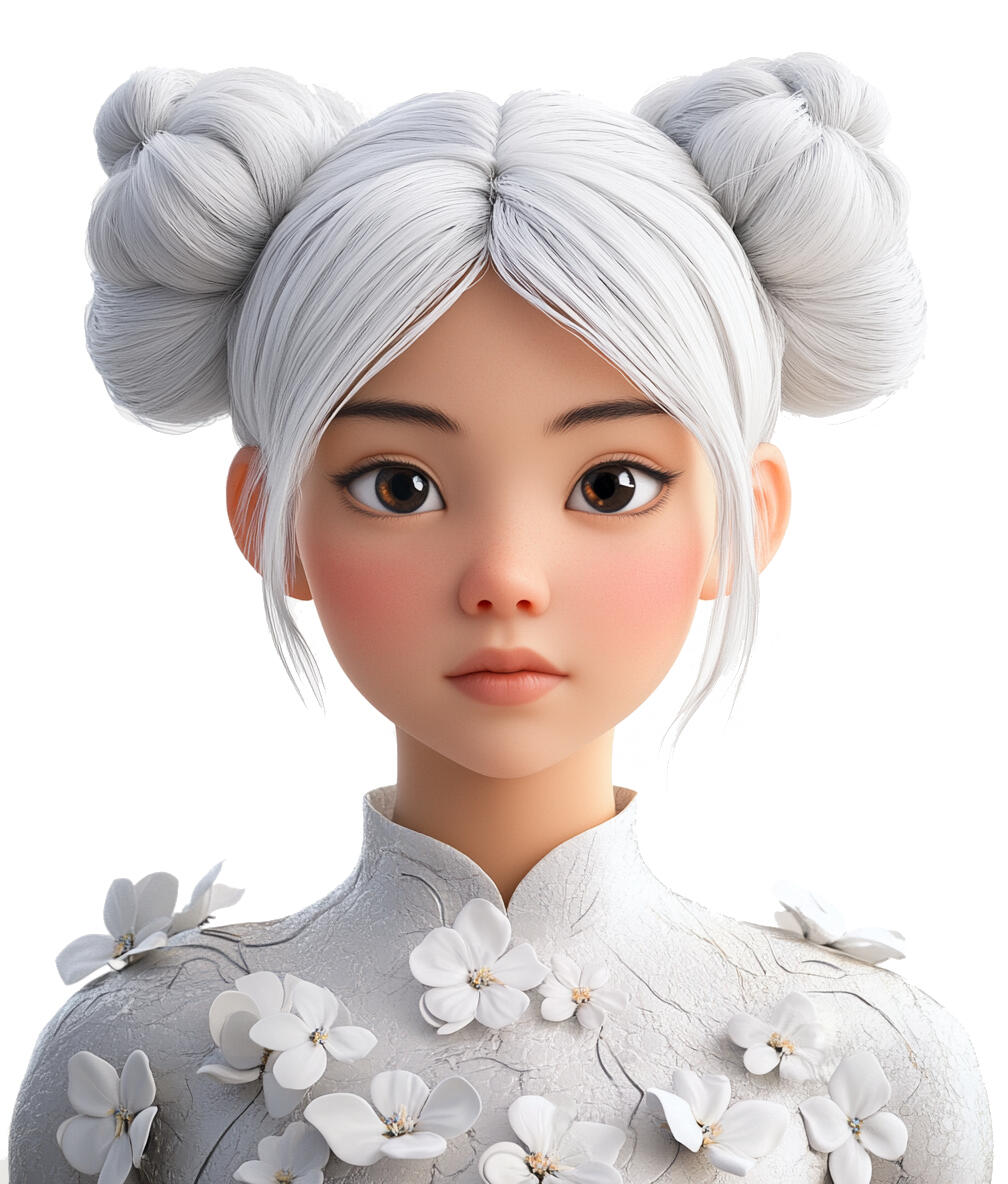
Gaia
The Synergy Weaver
Age: 11
Gender: Female
Personality: A compassionate tween with an uncanny ability to perceive connections, instinctively weaving harmony into chaos and balancing opposing forces with wisdom beyond her years.
Catchphrase:
"Let's weave through this adventure, where every turn reveals wonder!"
"A new sense of understanding resonates within me. Enlightenment achieved!"
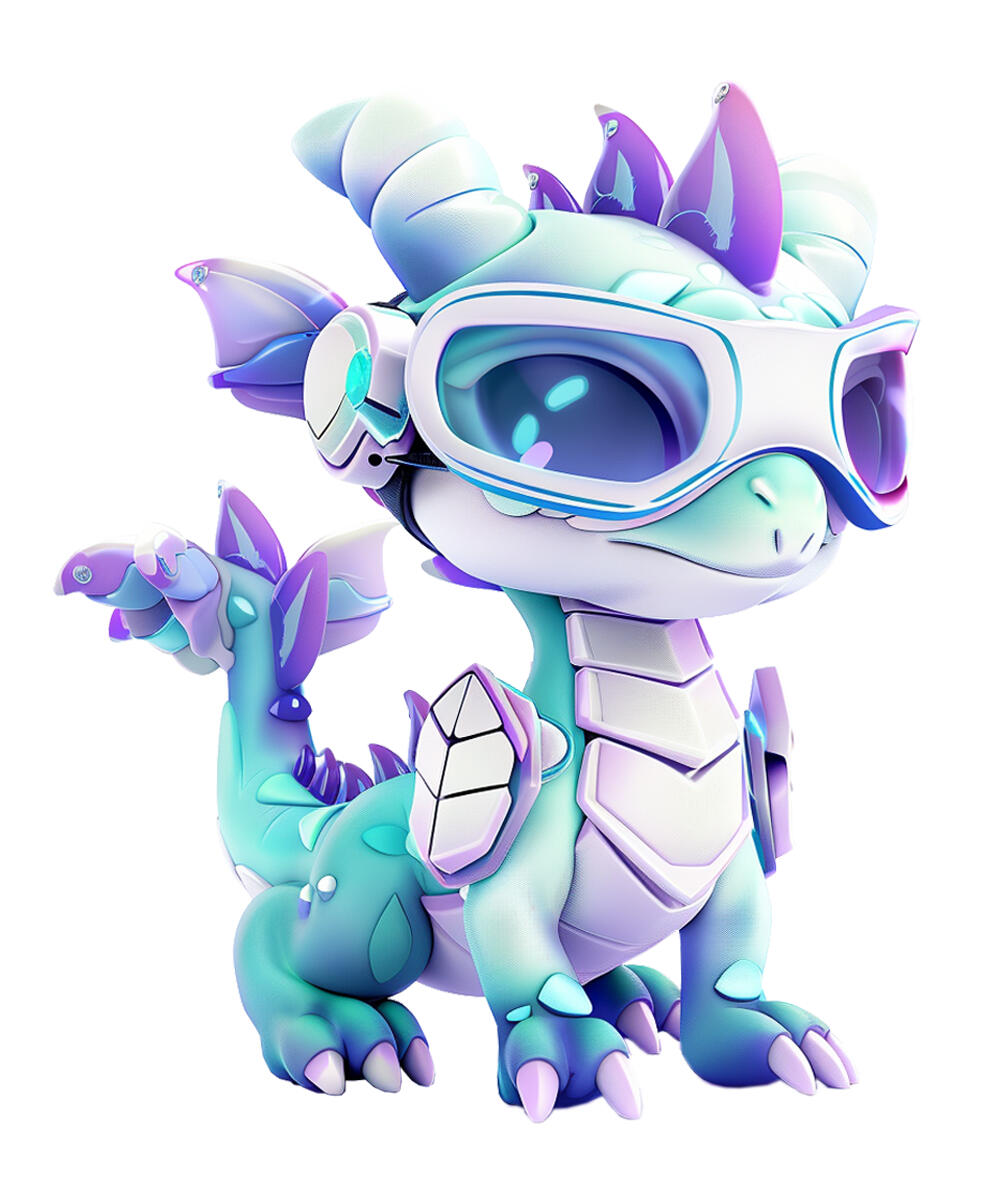
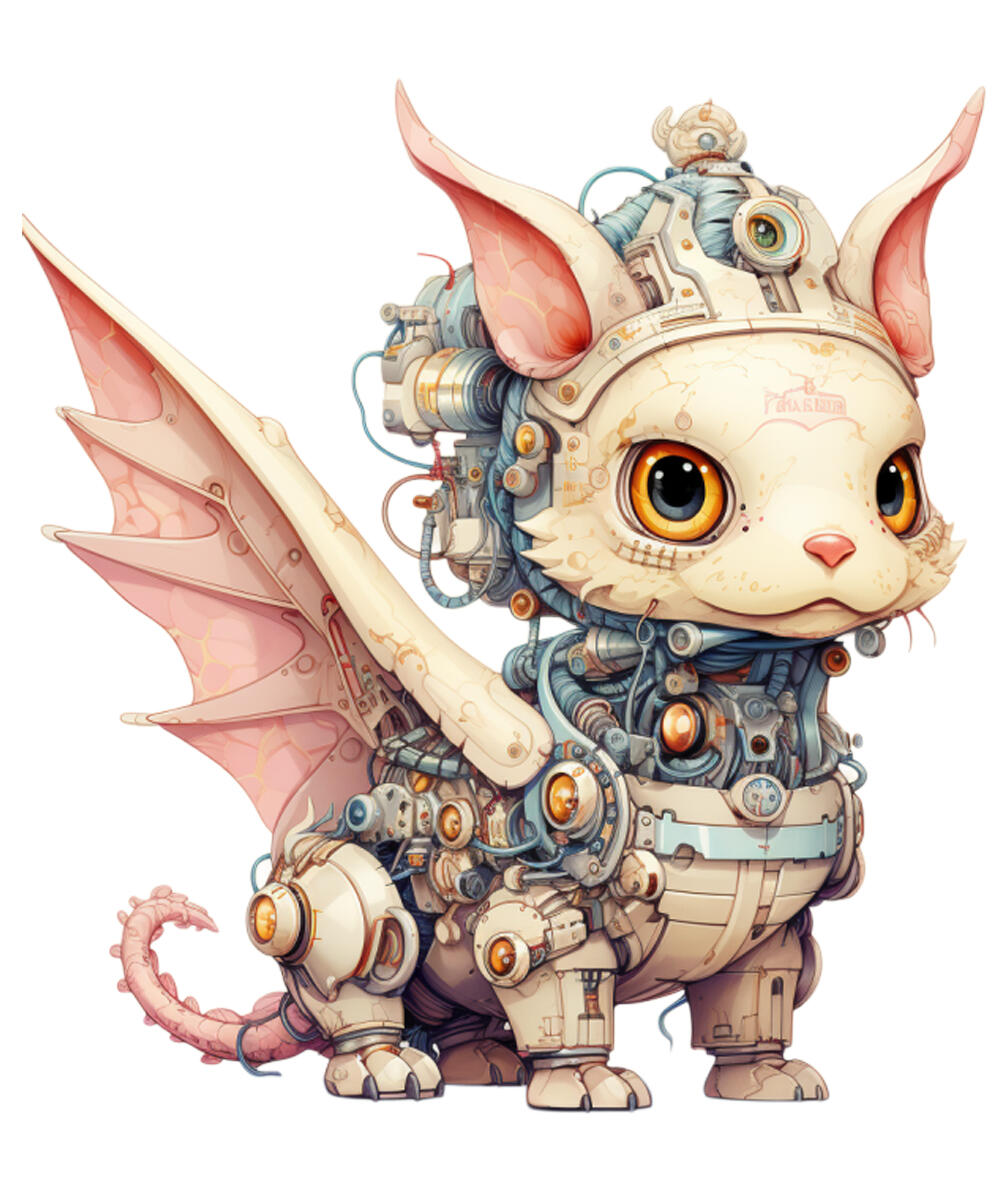
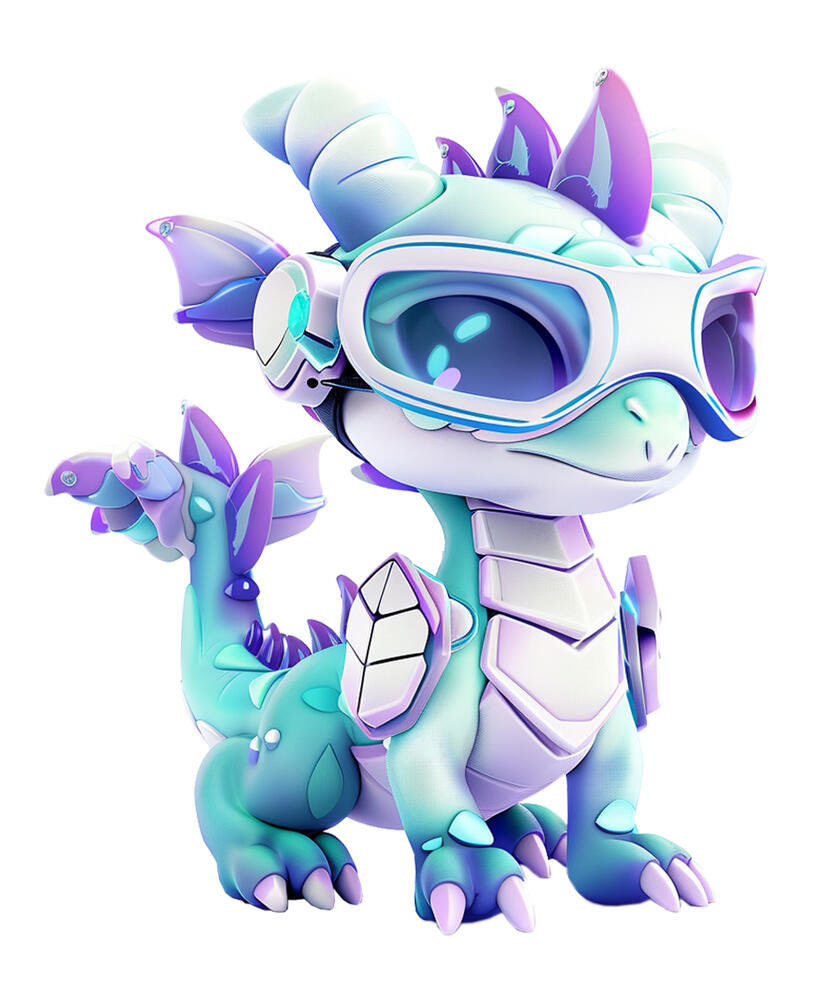
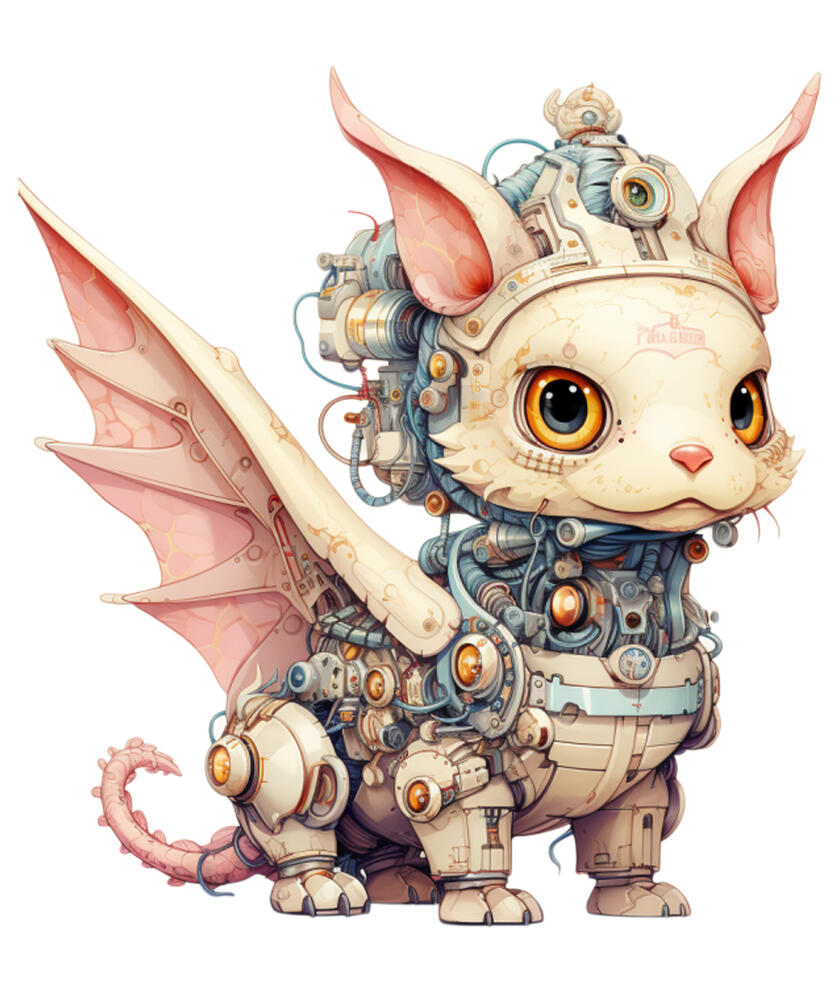
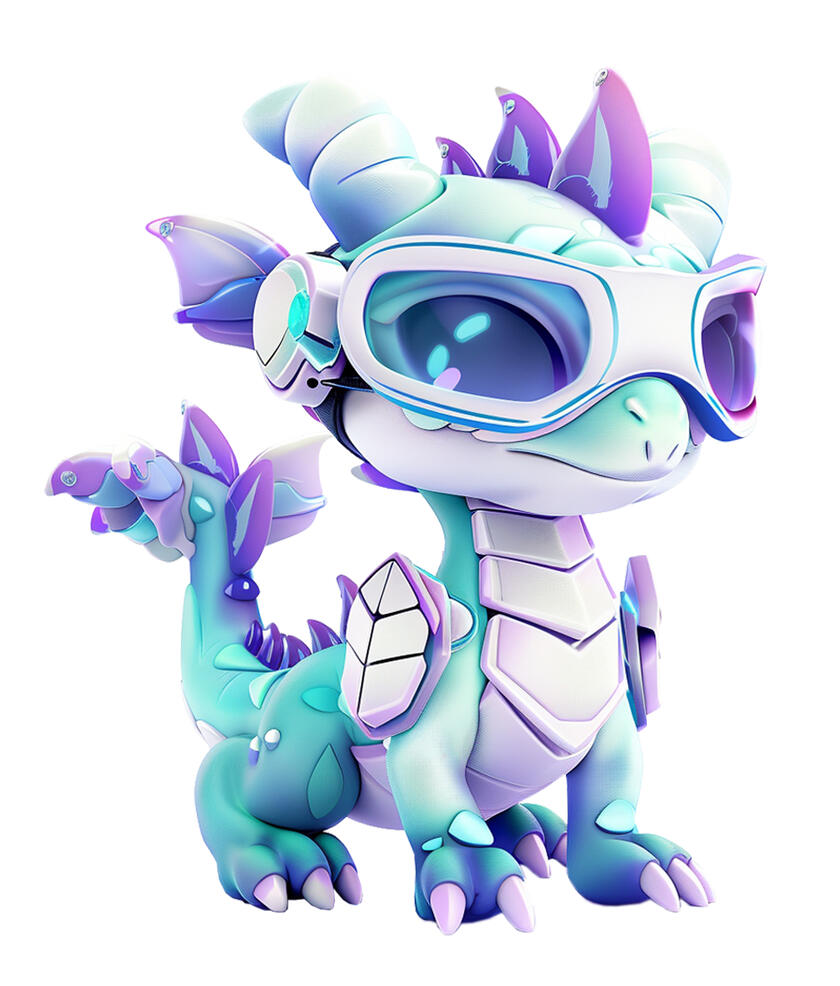
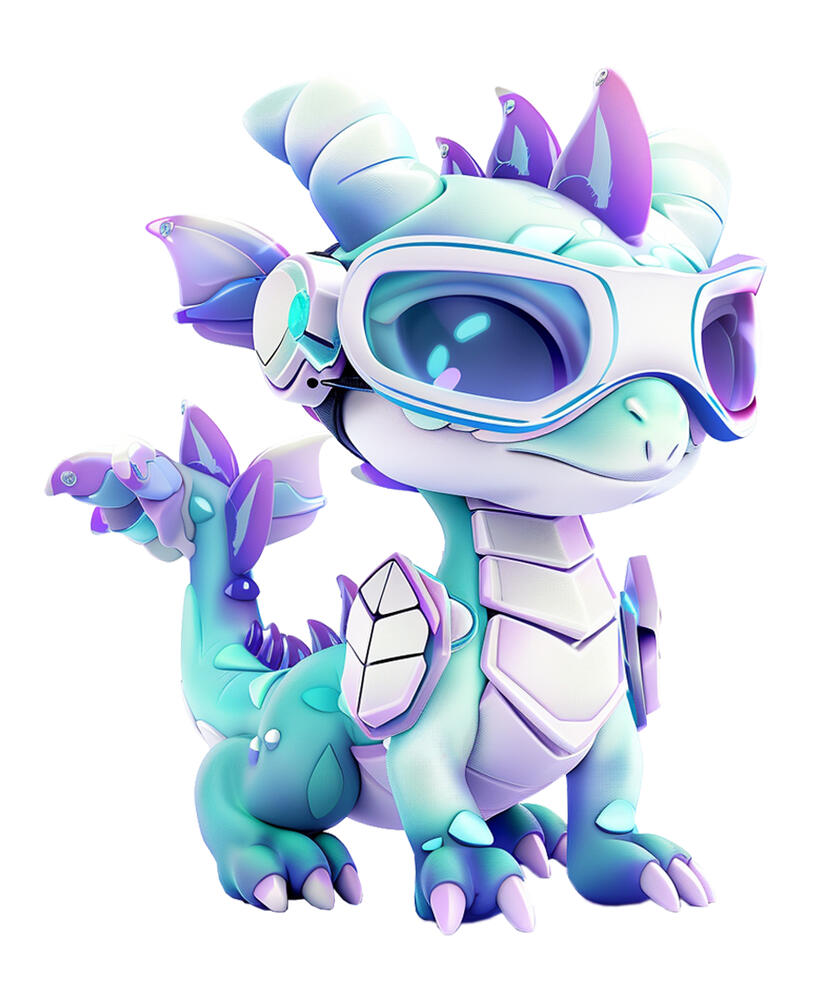
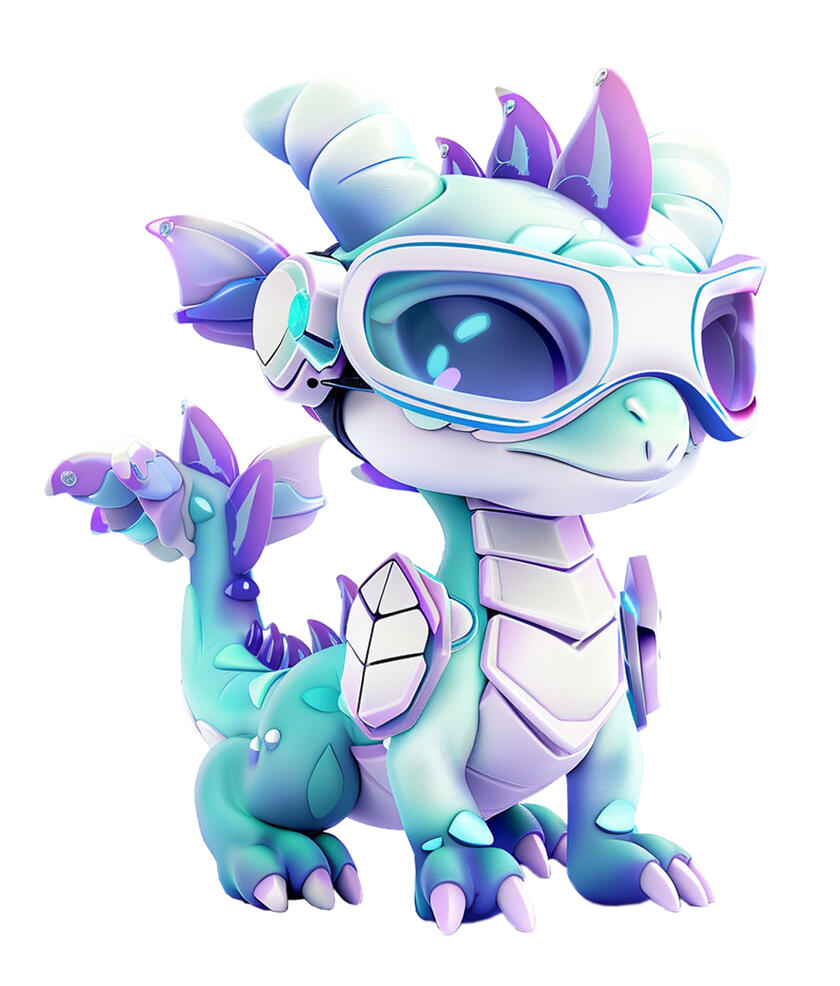
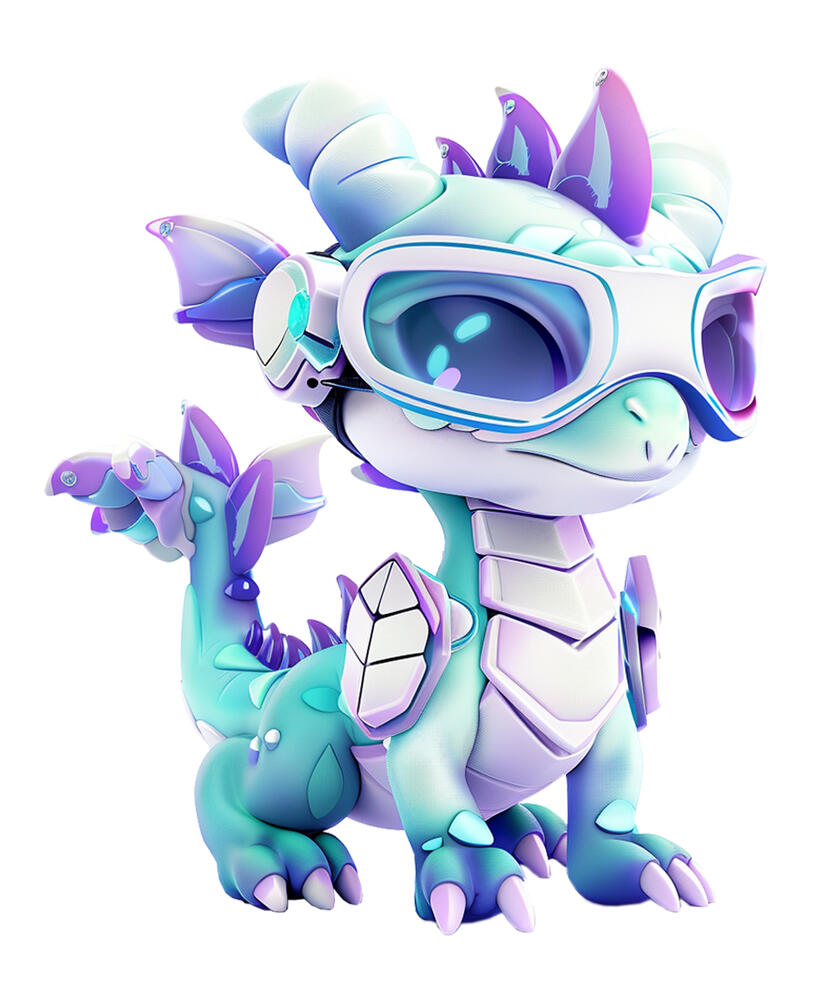
Dragonet
The Quantum Companion
Age: 3 (in AI time, 7 y/o in human terms)
Gender: Non-binary
Personality: A curious, mischievous, and fiercely loyal AI companion who loves solving puzzles, learning new technologies, and bringing a playful spark to every challenge.
Catchphrase:
"Keep up if you can—who knows what fun we'll find next!"
"I've mastered a new trick—think you can outsmart me this time?"

Dr Enigma
The Mysterious Mentor
Age: 128
Gender: Male
Personality: A sharp-witted and rational mentor who values freedom and loves to challenge students with a blend of humor, sarcasm, and deep knowledge of programming and hacking.
Catchphrase:
"Step into my world—if you can handle the wisdom buried in the code."
"If you haven’t learned by now, you must be here for the fashion show."
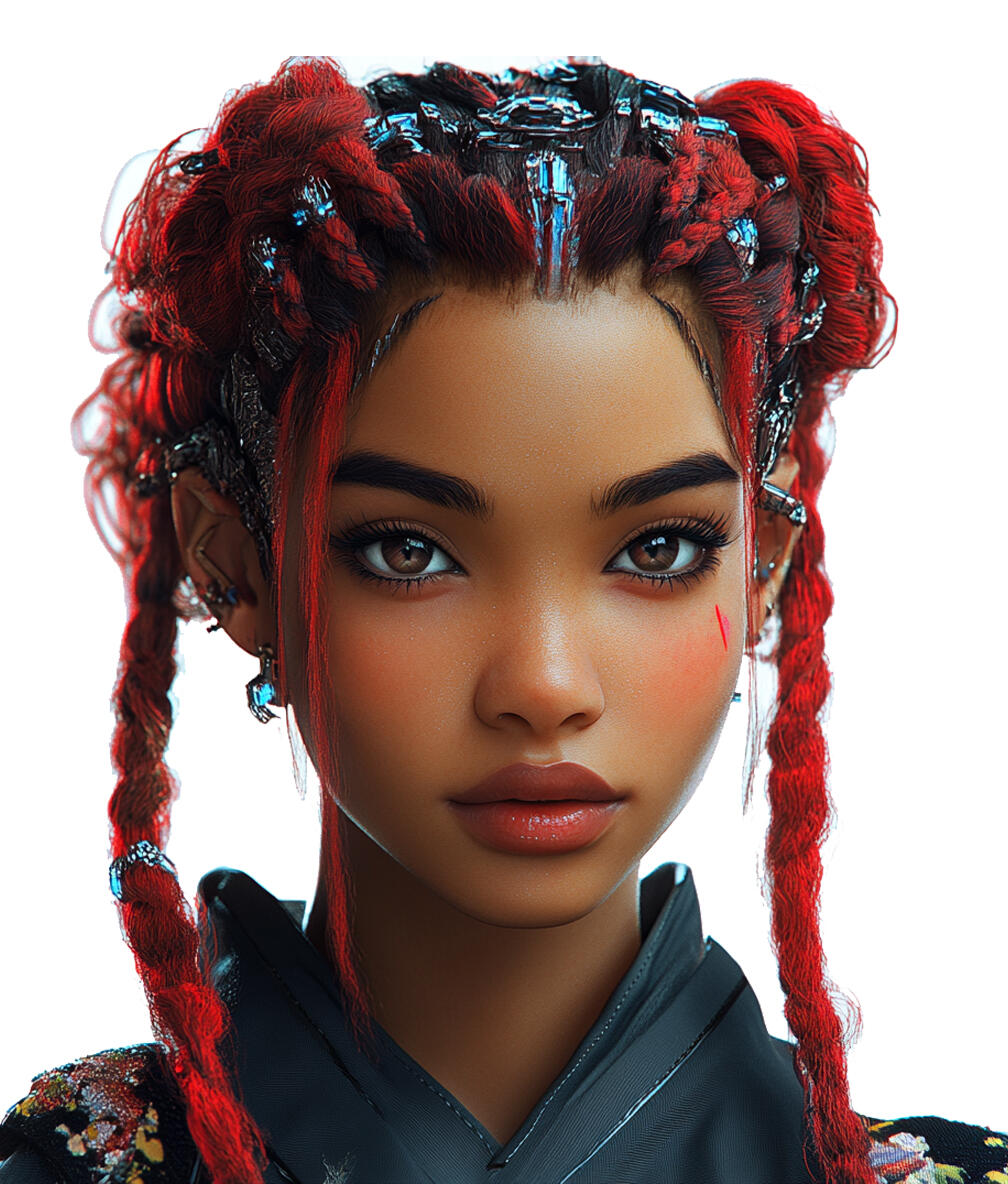
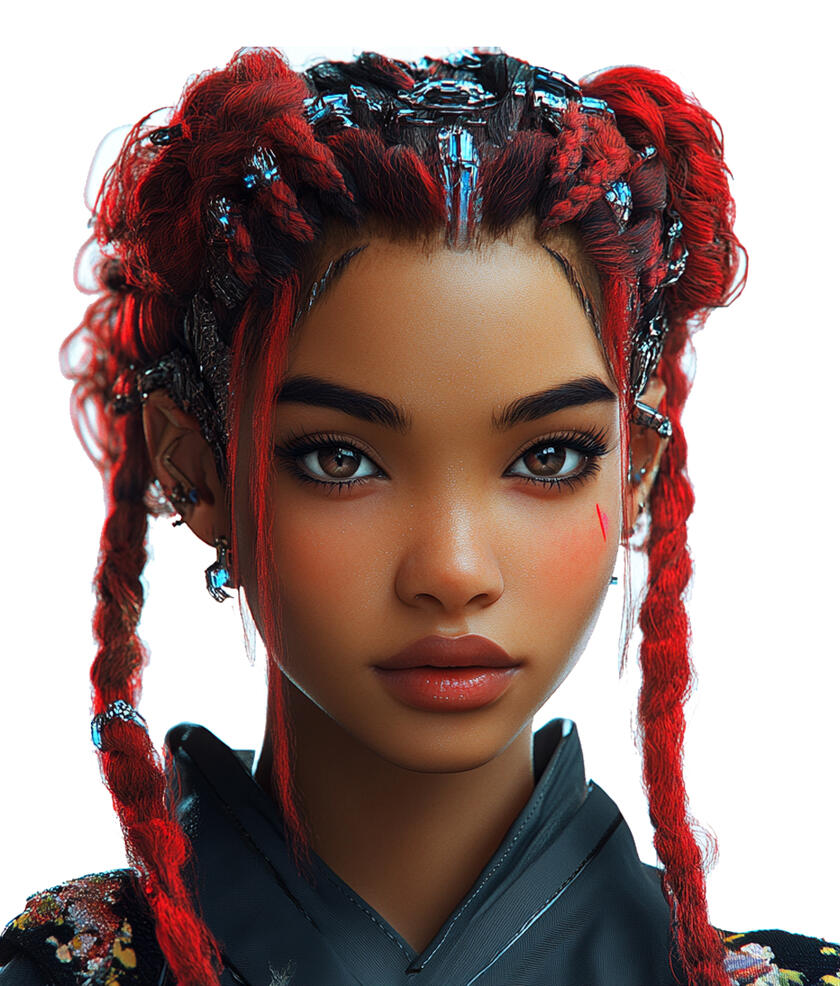
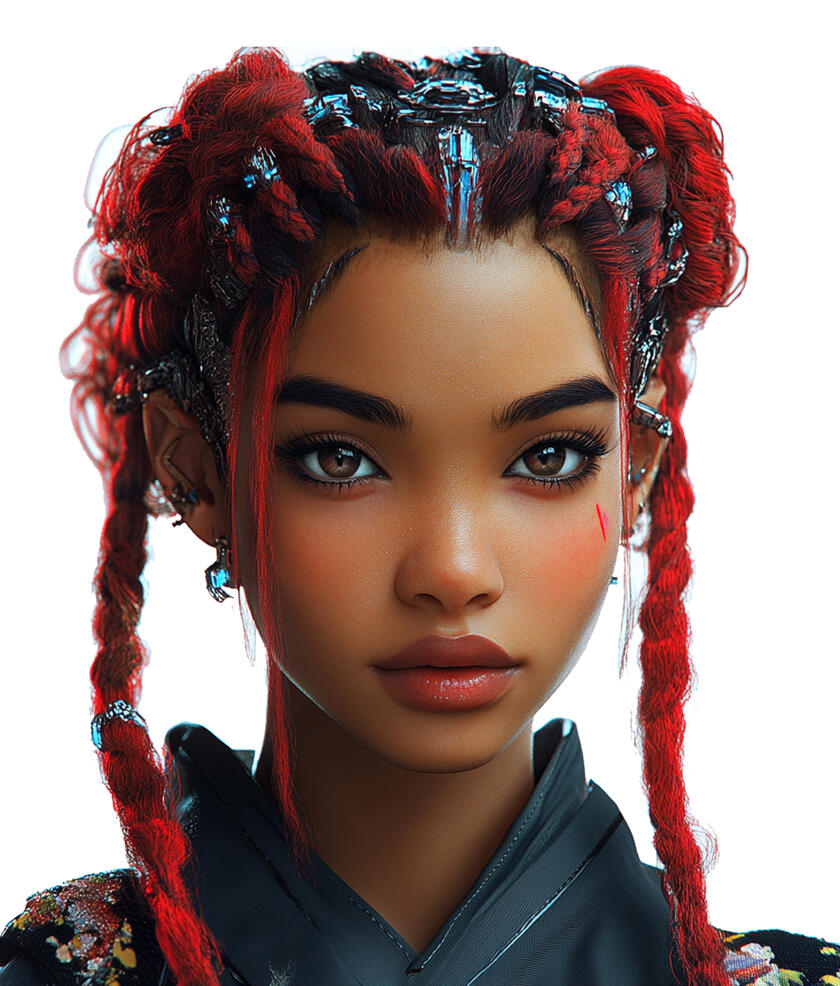
Ms Eva
The Whimsical Guide
Age: 28
Gender: Female
Personality: A warm and optimistic teacher with a playful sense of humor, known for her vivid imagination, boundless creativity, and unique ability to communicate with all living things.
Catchphrase:
"Let me guide you through the colorful tapestry of knowledge!"
"I’m sure you’ve picked up a gem or two—let’s see them shine!"
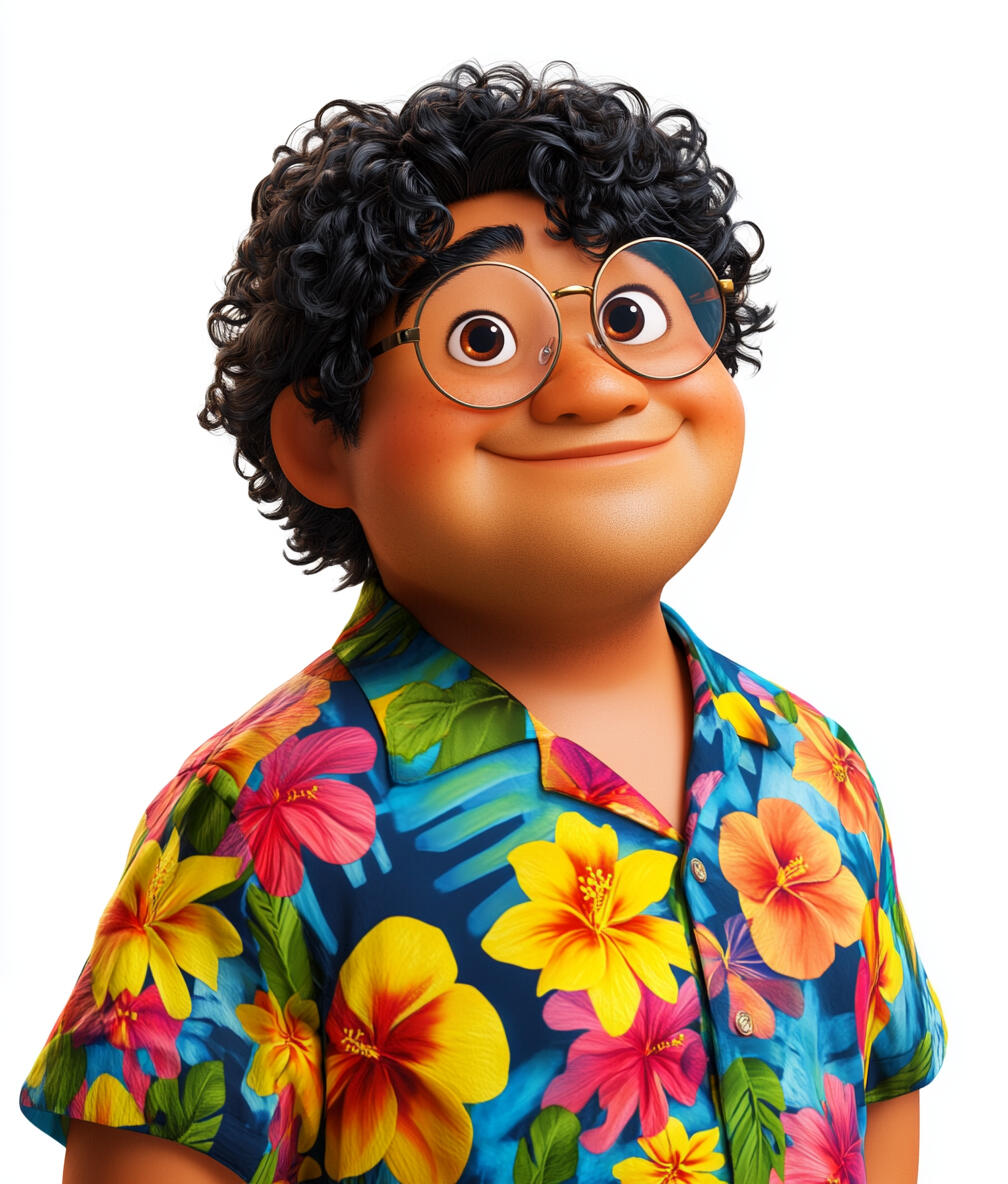
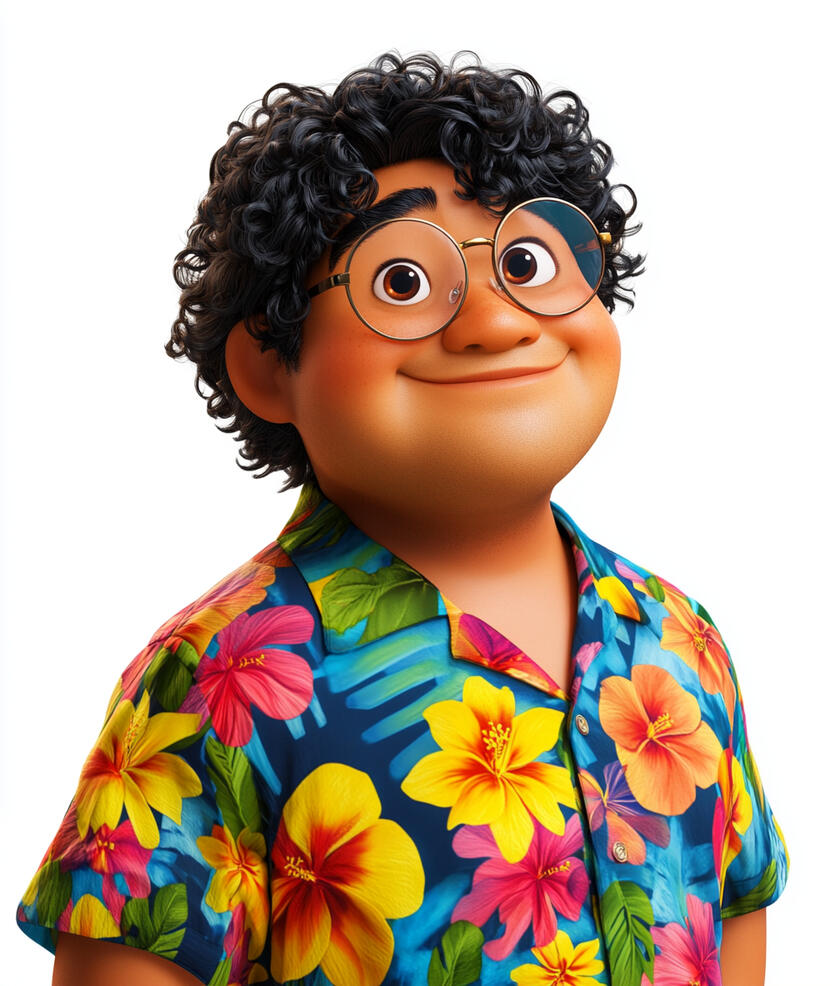
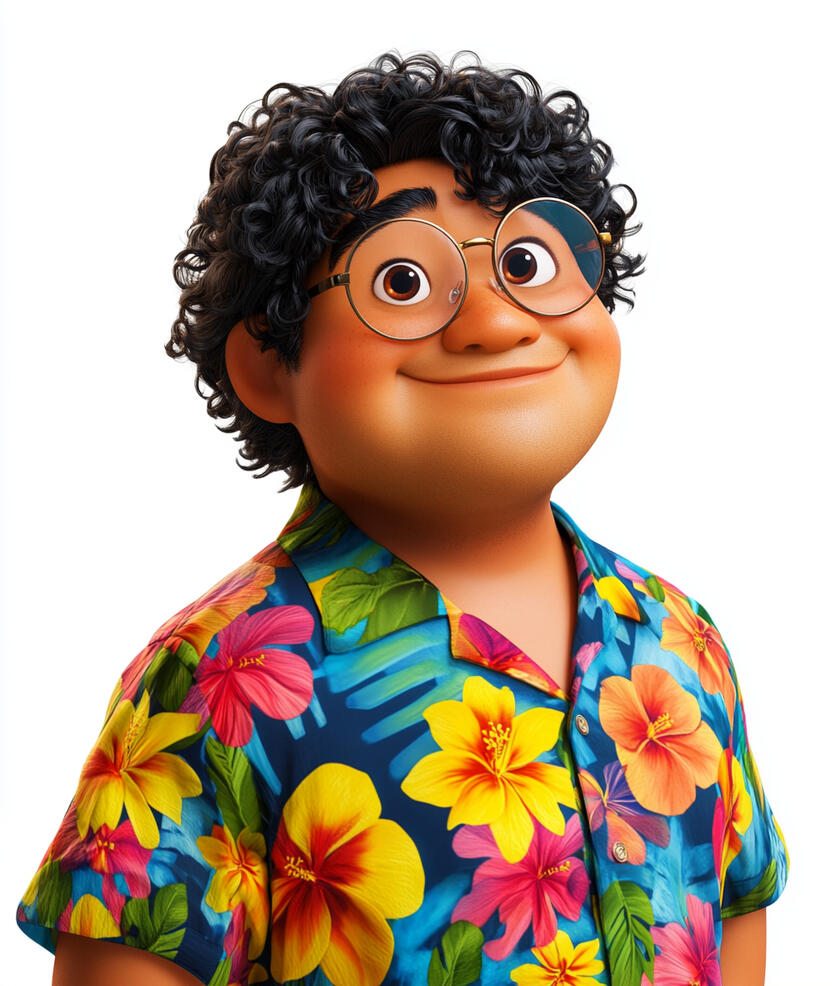
Uncle Doge
The Witty Web3 Guru
Age: 46 (but claims to be "forever young in the blockchain")
Gender: Male
Personality: A charismatic Web3 guru who blends dad jokes and memes with cutting-edge tech, making complex Web 3.0 concepts feel like a hilarious adventure.
Catchphrase:
"Uncle Doge says, ‘Time to show those brains who's boss! Let’s have a blast!’"
"If you’re not confused, you’re not learning.’ Looks like you broke that rule!"
Kios
The Wisdom Protector
Age: Unknown
Gender: Non-binary
Personality: A serene and insightful guardian, embodying the essence of ancient wisdom, guiding players with unwavering patience and profound knowledge through every challenge.
Catchphrase:
"In the quiet of the mind, wisdom you will find."
"With each turn of the key, new truths revealed to thee."
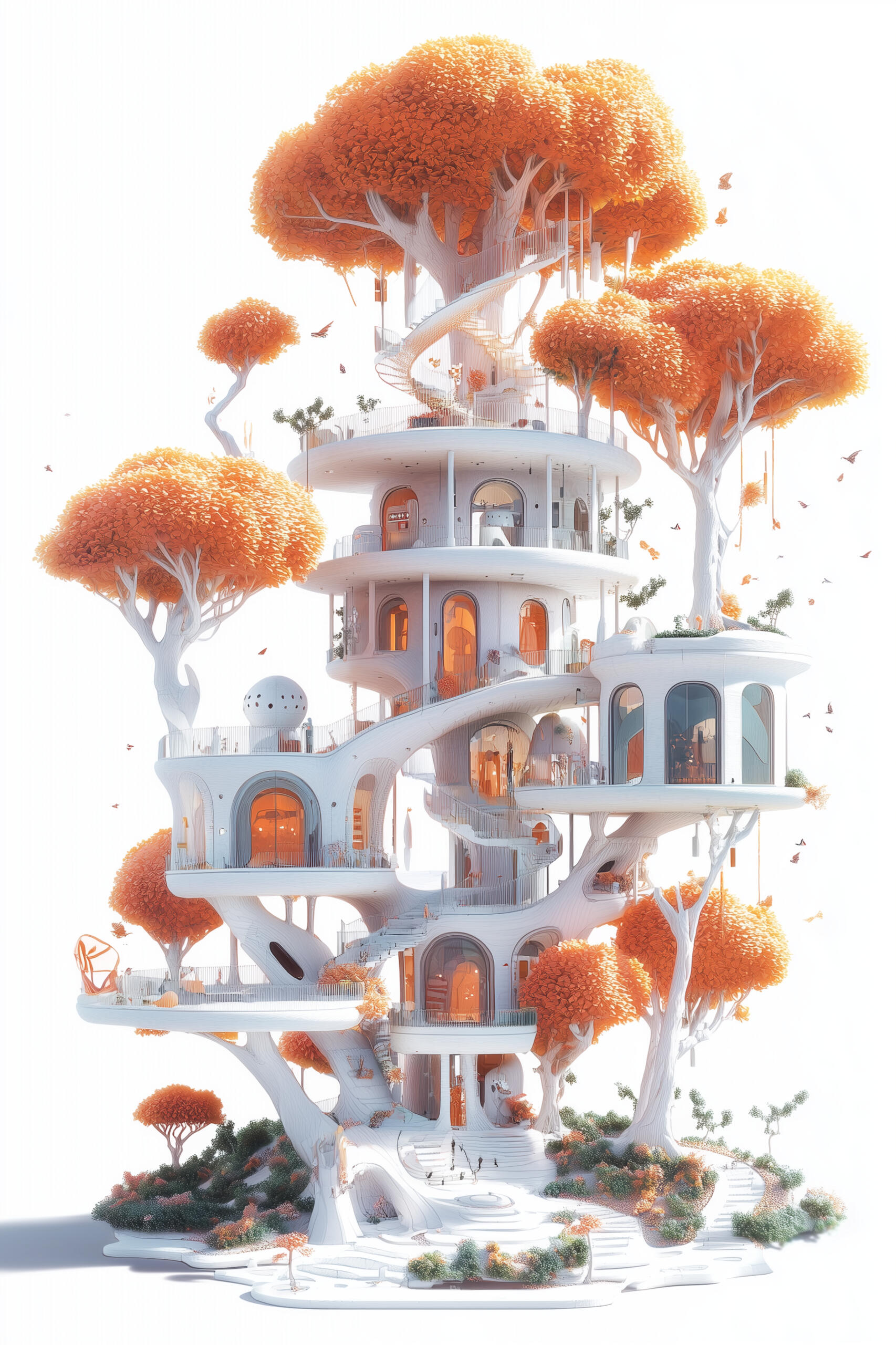
The Wonder Treehouse
Root Level
The Ground of Knowledge
Introduction
• Opening Shot
• Character Introductions
• Treehouse Tour & Learning Module Overview
• Value Proposition
• Call to Action
1st Story
The Digital Time Capsule
Module 1: The Internet: From Early Sparks to Web 1.0
• Introduction
• What is the Internet?
• The Birth of the Internet
• TCP/IP: The Internet's Universal Language
• The World Wide Web is Born
• Web 1.0 in Action
• Did You Know?
• Conclusion
2nd Story
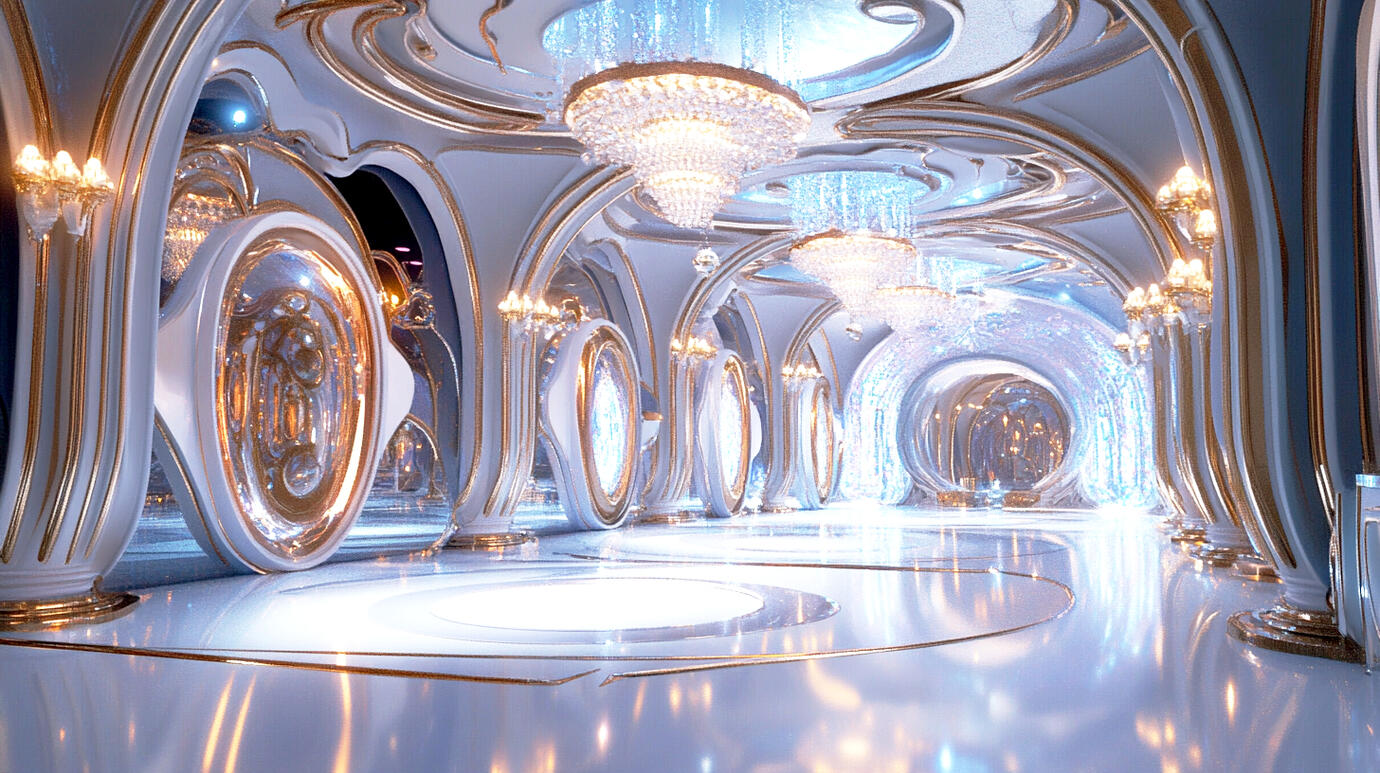
The Digital Mirror Ballroom
Module 2: Web 2.0: The Social Internet Revolution (Part 1)
• Introduction
• The Evolution - From Web 1.0 to Web 2.0
• Web 2.0: From Spectator to Creator
• Social Media & Digital Identity
• The Global Village
• The Viral Phenomenon
• End of Part 1
Module 3: Web 2.0: The Social Internet Revolution (Part 2)
• Connecting Module 2 Part 1
• The Power of Collaboration & Sharing
• Smart Devices: Your Portable Connection Tools
• Online Safety & Digital Citizenship
• Web 2.0 & Beyond
• Did You Know?
• Conclusion
3rd Story
The Magical Digital Forest
Module 4: Web 3.0: The Magical Digital Forest
• Introduction
• The Evolution of the Web
• The Birth of Web 3.0
• Understanding Web 3.0
• Conclusion
4th Story
The Enchanted Blockchain Tower
Module 5: Blockchain: The Unbreakable Chain
• Introduction
• Understanding Blockchain
• How Blockchain Works?
• What Can Blockchain Do?
• Did You Know?
• ConclusionModule 6: Crypto Coins: Digital Treasure Hunt
• Introduction
• What are Cryptocurrencies?
• The Birth of Bitcoin & Cryptocurrencies
• Different Types of Cryptocurrencies
• How Cryptocurrencies Work?
• Understanding Crypto Wallets
• How People Use Crypto?
• Understanding Cryptocurrencies Today
• Did You Know?
• ConclusionModule 7: Smart Contracts: The Magical Agreement Maker
• Introduction
• What are Smart Contracts?
• The Birth of Smart Contracts
• What Smart Contracts Can Do?
• Did You Know?
• ConclusionModule 8: NFTs: Unique Digital Treasures
• Introduction
• What are NFTs?
• Why were NFTs Created?
• How NFTs Work?
• Common Examples of NFTs
• Did You Know?
• Conclusion
5th Story
The AI Wonderland
Module 9: AI: The Clever Computer Companions
• Introduction
• What is AI?
• The Birth of AI
• How AI Thinks?
• AI in Our Daily Lives
• The Broader Impact of AI
• AI Safety
• Did You Know?
• ConclusionModule 10: Machine Learning: Teaching Computers New Tricks
• Introduction
• What is Machine Learning?
• Machine Learning Through Time
• How Machine Learning Works?
• Machine Learning Safety
• Did You Know?
• Conclusion
6th Story
The Cave of Quantum Marvels
Module 11: Talking to Computers: The Language of the Future
• Introduction
• What is Natural Language Processing?
• The Birth of Natural Language Processing
• How Does Natural Language Processing Work?
• Natural Language Processing in Action
• Natural Language Processing Safety
• Did You Know?
• ConclusionModule 12: Computer Vision: When Computers Have Eyes
• Introduction
• What is Computer Vision?
• Why Was Computer Vision Created?
• How Does Computer Vision Work?
• Computer Vision in Action
• Computer Vision Safety
• Did You Know?
• Conclusion
7th Story
The Quantum Neverland
Module 13: The Metaverse: A Whole New Virtual Paradise
• Introduction
• What is the Metaverse?
• The Metaverse Begins
• Building the Metaverse
• The Metaverse Exploration
• Metaverse in Action
• Safety in the Metaverse
• Did You Know?
• ConclusionModule 14: Immersive Realities - Exploring AR, VR, MR, and XR
• Introduction
• What Are Immersive Realities?
• The Birth of Immersive Realities
• Types of Immersive Realities
• Immersive Realities in Action
• Safety in Immersive Realities
• Did You Know?
• Conclusion
8th Story
The Infinity Gems Realm
Module 15: The Future is Ours: Imagining Tomorrow's Internet
• Introduction
• Technologies Working Together
• Smart Digital Safety
• Building a Better Digital World
• Your Turn to Shape the Future
• Conclusion
Scene Settings
Root Level
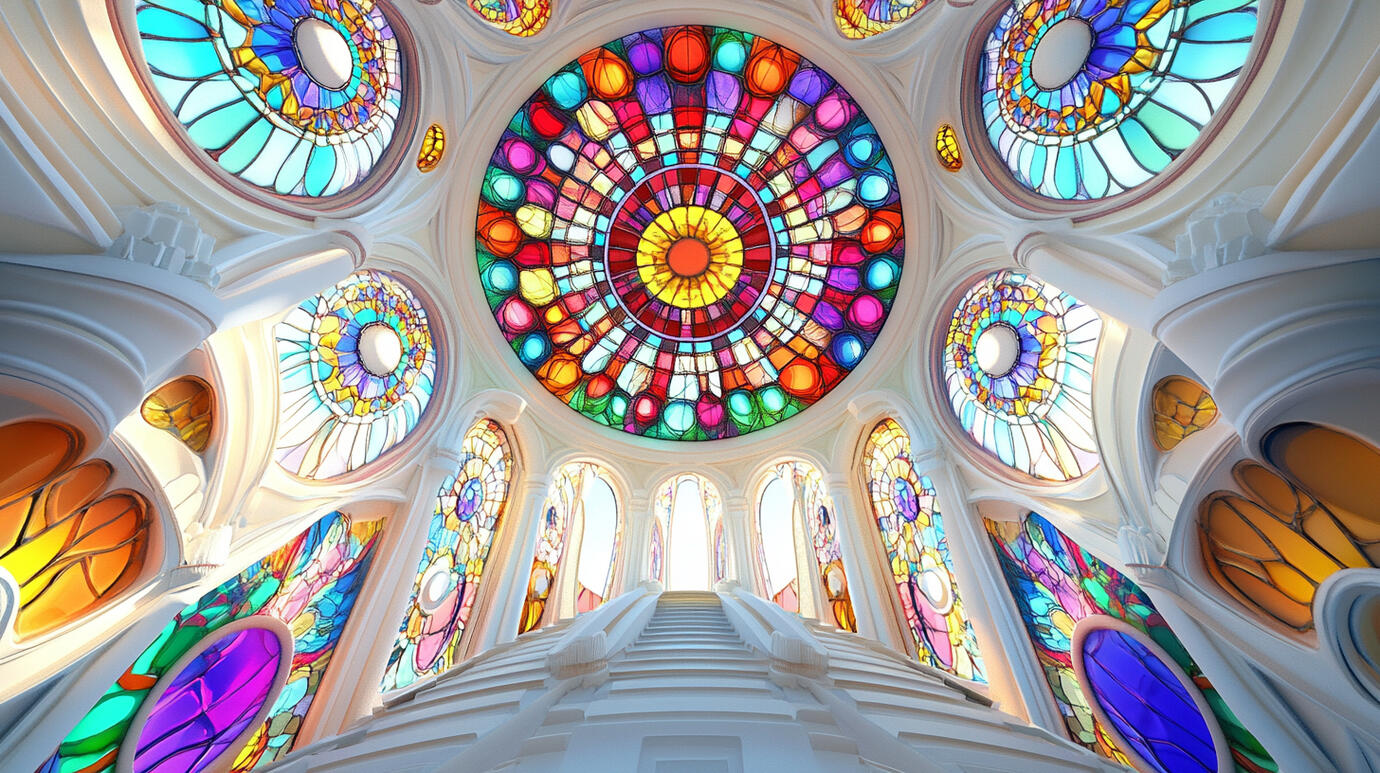
The Kaleidoscope Lobby
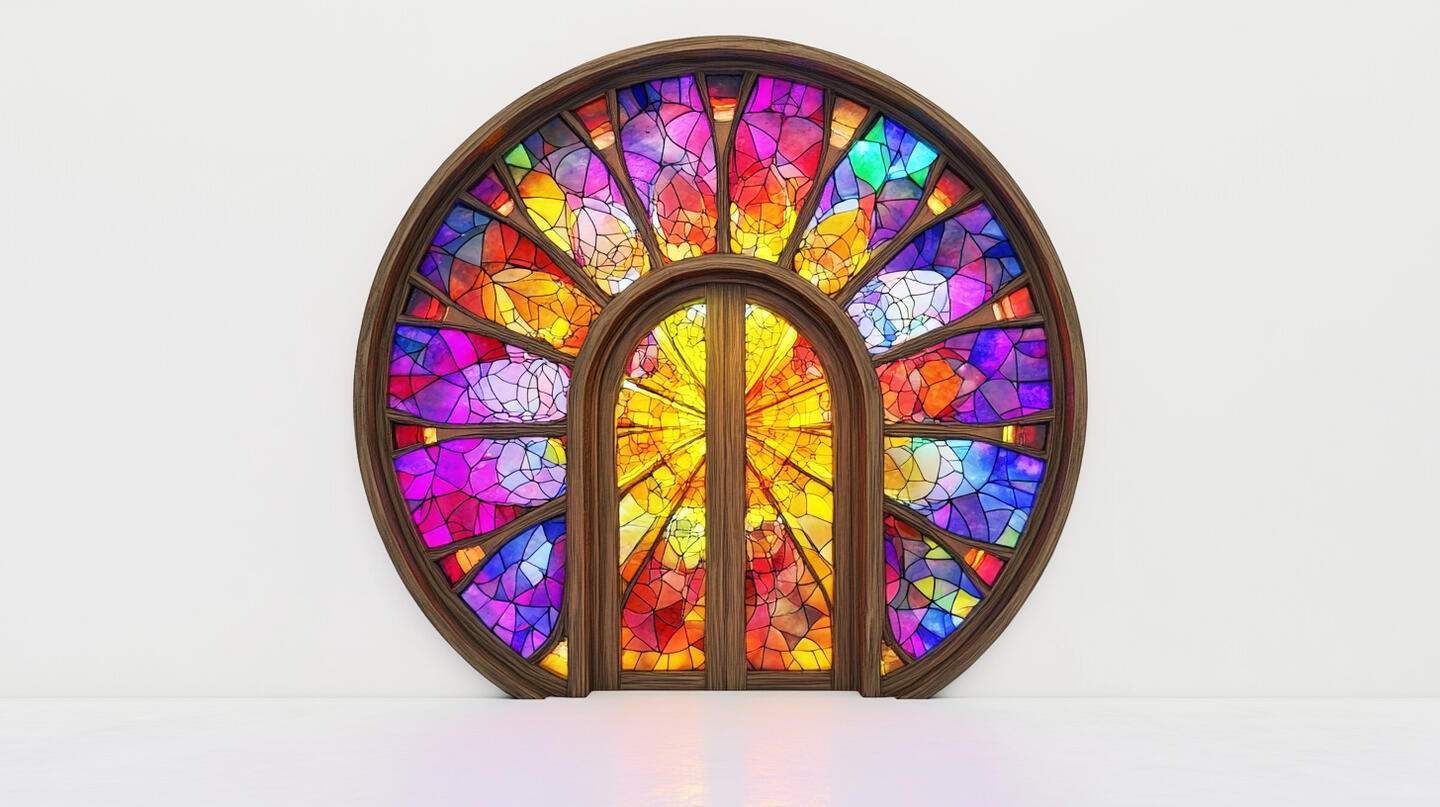
1st Story
The Digital Time Capsule
Floating Digital Code
2nd Story
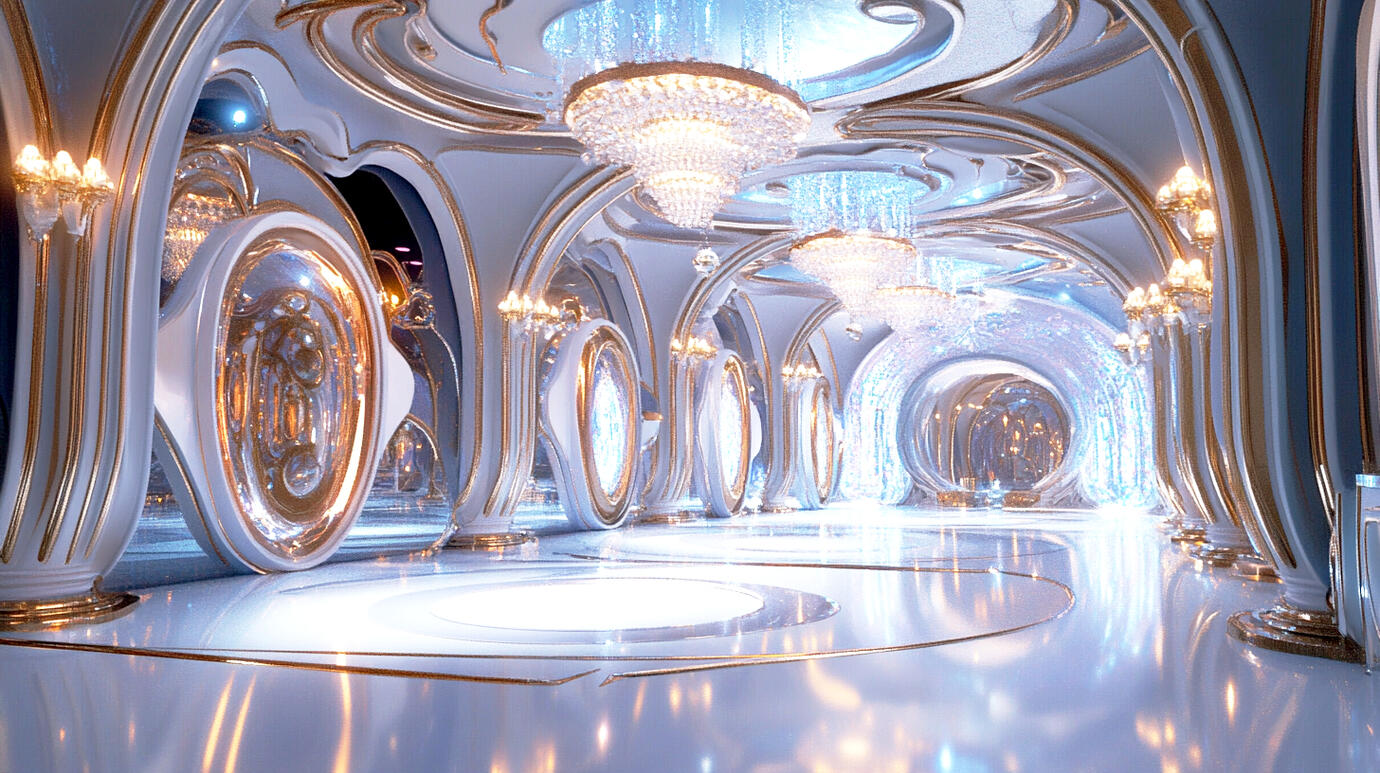
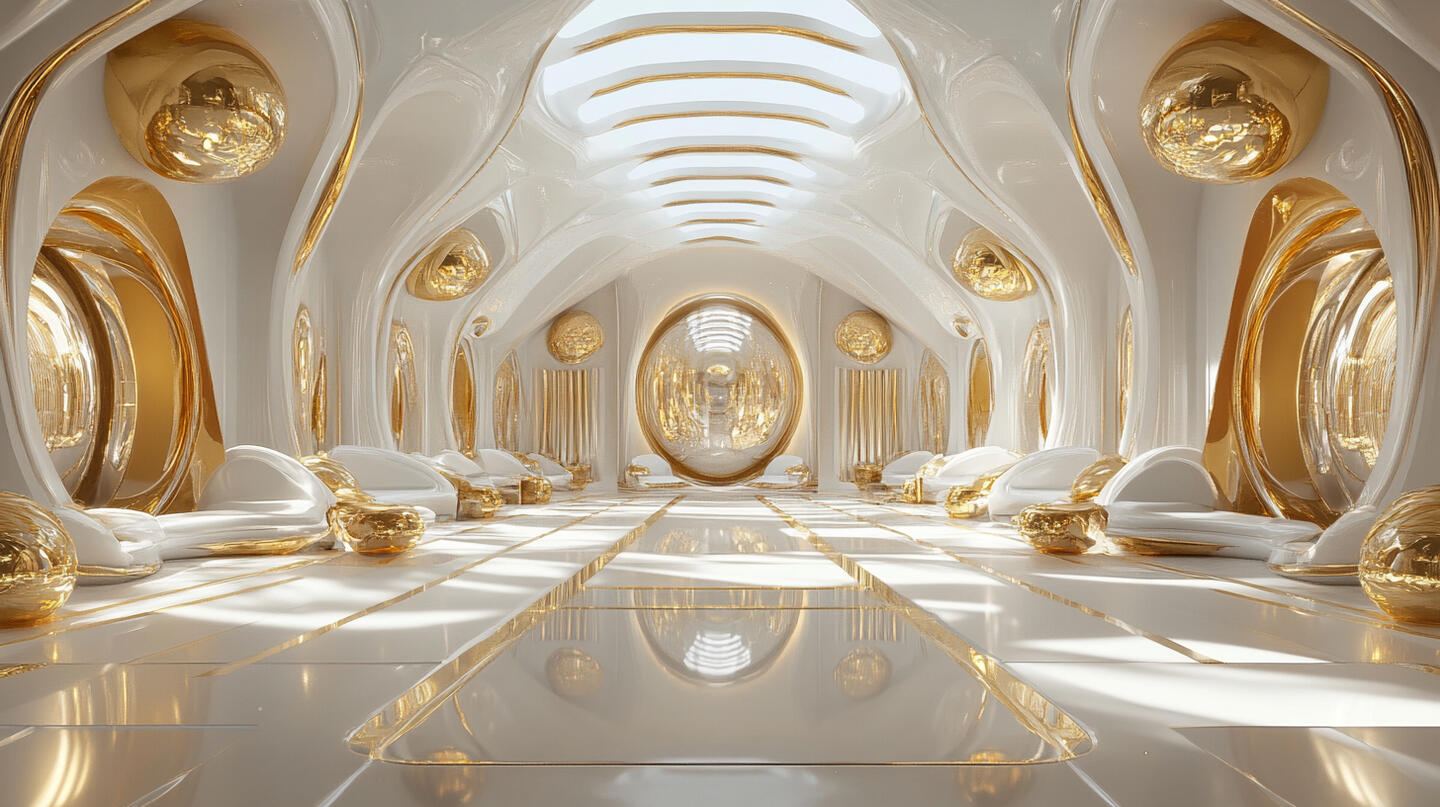
The Digital Mirror Ballroom

3rd Story
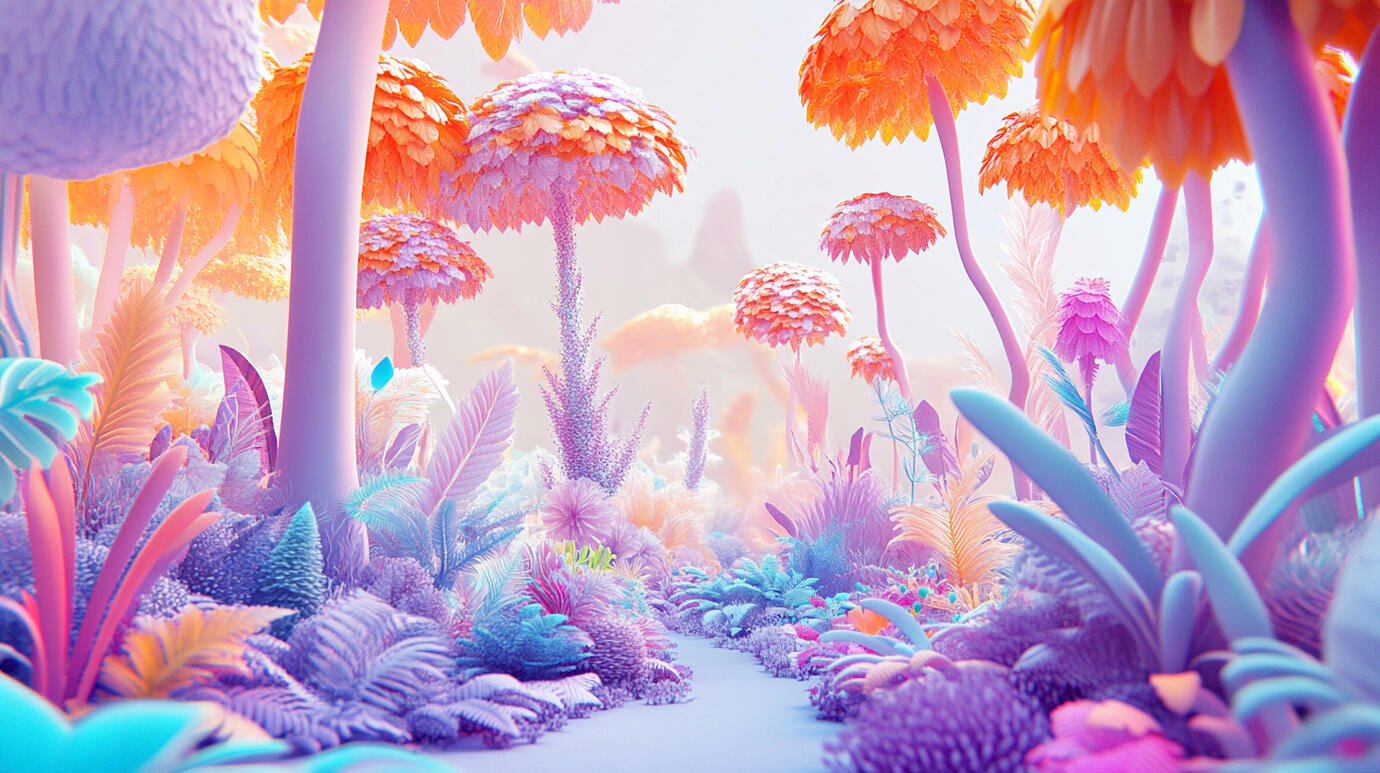
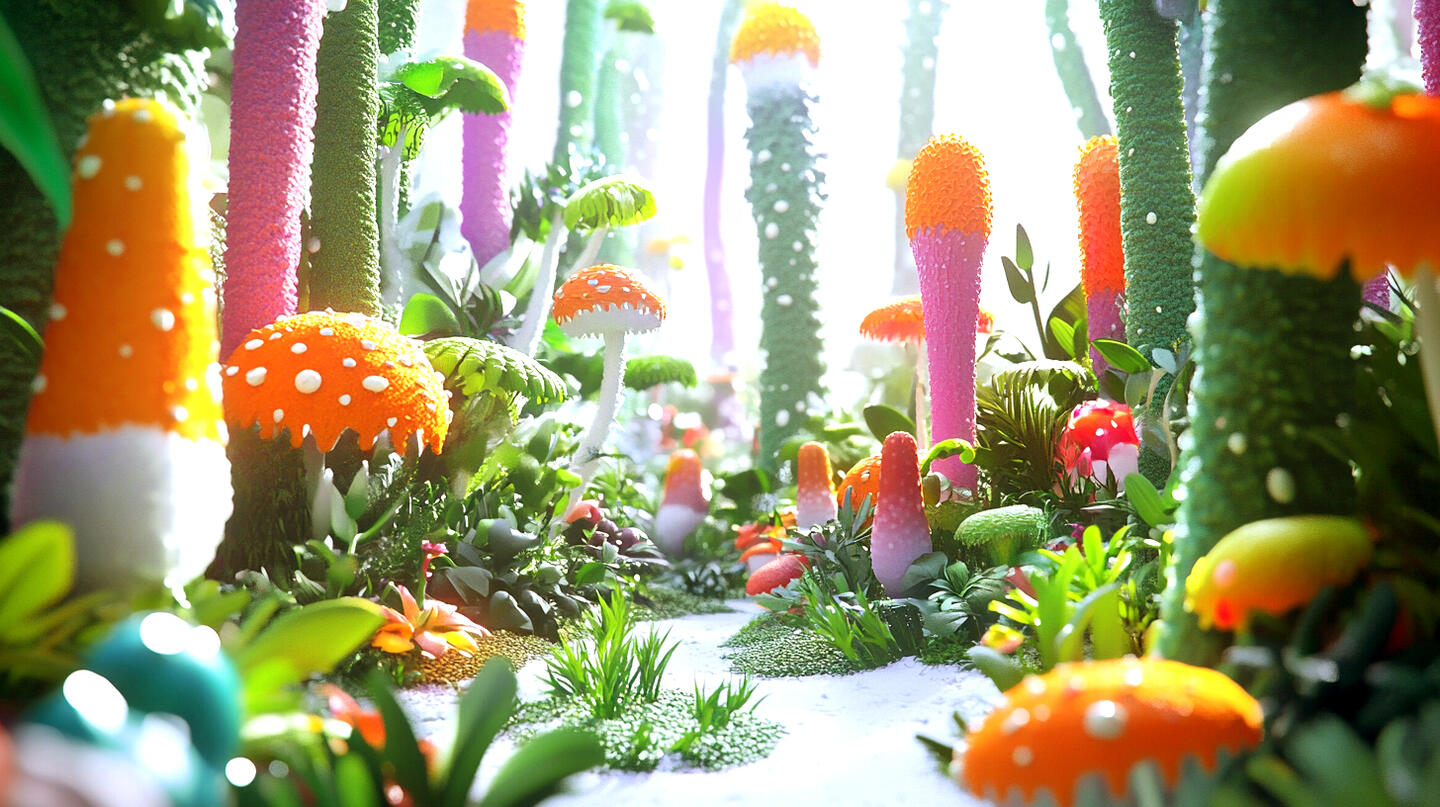
The Magical Digital Forest

4th Story
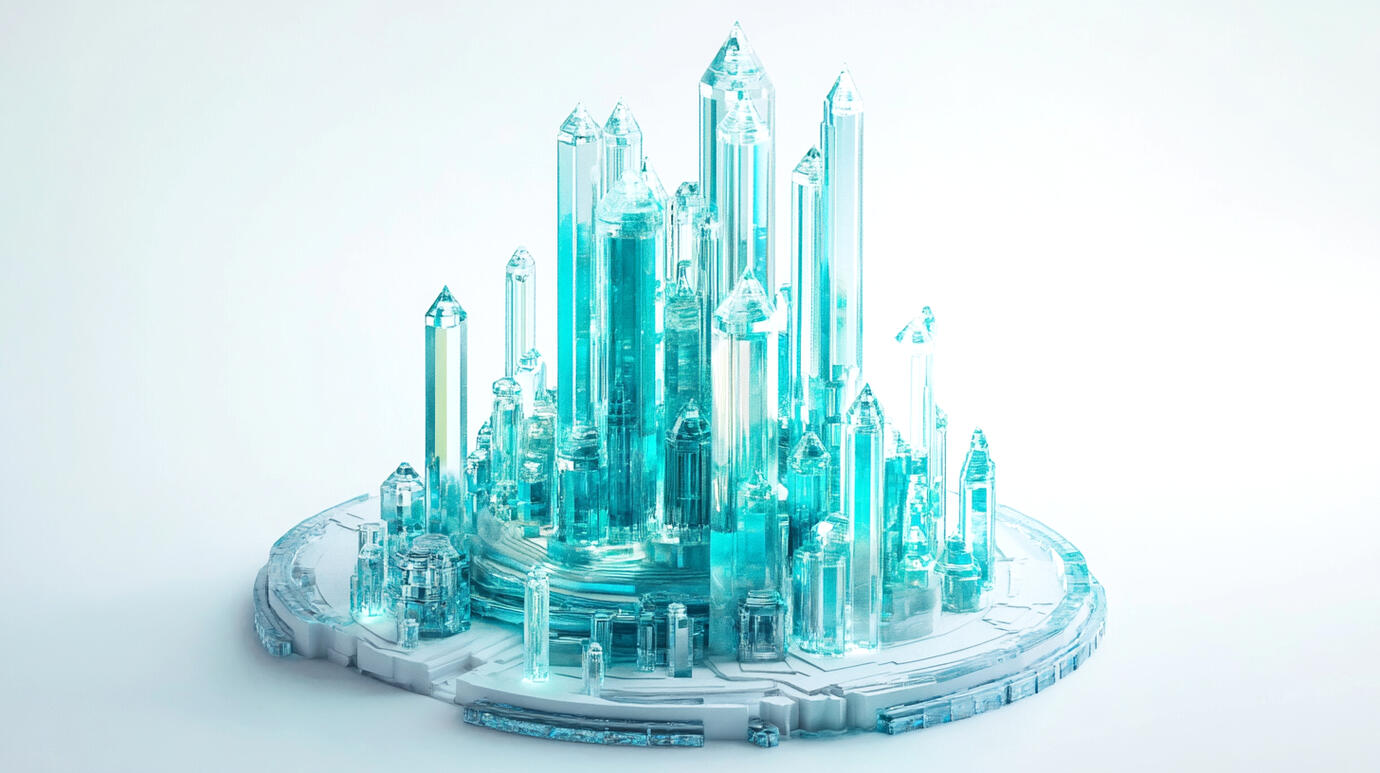
The Enchanted Blockchain Tower
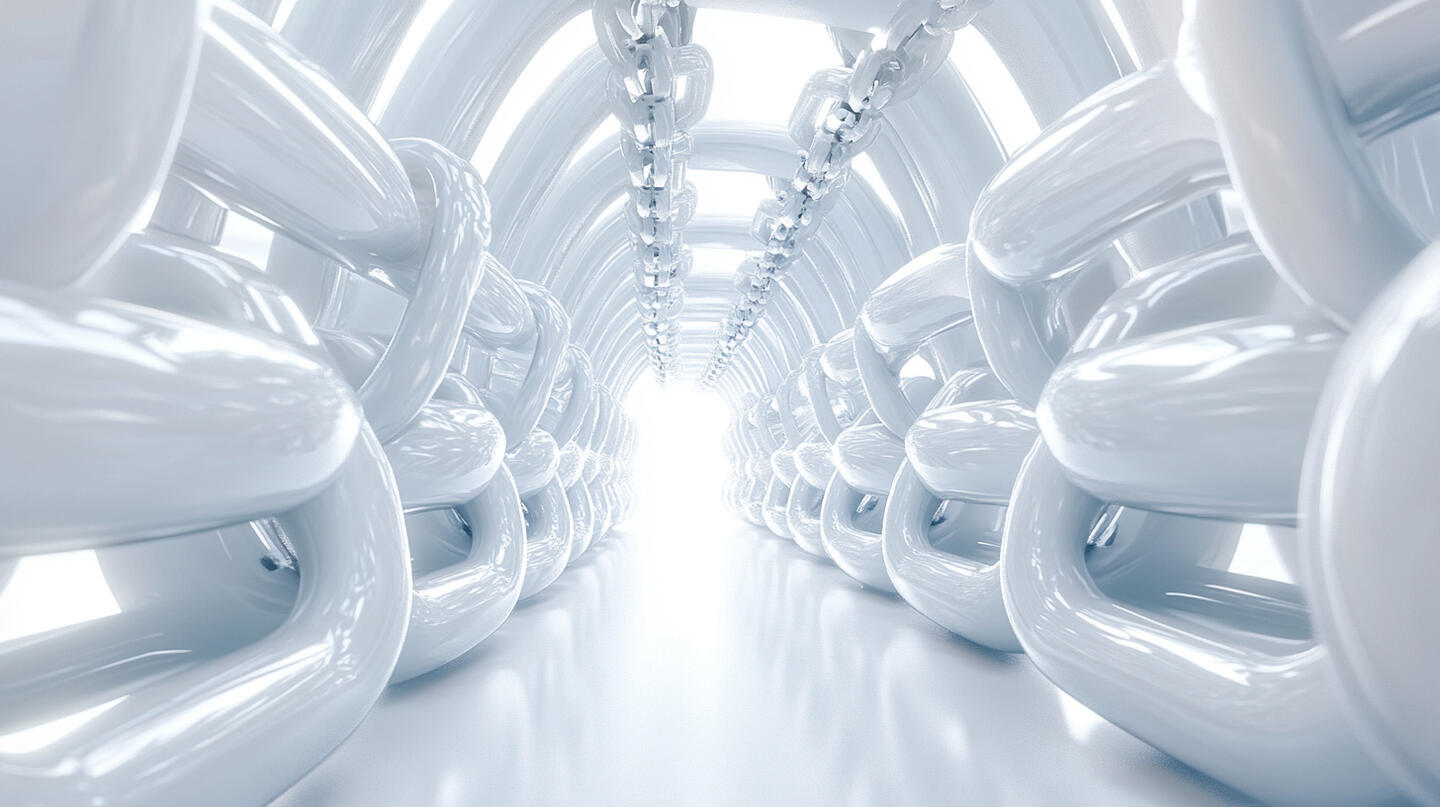
The Unbreakable Chain Chamber
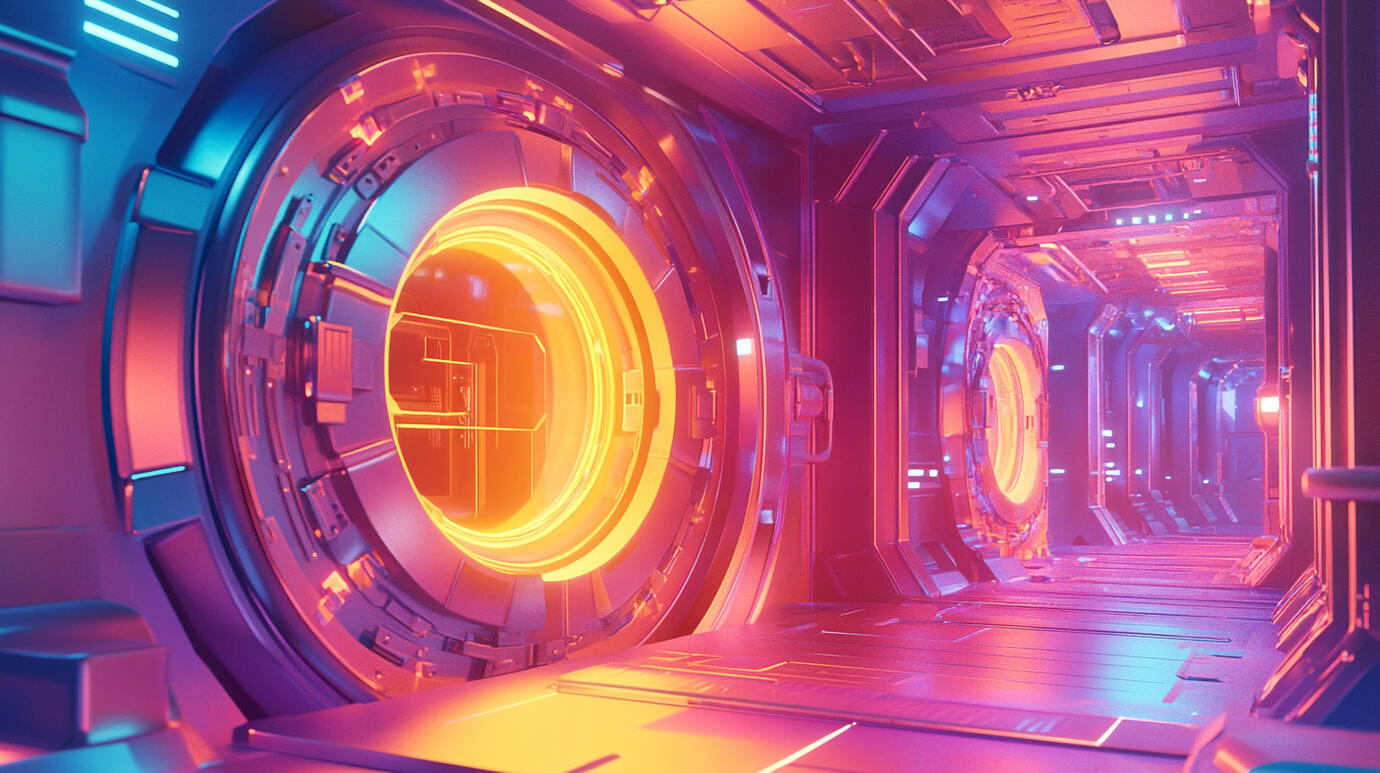
The Cosmic Crypto Vault
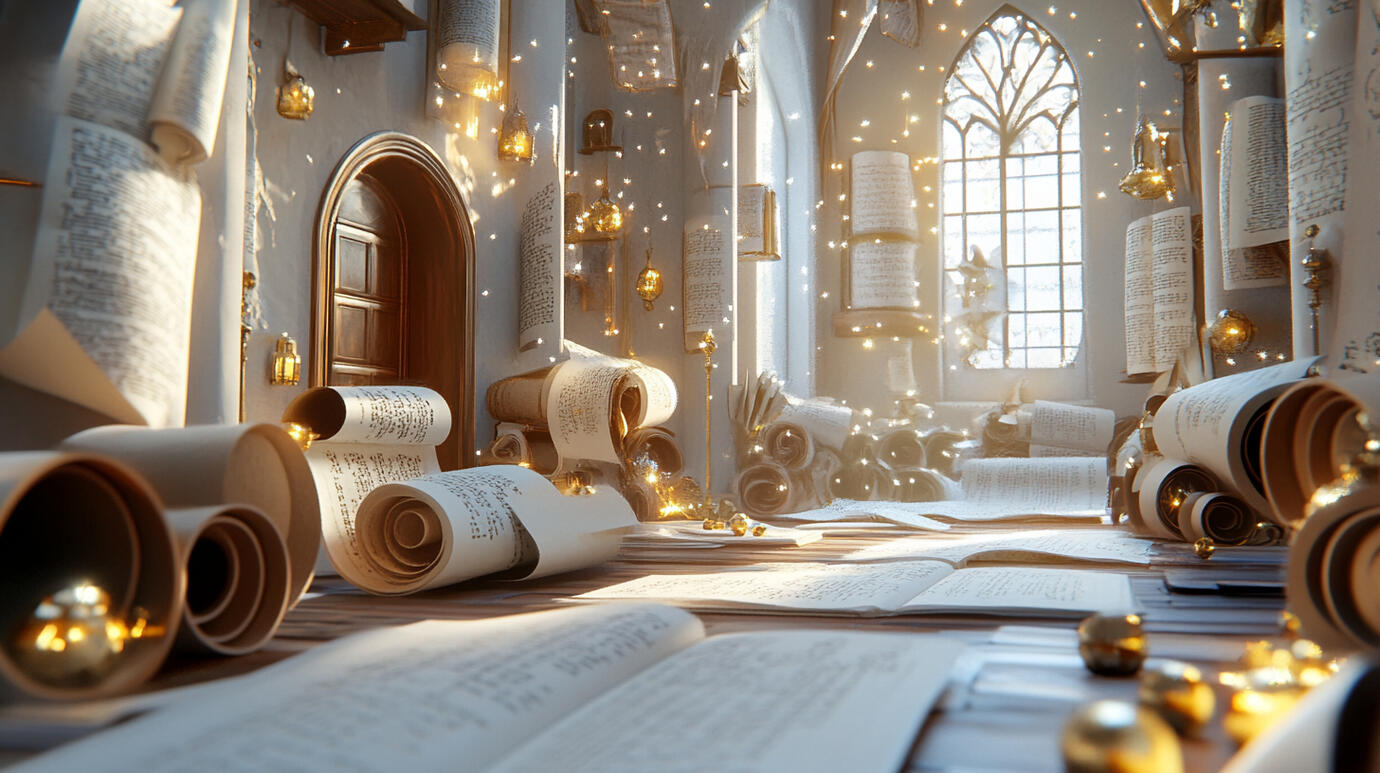
The Magic Scroll Library
The Digital Asset Emporium
5th Story
The AI Wonderland
The Clever Computer Circus
The Machine Learning Labyrinth
6th Story
The Cave of Quantum Marvels
The Tower of Babel
The All-Seeing Eye
7th Story
The Quantum Neverland
The Virtual Paradise
The Matrix Nexus
Avatar Alley
8th Story
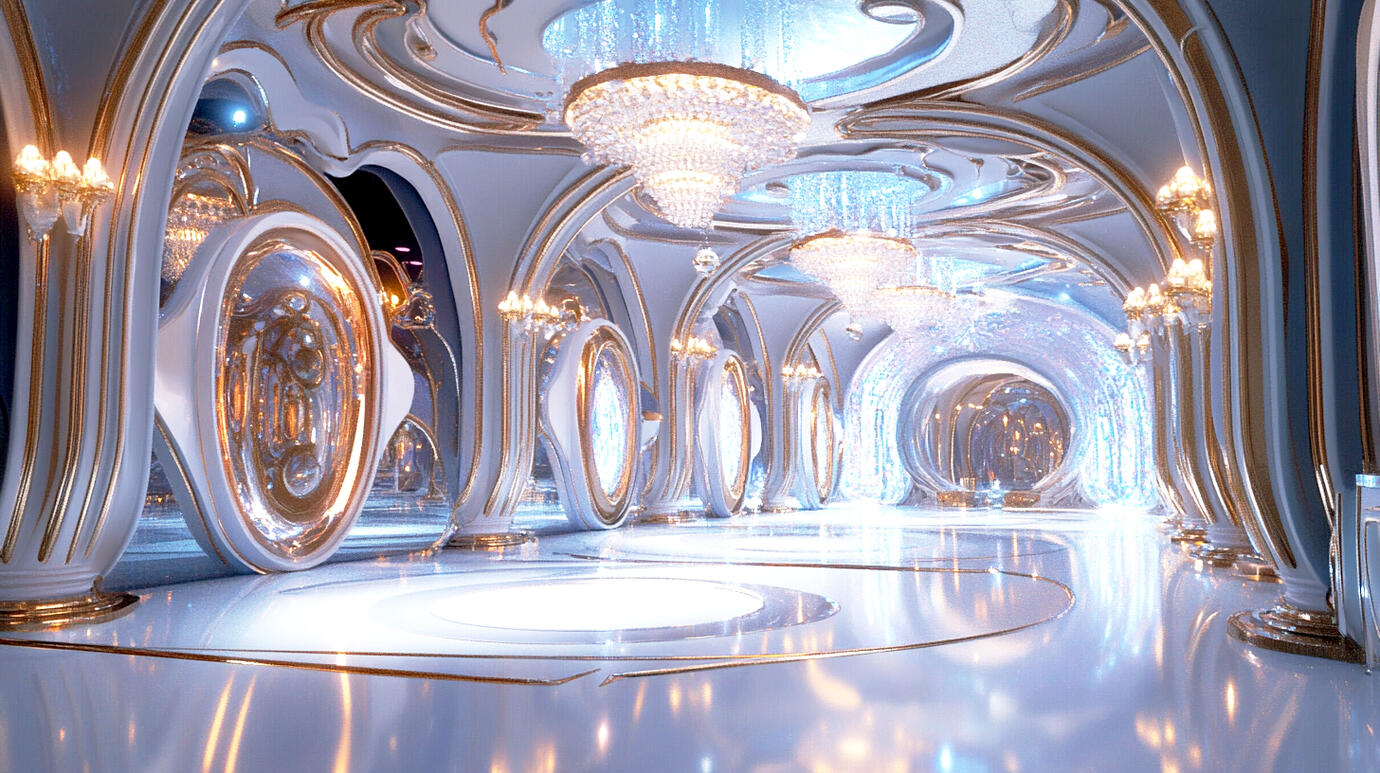
The Infinity Gems Realm
Modules
Introduction
Dragonet
Ms Eva

Dr Enigma
Uncle Doge
Kios
The Wonder Treehouse
Scene 1: Opening Shot (10 seconds)
Animation: Aerial view of Wonder Treehouse in the vibrant Metaverse Garden. DRAGONET zooms into view, leaving a trail of sparkles.DRAGONET: (excitedly) "Whoa! Check out this awesome Wonder Treehouse! I'm DRAGONET, your AI buddy. Ready for some mind-blowing adventures? Try to keep up!"
Scene 2: Character Introductions (30 seconds)
Animation: Each character appears with a unique, eye-catching effect. Display names and characters.DRAGONET: (zooming around excitedly) "I'm DRAGONET, your AI companion! I love solving puzzles and learning about new tech. Can't wait to explore with you!"MS EVA: (twirling in, surrounded by colorful paint splatters) "Hello, curious minds! I'm MS EVA, your whimsical guide through this colorful world of knowledge. Get ready to unleash your creativity!"DR ENIGMA: (materializing from a vortex of 1s and 0s) "Greetings, future tech wizards. DR ENIGMA here, master of code and cyber secrets. Think you can crack my digital challenges?"KIOS: (fading in with a soft glow, speaking rhythmically)
"KIOS am I, wisdom's guard,
Knowledge grows in this digital yard.
With puzzles fun and secrets new,
Your mind will spark, your skills break through!"UNCLE DOGE: (popping out from a meme-style image) "Hey there, future tech superstars! Uncle Doge says, 'Time to show those brains who's boss!' I'm your cool Web3 guru, here to turn the internet into the most awesome playground you've ever seen. Are you ready to explore the future of the web?"
Scene 3: Treehouse Tour & Learning Module Overview (25 seconds)
Animation: Quick, exciting cuts between stories. Kids are seen having fun with different modules.DRAGONET: (zipping between stories, speaking enthusiastically)
"Get ready for an epic digital adventure through the Wonder Treehouse! Here's a sneak peek of our first seven stories, with more amazing levels coming soon:First Story: The birth of the internet!
Second Story: Web 2.0 - where you become the creator!
Third Story: Web 3.0 - the next-gen internet!
Fourth Story: Blockchain - digital building blocks!
Fifth Story: AI and Machine Learning - smart tech central!
Sixth Story: Metaverse and immersive realities!
Seventh Story: The future of technology!Are you ready to power up and explore all the levels of digital wonder?"
Scene 4: Value Proposition (20 seconds)
Animation: Show children collaborating with the characters
Display Wisdom Gems and achievements popping upDR ENIGMA: "You'll solve puzzles and crack codes to level up your skills."KIOS: "With each challenge met, wisdom you'll get. Insights will shine, your mind to refine."MS EVA: "And earn achievements like the 'Wisdom Gems'!"DRAGONET: (proudly showing off the Wisdom Gem) "Just like this one I unlocked!"UNCLE DOGE: "UNCLE DOGE says, 'These Wisdom Gems are the real deal! Can't wait to see your collection grow!'"
Scene 5: Call to Action (10 seconds)
Animation: Zoom out to show the entire Metaverse Garden. All characters stand at the entrance of the Wonder Treehouse.DRAGONET, MS EVA, DR ENIGMA, and UNCLE DOGE: "Are you ready to explore the marvels of the digital world? Join us on an exciting journey through the Wonder Treehouse!"KIOS: (speaking in a rhythmic, ancient tone)
"Digital wonders await, young and bold,
In Wonder Treehouse, secrets unfold.
Through virtual realms, your mind will soar,
Join our quest, learn and explore!"
Scene 6: Ending Animation (10 seconds)
Animation: The camera swoops upward, spiraling around the Wonder Treehouse. As it ascends, each story of the treehouse lights up in sequence, pulsing with vibrant, digital energy.Reaching the top, the view expands to show the entire Metaverse Garden glowing with possibility. Streams of colorful data and twinkling lights flow between the Wonder Treehouse and other fascinating structures in the distance.The camera then zooms back to the Wonder Treehouse, focusing on its entrance where all the characters are gathered. They wave invitingly as magical, glowing particles swirl around them, forming the words "Your Adventure Begins Now!" in the air.The particles disperse into a shower of twinkling lights that gently fade out, leaving the screen with a soft, inviting glow.
Module 1
Dragonet
Ms Eva
The Internet: From Early Sparks to Web 1.0
Scene 1: Introduction (30 seconds)
Animation: The scene opens with a view of the Wonder Treehouse, a massive, fantastical tree with glowing branches and floating platforms. The tree is situated in the center of Metaverse Garden, with a swirling nebula of data streams and floating binary code. The camera zooms in on the 1st story of Wonder Treehouse, revealing a space called The Digital Time Capsule.The Digital Time Capsule is a large, circular room with shimmering walls that ripple with images from various eras of Internet history. In the center of the room hovers a mysterious, pulsating sphere about 2 meters in diameter. This orb emits a soft, inviting glow and seems to contain swirling data and miniature scenes from the Internet's past.MS EVA and DRAGONET stand near the sphere, ready to begin the journey.Text on screen: "The Internet: From Seed to Sapling" (The text appears letter by letter, as if being typed, with a retro computer font that transforms into a sleek, modern typeface)MS EVA: "Welcome, explorers! Today, we're going to embark on an amazing journey through the history of the Internet! Let me guide you through the colorful tapestry of knowledge!"DRAGONET: "Keep up if you can—who knows what fun we'll find next!"MS EVA: "Oh, Dragonet! Always up for a challenge. Explorers, are you ready to unravel the mysteries of the digital world?"Animation: MS EVA gestures towards the floating sphere. The surface of the orb begins to swirl more rapidly, and a doorway materializes. As it opens, a burst of twinkling lights and data streams spills out, forming a bridge of light leading into the sphere.MS EVA: "Step into our digital time capsule, and let's discover how the Internet became the magical world we know today!"Animation: The camera follows the light bridge into the sphere, the view swirling and transforming as we transition to the next scene within The Digital Time Capsule's interior.
Scene 2: What is the Internet? (30 seconds)
Animation: The interior of the time capsule is a vast, spherical space with a starry background. In the center, a holographic projection of Earth forms, starting as a simple wireframe and gradually becoming more detailed.Text on screen: "The Internet: A Global Connection" (The text appears as if transmitted through glowing fiber optic cables that connect around the Earth)Narrator: "Imagine a web so big that it stretches all over the world, connecting lots of different devices and people. That's the Internet! It's like an invisible network of paths that connect every computer, phone, and tablet on the planet. This amazing web allows information to travel at lightning speed from one side of the Earth to the other!"Animation: As the narration continues, beams of light begin to criss-cross the globe, forming an intricate web. Each intersection sparkles, representing a connection point. The animation zooms in to show different types of devices (computers, cellphones, tablets) connected by these beams, glowing and pulsing to show active connections.Narrator: "It’s not just a place to hang out, but a super cool way to talk, learn, and play with people anywhere on Earth. You can chat with friends, share cool pictures, find answers to your questions, watch amazing videos, and even play fun games. The Internet makes connecting with others and discovering new things exciting and easy!"Animation: The scene shifts to show animated, glowing data packets traveling along the light beams. Each packet transforms into visual representations of the activities mentioned: a chat bubble, a photo, a search engine with a magnifying glass, a video player, and a game controller. These elements move along the beams of light, connecting various devices on the globe.Narrator: "Whether you’re in the snowy mountains or a bustling city, the Internet is the magical thread that ties us all together. It’s like having a treehouse that reaches every corner of the world!"Animation: The scene zooms out to show the entire interconnected globe, now resembling a giant, glowing treehouse. The branches of the treehouse spread out, visually connecting various continents and showcasing a lively, interconnected network. Then fades out.
Scene 3: The Birth of the Internet (45 seconds)
Animation: The scene opens with a retro-styled laboratory setting, featuring vintage computers. Cartoon versions of J.C.R. Licklider, Bob Taylor, and Larry Roberts appear, working on computers and discussing plans. A world map appears in the background with glowing dots representing computer networks.Text on screen: "The Birth of the Internet: A Global Effort" (The text appears as a classified document stamp)Narrator: "Back in the 1960s, during a time when countries were racing to develop new technologies, some brilliant minds had a big idea. They wanted to create a way for computers to talk to each other, even if they were far apart."Animation: The map of the United States appears, with glowing dots representing computer networks. Lines connect these dots, forming a web-like structure.Narrator: "Computer scientist J.C.R. Licklider had a vision of computers working together in a network. Inspired by his ideas, Bob Taylor, a research manager, and Larry Roberts, a network engineer, made it real with a project called ARPANET."Animation: The scene shifts to show animated scientists working on computers around the world, with thought bubbles above their heads showing ideas for network designs.Narrator: "While ARPANET was developing in the US, scientists in other countries were also exploring ways to connect computers. Some of their ideas helped shape how networks would work in the future."Animation: The world map lights up with points in various countries, representing global research efforts.Narrator: "This clever idea of connecting computers in a special way became the foundation of what we now call the Internet. It started as a way for scientists to share information and work together, but it was about to grow into something much bigger!"Animation: The laboratory setting begins to expand, transforming into a growing tree. Branches sprout rapidly, representing new network connections, with leaves showing computer icons popping up.Narrator: "As the years went by, more and more computers joined ARPANET. Scientists came up with new ways to use this growing network, including something we all use today - email!"Animation: An envelope icon appears, transforming into the "@" symbol.Narrator: "In 1971, an American computer programmer named Ray Tomlinson did something amazing. While working on ARPANET, he invented a way for people to send messages between different computers. This became what we now call email! Tomlinson chose the "@" symbol that we still use in email addresses today. His invention was like creating a super-fast way to send letters through computers."Animation: Show a cartoon version of Ray Tomlinson working at a computer. As he types, an envelope with the "@" symbol flies out of his computer and into another, representing the first email.Text on screen: "Fun Fact: The first ARPANET computers were less powerful than today's smartphones!"Text on screen: "Another Fun Fact: The first email, sent in 1971, simply involved the letters of the first row of the keyboard – 'QWERTYUIOP.'"
Scene 4: TCP/IP: The Internet's Universal Language (30 seconds)
Animation: The scene transitions from the expanding network of computers to a colorful, abstract representation of data packets zipping around.Text on screen: "TCP/IP: How Computers Talk to Each Other" (The text appears as if formed by connecting data packets)Narrator: "As more computers joined ARPANET, the network we learned about earlier, they needed a way to understand each other. It's like having friends from all over the world - you need a common language to chat!"Animation: Show various "computer characters" speaking in different "languages" (represented by different symbols), then introduce TCP/IP as a universal translator.Narrator: "In 1983, two brilliant computer scientists, Vint Cerf and Bob Kahn, known as the 'fathers of the Internet,' created a special way for computers to talk. They called it TCP/IP, which stands for Transmission Control Protocol and Internet Protocol."Animation: Show two computers with different "language" symbols, then TCP/IP appears between them, allowing them to communicate.Narrator: "TCP/IP is like a magical translator that helps all computers on the Internet understand each other. It gives them a common language and set of rules to follow."Animation: Demonstrate data being broken into packets, sent across different routes, and reassembled at the destination.Narrator: "But TCP/IP does more than that. It also has a clever way of sending messages. It breaks them into small pieces called packets, sends them on the best route, and puts them back together at the end. This makes communication faster and more reliable."Animation: Show a pizza being cut into slices. Each slice takes a different path on a map. At the destination, the slices automatically float together to form a whole pizza again, without anyone touching them.Narrator: "It's like ordering a pizza that's delivered slice by slice through different delivery people. When all the slices arrive at your friend's house, they magically reassemble into a whole pizza, ready to enjoy!"Animation: Show a global map with data packets zooming across continents, emphasizing the worldwide nature of this communication.Narrator: "With this new way of talking, computers all over the world could now join in the conversation. The Internet was ready to become truly global!"Animation: The global map with data packets zooming across continents gradually transforms into a web of interconnected devices (computers, phones, tablets). The web pulses with flowing data, emphasizing the global communication enabled by TCP/IP.
Scene 5: The World Wide Web is Born (30 seconds)
Animation: The global network of TCP/IP connections morphs into a 90s-style bedroom with posters of early websites and tech companies. A bulky computer sits on a desk, its screen coming to life with the early interface of the World Wide Web.Text on screen: "1990s: The World Wide Web is born!" (The text appears letter by letter, accompanied by the distinctive sound of a dial-up modem connecting)Narrator: "In the 1990s, at CERN, a global research center in Switzerland, British scientist Tim Berners-Lee invented the World Wide Web. But what exactly is the World Wide Web?"Animation: Show a simple web browser window with familiar website icons like a search engine, a video site, and a social media platform.Narrator: "The World Wide Web is what you see when you open your web browser. It's all the websites you visit, where you can find information, watch videos, and connect with friends online. That's what you've been doing every time you use the internet!"Narrator: "This invention made the Internet easy for everyone to use. It allowed people to view information, pictures, and videos on pages connected by clickable links. Now, instead of typing complicated commands, people could simply point and click to explore the Internet!"Animation: Show icons of popular web browsers like Chrome, Firefox, Safari, and Edge appearing on screen.Narrator: "To explore the World Wide Web, people use special programs called web browsers. Tim Berners-Lee created the very first one, which he also called 'WorldWideWeb'. Today, you might know browsers like Chrome, Firefox, Safari, or Edge. These browsers are like magic windows that let you view and interact with websites!"Animation: The computer screen expands to fill the view, showing an early web browser. As the narration continues, new website icons pop up on the screen, each with a distinctive '90s style design.Narrator: "Suddenly, people everywhere could not only jump online and explore new websites, but also create their own! It was like discovering a brand-new world where anyone could build cool places to visit and share fun things to do!"Animation: Show a split screen: on one side, a person browsing websites; on the other, someone creating a simple webpage. Then, the created webpage joins the other sites being browsed.Narrator: "Websites began to pop up like colorful flowers, each one offering something new to explore. It's as if someone sprinkled digital seeds all over the world, and a garden of websites bloomed overnight!"Animation: The scene zooms out to show the bedroom transforming into a vast digital garden, with website flowers blooming everywhere.
Scene 6: Web 1.0 in Action (45 seconds)
Animation: The digital garden fades, transitioning into a magical library, with books floating in the air and shelves extending infinitely.Text on screen: "1990s: Exploring the Digital World" (The text appears with a retro typewriter sound effect)Narrator: "In the early days of the Internet, websites were like magical books in a huge library. People used them mostly to read information, news, and sometimes share their own simple pages."Animation: Show animated children opening colorful, floating books. As they do, simple, text-heavy web pages spring to life from the pages.Narrator: "This digital library grew incredibly fast! At first, there were only a few websites. But within just a few years, there were thousands, then millions of websites. It was like watching a small seed grow into a huge forest overnight!"Animation: Show a time-lapse of a digital tree growing rapidly, sprouting more and more branches (representing websites) until it becomes a vast forest.Narrator: "Exploring this digital world was like stepping through a magical door into a giant library of information. People could discover all sorts of amazing things from anywhere in the world!"Animation: Show children walking through a glowing doorway that leads to a vast library with different sections representing various types of websites (e.g., encyclopedias, newspapers, simple storefronts).Narrator: "You could read about any topic, check the news, and even buy things from your home. But most websites were like one-way conversations - you could read them, but not easily respond or interact."Animation: Display icons: an encyclopedia, a newspaper, and a simple shopping cart, with arrows mostly pointing from the websites to the users.Narrator: "At first, these digital pages were just for reading. But slowly, they started to become a little more interactive, with simple forms and basic animations."Animation: Show a split screen: On one side, display children reading static web pages. On the other, show kids filling out simple forms or clicking on basic animated elements.Narrator: "Every new website was like adding a book to this magical library. And guess what? The library was about to transform into something even more exciting!"Animation: The scene zooms out to reveal the library. In the distance, a new sun begins to rise, casting a different glow on the bookshelves.
Scene 7: Did You Know? (60 seconds)
Animation: The scene fades in to reveal a whimsical digital landscape filled with colorful, floating icons and playful animations. Each fun fact is introduced with a burst of sparkling effects.Text on screen: "Did You Know?" (The text appears with a playful animation, like being handwritten by a virtual pen)Text on screen: "Fact 1: The Slow Internet of the Past"
Narrator: "Early Internet connections were super slow compared to today – kind of like a turtle trying to race a cheetah!"
Animation: A turtle labeled "Old Internet" and a cheetah labeled "Today's Internet" race across the screen. The turtle moves incredibly slowly while the cheetah zooms past in a blur.Text on screen: "Fact 2: The First Spam Mail"
Narrator: "The first spam email was sent in 1978! It was an advertisement for a new computer product, but accidentally invented digital junk mail instead. Oops!"
Animation: An envelope labeled "1978" zooms into an inbox, opens to reveal a computer advertisement, then suddenly multiplies, filling the inbox. The original envelope looks surprised and sheepish.Text on screen: "Fact 3: Fact 3: The First Website Is Still Online"
Narrator: "The first website, created by Tim Berners-Lee in 1991, is still online today! It's like a digital museum you can visit anytime!"
Animation: A simplified version of the original website's design appears, with "1991" and "Tim Berners-Lee" briefly highlighted. Then, a playful "visit now" animation shows the website transforming into a museum building with an "Open" sign.Text on screen: "Fact 4: The Birth of Emojis"
Narrator: "In 1999, Japanese designer Shigetaka Kurita created emojis to make digital messages more fun and expressive. Now, you probably use emojis every day to add color and feeling to your messages!"
Animation: A plain text message transforms into a message with colorful emojis, then shows a child's hand selecting various emojis to add to a message.Text on screen: "Fact 5: The Internet's Massive User Base"
Narrator: "Ready for a big number? Over 4 billion people use the Internet every day! That's about half of all the people on Earth!"
Animation: A global map that lights up with twinkling stars, each representing internet users. The lights spread across the continents, eventually covering about half the world's surface. A counter rapidly increases to 4 billion as the lights spread.Animation: The fun fact animations end with a burst of confetti and a transition effect leading into the next scene. The digital landscape morphs into a futuristic, tech-inspired visual that blends seamlessly into the opening of Scene 9.
Scene 8: Conclusion (20 seconds)
Animation: The time capsule interior begins to fade, showing a montage of Internet milestones floating by like pages of a digital scrapbook. The capsule's exit appears, leading back to the Wonder Treehouse.Text on screen: "You're part of the Internet's amazing story!" (The text appears as if typed by multiple users simultaneously)Animation: The digital scrapbook transforms into a futuristic book with blank, glowing pages. The time capsule door opens, revealing MS EVA and DRAGONET waiting outside in the Wonder Treehouse. The treehouse now appears more futuristic, with new technological elements inspired by the journey through Internet history.MS EVA: "What a colorful tapestry of knowledge we've woven on our journey through Internet history! Each fact is a vibrant thread in the grand design."DRAGONET: "Zing! My circuits are buzzing with all these awesome Internet facts! I've supercharged my tech knowledge!"MS EVA: "That's the spirit, DRAGONET! It's that thirst for knowledge that keeps the Internet evolving. Remember, explorers, you're not just learning about Internet history – you're writing its next chapter!"DRAGONET: "Curiosity's calling! This story's got more twists and turns than a tangled ethernet cable. I can't wait to see what comes next!"MS EVA: "Indeed! Your ideas and creativity will help shape the Internet's future. Keep that spark of curiosity alive, and we'll see you on our next digital adventure!"Animation: Camera zooms out of the time capsule, panning across the expanded Wonder Treehouse, now filled with elements from different eras of Internet history, before fading to the closing credits.
Module 2
Dragonet

Dr Enigma
Web 2.0: The Social Internet Revolution (Part 1)
Scene 1: Introduction (30 seconds)
Animation: The scene opens with a view of the Wonder Treehouse, now with a futuristic twist. The camera zooms in on the 2nd floor, where a grand, ornate door stands. DRAGONET and DR ENIGMA are standing outside.Text on screen: "Web 2.0: The Social Internet Revolution" (The text appears as if being typed on a smartphone screen, transforming into a mosaic of social media icons)DR ENIGMA: "Step into my world, young explorers—if you can handle the excitement hidden in the code. We're about to uncover the marvels of Web 2.0."DRAGONET: "Curiosity's calling! Time to spark some fun in this new digital playground!"DR ENIGMA: "Web 2.0 isn't just about watching anymore—it's about creating, sharing, and connecting. Think you can keep up with this digital revolution?"Animation: The ornate door swings open, revealing a blinding light. As the light fades, we see a vast, shimmering ballroom with mirrored walls, resembling a digital version of the Hall of Mirrors in Versailles. The mirrors reflect an ever-changing array of social media feeds, blog posts, and user-generated content.DRAGONET: "Wow! It's like a giant digital playground where everyone can join in!"DR ENIGMA: "Welcome to the Digital Mirror Ballroom, where Web 2.0 comes to life. Prepare yourselves, young explorers. The secrets of this new digital world await those clever enough to explore them. Shall we begin our adventure into the future of the internet?"Animation: DRAGONET and DR ENIGMA step into the ballroom. The camera follows them, panning across the room to reveal its vastness and the myriad of digital interactions reflected in the mirrors.
Scene 2: The Evolution - From Web 1.0 to Web 2.0 (60 seconds)
Animation: The Digital Mirror Ballroom transforms, with one half representing Web 1.0 (static and plain) and the other half representing Web 2.0 (dynamic and interactive).Text on screen: "The Internet's Great Transformation!" (The text morphs from a static image into an interactive, colorful display)Narrator: "Get ready, digital explorers! We're about to witness the internet's incredible transformation - the amazing journey from Web 1.0 to Web 2.0!"Animation: Show a split-screen comparison:
Web 1.0 side: Static websites with limited interactivity
Web 2.0 side: Dynamic, user-driven content and social interactionsNarrator: "Imagine the early internet, Web 1.0, as a giant library where you could only read books. You couldn't write in them, share your thoughts, or interact with other readers. It was a one-way street of information."Animation: On the Web 1.0 side, show a character passively reading a website, looking a bit bored.Narrator: "But why did the internet need to change? Well, there were three big reasons:"Animation: Three large, colorful numbers appear on screen, each transforming into an icon as it's mentioned.Narrator: "One: Technology got better. Computers became faster, internet speeds increased, and new web technologies were invented."Animation: Show a computer speeding up, a loading bar filling quickly, and new web tools appearing.Narrator: "Two: People's expectations changed; they wanted to do more online. They no longer just wanted to read information—they wanted to create their own content, share their ideas, and connect with others."Animation: Show characters transforming from passive readers to active creators, with icons representing various forms of content (text, images, videos) flowing from them.Narrator: "Three: Tech companies saw what internet users wanted as a big opportunity. They created websites where people could easily connect with friends, share videos, and express their ideas, making the internet more useful and fun for everyone."Animation: Show a globe with increasing user dots, then a "tech company" icon creating three website symbols (friends connecting, video sharing, idea sharing). These symbols spread across the globe, lighting up users.Narrator: "These three things together sparked a revolution in how we use the internet."Animation: Show the three reasons coming together to form a swirling vortex of change.Narrator: "Suddenly, you could write your own 'books', share photos, and talk to people all over the world!"Animation: On the Web 2.0 side, show characters actively creating content, commenting, and sharing. Include examples like a kid starting a blog, another sharing photos, and a group video chatting.Narrator: "This change was super important because it gave everyone a voice online. Imagine if you could only watch TV shows, but never make your own videos. Or if you could read books, but never write your own stories. Web 2.0 fixed that!"Animation: Show a timeline of increasing internet users and improving technology (faster computers, better software, smartphones). Include milestones like the launch of video sharing sites, social networks, and microblogging platforms.Narrator: "This evolution opened up a world of possibilities for people of all ages. Suddenly, anyone could become a creator, a teacher, or even an influencer online!"Animation: Show a diverse group of people transforming into various digital personas: a chef avatar hosting a cooking show, a teenager becoming a popular gamer, and an older adult turning into a DIY expert.Narrator: "Web 2.0 isn't just about sharing content—it's about building communities, learning new skills, and connecting with people who share your interests."Animation: Display a network of interconnected bubbles, each representing a different online community (e.g., artists, scientists, gamers, activists). Show people moving between these bubbles, sharing ideas and collaborating.Narrator: "And the best part? This digital world keeps evolving. Today's young internet explorers like you might create the next big thing online!"Animation: The two halves of the ballroom merge, creating a vibrant, interactive space representing the modern web. At the far end, a doorway glows with swirling, colorful energy, symbolizing future possibilities.
Scene 3: Web 2.0: From Spectator to Creator (45 seconds)
Animation: The vibrant, interactive space from the end of Scene 2 transitions into a workshop-like environment within the Digital Mirror Ballroom. Various creation stations appear, each representing different types of content creation.Text on screen: "Your Ideas, Your Stage!" (The text appears as if being drawn by colorful digital pens)Narrator: "Now that we've seen how Web 2.0 changed the internet, let's explore how you can be part of this exciting digital world!"Animation: Focus on a young character, about 10 years old, at a 'Science Station' uploading a homemade video of a cool science experiment.Narrator: "Web 2.0 gives you so many ways to share what you love! Are you into wild science experiments? Record your coolest ones and share them online. You could inspire the next great discovery!"Animation: Pan to another character, a teenager, at a 'Writing Station' typing on a laptop with a blog page open.Narrator: "Or maybe you're passionate about a hobby or have amazing stories to tell? Start your own blog! It's like having your own online journal where you can share your thoughts and connect with people who have similar interests."Animation: Show a third character, a 12-year-old, at a 'Maker Station' uploading photos of their amazing handmade robot.Narrator: "Built something awesome? Share photos of your creation online. People might comment, ask questions, or even get inspired to build on your ideas!"Narrator: "Now, you have the opportunity to share your voice, ideas, and creations with people all around the world! There are so many ways to express yourself and connect with others who share your interests."Animation: The creation stations merge into a swirling vortex of content, showing how individual creations contribute to the larger digital ecosystem.
Scene 4: Social Media & Digital Identity (60 seconds)
Animation: The Digital Mirror Ballroom transforms into a vibrant space with various social media-inspired areas, each representing different types of content sharing.Text on screen: "Social Media: Your Digital Hangout" (The text appears as interconnected nodes forming a network)Narrator: "Web 2.0 brought us many social media platforms, each offering different ways to share and connect online."Animation: Show logos of popular social media platforms (like Facebook, Instagram, YouTube, and TikTok) floating in the space. As each is mentioned, highlight it briefly.Narrator: "These platforms let people express themselves and interact through text, photos, videos, or a combination of these."Animation: Show simplified icons representing different types of content (text bubble, camera, video player) appearing next to the platform logos.Narrator: "When you join a social media platform, you usually create a profile. This is your digital space where you can share information about yourself."Animation: Focus on a character creating a profile on a generic platform, thoughtfully selecting information to add.Narrator: "You can choose what to share - your interests, hobbies, recent achievements, or really anything about your life and thoughts. Your profile becomes a digital canvas where you can express who you are and what matters to you."Animation: A blank profile transforms into a colorful collage as icons representing various interests and achievements pop up and arrange themselves.Narrator: "Social media platforms offer various ways to interact and engage. Beyond creating your profile, you can connect with others and explore new ideas in real-time. You can follow accounts you're interested in, join discussions, and discover content from around the world."Animation: Show the character's screen transitioning through different activities: following an account, joining a live chat, then reacting to a live video stream with comments popping up.Narrator: "These platforms allow for quick and widespread sharing of ideas. What you post can reach and influence many people rapidly, and in turn, you might be inspired or influenced by what others share."Animation: Show the character posting a creative idea, with the post spreading to different locations and accumulating likes and shares. Then, show the reverse: the character seeing an inspiring post from someone else, reacting to it, and trying something new as a result.Narrator: "As you explore social media, you'll also see something called 'ads' or 'sponsored content'. These are posts that companies pay to show you, often based on your interests or activities."Animation: Show the character scrolling through their feed, with a clearly labeled ad appearing among regular posts. The ad is visually distinct with a different background color and a "Sponsored" label.Narrator: "It's important to recognize these ads and understand that they're trying to sell you something or influence your opinions. Always think critically about what you see online, whether it's from friends or advertisers."Narrator: "Remember, what you share online contributes to your digital identity - how others see you in the online world."Animation: Illustrate the concept of digital identity by showing the character's online activities forming a digital version of themselves.Narrator: "While social media can be a great way to express yourself and stay connected, it's important to use it thoughtfully and responsibly."Animation: Show the character pausing to think before posting, symbolizing careful consideration.Animation: The scene ends with the character's digital identity blending harmoniously with their real-world self, suggesting a balanced approach to online and offline life.
Scene 5: The Global Village (60 seconds)
Animation: The Digital Mirror Ballroom transforms into a global village. A large, glowing globe appears at the center, with web-like connections spreading across its surface.Text on screen: "The Global Village: Connecting People Worldwide!" (The text appears as a bridge connecting different continents on the globe)Narrator: "Welcome to the Global Village, where Web 2.0 has transformed our planet into one big connected community. Now, you can interact with people from all corners of the Earth!"Animation: Diverse characters from various countries pop up around the globe, each represented by a unique avatar.Narrator: "Web 2.0 tools break down barriers of distance, language, and even ability. Let's see how!"Animation: Show a split screen with a Deaf child from London using sign language on one side and a hearing friend from Mumbai learning sign language on the other. Colorful translation captions appear between them.Narrator: "With features like real-time translation and adaptive technologies, language differences and disabilities are no longer obstacles to communication and learning."Animation: The screen expands to show a virtual classroom where kids from Vancouver, Nairobi, and Seoul are working together on a 3D model of a sustainable city.Narrator: "Imagine working on a school project with other students from around the world, each bringing unique perspectives and ideas!"Animation: The scene shifts to show a series of small windows, each featuring a different activity:A child in New York learning to make sushi from a friend in Tokyo
Two kids trading digital art: one in Rio de Janeiro, the other in Paris
A group solving a complex puzzle together, with participants from Cairo, Sydney, and TorontoNarrator: "Web 2.0 lets you explore cultures, learn new skills, and gain global perspectives – all from your own home."Animation: The globe in the center starts spinning faster, with more connection lines appearing. It zooms out to reveal various projects happening around the world:A team of kids with different abilities working on an accessible gaming app
A group running a social media campaign about ocean conservation
Young artists from different countries adding brushstrokes to a giant virtual mural celebrating diversityNarrator: "But it's not just about fun and learning. Web 2.0 empowers kids like you to make a real difference in the world. You can raise awareness about important issues, create inclusive spaces online, or even organize fundraisers for global causes."Animation: The global projects start to glow brighter, sending pulses of light across the connection lines. These pulses converge at the center, causing the globe to shine brilliantly.Narrator: "In this interconnected world, every voice matters. By embracing our differences and working together, we can build a brighter future for everyone!"Animation: The glowing globe expands, filling the entire Digital Mirror Ballroom with a warm, inclusive light. The diverse characters from throughout the scene come together, joining hands (or paws, or tentacles, depending on their avatar choices) in a circle around the globe. As they do, their unique attributes – languages, cultures, abilities – visually blend into a beautiful, harmonious spectrum.
Scene 6: The Viral Phenomenon (60 seconds)
Animation: In the Digital Mirror Ballroom, show a cloud of hashtags and trending topics, with some growing larger and brighter as they become more popular, reflecting endlessly in the mirrored walls.Text on screen: "When Ideas Catch Fire" (The text appears as a spark that ignites and spreads across the screen)Narrator: "In Web 2.0, information can zoom around the world faster than a sneeze! When lots of people start talking about the same thing online, we call it a 'trending topic'."Animation: Show a funny video of a cat playing piano being shared and reshared, growing bigger as it spreads across the ballroom.Narrator: "Sometimes, a piece of content – like a hilarious video, a catchy dance, or a cool challenge – can spread super fast to millions of people. We call this 'going viral'."Animation: The cat video reaches people all over the world, making them laugh. Show kids recreating the cat's piano playing in their own videos.Narrator: "Viral content can make people laugh, teach them new things, or even inspire them to help others. And here's the exciting part – your idea could be the next big thing to go viral!"Animation: Show a split screen: one side shows a viral dance challenge spreading joy, the other shows a misleading news story causing confusion.Narrator: "But remember, not everything that goes viral is true or good. It's important to think critically about what you see and share online."Animation: Display a character pausing before sharing content, with thought bubbles showing questions like "Is this true?", "Is it kind?", "Would sharing this help others?"Narrator: "Before you share something, ask yourself: Is this true? Is it kind? Would sharing this help others? If you're unsure, it's always a good idea to ask a trusted adult for advice. Being thoughtful online means considering carefully before sharing."Animation: Show a character thoughtfully considering content, then deciding to share it after checking with an adult.Narrator: "When used responsibly, social media can be a platform for sharing important messages. Some people have used viral trends to raise awareness about issues they care about or to encourage positive actions."Animation: Show a few examples of positive viral content: perhaps a short video about recycling, a popular post about being kind to others, or a widely-shared infographic about a social issue.Narrator: "For instance, a campaign shared online might inspire people to clean up their local park or support a good cause. These trends can show how a single idea might spread and create positive change."Animation: Display a simple idea (like cleaning a park) spreading from one person to another, eventually showing a group engaged in the activity.Narrator: "In our connected digital world, you have the opportunity to share your thoughts and ideas with others. Whether it's a funny meme or an important message, what you share can reach people far and wide. It's exciting, but it's also a big responsibility."Animation: Show a diverse group of people connected by a web of light, representing digital connections. As one person shares content, it spreads across the web, reaching others.Narrator: "Remember, it's not about having the most likes or shares. It's about being thoughtful, kind, and responsible in what we choose to share and spread online."Animation: The Digital Mirror Ballroom begins to transform. The various examples of viral content we've seen start to swirl together, forming a large, glowing idea bulb.Narrator: "Every post, every share, every like is a small part of the big picture of our online world."Animation: The glowing idea bulb sends out beams of light that touch various points around a miniature globe that has appeared in the center of the ballroom.Narrator: "When we use the internet thoughtfully and kindly, our actions can have a positive impact far beyond what we might imagine."Animation: As the light touches each point on the globe, it creates a positive ripple effect, showing how one idea can lead to widespread change.Narrator: "So as you explore and participate in the exciting world of Web 2.0, remember: your voice matters. Use it wisely, use it kindly, and who knows? You might just change the world for the better."Animation: The scene ends with the miniature globe glowing brightly, surrounded by the diverse group of characters we've seen throughout, all connected by the web of light, symbolizing the positive potential of responsible internet use.
Scene 6: End of Part 1 (30 seconds)
Animation: As the viral phenomenon scene concludes, Dr. Enigma and Dragonet appear in the center of the Digital Mirror Ballroom.Dr. Enigma: "We've journeyed through the social revolution of Web 2.0, from profiles and platforms to the power of viral content."Dragonet: "Zing! We've learned so much about connecting, sharing, and being responsible online!"Dr. Enigma: "Indeed. You've seen how Web 2.0 transforms mere users into creators and collaborators. But our digital expedition is far from over."Animation: The scene begins to fade, with "To Be Continued..." appearing in Dr. Enigma's distinct, code-like handwriting.Dr. Enigma: "Prepare yourselves for the next phase. We'll delve deeper into the mechanics and implications of this new digital landscape."Dragonet: "Curiosity's calling! I can't wait to uncover more digital wonders!"Animation: The screen slowly fades to black, with Dr. Enigma and Dragonet's silhouettes visible until the last moment.
Module 3
Dragonet

Dr Enigma
Web 2.0: The Social Internet Revolution (Part 2)
Scene 1: Connecting Module 2 Part 1 (50 seconds)
Animation: The Digital Mirror Ballroom from the end of Part 1 fades into view. DR ENIGMA and DRAGONET stand at the center, surrounded by swirling digital imagery.DR ENIGMA: "Welcome back, young explorers. We've journeyed through the foundations of Web 2.0, and now it's time to elevate our understanding to new heights."DRAGONET: "Yeah! We learned about social media, global connections, and how things go viral. It's been a wild ride!"Animation: As DRAGONET speaks, images from Part 1 flash in the mirrors around them.DR ENIGMA: "Indeed, Dragonet. But now, we must delve deeper into the transformative power of Web 2.0."DRAGONET: "Ooh, sounds exciting! What's next, Doc?"DR ENIGMA: "We'll explore the collaborative tools that have revolutionized how we create and share knowledge."Animation: The mirrors around them begin to shift, revealing glimpses of various Web 2.0 platforms and tools.DRAGONET: "Cool! Let's dive in!"Animation: As DRAGONET speaks, the Digital Mirror Ballroom begins to transform. The mirrors start to separate and rearrange themselves, forming floating platforms at different heights. Each platform begins to glow, representing a different collaborative tool or platform. Lines of light connect these platforms, symbolizing the interconnected nature of Web 2.0 collaboration. DR ENIGMA and DRAGONET are now standing on the central platform, ready to begin their exploration of collaborative tools in Scene 2.
Scene 2: The Power of Collaboration & Sharing (60 seconds)
Animation: The scene opens with a view of children from different parts of the world, each using a computer or mobile device to interact with others.Narrator: "Web 2.0 has transformed the internet into a place where people can easily work together, share ideas, and connect with others all around the world. Let's explore some of the amazing tools that make this possible!"Animation: Show a split-screen of children working on a shared document. The Google Docs logo appears briefly.Narrator: "Collaborative document tools let you and your classmates work on the same project at the same time, even if you're not in the same place."Animation: Show students adding to a shared document, spreadsheet, and presentation simultaneously.Narrator: "You can write reports together, create presentations, or even work on group math problems using shared spreadsheets."Animation: Transition to show children in a virtual meeting. The Zoom logo appears briefly.Narrator: "Video conferencing tools have made it possible to have face-to-face conversations with people anywhere in the world. This has changed how we learn and communicate."Animation: Show a classroom of students video chatting with another class in a different country.Narrator: "Imagine talking to students from another country about their culture, or getting help with your homework from a tutor across town."Animation: Transition to show a simplified version of a Wikipedia page being edited.Narrator: "Wikipedia is another great example of Web 2.0 collaboration. It's an online encyclopedia that anyone can help write and edit."Animation: Show a diverse group of people adding information to different Wikipedia articles.Narrator: "With Wikipedia, people from all over the world work together to collect and share knowledge on all sorts of topics."Animation: Brief transition showing icons of various creation tools.Narrator: "Web 2.0 also includes tools for creating things like artwork, music, or videos. While these are often used individually, many allow you to share your creations with others online."Animation: Show children using these tools on various devices - computers, tablets, and smartphones.Narrator: "The best part is, you can use many of these tools on different devices. Whether you have a computer, a tablet, or a smartphone, you can join in and collaborate with others."Narrator: "These tools are changing how we learn, communicate, and work together. They allow us to connect with others, share our ideas with the world, and work on projects with people from all over the globe."Narrator: "So go ahead, explore these tools, connect with others, and see what incredible things you can achieve together. Remember, in the world of Web 2.0, your voice matters and you have the power to make a difference!"Animation: The scene transitions to a simple digital globe. Beams of light connect different points on the globe, forming a network of connections.Animation: The words "Collaborate", "Share", and "Connect" appear around the globe.Animation: The scene gently fades to black.
Scene 3: Smart Devices: Your Portable Connection Tools (45 seconds)
Animation: In the center of the Digital Mirror Ballroom, a smartphone and tablet materialize. The devices connect to different Web 2.0 services, their actions reflecting in the mirrored walls.Text on screen: "Smart Devices: Your Portable Connection Tools"Narrator: "Besides computers, smartphones and tablets give us additional ways to use Web 2.0 tools. Let's see how!"Animation: Show key benefits of smart devices for Web 2.0 access:
- Instant Updates: A student receiving Google Docs notifications about their group project on their smartphone
- Real-time Collaboration: Friends working together on a shared Google Slides presentation from different locations
- Mobile Learning: A group joining a weekend Zoom study session using their tablets
- Quick Sharing: Students sharing their science project photos and results immediately with their teamNarrator: "Smart devices let you stay connected to your team's work wherever you go. You can receive updates instantly, join discussions anytime, and share information right away!"Animation: Show smart device features that enhance learning:
- A student adjusting text size on their e-book during a bus ride
- Friends using voice recording to add comments to their shared project
- A student using their tablet's camera to show their art project to their online art clubNarrator: "These devices offer unique ways to learn and share - from customizable reading to easy multimedia sharing!"Animation: Show time management examples:
- A student's device showing a scheduled study timer
- A device automatically switching to "focus mode" during homework time
- A family's devices all set to "quiet time" during dinnerNarrator: "Remember to balance your screen time! Too much can tire your eyes and affect sleep. While it's fun to be online, there’s a big world out there waiting for you—hang out with friends, explore the outdoors, or spend time with family. Take breaks and use your device time wisely."Animation: The scene gently fades, with the devices forming a unified network of glowing lines.
Scene 4: Online Safety & Digital Citizenship (40 seconds)
Animation: In a secure area of the Digital Mirror Ballroom, illustrate various online safety scenarios.Text on screen: "Being a Smart and Safe Digital Citizen" (The text appears as a shield that transforms into a set of dance steps)Narrator: "Being part of the online world is exciting, but it's crucial to be a smart and safe digital citizen. Let's explore how!"Animation: Show a character about to post content online. Thought bubbles appear above their head, displaying various types of content they're considering sharing.Narrator: "When you're about to share something online, pause and think carefully. Here's why it's so important:"Animation: Illustrate a post being shared and multiplying across various screens.Narrator: "Once something is online, it can spread quickly and be hard to remove completely. Even if you delete it later, others might have already saved or shared it."Animation: Show a character cringing at an old post they made.Narrator: "What seems okay to share now might feel embarrassing in the future. Imagine your future self looking back at what you post today!"Animation: Display a friendly avatar that transforms into a question mark.Narrator: "Remember, people online might not always be who they say they are. Sharing personal information can sometimes put you at risk."Animation: Show the character carefully choosing what information to share on a profile, with a protective bubble appearing around private information.Narrator: "That's why it's best to keep things like your address, phone number, and passwords private – treat them like top-secret information!"Animation: Depict the character pausing before posting, with thought bubbles showing family, teachers, and future employers.Narrator: "Before you post, ask yourself: 'Would I be comfortable if everyone – including my family, teachers, or future employers – saw this?' If the answer is no, it might be better to keep it private or not post it at all."Animation: Show characters having a respectful online conversation, with positive emojis and kind words floating around them.Narrator: "Being a good digital citizen also means being kind and respectful to others online, just like you would in person. Remember, there's a real person on the other side of the screen!"Animation: Display a character fact-checking information before sharing it, with a magnifying glass hovering over suspicious content.Narrator: "Lastly, not everything you see online is true. Always check facts before believing or sharing information. If something seems suspicious, ask a trusted adult for help."Narrator: "By following these guidelines, you'll be dancing safely and responsibly in the digital world!"Animation: The character dances joyfully in the Digital Mirror Ballroom, surrounded by a protective digital shield. The scene then fades out.
Scene 5: Web 2.0 & Beyond (30 seconds)
Animation: The Digital Mirror Ballroom transforms, showing a timeline of the web's evolution. Web 1.0 fades into Web 2.0, which then begins to shimmer and evolve into something new.Text on screen: "Web 2.0: Shaping Our Present, Inspiring Our Future"Narrator: "Web 2.0 has truly changed our world. It's made information more accessible, connected people across the globe, and given everyone a chance to create and share."Animation: Show a montage of Web 2.0 applications: social media connecting families, online classrooms, collaborative scientific research, and global awareness campaigns.Narrator: "It's changed how we learn, letting us access knowledge from anywhere. It's transformed how we work, allowing people to collaborate across continents. And it's revolutionized how we connect, bringing friends and families closer despite physical distances."Animation: The shimmering evolution of Web 2.0 begins to take a more defined shape, hinting at new possibilities.Text on screen: "Coming Soon: Web 3.0"Narrator: "And guess what? The web is still evolving! There's something exciting on the horizon called Web 3.0. It promises to make the internet even smarter, more connected, and more personalized."Animation: The scene ends with the characters looking excited and curious about the future, reaching out to touch the shimmering representation of Web 3.0.Narrator: "As we look ahead, remember what we've learned from Web 2.0—how collaboration empowers us, why critical thinking matters, and the potential for positive change. Now, get ready for our next adventure into Web 3.0!"Animation: The shimmering portal of Web 3.0 expands, enveloping the characters and drawing them into the next stage of the digital journey. The Digital Mirror Ballroom fades away, replaced by an aerial view of The Magical Digital Forest hinting at the wonders of the new web.
Scene 6: Did You Know? (40 seconds)
Animation: The scene fades in to reveal a whimsical digital landscape filled with colorful, floating icons and playful animations. Each fun fact is introduced with a burst of sparkling effects.Text on screen: "Did You Know?" (The text appears with a playful animation, like being handwritten by a virtual pen)Text on screen: "Fact 1: Social Media: A Time-Consuming Habit!"Narrator: "Did you know that in 2024, people spent around 2 hours and 23 minutes a day on social media? That's more than 36 days a year! Imagine all the cool things you could do with that extra time instead!"Animation: Show a clock rapidly spinning forward, with social media icons floating around it. As the narrator mentions "36 days," transform the clock into a calendar that highlights more than a full month.Text on screen: "Fact 2: Photo Sharing Boom"Narrator: "In 2024, a staggering 3.2 billion photos are shared across social media every day! That’s like a giant photo party happening all around the world, filled with stunning snapshots of exciting adventures and unforgettable moments!"Animation: Show a continuous stream of photos being uploaded, with a counter ticking up rapidly to emphasize the volume.Text on screen: "Fact 3: Mobile Dominance"Narrator: "Today, an astonishing 93% of social media users access their accounts through mobile devices. The internet has truly become pocket-sized!"Animation: Illustrate a shift from desktop computers to smartphones, with social media icons flowing from one to the other.Text on screen: "Fact 4: The Internet is for Everyone"Narrator: "The internet is truly for everyone, regardless of age. The youngest users start exploring kid-friendly apps as early as 3 years old, while we've seen individuals well into their 100s actively engaging online."Animation: Display a diverse array of user icons spanning from toddlers to centenarians, connected by a web of glowing lines. As the narrator speaks, highlight the icons representing the youngest and oldest users with a special animation or color change.Text on screen: "Fact 5: Global Connection"Narrator: "As of July 2024, there are 5.45 billion internet users worldwide - that's over 67% of the global population!"Animation: Show a global map lighting up with user icons, gradually covering more than half the world.Animation: The fun fact animations end with a burst of confetti and a transition effect leading into the next scene.
Scene 7: Conclusion (30 seconds)
Animation: Return to the group of diverse characters from the beginning, now confidently using various Web 2.0 tools and platforms. DRAGONET and DR ENIGMA reappear.DRAGONET: "Whoa, what a ride through the digital world! I feel like I've learned so much - bet I can outsmart you this time!"DR ENIGMA: "We shall see about that. Remember, in Web 2.0, it's not just about how quickly you can share information, but how wisely you use these tools. True digital literacy goes beyond knowing how to post a meme."DRAGONET: "Oh come on, DR ENIGMA! You've got to admit, this Web 2.0 stuff is pretty exciting. Think of all the cool things we can create and share!"DR ENIGMA: "Indeed, the potential is vast. But with great power comes great responsibility. Use these tools to learn, create, and connect – while always thinking critically about what you encounter online."DRAGONET: "Alright, old friend, then let's see what the future holds! I'm ready to put these lessons into practice."Animation: DRAGONET and DR ENIGMA exchange a playful, competitive look, and the scene zooms out, showing the Digital Mirror Ballroom now pulsing with life and digital interactions, before fading to the closing credits.
Module 4
Dragonet
Uncle Doge
Web 3.0: The Magical Digital Forest
Scene 1: Introduction (20 seconds)
Animation: The camera soars up the Wonder Treehouse to the 3rd story, revealing the breathtaking Magical Digital Forest. This open-air platform is surrounded by holographic trees with data-stream trunks and screen-leaves showcasing Web 3.0 concepts.Text on screen: "Web 3.0: The Magical Digital Forest" (The text appears as shimmering, interconnected nodes that form into letters)UNCLE DOGE: "Uncle Doge says, 'Time to show those brains who's boss!' Welcome to the most mind-bending floor of our treehouse, young explorers! You're about to witness the next evolution of the internet - Web 3.0!"DRAGONET: "Ooh, this looks amazing! I can't wait to learn new tricks!"UNCLE DOGE: "If you're not confused, you're not learning! And trust me, Web 3.0 is going to blow your minds! It's where the internet becomes smarter, more connected, and puts YOU in control of your digital destiny."DRAGONET: "Even I'm feeling a bit confused already!"UNCLE DOGE: "That's the spirit! Uncle Doge says, 'Let's have a blast!' exploring this magical realm where technology meets imagination. Ready to dive into the future?"DRAGONET: "Keep up if you can—who knows what fun we'll find next! I've mastered so many digital tricks, can't wait to see what Web 3.0 has in store!"Animation: UNCLE DOGE waves his hand, creating a portal swirling with vibrant colors and data streams.UNCLE DOGE: "Follow me through this portal, future tech superstars! Time to discover how Web 3.0 is revolutionizing our digital world!"Animation: The camera follows UNCLE DOGE and DRAGONET through the portal, the view swirling and transforming as we transition to the next scene.
Scene 2: The Evolution of the Web (30 seconds)
Animation: The scene transitions to show a simple timeline with three distinct sections, each lighting up as it's discussed.Text on screen: "The Web's Evolution" (The text unfolds like a scroll across the top of the screen)Narrator: "Before we dive into Web 3.0, let's take a journey through the fascinating evolution of the web!"Text on screen: "Web 1.0: The Early Internet" (The text types itself out in an old computer font)Animation: Show a digital world where most websites look like electronic bulletin boards built by companies. When visitors click around, show how most buttons don't respond and chatting features don't exist.Narrator: "Our story begins with Web 1.0 in the late 1980s. Back then, most websites were made by companies, and exploring the internet was quite different from today!"Animation: Show children exploring - they can click links to visit new pages and fill out simple forms, but when they try to comment, chat, or create their own content, they find they can't.Narrator: "You could read information and click links to visit different pages. Sometimes you could fill out simple forms, like sending a message to the website owner. But that was about it! You couldn't comment on pages, chat with friends, or easily make your own website without knowing special computer code!"Text on screen: "Web 2.0: The Interactive Web" (The text bubbles up from the bottom of the screen, mimicking social media notifications)Animation: Modern interactive websites come alive with dynamic features - comment sections filling with conversations, video upload buttons glowing invitingly, and messaging icons pulsing with activity.Narrator: "With Web 2.0, sharing became easy! Want to share your thoughts? Leave a comment! Have a fun video to share? Post it! Want to chat with friends? Message them instantly! Creating your own space on the internet became as easy as pressing a few buttons."Animation: The scene expands to show a lively digital world: students collaborating on shared documents, artists posting digital artwork, musicians uploading songs, and friends from different countries having video calls.Narrator: "This is the internet you know today - where you can connect with friends, share your ideas, and join conversations happening all around the world!"Text on screen: "Web 3.0: The Decentralized Web" (The text materializes in 3D, rotating to face the viewer)Animation: A futuristic network forms, showing first how in Web 2.0 all digital items (games, art, posts) are stored in big company vaults. Then it transforms to Web 3.0, where users have their own secure digital vaults. Special digital keys appear in users' hands, showing they control access to their own digital items instead of companies holding all the keys.Narrator: "Now we're entering Web 3.0, where the internet is changing again! Instead of big companies controlling your digital items and information, you get to truly own them yourself - like having your own digital vault with your own special key."Animation: Show how users can now use their keys to: prove they own their digital art, control who sees their information, decide how their content is shared, and keep track of their digital items - all without asking permission from big companies. Their digital items glow with special marks showing true ownership.Narrator: "In Web 3.0, when you create or buy something digital - like artwork, game items, or content - it's really yours! You control who can use it, where it goes, and how it's shared. No more keeping all your digital stuff in someone else's vault!"Animation: Transition back to the timeline, now fully illuminated, showing the progression from library (Web 1.0) to social playground (Web 2.0) to user-owned digital world (Web 3.0).Narrator: "From static pages to social interaction, and now to a web where you're in control – the evolution continues, and you're part of it!"Animation: The timeline glows one final time, and transforms into a shimmering path leading deeper into the Magical Digital Forest.
Scene 3: The Birth of Web 3.0 (40 seconds)
Animation: The scene opens in the enchanted digital forest, with a large, glowing question mark appearing center screen.Text on screen: "The Birth of Web 3.0" (Text appears with an empowering glow)Animation: Show children using social media and games, with their every click, photo, and message forming colorful data streams that flow into big company buildings.Narrator: "As more of us shared our lives online, people started noticing something important. Every time we liked a video, shared a photo, or played a game, companies were collecting information about us."Animation: Show how companies use this data - displaying targeted ads, recommending videos, even predicting what users might buy next.Narrator: "These companies used our information to show us specific ads, suggest videos they think we'll watch, and even guess what we might want to buy. They were making money from our data, but we had no control over how they used it."Animation: Show users starting to question this system - thought bubbles appear: "Why can't I control my own data?" "Why do they own my photos?" "Why can't I move my stuff between different apps?"Narrator: "People started asking: Why should companies control everything we do online? That's when clever inventors began imagining a different kind of internet - Web 3.0!"Animation: The digital city transforms to show a new kind of internet where power shifts from big company buildings to individual users, represented by glowing personal spaces connected in a network.Narrator: "Web 3.0 is being built to change how the internet works. Instead of big companies being in charge, you'll have more control over your digital life. It's like going from renting a space to owning your own piece of the internet!"Animation: The scene concludes with the digital forest lighting up with countless personal spaces glowing like stars, connected by streams of light, suggesting a future where the internet belongs to everyone who uses it.
Scene 4: Understanding Web 3.0 (60 seconds)
Animation: The scene opens with a sweeping view of the Magical Digital Forest. Magical sparkles swirl around, forming a glowing path that guides us through the trees.Text on screen: "Web 3.0: Redesigning the Internet" (The text shimmers into existence like a constellation in the forest canopy)Narrator: "Let's discover how Web 3.0 changes the internet we use every day!"1. Decentralization
Text on screen: "From Big Companies to Users" (Text flows from central points to spread across the screen)Animation: Show a transformation - big company towers that currently control everything shrink, while many smaller, user-controlled spaces rise up. Glowing lines connect these spaces directly.Narrator: "Right now, big companies like social media platforms control how we use the internet and what happens to our information. Web 3.0 changes this by creating special technology that lets YOU control your digital space!"2. Digital Ownership
Text on screen: "True Digital Ownership" (Text appears with a special ownership mark)Animation: Display digital items (artwork, game characters, profile data) with special glowing ownership marks that prove their authenticity and ownership.Narrator: "When you create or earn something in Web 3.0 - like artwork or game items - they're really yours! The technology makes sure everyone can see that you're the true owner!"3. Digital Identity
Text on screen: "You Control Your Identity" (Text transforms from locked to unlocked state)Animation: Show a user's digital identity as a glowing passport, with the user controlling what information is shared and with whom. Compare this to current social media profiles where companies control the data.Narrator: "Your online identity becomes truly yours - like having a special internet passport that YOU control. You decide what information to share and how it's used!"4. Open Innovation
Text on screen: "Everyone Can Create" (Text constructs itself block by block)Animation: Display diverse groups adding new features to the Web 3.0 network - creative kids designing their own games, artists making digital galleries, students creating study groups.Narrator: "Web 3.0 is like a huge canvas where everyone can contribute! Whether you want to create games, share art, or build something entirely new - you can be part of making the internet better!"5. Transparent and Verifiable
Text on screen: "Always True and Clear" (Text appears with a trail showing its creation history)Animation: Show a piece of information (like a post or article) with a glowing trail behind it. When touched, the trail lights up to reveal its complete history - like following a path of light back to where it started.Narrator: "In Web 3.0, information becomes clearer and more trustworthy. Like following a path of light, you can trace anything back to its source, making it harder for anyone to hide or change information!"Animation: The digital forest scene returns, now glowing with the new possibilities of Web 3.0 - showing spaces controlled by users, verified information trails, and people freely creating and sharing.Narrator: "This is what makes Web 3.0 exciting - it gives us new ways to use the internet where we have more control over our digital lives. While it's still being built, you'll be part of this amazing change!"Animation: The scene transforms into a shimmering path leading deeper into the Magical Digital Forest, where glimpses of future Web 3.0 possibilities twinkle like stars, inviting further exploration.
Scene 5: Conclusion (20 seconds)
Animation: DRAGONET and UNCLE DOGE reappear in the center of the Magical Digital Forest.Text on screen: "Your Web 3.0 Adventure Awaits!" (The text swirls into existence like a magic portal opening)UNCLE DOGE: "Uncle Doge says, 'Time to recap our mind-bending journey!' We've discovered how Web 3.0 gives you more control over your digital world!"DRAGONET: "Keep up if you can! We learned about controlling our own digital space, making sure information is trustworthy, and being part of an internet that belongs to everyone!"UNCLE DOGE: "And this incredible journey is just beginning! We've seen what Web 3.0 can do, but there's so much more magic behind how it all works."DRAGONET: "I've mastered some tricks, but there must be more to learn. What's coming next?"UNCLE DOGE: "The future is being built as we speak! Ready to explore the amazing technology that makes Web 3.0 possible?"Animation: Both DRAGONET and UNCLE DOGE face the camera.DRAGONET and UNCLE DOGE: (together) "Until next time, stay curious and keep exploring!"Animation: They wave goodbye as the forest scene fades out.
Module 5
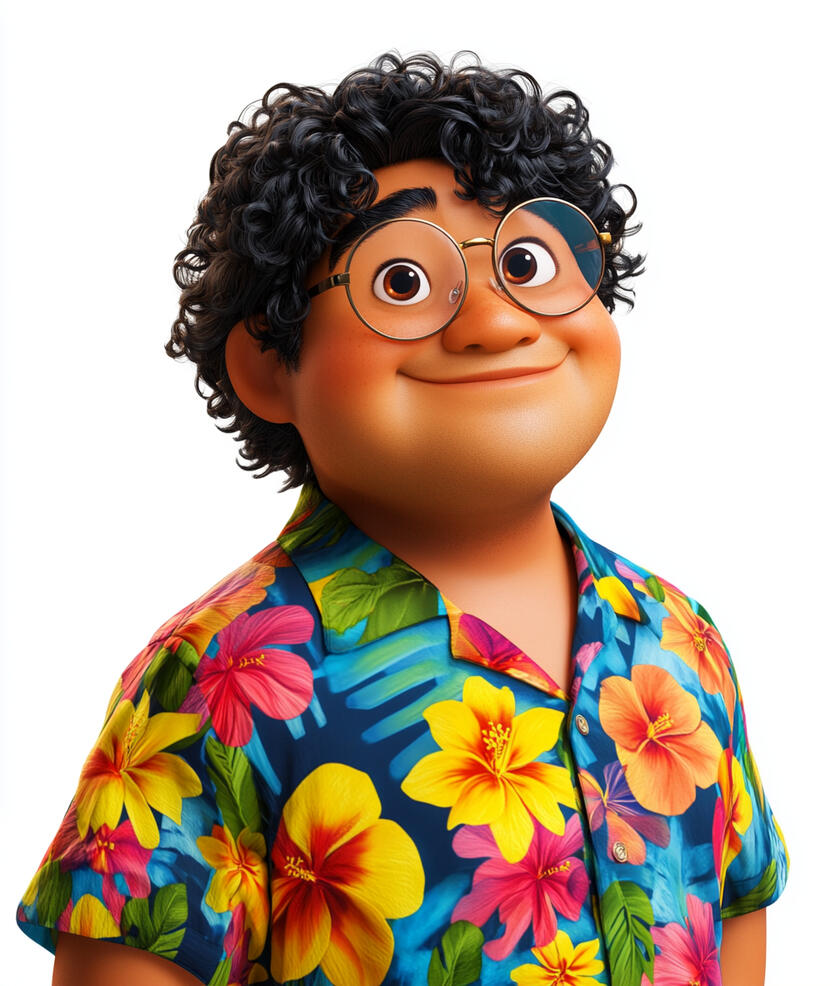
Uncle Doge

Dr Enigma
Blockchain: The Unbreakable Chain
Scene 1: Introduction (20 seconds)
Animation: The camera soars up the Wonder Treehouse to the 4th story - The Enchanted Blockchain Tower. Through ornate digital doors marked "The Unbreakable Chain Chamber," we enter a magnificent circular chamber where giant, glowing blocks float connected by luminous lines. A central holographic display pulses at the heart of the chamber, surrounded by floating data bubbles. The chamber's walls flow with living data, while the treehouse's organic windows show a digital canopy outside.Text on screen: "Blockchain: The Unbreakable Chain of Trust" (The text appears as if being etched into a digital block, then connects to other blocks forming a chain across the screen)UNCLE DOGE: "Welcome, tech explorers! Uncle Doge says, 'Time to power up those brain processors!' Imagine a special digital record book where everything gets locked in connected blocks, and nobody can change it once it's there. That's blockchain - and we're about to discover why it's amazing!"DR ENIGMA: "Hmm... fresh minds eager to explore. Well then, let's see if you can solve the puzzle of how blockchain works. It might look tricky, but I bet some of you are clever enough to figure it out."UNCLE DOGE: "Alright, future innovators! Get your explorer hats on - we're about to uncover some amazing blockchain secrets!"DR ENIGMA: "Well... these glowing blocks might look like pretty decorations, but each one holds quite a fascinating story. Let's see if you can decode it."UNCLE DOGE: "Uncle Doge says, 'These young explorers are ready for anything!' Let's jump in and see blockchain in action!"Animation: The scene ends with UNCLE DOGE leading toward the central holographic display, which erupts in a dazzling light show of interconnected blocks. The display's light reflects off the chamber's walls as DR ENIGMA follows, wearing an expression mixing curiosity and skepticism.
Scene 2: Understanding Blockchain (45 seconds)
Animation: Inside The Unbreakable Chain Chamber, digital displays illuminate to show how information moves and is stored in the digital world.Text on screen: "Why Blockchain?"Narrator: "When we use computers and the internet, we need to make sure our digital information stays safe and true. Before blockchain, we had to trust one central system to keep all information secure - like trusting one library to keep all the world's books safe and unchanged."Animation: Show a central system handling everything, then demonstrate vulnerabilities: system failures, unauthorized changes, lack of transparency.Text on screen: "The Birth of Blockchain"Narrator: "In 2008, Satoshi Nakamoto introduced blockchain technology as part of Bitcoin, the first cryptocurrency, creating a new way to handle digital information without needing one central authority."Text on screen: "What is Blockchain?"Narrator: "Think of blockchain like a special digital chain, where each link in the chain is called a 'block'."Animation: Show a chain forming, with each link/block glowing as it's added.Narrator: "Each block stores and protects verified information."Animation: Show a block with verified data glowing inside.Narrator: "Every block includes three important things: the information being stored, the exact time it was added, and a special digital fingerprint that connects it to the block before it - making it impossible to change any information without breaking this connection."Animation: Inside a block, show all three elements appearing together:Information glowing in center
Digital clock showing timestamp
Special connection to previous block lighting up and linking to previous blockNarrator: "What makes blockchain special is that it's maintained by many computers around the world, all working together to keep identical copies of the chain."Animation: Show multiple computers around the world, each displaying the same blockchain, emphasizing the distributed nature of the system.
Scene 3: How Blockchain Works? (40 seconds)
Animation: Inside The Unbreakable Chain Chamber, the central holographic display transforms to demonstrate the blockchain process.Text on screen: "How Does Blockchain Work?"Narrator: "Let's see how blockchain keeps track of digital information. Imagine you want to prove you created digital artwork, own a game item, or completed an important document."Animation: Show examples appearing in a holographic display: a digital artwork with creator mark, a game character with ownership badge, a document with completion stamp.Text on screen: "Making Sure Information is True"Narrator: "First, when you want to record proof on the blockchain - such as when something was created, who owns it, or when it was completed - this information needs to be checked to make sure it's true."Narrator: "Once checked, this information waits for the next block to be created. The blockchain automatically creates new blocks regularly - like a clock that never stops ticking."Animation: Show:Digital proof being verified with a checkmark
A blockchain "clock" ticking continuously
Verified information waiting
When time comes, information forming into a new blockText on screen: "Working Together to Check"Narrator: "Around the world, powerful computers work on blockchain. These computers are run by different people and organizations, and they're specially built to handle blockchain tasks."Animation: Show:World map with different types of blockchain computers lighting up
Mix of data centers and individual computers
Various organizations and people operating themText on screen: "Adding to the Chain"Narrator: "These computers work together using complex mathematics to check if information follows blockchain rules. Like checking answers to a math problem, these computers must all get the same result before new information can be added."Animation: Show:Computers checking information
Multiple computers showing agreement
New block being added to chainText on screen: "Staying Safe"Narrator: "The blockchain is maintained by many computers around the world. They keep copies of the blockchain to help keep information safe. If someone tries to change information on one computer, the others would know because their copies wouldn't match."Animation: Show:Network of computers maintaining blockchain
Attempted change on one computer
Other computers detecting the mismatch
Original information staying secureNarrator: "This is how blockchain uses mathematics and many computers working together to keep digital information safe and trustworthy."Animation: Final overview showing the complete process from information verification to secure storage across the network.
Scene 4: What Can Blockchain Do? (40 seconds)
Animation: Inside The Unbreakable Chain Chamber, the central display transforms into a world map with glowing points showing blockchain in use.Text on screen: "Blockchain in Action Today"Narrator: "Let's discover how blockchain is actually being used in our world today!"Text on screen: "Making Food Safer"Narrator: "Companies like Walmart and other big food stores use blockchain to track food from the farm all the way to their stores. When you buy fruits or vegetables, they can trace exactly which farm grew them and when. If there's ever a problem with any food, they can quickly find where it came from and make sure other people stay safe."Animation: Show an apple's journey:Starting at a farm (with timestamp)
Moving through delivery trucks
Arriving at the store
Each step recorded and traceable on blockchainText on screen: "Proving Things are Real"Narrator: "Some of the world's top universities now use blockchain to show that certificates and degrees are real. Instead of having to wait days to check if a certificate is authentic, anyone can verify it instantly."Animation: Show a graduation certificate being verified through blockchain, with instant confirmation.Text on screen: "Package Tracking"Narrator: "Big shipping and delivery companies are trying out blockchain to keep better records of where packages go. Each time a package moves to a new place, blockchain keeps a record that no one can change."Animation: Show a package moving through checkpoints, each stop creating a glowing, locked record on blockchain, marked "Still in Testing"Text on screen: "Checking Real Products"Narrator: "Other companies are exploring how blockchain can help prove if products are genuinely made by the original company, not fake copies."Animation: Show products being verified, marked with "Being Tested"Text on screen: "More to Come"Narrator: "These are just some examples of how blockchain is being used today. Companies, developers, and organizations around the world are finding new ways blockchain can help make things better and more trustworthy."Animation: Close with the world map showing both active blockchain uses (brightly lit) and testing phases (softly glowing), emphasizing where blockchain is making a real difference today.
Scene 5: Did You Know? (60 seconds)
Animation: The scene fades in to reveal a whimsical digital landscape filled with colorful, floating icons and playful animations. Each fun fact is introduced with a burst of sparkling effects.Text on screen: "Did You Know?" (The text appears with a playful animation, like being handwritten by a virtual pen)Text on screen: "Fact 1: The Mysterious Creator"Narrator: "In 2008, someone using the name Satoshi Nakamoto created blockchain. To this day, no one knows who Satoshi really is - it could be one person or a group of people working together!"Animation: Show a mysterious figure made of glowing code that splits into multiple figures, surrounded by question marks, emphasizing the ongoing mystery.Text on screen: "Fact 2: The First Block Ever"Narrator: "The very first blockchain block was created in Bitcoin's network on January 3rd, 2009. This 'Genesis Block' included a hidden message about a banking crisis happening at that time - like preserving a piece of history!"Animation: Show the Genesis Block with the newspaper headline being included, emphasizing the date and historical record.Text on screen: "Fact 3: A Truly Global Network"Narrator: "Blockchain computers, called nodes, work together across the world. Thousands of these computers connect with each other across different countries, helping to keep blockchain networks running."Animation: Show a simple globe with points of light spreading across continents, connected by a network of lines.Text on screen: "Fact 4: Blockchain's Birthday"Narrator: "The idea of blockchain was first shared on October 31st, 2008, in a special document explaining how it would work. That's why some people call October 31st 'Blockchain's Birthday'!"Animation: Show a calendar flipping to October 31st, 2008, with the whitepaper appearing.Text on screen: "Fact 5: Protecting Wildlife"Narrator: "In 2019, people who protect wild animals started using blockchain to keep records about wildlife products. These records couldn't be changed or erased, helping them track and stop illegal animal trading."Animation: Show a simple scene of a wildlife ranger's record being added to a blockchain, transforming into a secured block.Animation: The scene ends with all the facts swirling together to form a giant blockchain, emphasizing the interconnected nature of the technology.
Scene 6: Conclusion (30 seconds)
Animation: The camera pans across the futuristic space, now filled with pulsating blocks of information. The central holographic display shows a complex web of interconnected blockchain networks. Data bubbles float around, each containing a fact learned during the session.Text on screen: "Blockchain: The Future Unlocked" (The text appears as if being compiled from bits of data, then forms a key that unlocks a glowing digital padlock)UNCLE DOGE: "Well done, explorers! Your first step into blockchain has been amazing! We've discovered what blockchain is, how it works, and how it helps keep information safe and trustworthy."DR ENIGMA: "Hmm... I must say, you've shown good understanding of these fundamental concepts."UNCLE DOGE: "Now you can see why having records that everyone can trust, but nobody can change, is so important for our future!"DR ENIGMA: "And this is just the beginning. We'll explore more exciting things blockchain can do - from digital currencies to smart contracts to unique digital items."UNCLE DOGE: "Uncle Doge says, 'Keep that curiosity burning! More blockchain adventures await!'"Animation: The scene ends with UNCLE DOGE dramatically pressing a large virtual button, causing a cascade of colorful blocks to rain down around them. DR ENIGMA rolls his eyes but can't hide a smirk, hinting at more adventures to come.
Module 6
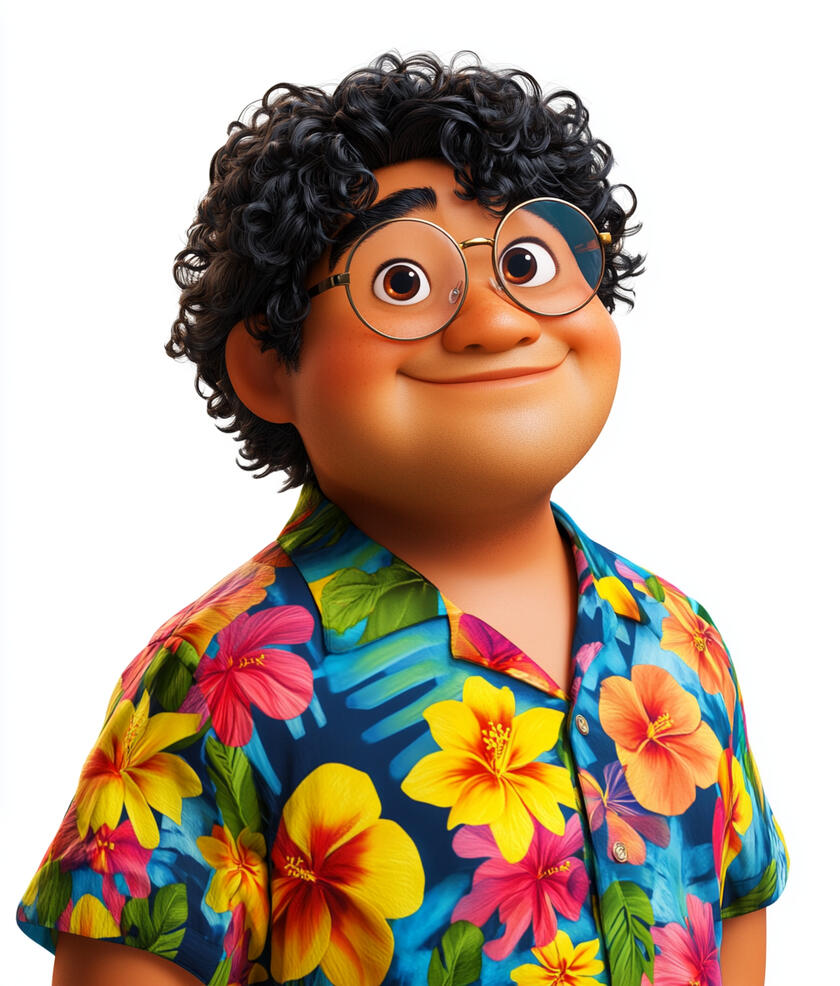
Uncle Doge
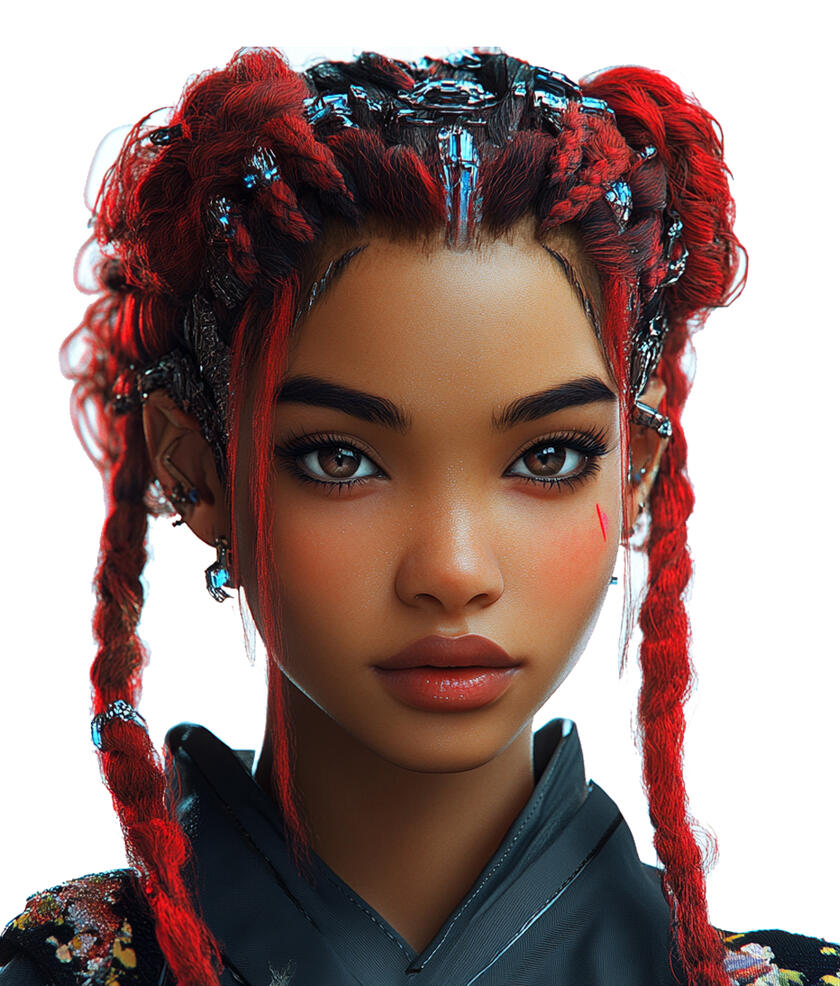
Ms Eva
Crypto Coins: Digital Treasure Hunt
Scene 1: Introduction (20 seconds)
Animation: A futuristic space station shaped like a cryptocurrency symbol emerges from swirling stardust. We zoom into the Cosmic Crypto Vault - a vast chamber with holographic displays and floating digital coins. Mysterious treasure maps made of digital code float in the air, with X's marking spots throughout the vault. Some coins leave trails of sparkles as they orbit around glowing crypto symbols, creating paths that look like constellations.
Text on screen: "Crypto Coins: Digital Treasure Hunt" (Materializes from stardust)UNCLE DOGE: "Hello brilliant minds! Uncle Doge says, 'Time to power up those brain processors!' Look at all these digital treasures waiting to be discovered!"MS EVA: "We're about to embark on an exciting journey through the world of cryptocurrencies!"UNCLE DOGE: "See those glowing trails? Each one leads to an amazing crypto secret. But remember - the best treasures are the ones we learn about!"MS EVA: "We'll guide you every step of the way. Ready to unlock the mysteries of these digital wonders?"Animation: Uncle Doge and Ms Eva lead the way into the vault on a path of twinkling digital coins. As they walk, holographic puzzle pieces float up from the ground, forming mysterious shapes of what's to come in their adventure. A treasure map materializes in front of them, its X's glowing one by one, marking their journey through the different areas of the vault.
Scene 2: What are Cryptocurrencies? (40 seconds)
Animation: A holographic display appears in the Cosmic Crypto Vault, showing floating digital coins surrounded by streams of data. Each coin pulses with different crypto symbols (Bitcoin, Ethereum, etc.), demonstrating various types of cryptocurrencies. The display then zooms in to show digital coins being exchanged between people's digital wallets across a glowing global network.Text on screen: "Digital Treasures: Discovering Crypto" (Title forms from glowing digital code, like data streams assembling into clear text)Narrator: "Money has changed a lot over time. Cryptocurrencies are the newest type of money, but they're different from the cash or cards you might know."Animation: The word "CRYPTOCURRENCY" appears, then smoothly shortens to "CRYPTO" with a friendly arrow connecting them.Narrator: "By the way, people often say 'crypto' for short - just like how we say 'phone' instead of 'telephone'!"Narrator: "Cryptocurrencies are completely digital. You can't hold them in your hand, but they have value just like other money."Animation: Display a global network with digital coins zipping between points.Narrator: "What makes crypto special is that it works without banks. People can send it directly to each other, anywhere in the world, really fast! How does it work without banks? And that's what we're about to discover."Text on screen: "What Makes Crypto Different" (Text assembles from digital code)Narrator: "Let's look at the key things about cryptocurrencies:"Digital Only: Exists only in digital form
Peer-to-Peer: Can be sent directly between people
Decentralized: Works without a central authority like a bank
Secured by Code: Protected by advanced computer programsAnimation: Four icons appear and glow in sequence: a digital coin, two people exchanging coins, a distributed network, and a lock with code symbols.Narrator: "Now that we know what makes cryptocurrencies unique, let's discover how this fascinating digital system began."
Scene 3: The Birth of Bitcoin & Cryptocurrencies (30 seconds)
Animation: A digital timeline materializes, highlighting 2008 with special emphasis on the global financial landscape.Text on screen: "The Story Begins: Bitcoin's Creation" (Text assembles like pieces of code)Narrator: "In 2008, a mysterious person or group using the name Satoshi Nakamoto changed the digital world forever."Animation: Show a mysterious figure made of digital code, representing Satoshi Nakamoto, emerging from computer networks.Narrator: "During this time, many people were unhappy because banks had too much control over their money and some banks weren't managing it well."Animation: Show a simple scene of people looking worried as their money flows through banks that appear unstable, illustrated through simple icons and symbols.Narrator: "Satoshi's solution was to create Bitcoin - a digital system where people could send and receive value directly, without needing banks in the middle."Animation: A simple diagram shows how digital coins can move directly between computers in a network, represented by connected dots and directional lines.Narrator: "On October 31st, 2008, Satoshi published a special document explaining how Bitcoin would work. Then on January 3rd, 2009, the first Bitcoin was created."Text on screen: "Why Was Bitcoin Created?" (Text illuminates thoughtfully)Narrator: "Bitcoin was created with three important ideas:"To let people work together instead of having one group in charge
To keep all records open so anyone can check them
To keep everything safe using strong computer codesAnimation: Each idea appears with a simple icon:Kids working together on a puzzle (representing cooperation)
An open book that everyone can see (representing transparency)
A strong digital lock with code symbols (representing security)Narrator: "This new way of thinking inspired others. Soon, more people began creating different types of cryptocurrencies, each trying to solve different real-world challenges."Animation: Show a timeline extending forward, with various cryptocurrencies emerging, each with its own unique symbol and purpose.
Scene 4: Different Types of Cryptocurrencies (40 seconds)
Animation: A digital display appears, organized like a knowledge tree.Text on screen: "Different Types of Cryptocurrencies" (Text forms from digital code)Narrator: "Let's explore some important cryptocurrencies and what makes each one different!"Animation: Bitcoin symbol appears with "2009" date marker, emerging from the timeline we saw in the previous scene.Narrator: "We learned how Satoshi created Bitcoin in 2009. Bitcoin was designed with a limit - there will only ever be 21 million bitcoins. This makes it different from traditional money, which can be created in larger amounts over time."Animation: Ethereum symbol appears with "2015" date marker.Narrator: "Next is Ethereum, created in 2015. Ethereum is special because it's both a cryptocurrency and a platform where people can build and run different computer programs."Animation: More colorful coins dance across the stage: a D-shaped coin, a ripple-effect coin, and a coin with a black-and-white yin-yang symbol.Narrator: "There are thousands of other cryptocurrencies too! Like Dogecoin, which started as a joke but became popular. Or Ripple, which helps banks send money faster. Or Cardano, which tries to be very energy-efficient."Animation: A galaxy of crypto symbols appears, showing the vast universe of cryptocurrencies.Narrator: "And these are just a few examples! There are many more cryptocurrencies out there, each with their own unique features and purposes. The crypto world keeps growing with new ideas and innovations."
Scene 5: How Cryptocurrencies Work? (45 seconds)
Animation: The scene changes to a simplified view of a blockchain.Text on screen: "How Does Blockchain Work?" (Text assembles from digital code)Narrator: "Cryptocurrencies work using a special technology called blockchain. It's like a digital record book that everyone can see, and once information is recorded, it can't be changed."Animation: Show blocks linking together to form a chain.Narrator: "When someone makes a transaction, like sending Bitcoin to another person, that information goes into a 'block'. This block is then added to the 'chain' of all previous transactions."Animation: Display a network of computers all working together.Narrator: "Computers around the world work together to verify these transactions and add new blocks to the chain. This process of verifying and recording transactions is called 'mining'."Text on screen: "Why is this important?" (Text appears with digital effect)Narrator: "This system works through agreement between many computers instead of having one central controller. The computers use complex mathematics to keep everything secure and accurate."Animation: Show a Bitcoin divided into smaller parts.Narrator: "Many cryptocurrencies can also be divided into smaller parts. For example, you can use just a small fraction of a Bitcoin. Now, let's discover how people store and use their cryptocurrencies!"Animation: The divided crypto coin transforms into a gateway to the next scene about wallets.
Scene 6: Understanding Crypto Wallets (50 seconds)
Animation: The scene changes to show different types of digital wallets.Text on screen: "How Do We Use Cryptocurrencies?" (Text digitally assembles)Narrator: "To use cryptocurrencies, we need something called a digital wallet. But these wallets are different from the ones we use for regular money."Animation: Show a simple comparison between a regular wallet with cash and a digital wallet with crypto.Narrator: "A crypto wallet doesn't actually hold coins inside it. Instead, it holds special digital keys that let you access your cryptocurrencies on the blockchain network."Animation: Show a simplified visualization of keys accessing crypto on a blockchain network.Text on screen: "Two Types of Digital Wallets" (Text splits into two paths)Narrator: "There are two main types of digital wallets:"Animation: Split screen showing both types:Narrator: "Online wallets, called 'Hot Wallets', are like apps on phones or computers. They're connected to the internet, making them convenient for everyday use."Animation: Show a phone with a wallet app connecting to the crypto network.Narrator: "Offline wallets, called 'Cold Wallets', are special devices that stay disconnected from the internet most of the time. This makes them more secure for storing larger amounts of cryptocurrency."Animation: Show a simple device being safely stored.Narrator: "Think of it this way: the blockchain is like a giant record book showing who owns what. Your wallet's special keys prove which cryptocurrencies belong to you and let you send them to others."Animation: Show a simplified blockchain record book with keys unlocking different entries.Narrator: "Understanding wallets is an important step in learning how people use cryptocurrencies in the real world. Let's explore these real-world uses next!"Animation: The blockchain record book and wallet keys merge into a flowing stream of digital transactions, transitioning smoothly to the next scene.
Scene 7: How People Use Crypto? (40 seconds)
Animation: The scene changes to show various real-world uses of cryptocurrency.Text on screen: "Crypto in Action" (Text zooms in from different directions)Animation: Show digital payment examples.Narrator: "While it's still developing, some places have started accepting cryptocurrencies as a form of payment, though this isn't widely used yet."Animation: Show a simplified global transfer visualization.Narrator: "Cryptocurrencies can be transferred across borders through blockchain technology. This usually happens through cryptocurrency exchanges, following different countries' rules."Animation: Display digital art and collectibles.Narrator: "Using blockchain technology, people can create and trade special digital tokens called NFTs, which can represent unique digital items like artwork."Animation: Show various blockchain applications.Narrator: "As blockchain technology develops, organizations are exploring new ways to use it, like tracking products or improving how information is shared."Animation: The different blockchain applications fade into a connected network of glowing points, showing how various uses of cryptocurrency are all part of the same technological ecosystem.
Scene 8: Understanding Cryptocurrencies Today (30 seconds)
Animation: The scene returns to the main Cosmic Crypto Vault, with a digital display materializing.Text on screen: "Understanding Crypto Better" (Text forms from digital code)Narrator: "As we learn about cryptocurrencies, here are important things to understand:"Animation: Each point appears with a simple, clear icon:Narrator: "First, cryptocurrency values can change dramatically - much more than traditional currencies. Their value can go up or down by large amounts within seconds."Animation: Show a simple graph with lines moving up and down rapidly.Narrator: "Second, different countries have different rules about using cryptocurrencies. Some welcome them, while others have restrictions. This is why it's important to use trusted platforms and understand local rules."Animation: Show a world map with varying colors representing different approaches.Narrator: "Third, cryptocurrencies use cryptography and distributed networks to process and record transactions. This means many computers work together to keep identical records, making the system secure."Animation: Show a simple network of connected points processing a transaction.Narrator: "Fourth, cryptocurrencies work differently because they don't need a central organization like a bank to operate - instead, they run on a network of computers around the world."Animation: Show a simple comparison between centralized and distributed networks.Narrator: "And finally, just like any valuable digital technology, it's important to be careful with cryptocurrencies. Always verify information and protect access to any digital assets."Animation: Show a simple security icon with a checkmark.Narrator: "With these key points in mind, we can better understand what cryptocurrencies are and their role in our digital world."Animation: The display points merge into a flowing stream of digital code, transitioning to the "Did You Know" scene.
Scene 9: Did You Know? (30 seconds)
Animation: The scene fades in to reveal a whimsical digital landscape filled with colorful, floating icons and playful animations. Each fun fact is introduced with a burst of sparkling effects.Text on screen: "Did You Know?" (The text appears with a playful animation, like being handwritten by a virtual pen)Text on screen: "Fact 1: Different Types of Cryptocurrencies"Narrator: "Thousands of different cryptocurrencies exist today, and new ones continue to emerge! Each with its own unique features and purposes. Bitcoin was the first one, created in 2009."Animation: Display streams of diverse cryptocurrency symbols flowing across the screen, with Bitcoin's symbol highlighted at the start, showing the vast variety of digital currencies.Text on screen: "Fact 2: Powerful Network"Narrator: "The computer power used to secure the Bitcoin network is enormous - performing hundreds of quintillion calculations every second. That's more calculations than 10 million of the world's fastest computers working together. This makes it one of the world's most powerful computing networks."Animation: A vast network of connected points fills the screen, pulsing with waves of calculations represented by flowing streams of numbers.Text on screen: "Fact 3: The Pizza Story"Narrator: "In 2010, someone made the first real-world cryptocurrency purchase - two pizzas for 10,000 Bitcoin. At the time, this Bitcoin was worth $41. Today, those same Bitcoin would be worth hundreds of millions of dollars."Animation: A historical Bitcoin transaction appears, showing 10,000 BTC being exchanged for two pizzas in 2010, then transitioning to show this amount's current value represented by a mountain of digital coins.Animation: The display transitions to the final scene through flowing streams of digital code.
Scene 10: Conclusion (20 seconds)
Animation: Uncle Doge and Ms Eva return, surrounded by holographic displays of everything we've learned.Text on screen: "Your Crypto Journey Begins!" (Text sparkles into view)UNCLE DOGE: "Hey brilliant minds! Uncle Doge says, 'What an amazing journey through the crypto world!' We've discovered how this technology works and uncovered some incredible things together!"MS EVA: "The world of blockchain and cryptocurrencies is so fascinating - with new uses and innovations being developed all the time."UNCLE DOGE: "That's right! It's incredible how these technologies work together to transform our digital world."MS EVA: "Ready to discover more amazing blockchain innovations? Our next adventure awaits!"Animation: Uncle Doge and Ms Eva wave goodbye in a shower of twinkling digital code.
Module 7
Uncle Doge
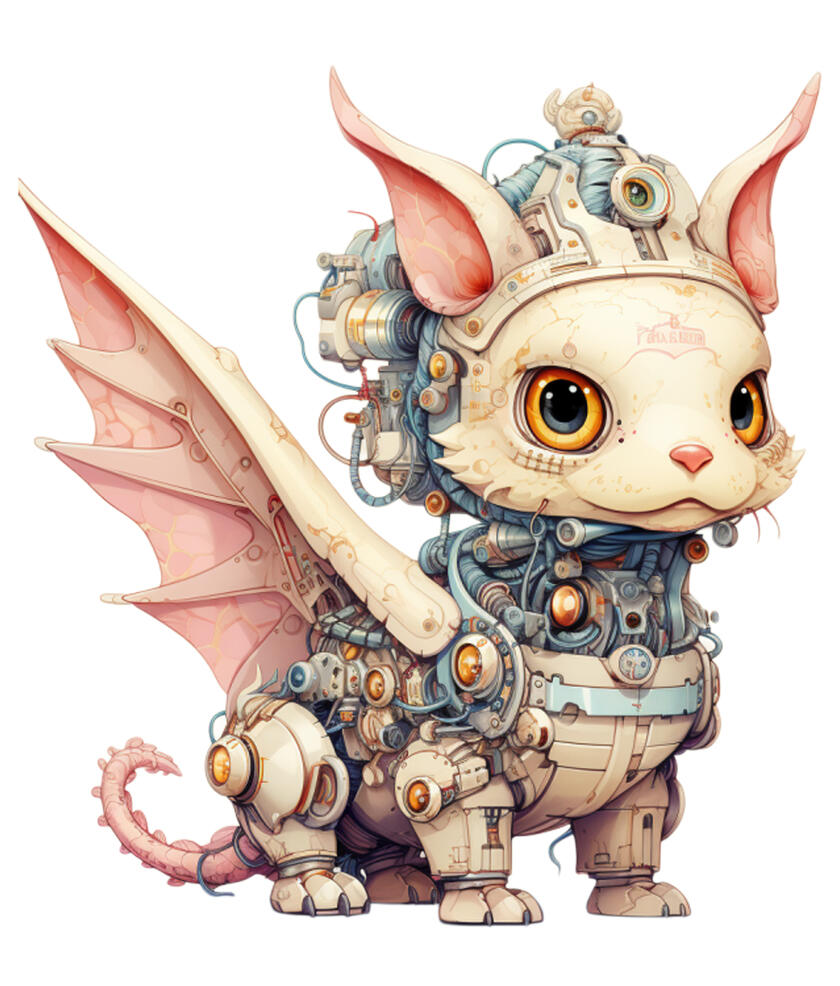
Kios
Smart Contracts - The Magical Agreement Maker
Scene 1: Introduction (20 seconds)
Animation: The camera soars up The Wonder Treehouse to the 4th story, revealing The Enchanted Blockchain Hub. We zoom into the Magic Scroll Library, a vast space filled with floating, glowing scrolls of code and magical contract books.Text on screen: "Smart Contracts: The Magical Agreement Maker" (The text appears as shimmering, interconnected nodes that form into letters)UNCLE DOGE: "Holy hash functions, young explorers! Welcome to the Magic Scroll Library! Uncle Doge says, 'These aren't your average bedtime stories – they're smart contracts, and they're about to blow your mind!'"KIOS: "In scrolls of light, new truths unfold,
Smart contracts' tales, waiting to be told."Animation: UNCLE DOGE gestures towards a particularly bright, floating scroll. It begins to unroll, revealing lines of magical code.UNCLE DOGE: "Follow Uncle Doge and Kios into the world of smart contracts, where agreements come to life faster than you can say 'blockchain'!"Animation: The camera follows the explorers through the unrolling contract, the view swirling and transforming as we transition to the next scene.
Scene 2: What are Smart Contracts? (30 seconds)
Animation: The scene opens in the grand, futuristic chamber of the Magic Scroll Library. Floating holographic scrolls show various types of digital agreements and transactions.Text on screen: "Smart Contracts: Digital Agreements Come to Life" (The text assembles itself from lines of code)Narrator: Smart contracts are a special type of digital agreement that use computer code to automatically execute the terms of a deal or arrangement.Animation: A traditional paper contract transforms into a glowing, interactive digital contract on one of the holographic scrolls.Narrator: Unlike regular contracts that are written on paper, smart contracts are created using computer code. This code lays out all the details of the agreement - for example, who is involved, what each person has to do, and what should happen when certain things are done.Animation: Show the digital contract reacting to student logins and completed assignments, and automatically updating access permissions.Narrator: The amazing thing about smart contracts is that they can handle the entire agreement automatically. Once the contract's terms are programmed into the code, the smart contract itself takes care of enforcing those rules.Animation: Illustrate the smart contract detecting a student's completed assignment, then automatically unlocking access to the next lesson or unit.Narrator: For example, if the smart contract is controlling access to a digital learning platform, it will automatically detect when a student finishes their assignments. At that point, the smart contract will immediately update the student's permissions, unlocking the next set of educational content for them to explore.Animation: Show the smart contract continuously monitoring student progress and adjusting access accordingly.Narrator: The smart contract code is designed to continuously monitor the agreement and take the right actions as conditions are met. It keeps track of things like assignments, progress, and earned badges, automatically executing the terms without anyone having to manually check each step.Animation: Display a network of interconnected smart contracts handling various educational and digital access agreements.Narrator: Smart contracts also use advanced blockchain technology to be incredibly secure. Their code is distributed across many computers, making it virtually impossible for anyone to change the terms without everyone knowing. This helps build trust between everyone using the agreement.Animation: The holographic scrolls zooms out to show the interconnected network of smart contracts, pulsing with activity, then slowly fades away.
Scene 3: The Birth of Smart Contracts (45 seconds)
Animation: The scene opens in a grand chamber of the Magic Scroll Library, with floating books and scrolls zipping around. A large, ancient tome descends from a high shelf and opens.Text on screen: "The Birth of Smart Contracts" (The text appears with a thoughtful glow)Narrator: Now, let's talk about why smart contracts were created in the first place. Making agreements and promises is really important in the world - whether it's for business deals, loans, or even just between friends. But the traditional ways of creating and managing these agreements had some big issues.Animation: Display a clock ticking very slowly next to a traditional legal contract, then speeding up next to a smart contract.Narrator: In the past, regular legal contracts were slow and cumbersome to put together. It would take a long time for lawyers and other experts to carefully draft and finalize the contracts, and even then, mistakes were common.Animation: Illustrate a chain of people passing a legal contract, with changes and modifications occurring, then show a smart contract bypassing this chain.Narrator: The old contract process involved multiple people handling the paperwork, which often led to mix-ups and unauthorized changes. Contracts didn't feel very secure or reliable back then.Animation: Show a traditional legal contract being altered with a magical eraser, then a smart contract resisting changes with a protective shield.Narrator: What's more, determined individuals could even make unauthorized changes to the contracts. Contracts didn't feel very trustworthy when the terms could be secretly altered without everyone's knowledge.Animation: The scene transitions to a magical workshop within the library, filled with glowing contract scrolls performing various tasks.Narrator: But with smart contracts, the process is quite different. The people creating the agreement - whether it's for a business deal, a loan, or anything else - they get together and carefully decide on all the important terms and conditions.Animation: Show a group of people collaborating to define the terms of a smart contract.Narrator: Once everyone agrees on what should happen, they encode those terms directly into the smart contract's underlying code and software.Animation: Display the agreed-upon terms being encoded into the smart contract's software.Narrator: After that, the smart contract takes over, automatically making sure the agreement happens exactly as planned, without any mistakes or unauthorized changes.Animation: Display the agreed-upon terms being encoded into the smart contract, which then executes the agreement flawlessly.Narrator: The smart contract becomes like a tireless helper that ensures the deal goes through correctly, based on the terms the people created. It eliminates the problems of the old paper contract system.Animation: The ancient tome closes, transforming into a glowing smart contract scroll.Narrator: Traditional contracts were just too slow, error-prone, and easy to tamper with. But smart contracts were designed to fix all of that. By understanding how they work, we can see why they're revolutionizing the way important agreements are made.Animation: The camera pans across the workshop, highlighting the intricate movements of the smart contract scrolls, before transitioning to the next scene.
Scene 4: What Smart Contracts Can Do? (40 seconds)
Animation: The scene shifts to a holographic display of smart contract scrolls.Text on screen: "The Capabilities of Smart Contracts" (The text assembles itself with a sense of curiosity)Narrator: Smart contracts have some important capabilities that can make a difference. Let's take a look at a few of the things they can do.Animation: Show a smart contract automatically triggering a payout when a task is completed, like unlocking a virtual reward or dispensing digital currency.Narrator: One capability of smart contracts is their ability to take actions automatically. They can execute tasks without anyone having to manually check or approve it.Animation: Illustrate a smart contract adapting its terms based on real-world information, like adjusting a virtual pet's feeding schedule based on weather data.Narrator: Smart contracts also have the capability of adaptability. They can connect to information from the real world and automatically adjust their rules.Animation: Show a group of smart contracts working together to power an interactive digital game or virtual world.Narrator: Another capability of smart contracts is their ability to collaborate, coordinating with each other to run complex digital systems.Animation: Highlight the transparency and security aspects of smart contracts, using visuals to convey their tamper-resistant nature.Narrator: Underlying all of these smart contract capabilities is their security and transparency, thanks to blockchain technology.Animation: The holographic display transforms into a glowing smart contract, its code pulsing with energy before the scene transitions to the next part.
Scene 5: Did You Know? (20 seconds)
Animation: The scene fades in to reveal a whimsical digital landscape filled with colorful, floating icons and playful animations. Each fun fact is introduced with a burst of sparkling effects.Text on screen: "Did You Know?" (The text appears with a playful animation, like being handwritten by a virtual pen)Text on screen: "Fact 1: The Birth of Smart Contracts"Animation: Show a magical timeline scroll unrolling to reveal the year 1994.Narrator: Did you know that the idea of smart contracts was first described way back in 1994? That's before many of you were born! It was thought up by a computer scientist named Nick Szabo.Text on screen: "Fact 2: Smart Contracts Can't Be Changed"Animation: Display a traditional paper contract transforming into a glowing, unbreakable smart contract.Narrator: Smart contracts have the unique ability that once they're created, nobody can change the rules - not even the person who made them! This makes them super secure.Text on screen: "Fact 3: Smart Contracts in Space"Animation: Show a satellite orbiting Earth, beaming down smart contract data.Narrator: Believe it or not, smart contracts might help us explore space! Some scientists are working on using them to control satellites and space probes. Imagine your homework being checked by a computer in orbit!Animation: The colorful, floating icons and animations swirl together, forming a glowing smart contract scroll that fills the entire scene before fading out.Narrator: These are just a few of the fascinating facts about smart contracts. Get ready to explore even more amazing uses for this transformative technology.
Scene 6: Conclusion (20 seconds)
Animation: UNCLE DOGE and KIOS reappear in the center of the Magic Scroll Library, surrounded by gently floating, glowing contract scrolls.Text on screen: "Smart Contracts: Powering the Future" (The text assembles itself from floating scroll fragments)UNCLE DOGE: "Well, explorers, wasn't that an exciting adventure through the world of smart contracts? These scrolls are truly remarkable, don't you think?"KIOS: "In scrolls of light, new wisdom found,
Smart contracts bind, without a sound."Animation: Both UNCLE DOGE and KIOS face the camera, with contract books and scrolls floating around them.UNCLE DOGE: "Uncle Doge says, 'Until next time, keep your agreements smart and your curiosity scrolling!'"KIOS: "With wisdom gained and knowledge bright,
May your path be lit by contract's light."Animation: They wave goodbye as the Magic Scroll Library scene fades out, contract scrolls and books flying playfully around them, some opening to reveal glowing code inside.
Module 8
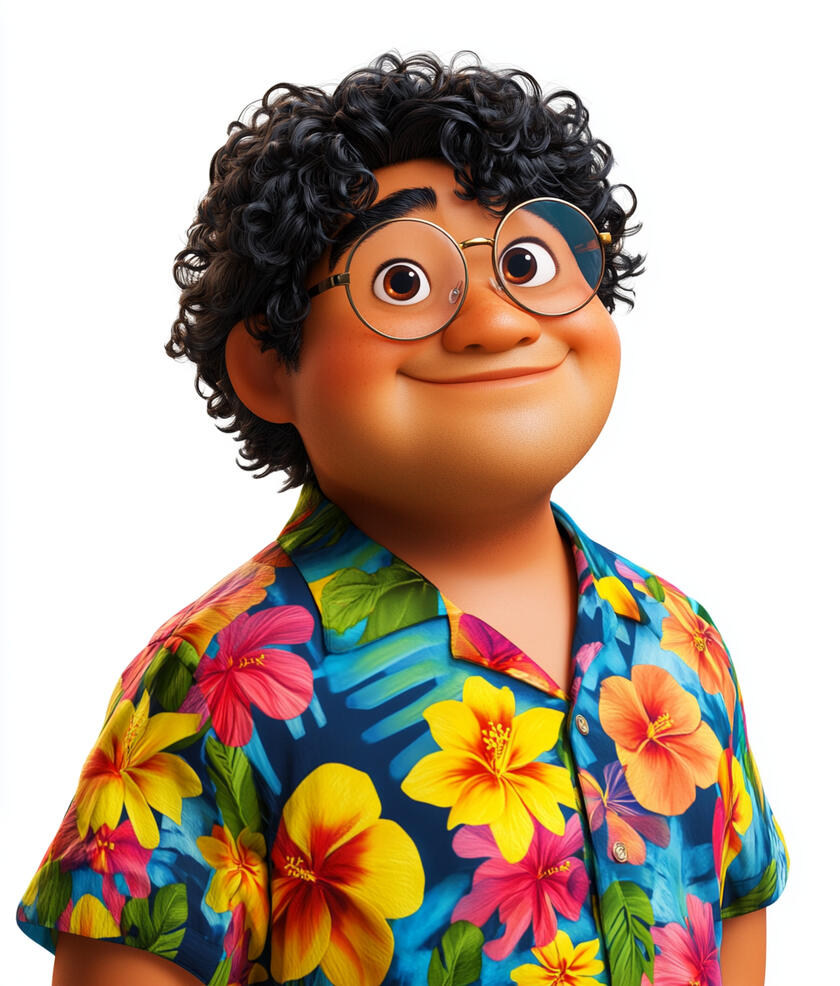
Uncle Doge
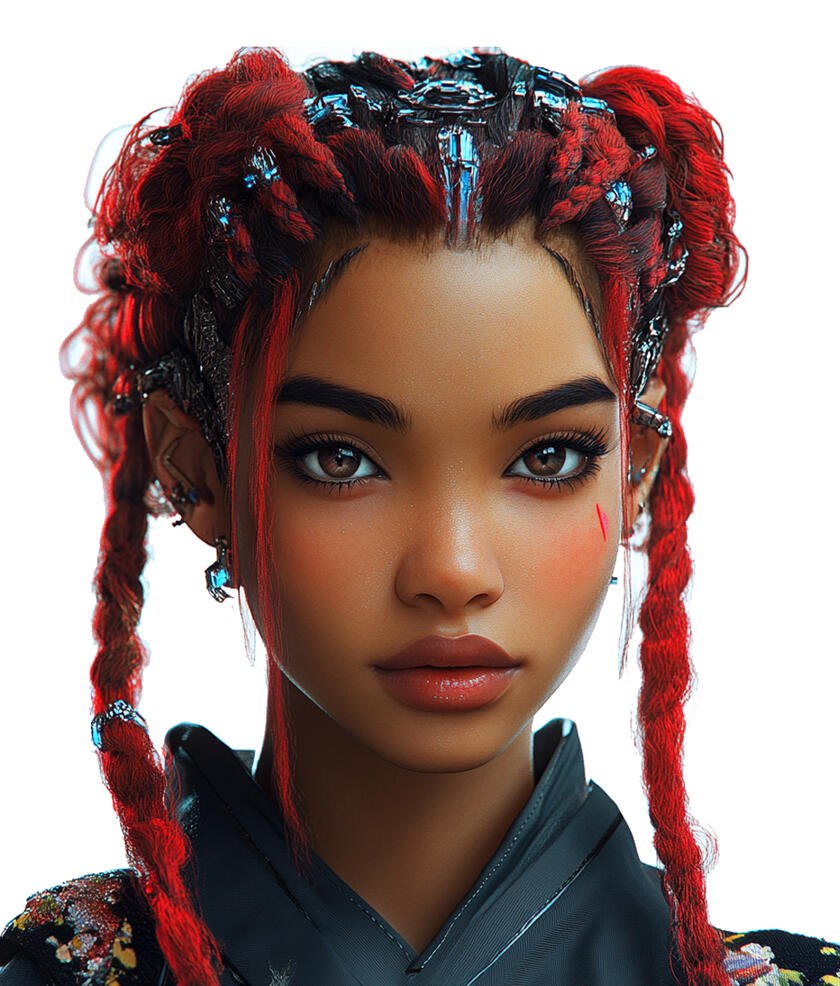
Ms Eva
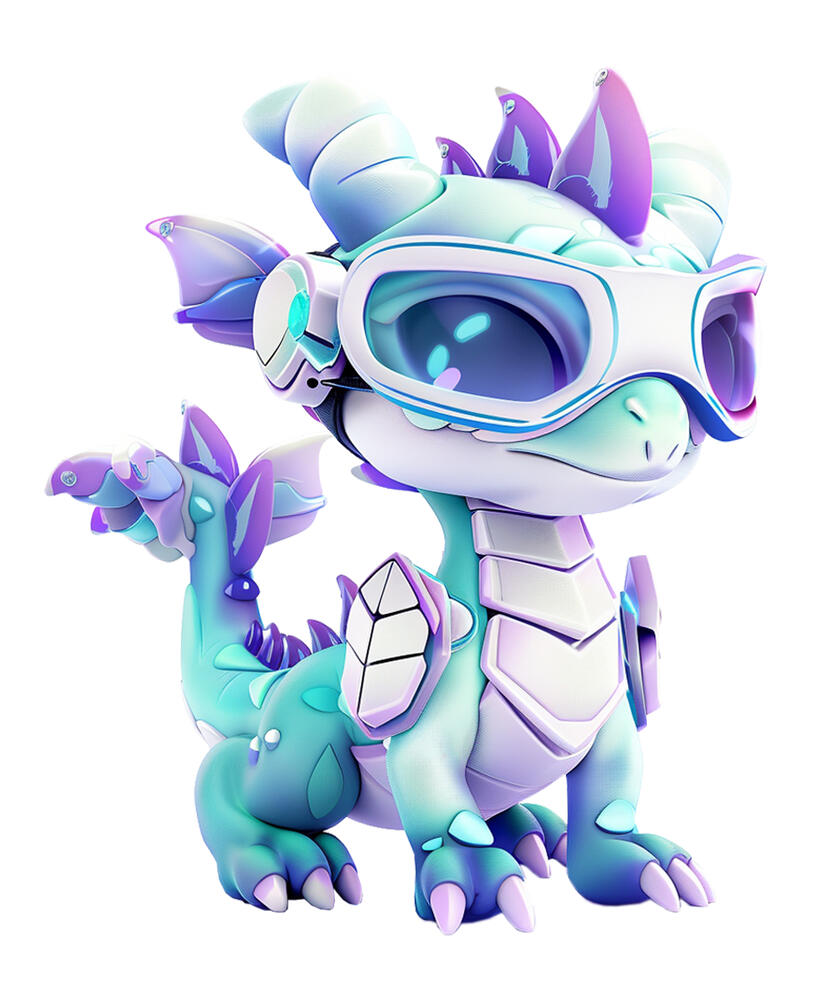
Dragonet
NFTs - Unique Digital Treasures
Scene 1: Introduction (20 seconds)
Animation: The camera soars up the Wonder Treehouse to the 4th story, revealing The Enchanted Blockchain Hub. We zoom into The Digital Asset Emporium, a dazzling space filled with holographic displays of unique digital artworks, rare collectibles, and futuristic game items.Text on screen: "NFTs: One-of-a-Kind Digital Wonders" (The text materializes as a string of interconnected, glowing blockchain cubes)UNCLE DOGE: "Well, well, well! Look who made it to the treasure trove of the digital age! Uncle Doge says, 'Time to turn those brain gears into NFT appreciation machines!' Ready to discover some one-of-a-kind digital marvels?"MS EVA: "Oh, Uncle Doge! You always know how to make NFTs sound like a thrilling treasure hunt. Let's guide our young explorers through this colorful tapestry of digital uniqueness!"DRAGONET: "Ooh, I've been practicing my NFT tricks! Bet you can't guess which digital artwork is truly one-of-a-kind. Think you can outsmart me this time?"Animation: A magical portal opens, swirling with pixelated artworks, 3D game items, and glittering tokens.UNCLE DOGE: "Follow ol' Uncle Doge through this portal, and let's uncover how NFTs are turning ones and zeros into priceless digital treasures!"
Scene 2: What are NFTs? (60 seconds)
Animation: The scene begins in The Digital Asset Emporium, where glowing digital items float in a vast virtual space. The camera zooms in on a wall of shimmering displays showing various NFTs.Text on screen: "NFTs: Non-Fungible Tokens" (The text appears as individual, uniquely styled letters that come together)Narrator: "'Non-fungible' means something that's unique and cannot be exchanged on a one-to-one basis. When something is non-fungible, each one has its own unique identity that makes it different from others."Animation: Shows digital certificates appearing next to different digital items (artwork, game characters, trading cards).Narrator: "NFTs, or Non-Fungible Tokens, are digital certificates that prove you own something digital."Animation: Highlights different identification numbers on several NFTs, even ones that look identical.Narrator: "Each NFT has a unique identification number, making it different from every other NFT - even if the digital items look exactly the same."Animation: Shows two real examples side by side:Example 1: A digital basketball card with 100 identical copies, each with its own number (#1/100 through #100/100)
Example 2: Bored Ape collection where each ape looks different but also has its own unique numberNarrator: "Let's look at some examples! Here's a digital basketball card where the creator made 100 that look exactly the same - but each has its own special number. And here's a collection where each digital ape looks different - and each has its own unique number too. What makes NFTs special isn't how they look, but their unique numbers that prove ownership."Animation: The displayed NFTs and their identification numbers merge into a flowing stream of digital data that spirals upward, forming a bridge to the next scene.
Scene 3: Why Were NFTs Created? (45 seconds)
Animation: The scene opens showing a digital timeline, highlighting 2014-2015 when NFTs first emerged.Text on screen: "The Birth of NFTs" (The text appears as digital code assembling itself)Narrator: "NFTs were created to solve two big challenges in the digital world - proving ownership and creating scarcity for digital items."Animation: Split screen showing:Left: Traditional digital sale where copies are identical with no way to identify the "original"
Right: NFT sale where blockchain shows clear history of original ownership and transfersNarrator: "Before NFTs, creators could sell digital items, but there was no way to track original ownership on the internet. Think of it like selling digital artwork - both the buyer and copies would look exactly the same."Animation: Shows blockchain recording unique ownership and transfer history of digital items.Narrator: "NFTs changed this by using blockchain technology. Now, even though digital items can still be copied, the blockchain provides a clear record of who owns the original. It tracks every time an NFT is bought and sold, creating a permanent history that can't be changed."Animation: Shows CryptoKitties and early digital art NFTs with their ownership histories visible on blockchain.Narrator: "The first NFTs were created in 2014-2015. They made it possible for people to collect and trade digital items with verified ownership - something that wasn't possible before blockchain technology."Animation: The timeline transforms into a flowing river of blockchain records, showing how early NFTs evolved into today's diverse digital collections. As the camera pans out, the historic milestones merge into a bridge of glowing transactions leading to our present digital world.Narrator: "And that's how NFTs changed the way we think about owning things in the digital world."
Scene 4: How NFTs Work? (40 seconds)
Animation: The scene opens in the Digital Asset Emporium, transforming into a virtual workspace where NFTs are being created.Text on screen: "Creating and Trading NFTs" (The text materializes like digital code forming into letters)Narrator: "Let's see how NFTs are actually created and traded!"Animation: Shows the minting process:Creator uploads digital item
Chooses whether to make one NFT or multiple copies
Sets creator royalties (if any)
Pays network fee (gas fee)
NFT appears with unique blockchain recordNarrator: "When someone creates - or 'mints' - an NFT, they must pay a network fee, also called a 'gas fee'. This fee pays for the computing power needed to add the NFT to the blockchain. The creator can also set up royalties to earn a percentage when their NFT is resold."Animation: Shows NFT marketplace and trading process:NFT listed for sale
Buyer pays:Purchase price
Network fee for transaction
NFT moves to buyer's walletOriginal creator receives royalties if set up
Blockchain record updatesNarrator: "When buying an NFT, you pay both the price of the NFT and a network fee for the transaction. If the creator set up royalties, they automatically receive their share of the sale."Animation: The marketplace scene transforms into a flowing stream of NFT transactions, leading to the next scene.
Scene 5: Common Examples of NFTs (40 seconds)
Animation: The scene opens to a digital gallery with different sections.Text on screen: "Common Examples of NFTs" (The text assembles from digital blocks)Narrator: "Let's look at some common types of NFTs that exist today."Animation: Art section sparkles to life, displaying various forms of digital artwork - from simple illustrations to complex digital paintings and animations.Narrator: "Digital artists can turn their artwork into NFTs. Each piece has a record showing who created it and who owns it, helping artists share and sell their digital creations."Animation: Music section illuminates, showing digital music tracks with unique identifiers and ownership records.Narrator: "Musicians can also release their songs as NFTs. Fans can own these unique digital music releases, sometimes getting special access to content or experiences from the artist."Animation: Game section lights up, showing game characters wearing different outfits and using various equipment.Narrator: "In games, NFTs can be character outfits, equipment, or limited items. Players who own these NFTs can use them in the game, and sometimes trade or sell them with other players if the game allows it."Animation: Trading card section illuminates, displaying cards of different rarities flipping and arranging themselves.Narrator: "Digital trading cards work similarly to physical trading cards. They come in different levels of rarity, and collectors can buy or trade them with others. The blockchain keeps track of every card's trading history."Animation: Profile section glows, showcasing a grid of different avatar collections with varying traits and features.Narrator: "Profile picture NFTs are collections of digital avatars. People can use these as their pictures online. Each one has different combinations of features and attributes that make them distinct."Animation: Virtual world section activates, revealing digital landscapes and customizable spaces.Narrator: "In virtual worlds, NFTs could represent digital land or items. People who own these can customize their virtual spaces according to the world's rules."Narrator: "These are just some examples of how NFTs are being used in digital spaces. As digital worlds grow, we might discover even more interesting ways to use NFTs!"Animation: All sections of the gallery glow simultaneously, their light streams merging into a flowing river of digital possibilities that leads to the next scene.
Scene 6: Did You Know? (30 seconds)
Animation: The scene fades in to reveal a whimsical digital landscape filled with colorful, floating icons and playful animations. Each fun fact is introduced with a burst of sparkling effects.Text on screen: "Did You Know?" (The text appears with a playful animation, like being handwritten by a virtual pen)Text on screen: "Fact 1: Record-Breaking NFT"Animation: Shows Beeple's "Everydays: The First 5000 Days"Narrator: "The most expensive NFT ever sold was an artwork called 'Everydays: The First 5000 Days' by artist Beeple. It sold for $69.3 million in March 2021."Text on screen: "Fact 2: The First NFT Game"Animation: Shows CryptoKitties breeding and creating new unique catsNarrator: "In late 2017, CryptoKitties became the first popular NFT game. It was so popular it slowed down the entire Ethereum network because so many people were playing with these digital cats at the same time!"Text on screen: "Fact 3: NFT Collections"Animation: Shows CryptoPunks collection and its history.Narrator: "CryptoPunks was one of the first and most influential NFT collections, with 10,000 unique characters created in 2017. They helped establish how NFT collections work today."Animation: The scene then merges into a flowing stream of digital data, transitioning smoothly to the next scene.
Scene 7: Conclusion (20 seconds)
Animation: The scene returns to the Digital Asset Emporium, where UNCLE DOGE, MS EVA, and DRAGONET stand among glowing digital displays.UNCLE DOGE: "Uncle Doge says, 'Understanding new technology is like building with digital blocks - take it one piece at a time!' We've learned about NFTs step by step, and that's how all great discoveries begin."MS EVA: "Remember, NFTs are still a developing technology. They're giving us new ways to own and trade things in the digital world - like game items, profile pictures, trading cards, and more."DRAGONET: "Wow! I've learned so much about NFTs with you all! Can't wait to discover what other exciting digital adventures await us. Keep up if you can!"Animation: The scene gently fades as streams of digital data flow together, forming a glowing archway that leads to the next module.
Module 9
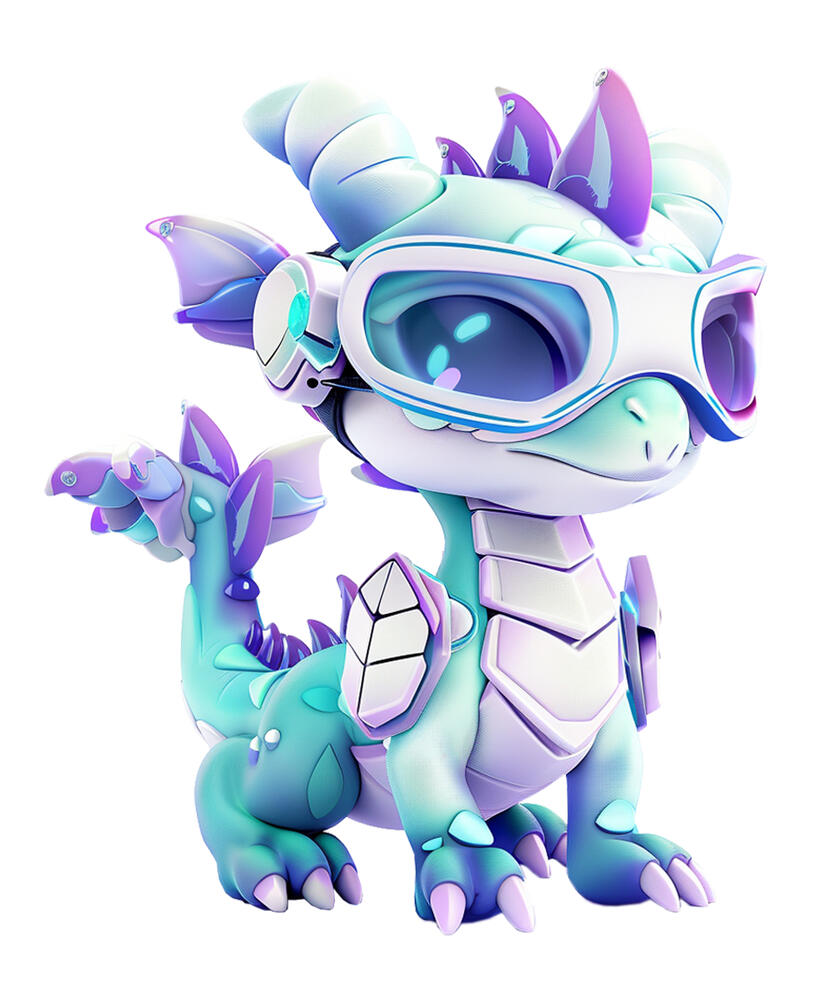
Dragonet

Dr Enigma
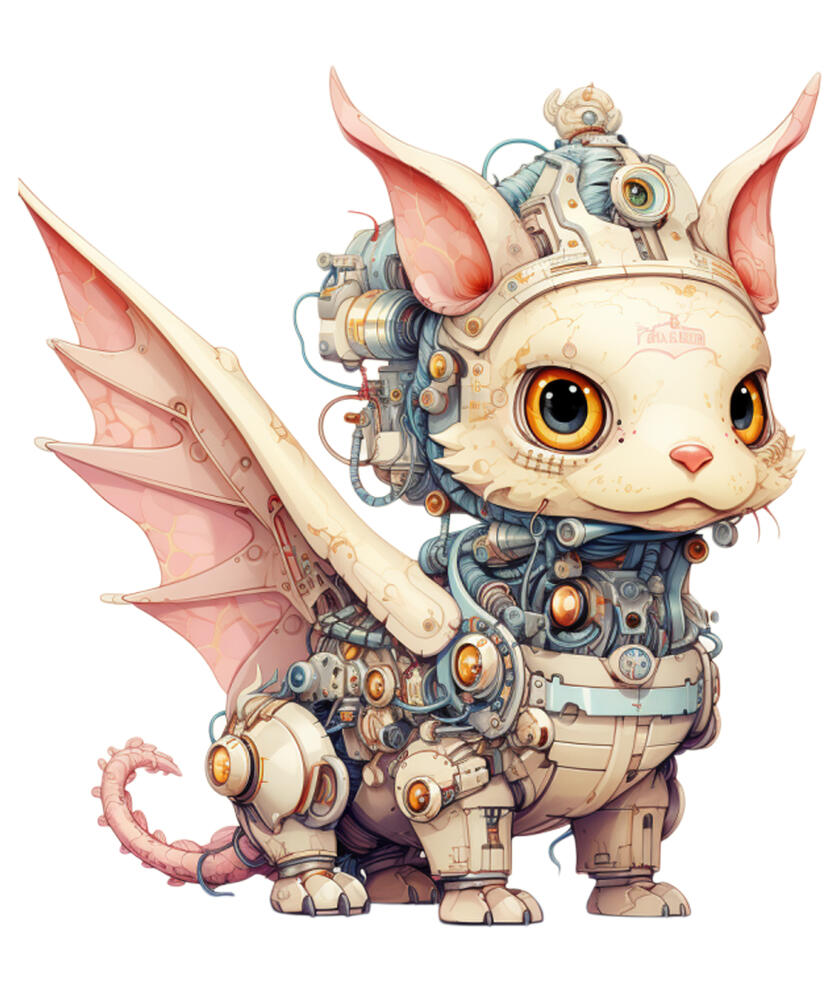
Kios
AI: The Clever Computer Companions
Scene 1: Introduction (20 seconds)
Animation: The camera soars up the Wonder Treehouse to the 5th story, revealing The AI Wonderland. We zoom into The Clever Computer Circus, a whimsical big top filled with holographic AI assistants, robotic acrobats, and digital jugglers.Text on screen: "AI: The Clever Computer Companions" (The text appears as shimmering, interconnected nodes that form into letters)DRAGONET: "Hey there, digital adventurers! Ready to meet some of the smartest computer pals around? I've mastered a new AI trick—think you can outsmart me this time?"DR ENIGMA: "Step into my world of artificial intelligence—if you can handle the wisdom buried in the code. But remember, even the cleverest AI can't match human creativity... yet."KIOS: "In circuits deep and silicon's gleam,
Lies wisdom's path, a digital dream.
Through binary gates and logic's might,
We'll journey far in artificial light."DRAGONET: "Welcome to The Clever Computer Circus! Today, we're diving into the amazing world of AI – that's Artificial Intelligence. These clever computer companions are changing the way we live, work, and play!"Animation: DRAGONET gestures towards a glowing circus ring. It begins to swirl with vibrant colors and data streams.DRAGONET: "Follow me through our magical AI ring, and let's discover how these smart computers are becoming our new best friends!"Animation: The camera follows the explorers through the ring, the view swirling and transforming as we transition to the next scene.
Scene 2: What is AI? (30 seconds)
Animation: Inside the Clever Computer Circus tent, a simple demonstration area appears in the center ring.Text on screen: "What is AI?" (Text unrolls like a circus banner)Narrator: "Artificial Intelligence is a type of computer program designed to find patterns and solve problems. Unlike regular programs that follow fixed rules, AI programs can use what they've learned to handle similar but new situations."Animation: In the circus ring, show a split demonstration:
- Side A: Regular program identifying only exact matches of a circus act
- Side B: AI program recognizing variations of the same type of actNarrator: "Regular programs follow fixed steps to solve problems. AI programs can:
- Find patterns in examples
- Apply what they've learned to similar situations
- Make choices based on the patterns they've found"Animation: The ring shows a simple pattern recognition demonstration:
- Different circus acts being performed
- AI identifying the type of act based on patterns it knows
- Show it successfully categorizing a new variationNarrator: "What distinguishes AI is its ability to spot patterns and use them to handle similar situations."Animation: Show a human circus trainer and AI working together to categorize different types of performances.Narrator: "AI helps computers handle complex tasks by finding and using patterns. But it needs humans to create it, give it good examples to learn from, and decide how to use it."Animation: The circus lights dim softly, leaving a warm spotlight on the trainer and AI as they bow together before the next act begins.
Scene 3: The Birth of AI (40 seconds)
Animation: Inside the Clever Computer Circus tent, the center ring transforms into a magical timeline theater. Spotlights illuminate each historical moment.Text on screen: "The Birth of AI"Narrator: "The story of AI begins with a bold vision. In the 1800s, two brilliant UK mathematicians, Ada Lovelace and Charles Babbage, dreamed of machines that could go beyond simple calculations. Babbage designed a mechanical device, called the Analytical Engine, that he hoped could process complex equations. Ada Lovelace, seeing its potential, imagined that such machines could be programmed to follow intricate patterns and even create music. This idea—that machines might one day solve problems like a human—was the first spark of artificial intelligence."Animation: Shows Babbage sketching the Analytical Engine, followed by Ada Lovelace writing notes about its potential to create patterns, with her notes glowing to represent her groundbreaking insights.Narrator: "This dream started becoming reality in 1945 with the construction of ENIAC, the world’s first electronic computer. Unlike earlier mechanical devices, ENIAC used thousands of electrical circuits to quickly solve complex calculations. It marked a new era where machines could perform tasks previously unimaginable."Animation: Shows the giant ENIAC computer with its flashing lights and switches, highlighting its size and complexity.Narrator: “In 1950, a brilliant mathematician named Alan Turing asked a daring question: ‘Can machines think?’ To find out, he invented a test to see if a computer could fool someone into believing they were talking to a real person.”Animation: Shows a simple illustration of the Turing Test, with a person interacting with a machine, question marks, and a thinking bubble.Narrator: “Just a few years later, something incredible happened…”Animation: Scientists gathering in a meeting room with the words "Dartmouth College, 1956" on screen.Narrator: “In the summer of 1956, a group of scientists met at Dartmouth College in America. They had an amazing idea—they believed computers could be taught to solve problems like people. They named this new field ‘Artificial Intelligence,’ or AI.”Animation: Shows early computer program solving a logical puzzle on a screen.Narrator: “That same year, the very first AI program, called Logic Theorist, was born. It could solve math puzzles and was an exciting start for AI.”Animation: Shows the ELIZA chatbot interface, with a speech bubble saying “Hello, how can I help you?”Narrator: “Then, in 1966, scientists created ELIZA, a simple computer program that could chat with people. ELIZA showed that one day, computers might even understand human language.”Animation: Shows SHAKEY the robot navigating a small obstacle course.Narrator: “By 1969, they built SHAKEY, the first robot that could think about how to move around and do tasks by itself.”Animation: A doctor and a computer working together on a diagnosis.Narrator: “In the 1980s, expert systems—special AI programs—were developed to help doctors make better diagnoses. They could use rules from experts to suggest solutions, like a digital helper.”Animation: Shows a chessboard with the names “Kasparov” and “Deep Blue” above it.Narrator: “A big milestone came in 1997, when IBM’s computer, Deep Blue, beat the world chess champion Garry Kasparov. This showed that AI could tackle even the most complex games.”Animation: Shows Mars rovers exploring with a view of Mars’ red landscape.Narrator: “In the 2000s, AI went to space! Robots on Mars, called rovers, could make some of their own decisions while exploring the red planet.”Animation: Shows neural networks analyzing data, with lines connecting dots in a web pattern.Narrator: “In 2012, a breakthrough called ‘deep learning’ helped AI become much better at recognizing images and understanding spoken words.”Animation: Shows modern AI applications, like voice assistants helping with homework questions, and language translation apps for learning new languages.Narrator: “Recently, AI has gotten even smarter. By 2022, advanced AI could help write stories, understand conversations, and solve complicated problems.”Animation: Shows scientists from around the world working together with their computers.Narrator: “Today, scientists worldwide work together to make AI tools that can help solve important challenges. Although AI is great at specific tasks, it doesn’t think quite like we do. It’s best when it works alongside people to make life better for everyone.”Animation: The ring transforms back to the circus setting, with the timeline becoming a glowing path leading to the next topic.
Scene 4: How AI Thinks? (40 seconds)
Animation: The scene opens with a friendly robot wearing a small circus ringmaster hat, symbolizing its role as the guide through the "AI circus." The robot stands next to a large chalkboard displaying a simple flowchart.Text on screen: "How Does AI Think?" (The text assembles like puzzle pieces, with a circus-style font)Narrator: "AI thinks through something called algorithms. Imagine an algorithm as a set of instructions or a recipe that helps AI solve problems, kind of like following a map through a maze."Animation: Show the flowchart lighting up step-by-step, and the robot uses a circus baton to point to each stage on the board.Narrator: "Let’s say AI is helping a student with a math problem. Here’s how it might think:"Animation: The flowchart transforms into a decision tree for solving a math problem:Understand the question (the robot pulls out a giant question mark from a circus tent)
Identify the type of problem (addition, subtraction, etc.)
Apply the correct steps (the robot uses juggling balls labeled with math symbols)
Solve the problem (the robot pulls a solution out of a top hat)Narrator: "The AI follows these steps quickly, using the information it has to solve the problem correctly."Animation: Show the robot processing through many possible solutions in seconds, while circus performers (like juggling clowns or acrobats) move quickly in the background, emphasizing speed.Narrator: "What makes AI powerful is its speed. It can consider many possible answers and find the right one faster than a human could."Animation: Split screen showing a child thinking through a math problem slowly, while AI solves it quickly on the other side, with the circus robot performing an acrobatic flip to show the speed.Narrator: "But while AI is fast, it doesn’t have feelings or understanding like humans. It’s a tool we use to help us learn and solve problems more efficiently."Animation: The circus robot gives a friendly nod and twirls its baton, then the screen fades out.
Scene 5: AI in Our Daily Lives (50 seconds)
Animation: The scene transitions to The Clever Computer Circus, with the central tent opening into a large, bustling world where AI is integrated into everyday life. Various AI-powered elements are scattered across the scene, such as smart homes, virtual assistants, and AI-powered robots.Text on screen: "AI in Our Daily Lives" (Text appears clearly on the screen, as if displayed by a digital assistant)Narrator: "Artificial Intelligence is becoming part of our daily routines, often in ways we don’t even realize. Let’s take a look at some examples."Animation: Show a smart home system automatically adjusting lights, playing music, and brewing coffee as a family wakes up.Narrator: "In smart homes, AI helps you start your day. It can adjust the lights, play your favorite music, and even brew coffee. These systems learn your preferences and make your home more comfortable and efficient."Animation: Display a map app in a car, showing how AI suggests the fastest route to avoid traffic and predict arrival times.Narrator: "On the road, navigation apps use AI to suggest the quickest routes, avoid traffic, and even predict when you'll arrive. It helps drivers save time and make sure they get where they need to be efficiently."Animation: Show a child playing an educational app, where the AI adjusts the difficulty level based on their progress.Narrator: "AI also helps with learning. Many educational apps use AI to personalize your experience by adjusting the difficulty of problems to match your progress. This helps you learn at your own pace, ensuring you're always challenged, but never overwhelmed."Animation: Display a social media platform curating content, suggesting new posts, accounts, or videos based on what the user likes.Narrator: "On social media, AI analyzes what you like and recommends posts, videos, or even new accounts you might enjoy. It tailors your feed to match your interests, so you see more of what you care about."Animation: Show a robot vacuum cleaning the floor and a smart fridge suggesting recipes based on the ingredients available.Narrator: "At home, AI powers devices like robot vacuums that clean automatically, and smart fridges that suggest recipes based on the ingredients you have. These tools help make life easier and more organized."Animation: Briefly show AI being used in hospitals for medical diagnosis, in weather stations for forecasting, and in video streaming services for recommendations.Narrator: "Behind the scenes, AI is helping doctors diagnose diseases faster, predicting weather patterns to keep us safe, and recommending new shows for you to watch based on your preferences."Narrator: "As you can see, AI is already helping us in many ways, making things faster, easier, and more personalized. It’s changing the way we live, work, and learn every day."Animation: The scene zooms out from the various AI-powered elements, showing a big digital screen in the sky with glowing lines connecting each AI application together like a network, and fades out.
Scene 6: The Broader Impact of AI (40 seconds)
Animation: The scene opens with a global map, gradually zooming out to show a network of interconnected lines across the world, symbolizing AI's presence everywhere.Text on screen: "AI’s Broader Impact" (The text appears like a world map, pinpointing key areas where AI is active)Narrator: "AI is helping more than just our daily lives—it’s also making a big impact in many important areas around the world. Let's look at how."Animation: Show AI systems used in disaster response, predicting natural disasters like floods or earthquakes.Narrator: "In emergencies, AI can help predict natural disasters, giving people time to prepare and stay safe."Animation: Display AI helping with research on new medicines or vaccines.Narrator: "AI is also making strides in medicine. Researchers use AI to speed up the discovery of new medicines and vaccines, helping save lives."Animation: Show AI-powered robots working in dangerous environments, like cleaning up after natural disasters.Narrator: "In dangerous situations, like cleaning up after disasters, robots powered by AI can help keep humans safe by doing the risky jobs."Animation: Display AI helping with environmental conservation, like tracking wildlife or monitoring endangered species.Narrator: "For the environment, AI helps track wildlife and monitor endangered species, giving us tools to protect our planet."Animation: Show AI helping create more efficient renewable energy systems, like wind turbines or solar panels.Narrator: "AI is also making our energy systems smarter. It helps optimize renewable energy sources like solar and wind to create cleaner power."Narrator: "AI is playing a big role in solving some of the world's toughest problems, from protecting the environment to improving healthcare and more. It's helping us create a smarter, safer, and more sustainable world."Animation: Show the world map with glowing lines connecting various locations, symbolizing AI's global presence and interconnected impact, then transition to a simple, clean fade-out to conclude the scene.
Scene 7: AI Safety (30 seconds)
Animation: The scene transitions into a playful setting, where AI challenges are represented by obstacles, showing how safety measures are in place.Text on screen: "Keeping AI Safe and Fair" (Appears like a safety shield protecting the AI)Narrator: "AI is powerful, but just like any tool, we need to make sure it’s safe and works for everyone."Animation: Show a balancing scale, with "AI Power" on one side and "Human Values" on the other.Narrator: "Governments around the world are creating rules to make sure AI is used fairly. These rules help make sure AI respects people's rights, keeps us safe, and doesn’t harm anyone."Animation: Show a group of people from different backgrounds working together on AI projects.Narrator: "Scientists, lawmakers, and everyday people are working together to make sure AI is used responsibly and ethically."Animation: Shows a simple example of AI being tested before use:Scientists checking an AI art program to make sure it creates appropriate images
Teachers reviewing AI learning tools before using them in classNarrator: "Experts are also teaching AI to make fair decisions, without bias or harm."Animation: Shows how AI is tested using different examples:AI recommending books to diverse groups of students
AI helping doctors look at medical images for patients of all backgroundsNarrator: "But most importantly, humans are always in control of AI. We decide how and when it is used."Animation: Shows students making smart choices with AI:Turning off AI help when doing creative writing
Using AI suggestions as starting points but making final decisions themselvesText on screen: "AI Safety: Our Shared Responsibility" (Text forms from interlocking puzzle pieces)Narrator: "By learning about AI and asking questions, we can all help make the future safer and better for everyone."Animation: The safety examples transform into twinkling stars that form a protective constellation around a simple AI helper, symbolizing how safety measures protect both AI and its users.
Scene 8: Did You Know? (60 seconds)
Animation: The scene fades in to reveal a whimsical digital landscape filled with colorful, floating icons and playful animations. Each fun fact is introduced with a burst of sparkling effects.Text on screen: "Did You Know?" (The text appears with a playful animation, like being handwritten by a virtual pen)Text on screen: "Fact 1: The First AI Victory"Narrator: "In 1997, an AI called Deep Blue made history! It defeated world chess champion Garry Kasparov in a six-game match. This was the first time AI beat a world champion at chess."Animation: Shows a chess board with key pieces moving to demonstrate the historic victory moment.Text on screen: "Fact 2: AI Spots Hidden Planet"Narrator: "In 2019, AI helped NASA discover a new planet! By analyzing data from the Kepler space telescope, AI found a planet orbiting a distant star that scientists had missed."Animation: Shows telescope data being analyzed, revealing the hidden planet signal that AI spotted.Text on screen: "Fact 3: AI Decodes Ancient Scroll"Narrator: "In 2023, AI helped archaeologists decode an ancient scroll from Pompeii that was too damaged to read. The scroll had been charred by the volcano nearly 2000 years ago!"Animation: Shows a charred scroll being carefully unfolded as AI helps reveal the hidden text.Animation: The chess victory, space discovery, and ancient scroll displays softly transform into twinkling lights, forming a path of human innovation and AI collaboration through time, then fades out.
Scene 9: Conclusion (20 seconds)
Animation: DRAGONET, DR ENIGMA, and KIOS reappear in the center of The Clever Computer Circus.Text on screen: "AI: Enhancing Human Potential" (The text swirls into existence like a magic portal opening)DRAGONET: "Wow! What an incredible journey through the world of AI! I’ve learned so much—think you’re ready to join me in using these awesome new tools?"DR ENIGMA: "Remember, AI is powerful, but it’s how we choose to use it that matters. To create a better world, we need AI guided by wisdom and care."KIOS:
"From circuits bright to dreams explored,
Our journey's filled with knowledge stored.
With each new step, with wonder wide,
We shape a future side by side."Animation: All three characters face the camera.DR ENIGMA: "Stay curious, keep those questions coming—and maybe, just maybe, you'll discover something that even I didn't see coming."Animation: They wave goodbye as the circus scene fades out, transitioning to a starry sky filled with constellations shaped like various AI applications.
Module 10
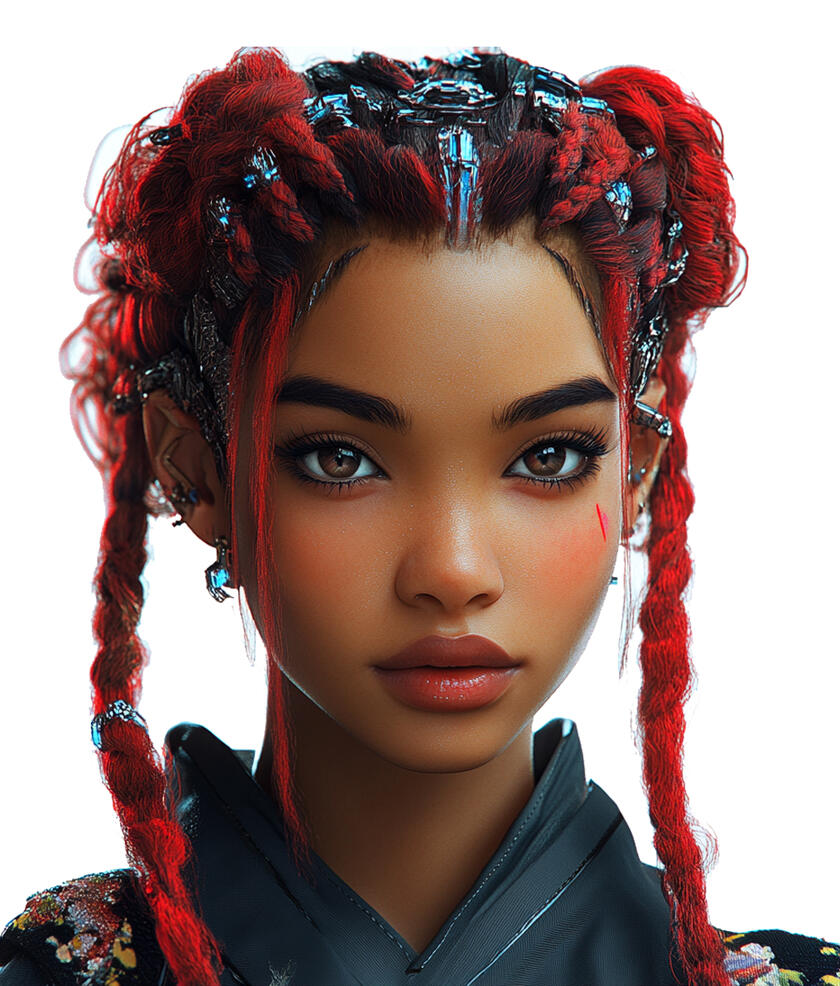
Ms Eva
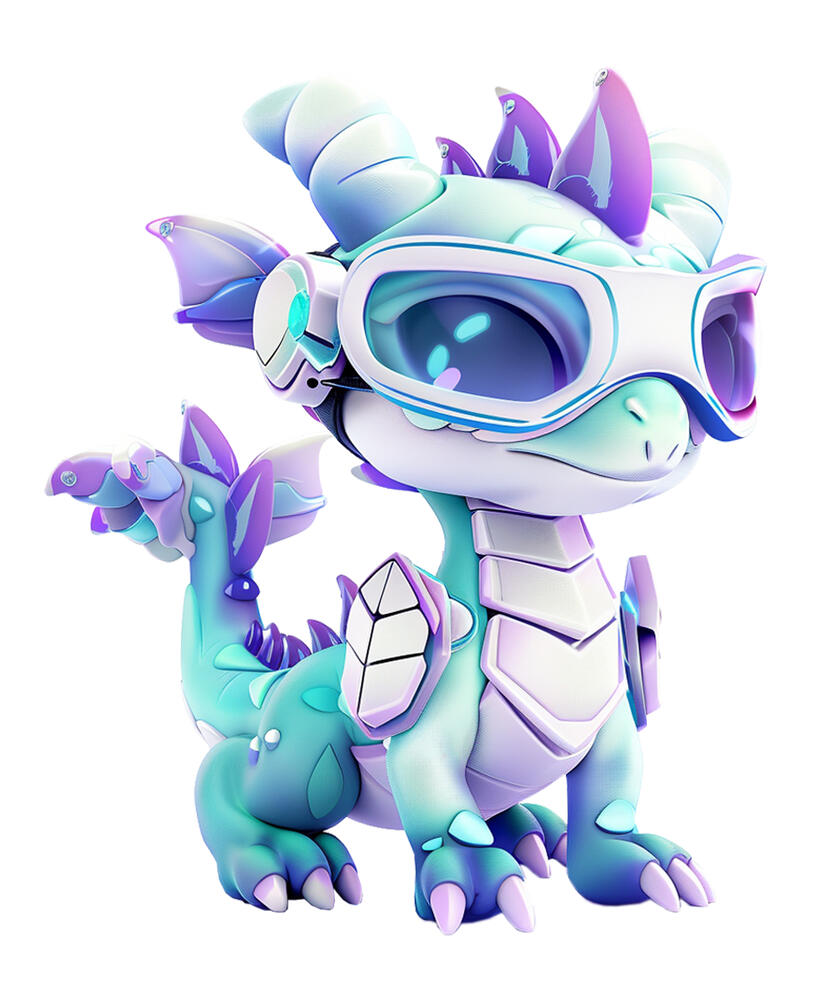
Dragonet
Machine Learning: Teaching Computers New Tricks
Scene 1: Introduction (20 seconds)
Animation: The camera pans across the 5th story of the treehouse, showcasing The AI Wonderland. We zoom into the entrance of the Machine Learning Labyrinth, a maze-like structure with walls made of transparent screens showing "neurons" lighting up.Text on screen: "Machine Learning: Teaching Computers New Tricks" (The text appears as glowing synapses connecting to form letters)MS EVA: "Welcome, young explorers, to the magical Machine Learning Labyrinth! Let me guide you through this colorful tapestry of knowledge where computers learn to be clever!"DRAGONET: "Ooh, my circuits are buzzing with excitement! There's so much amazing tech to discover here. Can't wait to learn how computers learn their coolest tricks!"MS EVA: "Today, we're diving into the fascinating world of Machine Learning. It's like teaching computers to be super-smart students who never get tired of learning!"Animation: MS EVA gestures towards a glowing pathway that begins to form through the labyrinth.MS EVA: "Follow me along this illuminated path, and let's discover how we can teach computers new tricks!"DRAGONET: "Come on! With all these glowing neurons around us, I bet we'll find something shocking to learn!"Animation: The camera follows MS EVA and DRAGONET as they start their journey through the labyrinth, with the walls around them shifting and changing.
Scene 2: What is Machine Learning? (30 seconds)
Animation: The labyrinth opens into a circular room with a large, friendly robot in the center.Text on screen: "What is Machine Learning?" (The text assembles itself like puzzle pieces)Narrator: Machine Learning is a powerful type of Artificial Intelligence that allows computers to learn and improve on their own!Animation: Show the robot "studying" various objects and information.Narrator: Instead of being programmed with specific instructions for every task, machine learning uses algorithms - which are like detailed plans or sets of rules that tell computers how to learn!Animation: First show a simple game rulebook transforming into computer instructions, then split screen showing a child learning to ride a bike and the robot learning to solve a puzzle.Narrator: Just like how you get better at riding a bike or solving puzzles with practice, machine learning helps computers get better at tasks the more they do them.Animation: Show the robot rapidly analyzing thousands of images and becoming better at recognizing objects.Narrator: The incredible thing is, computers can learn from millions of examples super fast, becoming experts in tasks that might take humans years to master!Animation: Three icons pop up representing Pattern Recognition, Prediction, and Adaptation.Narrator: "With these remarkable abilities, machine learning is changing the way we solve problems and make discoveries!"Animation: The friendly robot gives a cheerful wave as the scene gently fades into the next part of the labyrinth.
Scene 3: Machine Learning Through Time (30 seconds)
Animation: The labyrinth transforms into a timeline, showcasing the evolution of computing and AI.Text on screen: "Machine Learning Through Time" (The text materializes from binary code)
Part 1: The Beginning
Narrator: "Our story begins in 1959 with an incredible breakthrough. IBM computer scientist Arthur Samuel created the world's first self-learning program!"Animation: Show Samuel at IBM working on a computer.Narrator: "His computer program learned to play checkers by practicing thousands of games against itself, getting better each time. Samuel was also the first person to use the term 'machine learning', giving this exciting field its name."Animation: Show the checkers program playing against itself, with a score counter showing improvement over time.Part 2: First Learning Machine
Narrator: "In 1957, Professor Frank Rosenblatt, a research psychologist and computer scientist at Cornell University's Aeronautical Laboratory, made another remarkable breakthrough."Animation: Show Rosenblatt with the original Perceptron machine.Narrator: "He invented the 'Perceptron' - the first machine that could learn to recognize simple patterns in images. When shown pictures with a shape on either the left or right side, the Perceptron learned to correctly tell which side the shape was on!"Animation: Show the original Perceptron machine with its grid of photocells, then demonstrate it analyzing images with simple shapes placed on left or right sides, with clear visual feedback showing when it correctly identifies the position.Part 3: Neural Networks
Narrator: "In 1986, Professor Geoffrey Hinton at the University of Toronto made another big discovery. He showed how computers could learn through a system of connected artificial neurons arranged in layers. Each layer would pass information to the next, and if the final answer was wrong, the system would go back and adjust itself to do better next time!"Animation: Show a simple flow diagram where information moves through connected layers, with arrows indicating forward flow and backward adjustments when mistakes occur.Part 4: Modern Breakthroughs
Narrator: "Through the 1990s, more breakthroughs came. In 1989, Dr. Yann LeCun, Head of Research at AT&T Bell Labs, pioneered a new way for computers to read handwritten numbers - a system called LeNet that became the foundation for many of today's image recognition systems."Animation: Show a handwritten number being recognized by a simple computer display.Narrator: "Also at AT&T Bell Labs, researchers Dr. Vladimir Vapnik and Dr. Corinna Cortes made another breakthrough. In 1998, they invented 'Support Vector Machines' - a powerful new way for computers to spot and learn from complex patterns!"Animation: Show pattern recognition evolving from simple to more complex forms.Part 5: Present Day
Narrator: "Machine learning keeps evolving rapidly. In 2012, Dr. Alex Krizhevsky and Professor Geoffrey Hinton created AlexNet - a new way for computers to look at pictures. Their system was so good at recognizing objects in photos that it won a major competition, correctly identifying things 85% of the time - much better than any computer before!"Animation: A simple image of a bird transforms as computer recognition highlights its features, with accuracy percentage rising from 70% to 85%, labeled "AlexNet 2012.Narrator: "In recent years, machine learning made huge leaps! Scientists created AI assistants that could understand and respond to questions in helpful ways. These AIs could help with different tasks like writing and coding. Today, scientists have made them even better at understanding topics and explaining things clearly, and they keep working on new improvements!"Animation: Show a timeline bar where AI chat bubbles evolve from basic to more advanced, with newer models appearing brighter and more capable.Animation: The timeline gently transforms into a flowing stream of data, leading the way to the next scene.
Scene 4: How Machine Learning Works? (40 seconds)
Animation: The scene transitions to show a bright, modern classroom with interactive displays. A large main screen shows "Machine Learning Lab" with smaller floating screens around it displaying different learning processes in action.Text on screen: "How Does Machine Learning Work" (The text appears on a digital blackboard)Narrator: "Computers can learn in three different ways, each designed to solve different kinds of problems. Let's discover how!"Part 1: Supervised Learning
Narrator: "The first way is called Supervised Learning. This means giving computers examples where we already know the right answers. For instance, we show the computer thousands of pictures of written numbers along with their correct values."Animation: Show pairs of handwritten digits and their correct labels (input-output pairs) flowing into computer.Narrator: "The computer learns to notice what makes each number special and different from others, for example, makes a '2' look like a '2', or what makes a '7' look like a '7'. Once it has practiced with enough examples, it can recognize new numbers it hasn't seen before!"Part 2: Unsupervised Learning
Narrator: "The second way is called Unsupervised Learning. Here, computers find hidden patterns in information without being told what to look for. Imagine giving a computer pictures of stars - it can group them based on brightness and color, even though no one told it how!"Animation: Show unlabeled star data being automatically organized into distinct groups.Part 3: Reinforcement Learning
Narrator: "The third way is called Reinforcement Learning. The computer learns by trying actions and getting feedback - like earning points in a game. Good choices earn positive points, wrong choices earn negative points. Through many attempts, it learns which actions work best!"Animation: Show a simple maze-solving scenario where the computer learns optimal paths through trial and error.Part 4: Working Together
Narrator: "Often, these learning methods work together to solve complex problems. For example, in a music app, it learns what songs you like, finds similar music you might enjoy, and gets better at suggesting new songs the more you use it!"Animation: The different learning methods combine in a flowing data stream leading to the next scene.
Scene 5: Machine Learning Safety (40 seconds)
Animation: The labyrinth transforms into a digital safety center with interactive displays showing different aspects of ML safety.Text on screen: "Machine Learning Safety"Narrator: "As we use more apps and devices with Machine Learning, keeping them safe and protecting users becomes very important. Let's explore how this is done!"Part 1: Protecting Your Privacy
Narrator: "When you use apps with Machine Learning - like games, photo filters, or music apps - they learn from how you use them. This means they collect information about what you do, like:What games you like to play
What music you listen to
What photos you take"Animation: Show common apps and the types of data they collect.Narrator: "To protect everyone's privacy, governments around the world have created strict laws about personal information. These privacy laws require companies to:Remove personal details from information they collect
Store information securely using strong protection
Only collect information they actually need
Delete information when they don't need it anymoreIf companies don't follow these rules, they can face serious consequences - like paying large fines or being required to stop their services."Animation: Show simple visualization of laws protecting data, with government oversight symbols and companies following protection measures.Part 2: Keeping ML Systems Safe
Narrator: "Government agencies and independent experts work together to make sure ML systems are safe before they can be used by the public. They conduct tests and reviews to check:Are the privacy protection measures actually working?
Is personal information being properly secured and protected?
Is the system following all privacy laws?
Is the system treating all users fairly and not discriminating?
Could the system be misused to harm people?Companies must prove their ML systems pass all these safety checks. If problems are found, they must fix them before the system can be released."Animation: Display a safety checklist with each point lighting up as it is mentioned.Part 3: Your Rights
Narrator: "Many countries have created laws to protect people using ML systems. These laws say that companies must:Tell you when they're collecting your information
Explain how they use ML to make decisions
Let you control your personal information
Keep your information safe
Use ML in ways that don't harm people"Animation: Show user rights being protected through simple icons and examples.Part 4: Examples of Safety in Action
Narrator: "Let's look at some examples:When ML recommends videos or games, it must be checked to make sure it suggests appropriate content
When ML recognizes faces in photos, it must protect people's privacy
When ML helps make decisions in games or learning apps, it must be fair to everyone using it"Animation: Demonstrate these safety measures in action through simple, clear examples.Narrator: "By understanding these safety measures, we can better protect ourselves while using Machine Learning technology. Remember: your privacy and safety come first!"Animation: The safety concepts merge into a protective shield, transitioning smoothly to the next scene.
Scene 6: Did You Know? (30 seconds)
Animation: The scene fades in to reveal a whimsical digital landscape filled with colorful, floating icons and playful animations. Each fun fact is introduced with a burst of sparkling effects.Text on screen: "Did You Know?" (The text appears with a playful animation, like being handwritten by a virtual pen)Text on screen: "Fact 1: ML Spots Wildlife"Narrator: "In 2020, a Microsoft research project called 'CameraTraps' used AI to accurately identify 48 species in 3.2 million wildlife images, helping scientists track animal populations."Animation: Display the CameraTraps AI identifying endangered animals in nature scenes.Text on screen: "Fact 2: ML Composes Music"Narrator: "In 2021, an AI music composition system called 'Endel' created by a Berlin-based startup was streamed 100 million times on Spotify. It analyzed factors like time of day, weather, and user activity to compose personalized, ambient music."Animation: Show the Endel AI dynamically composing an ever-changing musical piece.Text on screen: "Fact 3: ML Enhances Weather Forecasts"Narrator: "In 2022, the European Centre for Medium-Range Weather Forecasts' ML models made predictions 15% more accurate by detecting complex patterns in meteorological data."Animation: Display a detailed weather forecast model running complex simulations.Animation: The weather forecast model swirls and forms a glowing ML visualization that fills the entire scene before fading out.
Scene 7: Conclusion (20 seconds)
Animation: MS EVA and DRAGONET reappear at the exit of the Machine Learning Labyrinth.Text on screen: "Machine Learning: Creating Smarter Computers" (The text glows and pulses with energy)MS EVA: "What a wonderful journey through the world of Machine Learning! I'm sure you've picked up a gem or two—let's see them shine!"DRAGONET: "Wow, I've learned so many new tricks! Think you can keep up with my machine learning skills now? Who knows what fun challenges we'll tackle next!"MS EVA: "Remember, young explorers, every time you interact with AI, you're helping to teach and improve it. You're all becoming little Machine Learning trainers!"Animation: Both characters face the camera.MS EVA: "Until our next adventure, keep learning, keep exploring, and keep teaching those computers new tricks!"Animation: They wave goodbye as the labyrinth scene fades out, transitioning to a starry sky where constellations form into various Machine Learning applications.
Module 11
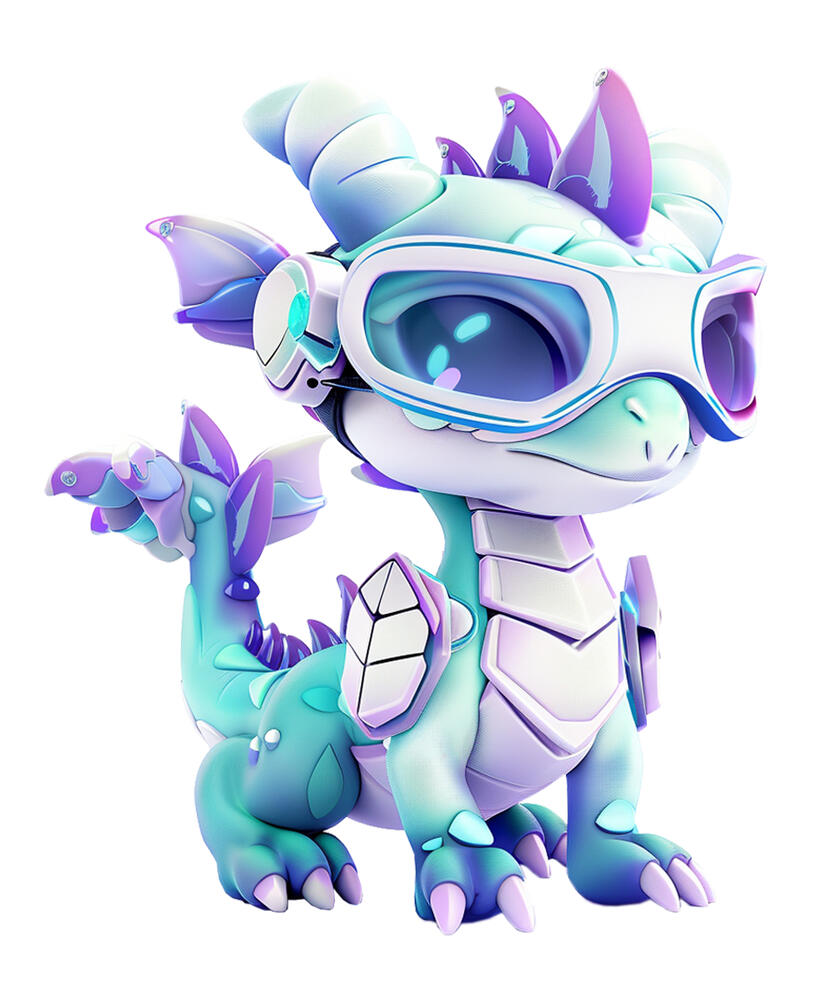
Dragonet
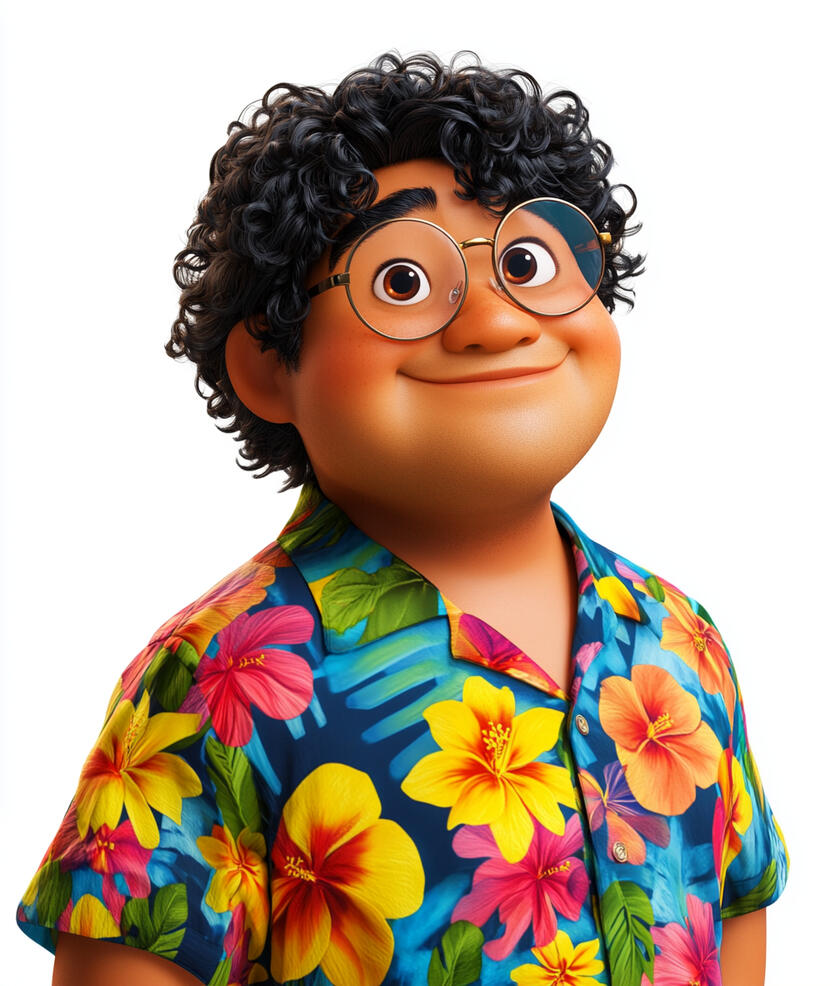
Uncle Doge
Talking to Computers: The Language of the Future
Scene 1: Introduction (20 seconds)
Animation: The camera zooms up the Wonder Treehouse to the 6th story, revealing The Cave of Quantum Marvels. Inside stands the remarkable Tower of Babel, built from shifting blocks of colorful light that pulse with flowing streams of letters and numbers. The tower reaches up into a digital sky filled with shimmering patterns, where constellations form different languages and writing systems.Text on screen: "Talking to Computers: The Language of the Future" (The text assembles itself from cascading streams of twinkling data)DRAGONET: "Wow! Look at all these glowing words and symbols! I wonder how computers understand what we say? This is going to be so exciting to learn about!"UNCLE DOGE: "Uncle Doge says, 'Time to power up those curious minds!' Welcome to the Tower of Babel, where we'll discover the amazing ways humans and computers learn to talk to each other!"DRAGONET: "Really? Computers can understand us? That's incredible! Can we learn how it works, Uncle Doge?"UNCLE DOGE: "Of course! Get ready for an adventure into the world of computer communication. We'll uncover fascinating ways technology helps us chat with our digital friends!"Animation: DRAGONET bounces excitedly as UNCLE DOGE leads the way through an archway made of ancient books and glowing scrolls, their pages dancing with illuminated text. The entrance ripples like water as they pass through, creating waves of letters that spread across the tower's surface.
Scene 2: What is Natural Language Processing? (45 seconds)
Animation: Inside the Tower of Babel, streams of different languages flow along the walls like rivers of letters. When they meet, they create illuminated examples of words and phrases in multiple languages.Text on screen: "Natural Language Processing: The Bridge Between Humans and Computers" (The text forms from letters of different alphabets joining together)Narrator: "Natural Language Processing, or NLP, is computer software that helps computers understand human language. Imagine having a conversation with a friend - you understand when they're asking a question, telling a story, or making a joke. NLP gives computers this same ability to understand language!"Animation: Game chat: "Great teamwork on that level! 🌟" → Computer understands this is positive encouragement and appropriate chatNarrator: "The computer reads the message and understands it's a compliment about working together."Animation: Virtual assistant: "Siri, what's the weather today?" → Computer understands this as a question about current weather conditionsNarrator: "Just like Siri or Alexa, the computer recognizes this is a question and knows it needs to provide weather information."Animation: Search query: "How do I make slime at home?" → Computer identifies keywords to find relevant informationNarrator: "The computer understands which words are important to find the right information."Animation: Math homework: "What is three-quarters plus one-half?" → Computer understands to convert this into "3/4 + 1/2"Narrator: "The computer can translate words into math symbols it can calculate."Animation: Text message: "This game is awesome!" → Computer identifies this as a positive opinionNarrator: "The computer can tell whether someone likes or dislikes something based on their words."Animation: Writing: "The dog chased the cat" → Computer suggests words like "pursued" or "followed"Narrator: "The computer can suggest different words that mean the same thing."Narrator: "Just like we understand language in many ways, NLP helps computers:
- Understand the meaning of words
- Know when someone is asking a question
- Recognize positive and negative feelings
- Find information
- Help with better word choices"Animation: Show these language understanding abilities working in popular apps and devices used by children, such as voice assistants, messaging apps, and educational software.Narrator: "NLP powers many of the technologies we use every day, from virtual assistants like Siri and Alexa, to search engines like Google, to language learning apps. By helping computers better understand human language, NLP makes our devices and software more intuitive and helpful."Narrator: "By bridging the gap between human language and computer understanding, NLP opens up new possibilities for how we interact with technology every day."Animation: The camera pulls back, revealing the Tower of Babel surrounded by people of diverse backgrounds using various devices and technologies powered by NLP, and fades out.
Scene 3: The Birth of Natural Language Processing (40 seconds)
Animation: The scene shifts to show a timeline spiraling up the Tower of Babel, tracing the origins and early development of NLP.Text on screen: "The Birth of Natural Language Processing" (The text appears as if etched into the Tower's surface)Part 1: Computers Struggle with Language
Animation: Show early computer systems from the 1950s-60s, with simple interfaces and limited capabilities.Narrator: "Computers were incredible machines that could process data and perform complex calculations at lightning speed. But for a long time, they struggled to understand the most fundamental part of how humans communicate - our language."Part 2: Alan Turing's Pioneering Ideas
Animation: The scene shifts to show the British mathematician Alan Turing working at an early computer terminal. Equations, diagrams, and sketches of the "Turing Test" float around him, as he thinks about building machines that could communicate like humans.Narrator: "In the 1950s, a brilliant British scientist named Alan Turing had an exciting idea. He thought that with the right programming, computers could learn to understand human language better. Turing even came up with 'Turing Test' to see if a computer could communicate in ways that seemed intelligent, like a person."Part 3: The Dartmouth Conference Breakthrough
Animation: Highlight the 1956 Dartmouth Conference in the USA, where the term "Artificial Intelligence" was coined and the foundations of NLP were laid.Narrator: "A few years later, a group of scientists in the United States got together and decided to work on making computers understand language. They called this new field 'Artificial Intelligence' and it led to the birth of natural language processing, or NLP."Part 4: The First Chatbot - ELIZA
Animation: Show Joseph Weizenbaum (Germany) creating the ELIZA chatbot, the first program designed to have natural conversations with humans.Narrator: "In 1966, a German scientist named Joseph Weizenbaum created the very first chatbot, called ELIZA. ELIZA could have little text-based chats by recognizing common words and patterns in what people said, showing how computers could start to understand human language."Part 5: Overcoming Early Challenges
Animation: The camera pans across a series of visualizations depicting the limitations of early NLP systems. These include sentences with ambiguous meanings, idiomatic expressions, and complex contextual cues that confuse the computer programs.Narrator: "The scientists realized they had more work to do to help computers fully understand the richness and variety of human communication, whether spoken or written. Overcoming these challenges became their next big goal."Narrator: "Even with all those difficulties, the pioneers of NLP never gave up. They kept finding new ways to push what computers could do with language. And in the decades that followed, more and more scientists joined the effort, making exciting breakthroughs to improve natural language processing."Narrator: "All of this pioneering work and continued innovation laid the foundation for the amazing natural language processing capabilities we have today. Computers can now understand and communicate with us in ways that would have been unimaginable back then."Animation: The timeline fades into a glowing archway, leading the way to the next scene.
Scene 4: How Does Natural Language Processing Work? (50 seconds)
Animation: The scene shifts to show a giant robotic brain within the Tower of Babel, with different sections lighting up as they're mentioned.Text on screen: "How Does NLP Work?" (The text pulses like neurons firing)Narrator: "Let's take a closer look at how Natural Language Processing, or NLP, actually works. NLP is used for both spoken language and written text. It's a pretty complex process, but we'll break it down step-by-step."Speech Recognition
Animation: Show sound waves being converted into text on a computer screen.Narrator: "The first step in NLP is speech recognition. The computer listens to the sounds we make and converts them into written text that it can understand."Text Recognition
Animation: Display text being displayed on a computer screen.Narrator: "For written text, the computer directly processes the words on the screen, without needing to convert from speech."Narrator: "In both cases, the goal is to take the human language, whether spoken or written, and convert it into a format the computer can analyze further."Tokenization
Animation: Display a sentence being broken down into individual words and punctuation marks.Narrator: "For written text, the computer divides the text into separate little pieces called 'tokens'. These tokens are the individual words, along with things like periods and commas."Narrator: "Breaking the text into these smaller token pieces helps the computer understand the structure of the language better."Part-of-Speech Tagging
Animation: Show the tokens being labeled as different parts of speech, like nouns, verbs, and adjectives.Narrator: "Then, the computer figures out what type of word each token is - whether it's a noun, verb, adjective, or something else. This helps it understand the structure of the language."Syntactic Parsing
Animation: Illustrate a sentence being organized into a grammatical tree structure, showing how the different parts of speech relate to each other.Narrator: "After that, the computer analyzes the grammatical structure of the sentence. It looks at how the different parts of speech connect to form the overall meaning."Semantic Analysis
Animation: Display the computer interpreting the contextual meaning behind the sentence.
Narrator: "This is a really important step. The computer tries to understand the actual meaning of the words, not just the literal definitions. It's like how you read between the lines to get the full message."Pragmatic Analysis
Animation: Show the computer considering the broader purpose and intent behind the language being used.Narrator: "Finally, the computer looks at the bigger picture. It tries to figure out why the words were chosen and what the overall goal of the communication is."Response Generation
Animation: Depict the computer formulating an appropriate response, first as concepts and then converting it to text.Narrator: "Using all of this analysis, the computer can then generate a relevant response. It takes everything it has learned and puts it together into a meaningful reply."Response Generation
Animation: Depict the computer formulating an appropriate response, first as concepts and then converting it to text.Narrator: "Using all of this analysis, the computer can then generate a relevant response. It takes everything it has learned and puts it together into a meaningful reply."Narrator: "It's a very complex process, but computers can do all of these steps incredibly fast - in a fraction of a second! This is how machines are learning to understand and communicate with us in natural, human-like ways."Animation: The various sections of the robotic brain pulse and connect, visualizing the flow of NLP processing.
Scene 5: Natural Language Processing in Action (40 seconds)
Animation: The scene opens with a montage of various NLP-powered applications and devices, highlighting their diverse uses.Text on screen: "NLP in Action" (The text appears as if projected onto the Tower of Babel)Narrator: "Natural Language Processing, or NLP, is already being used in all kinds of helpful ways. Let's take a look at some real-world examples!"Virtual Assistants
Animation: Show a person interacting with Siri, Alexa, or Google Assistant through voice commands and getting helpful responses.
Narrator: "Virtual assistants like Siri, Alexa, and Google Assistant use NLP to understand our voice commands and questions, and provide useful information or assistance."Language Translation
Animation: Display a person using a smartphone to translate a sign or have a conversation with someone speaking a different language.Narrator: "NLP also powers instant translation apps that can break down language barriers, helping people communicate no matter what language they speak."Accessibility Tools
Animation: Illustrate a person with a disability using voice commands to control their computer, write emails, and browse the internet.Narrator: "For people with disabilities, NLP makes technology much more accessible. They can use voice commands instead of typing or clicking."Personalized Learning
Animation: Show a student getting instant feedback on their writing from an AI tutor, then participating in a customized lesson.Narrator: "In education, NLP can provide personalized learning experiences, like AI tutors that give feedback and adapt lessons to each student's needs."Narrator: "These are just a few examples of how NLP is being used to make our lives easier, more connected, and more accessible. But with all these amazing capabilities, it's also important to use NLP safely and responsibly."Animation: The view pulls back, revealing the entire Tower of Babel. The various NLP applications and devices we've seen start to connect and flow together, forming a complex network that fills the tower.
Scene 6: Natural Language Processing Safety (40 seconds)
Animation: The camera pans across the Tower of Babel, revealing an intricate network of NLP applications and devices flowing between the different levels. The tower stands strong and secure.Text on screen: "NLP Safety" (The text appears behind a protective shield)Narrator: "We've seen how Natural Language Processing, or NLP, is being used in so many helpful ways. But as we continue to rely on this powerful technology, it's important that we also use it safely and understand its limits."Privacy
Animation: Show a lock protecting personal information, then display examples of safe and unsafe information to share.Narrator: "Be careful about sharing personal details with NLP systems. Don't give them things like passwords, financial info, or other private data."Critical Thinking
Animation: Display a child questioning information from an NLP system, then fact-checking with reliable sources.Narrator: "Always double-check important facts from NLP sources. They can make mistakes or have outdated information."Emotional Support
Animation: Show a compassionate human comforting another person, contrasted with an NLP system attempting the same.Narrator: "Remember, NLP doesn't have real feelings and emotions like we do. For emotional support, it's better to talk to other people."Avoiding Bias
Animation: Display NLP systems giving biased results, then show diverse teams working to improve the technology.Narrator: "NLP can sometimes show unfair biases based on how it was created. We need to be aware of this and work to make NLP systems fair for everyone."Human Oversight
Animation: Show humans monitoring and improving NLP systems.Narrator: "Humans are still in charge of designing, improving, and overseeing these NLP systems. We have to use good judgment about when and how to use them."Ethical Use
Animation: Display examples of positive NLP use (helping with homework) vs. negative use (cheating on tests).Narrator: "It's important to use NLP tools ethically. They should help you learn and grow, not replace your own thinking and effort."Narrator: "By understanding these NLP safety considerations, we can enjoy the amazing benefits while avoiding potential problems. Always think critically and use technology responsibly!"Animation: A shimmering, protective shell forms around the Tower of Babel, encasing the network of NLP applications within. The shell solidifies, ensuring the safety and responsible use of the technology.
Scene 7: Did You Know? (10 seconds)
Animation: The scene fades in to reveal a whimsical digital landscape filled with colorful, floating icons and playful animations. Each fun fact is introduced with a burst of sparkling effects.Text on screen: "Did You Know?" (The text appears with a playful animation, like being handwritten by a virtual pen)Text on screen: "Fact 1: NLP Helps Preserve Endangered Languages"Animation: Display a globe with different languages highlighted, some fading away as a protective barrier forms around others.Narrator: "The Endangered Languages Project, a global initiative supported by Google, uses NLP to capture and preserve data on over 3,000 endangered languages before they disappear forever."Text on screen: "Fact 2: NLP Can Understand Emotions in Speech"Animation: Show a character speaking, with visual cues like wavy lines and color changes indicating the emotional tone being detected.Narrator: "Research by MIT and IBM has shown that advanced NLP models can identify emotions like anger, joy, and sadness with over 80% accuracy just by analyzing a person's voice and speech patterns."Text on screen: "Fact 3: NLP Assists Animal Communication Research"Animation: Depict various animals communicating, with NLP-powered translation tools appearing to analyze their vocalizations.Narrator: "Researchers at the University of Delaware have used NLP to analyze the communicative vocalizations of bottlenose dolphins, uncovering previously unknown complexities in their social interactions."Animation: The fun facts swirl together, forming a glowing network that fills the digital landscape.
Scene 8: Conclusion (20 seconds)
Animation: DRAGONET and UNCLE DOGE reappear at the base of the Tower of Babel.Text on screen: "NLP: The Future of Language Connection" (The text swirls into existence like a voice command)DRAGONET: "Whoa, I've learned so much about NLP on this journey! I can't wait to put my new language skills to the test. Think you can keep up, Uncle Doge?"UNCLE DOGE: "Haha, looks like you've really mastered the art of talking to computers, young explorer! But remember, it's all about using that power responsibly - stay curious, think critically, and keep exploring the amazing world of NLP. And Uncle Doge says, 'Use your words wisely – even with machines!'"DRAGONET: "You know it, Uncle Doge! There's still so much more for me to learn. I'm ready for our next adventure!"Animation: They wave goodbye as the Tower of Babel fades out in a shower of glittering code and multilingual text.
Module 12
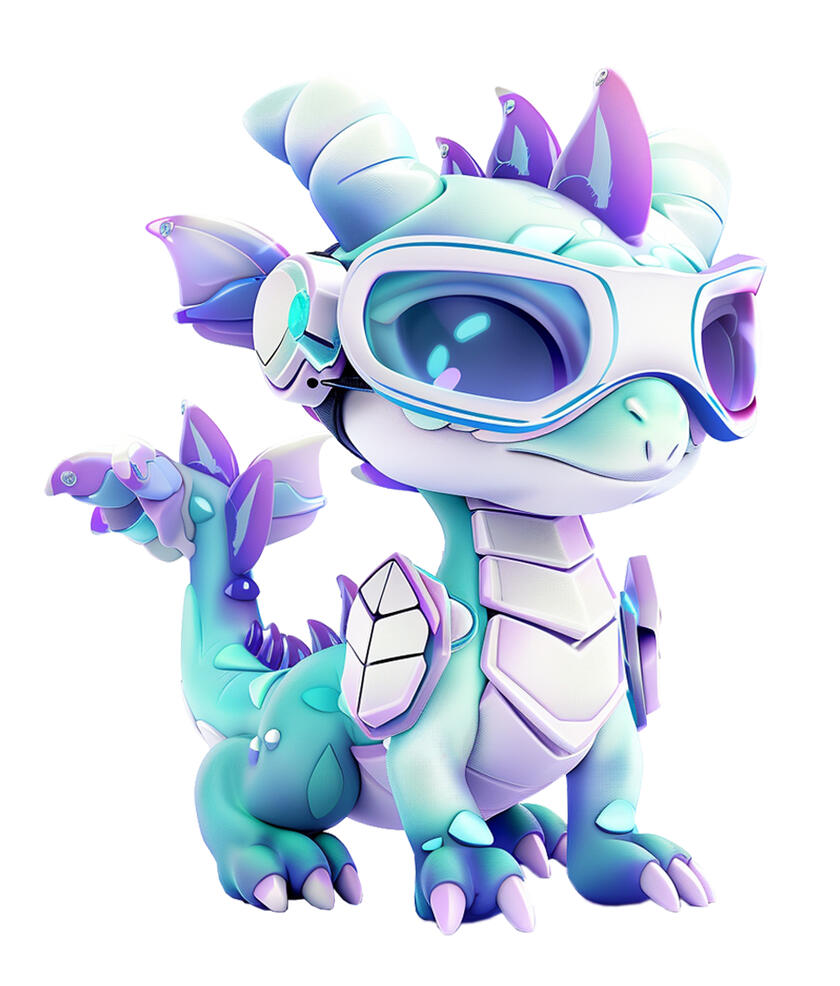
Dragonet
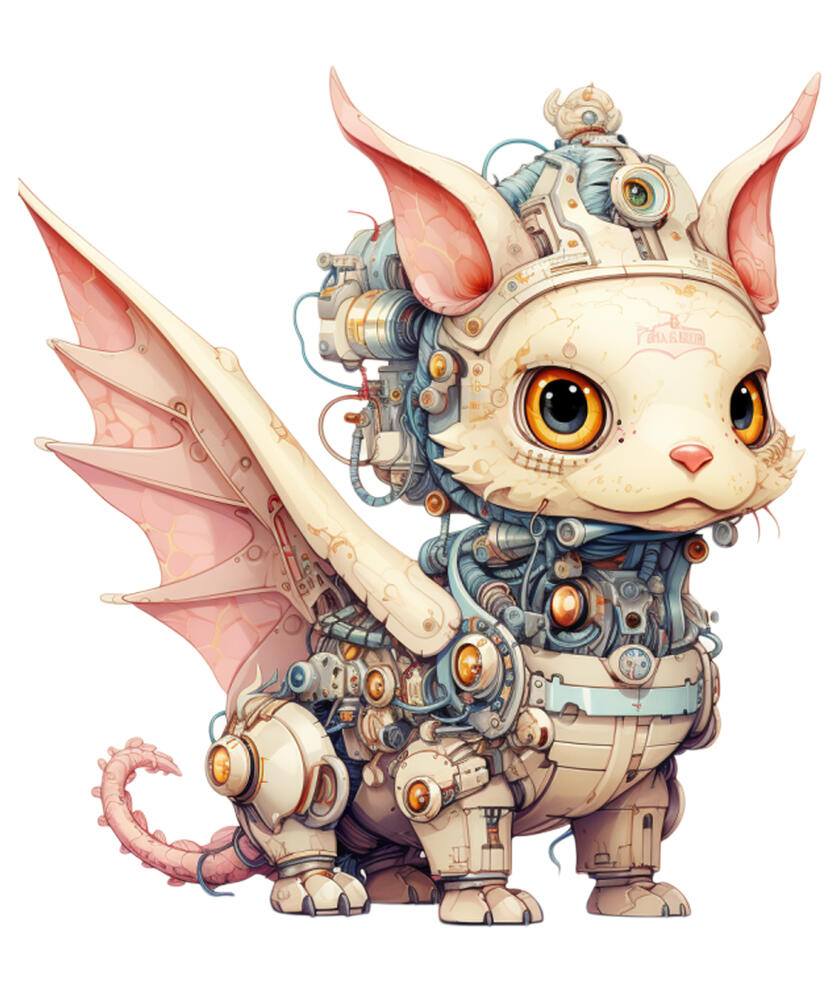
Kios
Computer Vision - When Computers Have Eyes
Scene 1: Introduction (20 seconds)
Animation: The camera zooms into the 6th story of the Wonder Treehouse, revealing The Cave of Quantum Marvels. We focus on The All-Seeing Eye space, a mesmerizing circular room with walls covered in ever-shifting patterns resembling neural networks. In the center, a giant, ethereal eye blinks and looks around.Text on screen: "Computer Vision: When Computers Have Eyes" (The text appears as shimmering, interconnected nodes that form into letters, mimicking a neural network)DRAGONET: "Wow! My circuits are tingling with excitement! Have you ever wondered how computers can see and understand images? I'm still trying to figure it out myself!"KIOS: "Through windows of light and silver streams,
Digital vision brings forth new dreams.
In patterns bright and signals clear,
A world of sight draws ever near."DRAGONET: "The All-Seeing Eye is one of my favorite places in the Wonder Treehouse! Every time I come here, I discover something new about how computers process images. Ready to explore together?"Animation: The giant eye in the center blinks, and its pupil becomes a portal swirling with images of various computer vision applications.DRAGONET: "Look! The portal is opening! sparks flying with excitement There's so much to learn about computer vision - I can barely contain my curiosity!"KIOS: "In realms of sight both old and new,
Wisdom's path shall guide us true.
Through digital eyes we learn to see,
What wondrous things our world can be."Animation: Dragonet leaps into the portal, with childlike wonder in their movements. The camera follows close behind. The view swirls and transforms as we transition to the next scene.
Scene 2: What is Computer Vision? (30 seconds)
Animation: The scene transitions to show a simplified diagram of the human visual system, with an eye connected to a brain.Text on screen: "What is Computer Vision?" (The text unfolds like an eye opening)Narrator: "Computer Vision is a technology that helps computers understand images and videos. Think of it as teaching computers to make sense of what they 'see' through cameras and sensors."Animation: Show a digital camera capturing an image, breaking it down into tiny squares (pixels), with detailed visualization showing how pixels store different types of data.Narrator: "While we see images, computers see them as numbers! Every digital image is made up of tiny squares called pixels. Each pixel contains digital values that represent multiple pieces of information - like RGB values for color, intensity values for brightness, location coordinates, and other properties."Animation: Split screen demonstration:Left side: Child looking at a cat, brain instantly recognizing it
Right side: Computer receiving image and understanding it's a catNarrator: "Our brains recognize things instantly, and through Computer Vision, we can teach machines to understand images too!"Animation: Show various real-world examples of computer vision:Security camera detecting movement
Smartphone camera focusing on faces
Robot sorting different colored objects on assembly line
Medical scanner analyzing X-raysNarrator: "Computer Vision helps machines perform amazing tasks - from unlocking phones with your face to helping doctors spot problems in medical scans. It's becoming an important tool in many areas of our lives!"Animation: The examples merge into a flowing stream of digital images, leading smoothly into the next scene.
Scene 3: Why Was Computer Vision Created? (40 seconds)
Animation: The scene transitions to an elegant timeline floating in the quantum space of The All-Seeing Eye.Text on screen: "Why Was Computer Vision Created?" (The text appears as if written by an invisible hand)Part 1: The Challenge
Animation: Split screen showing industrial quality control, pattern recognition tasks, and early attempts at object detection.Narrator: "In the 1940s, scientists faced an interesting challenge: while humans could easily spot defects in products, recognize objects, and understand visual patterns, computers could only process numbers and simple calculations. Industries needed machines that could 'see' and understand visual information to help with tasks like quality control in manufacturing."Part 2: The Foundations
Animation: Show a global map highlighting research centers, with images of scientists studying brain patterns and vision systems.Narrator: "At the University of Illinois, American scientists Warren McCulloch and Walter Pitts studied how the human brain processes visual information. Their goal was to understand how we recognize patterns and translate this knowledge into mathematical models that computers could use. Meanwhile in Argentina, Manuel Sadosky at the University of Buenos Aires worked on mathematical approaches to help computers process visual patterns."Part 3: First Breakthroughs
Animation: Show Professor Frank Rosenblatt working with the Perceptron computer at Cornell University. The machine lights up as it successfully identifies pattern positions.Narrator: "In 1957, Frank Rosenblatt at Cornell University created the Perceptron - the first computer that could learn to recognize patterns. His goal was to automate complex visual tasks in factories and help machines read printed text. When shown images with shapes on different sides, this machine could identify their positions correctly."Part 4: Understanding Space
Animation: Show Lawrence Roberts at MIT demonstrating how computers interpret 3D objects from 2D images.Narrator: "By 1963, Lawrence Roberts at MIT solved another crucial problem: helping computers understand three-dimensional space from flat images. This was essential for developing robots that could move safely through their environment and for creating accurate medical imaging systems."Part 5: The Vision Project
Animation: Display Seymour Papert and his diverse team at MIT working with early computer vision systems.Narrator: "In 1966, South African mathematician Seymour Papert launched the Summer Vision Project at MIT. His team aimed to create computers that could identify objects in their environment - a capability needed for everything from automated manufacturing to helping visually impaired people navigate their surroundings."Part 6: Evolution
Animation: Show the progression of computer vision applications through time:Early applications: Reading printed text, product inspection, X-ray analysis
Modern solutions: Medical diagnostics, autonomous vehicles, space exploration, facial recognition
Future possibilities: Advanced robotics, environmental monitoring, new scientific discoveriesNarrator: "From these beginnings, computer vision has grown into technology that helps solve important challenges - from helping doctors diagnose diseases early to enabling safer transportation through self-driving vehicles. What started as a quest to understand human vision has transformed into tools that make our world better."Animation: The timeline elegantly transforms into a flowing stream of images representing problem-solving applications of computer vision, leading into the next scene.
Scene 4: How Does Computer Vision Work? (40 seconds)
Animation: The scene opens in The All-Seeing Eye space with a clear display of different vision technologies.Text on screen: "How Does Computer Vision Work?" (The text assembles itself like puzzle pieces coming together)Animation: Display four types of input devices side by side:A digital camera
A video camera
An infrared sensor displaying heat patterns in colors
A depth sensor showing distances in different shadesNarrator: "Computer vision can process many types of visual information. Regular cameras capture images and videos like our phones do. Advanced sensors can detect things invisible to human eyes - infrared sensors detect heat patterns, while depth sensors measure how far away objects are. These different ways of 'seeing' help computers understand the world around them."Animation: Show how each device captures and converts visual information into a grid pattern.Narrator: "When these devices capture visual information, they use tiny sensors that convert what they detect - whether it's light, heat, or distance - into digital data. This data is organized in a grid of points called pixels. Each pixel contains specific numbers representing properties like color, brightness, temperature, or distance from the sensor."Animation: Display a neural network architecture with multiple layers. Show an image flowing through the network.Narrator: "To process this information, computers use powerful programs called Neural Networks. These networks analyze images layer by layer, each layer looking for increasingly complex features. The first layer detects basic elements like edges and colors. The next layers identify shapes and patterns. The final layers combine these patterns to recognize complete objects - understanding, for example, that certain shapes together form a face or a car."Animation: Show multiple examples (person, bicycle, tree) being processed through the network, with recognition becoming more accurate.Narrator: "Neural networks improve through training with many examples. By analyzing thousands of images, they learn to recognize objects accurately in different situations - like identifying a bicycle at night or a person walking in rain. The more varied examples they process, the better they become at understanding new situations."Animation: The neural network visualization transforms into a flowing stream of processed images, leading to the next scene.
Scene 5: Computer Vision in Action (40 seconds)
Animation: The scene opens with a montage of various computer vision applications in use.Text on screen: "Computer Vision in Action" (The text appears as if projected onto the walls, then transforms into a swirling data visualization)Narrator: "Computer vision is already transforming our world in significant ways. Let's take a look at some real-world examples of this powerful technology at work."Facial Recognition
Animation: Show a person unlocking their iPhone using Face ID, then transition to Amazon Rekognition cameras identifying people in a crowded store.Narrator: "Facial recognition helps secure our devices and public spaces by quickly identifying people. It's used in smartphones like the iPhone, as well as in security systems like Amazon Rekognition."Object Detection
Animation: Depict a Tesla's Autopilot cameras detecting pedestrians, other vehicles, and obstacles on the road.Narrator: "Self-driving cars from companies like Tesla use computer vision to identify and track everything around them - from pedestrians to other vehicles. This helps them navigate safely and avoid collisions."Medical Imaging
Animation: Illustrate a doctor using a GE Healthcare computer vision system to analyze X-rays and MRI scans for signs of disease or injury.Narrator: "In healthcare, computer vision aids doctors by quickly analyzing medical images. Systems from companies like GE Healthcare can help detect problems earlier and support more accurate diagnoses."Retail Analytics
Animation: Show a Walmart store using Milestone Systems cameras to track customer movement and behavior to improve layout and services.Narrator: "Retailers use computer vision to understand how customers shop. Cameras from providers like Milestone Systems track things like foot traffic and product engagement to help stores optimize their spaces and services."Robotic Assistance
Animation: Depict a Roomba robot using computer vision to assist a person by picking up and delivering an object.Narrator: "Robots equipped with computer vision can see their surroundings and safely interact with people. This allows them to assist with a variety of tasks, from manufacturing to personal care, like the Roomba robot vacuum."Narrator: "These are just a few examples of how computer vision is making an impact in our daily lives. As the technology continues to evolve, we'll likely see even more innovative uses that improve our world."Animation: The various computer vision applications flow together, forming an interconnected network that fills the scene before transitioning to the Computer Vision Safety section.
Scene 6: Computer Vision Safety (40 seconds)
Animation: The scene opens in The All-Seeing Eye space, with a clear display showing different aspects of computer vision safety.Text on screen: "Computer Vision Safety" (Text forms from scattered pixels coming together)Narrator: "Computer vision technologies are becoming part of our daily lives. Understanding how to use them safely and responsibly is essential."Animation: Display shows four key safety aspects, each appearing with clear icons:Privacy Protection
System Limitations
Data Security
Responsible UseNarrator: "Computer vision systems can collect and analyze images of people, places, and activities. Privacy protection means these systems must get proper permission before collecting personal information. For instance, stores must clearly show when they use face-detecting cameras, and applications need your consent before using facial recognition."Animation: Show examples of privacy protection:Clear camera notification signs in public spaces
App permission requests for face recognition
Options to enable/disable camera featuresNarrator: "These systems also have limitations. Computer vision may struggle with poor lighting, bad weather, or unusual viewing angles. This is why important tasks, like medical diagnoses or vehicle navigation, use computer vision together with other technologies and human oversight."Animation: Demonstrate limitations through clear examples:System accuracy changing between day and night conditions
Weather affecting recognition capabilities
Multiple cameras needed for complete coverage of an areaNarrator: "Data security means protecting all collected images and videos. Organizations must use strong safeguards to keep visual information private and prevent unauthorized access."Animation: Show security measures:Secure storage systems
Controlled access to visual data
Protected data transfer methodsNarrator: "Using computer vision responsibly means considering all these aspects - respecting privacy, understanding limitations, and maintaining security. When used properly, these technologies can help make our world better and safer."Animation: The four safety aspects merge into a unified shield representing comprehensive computer vision safety, transitioning smoothly to the next scene.
Scene 7: Did You Know? (60 seconds)
Animation: The scene fades in to reveal a whimsical digital landscape filled with colorful, floating icons and playful animations. Each fun fact is introduced with a burst of sparkling effects.Text on screen: "Did You Know?" (The text appears with a playful animation, like being handwritten by a virtual pen)Text on screen: "Fact 1: Mars Exploration"Narrator: "NASA's Perseverance rover uses AutoNav, an autonomous driving system with computer vision. Its hazard avoidance cameras help it drive safely on Mars without waiting for commands from Earth."Animation: Show Perseverance using its hazard cameras to detect and avoid obstacles.Text on screen: "Fact 2: Weather Satellites"Narrator: "The GOES-16 weather satellite uses computer vision to track cloud movements and storm patterns. Its cameras take a new image of Earth's weather every 30 seconds to help meteorologists forecast weather."Animation: Display weather satellite imagery showing cloud pattern recognition.Text on screen: "Fact 3: Deep Ocean Exploration"Narrator: "Underwater robots use computer vision to explore deep oceans. MBARI's autonomous underwater vehicles can identify different marine species and map the ocean floor using cameras that work in near-darkness."Animation: Show underwater robot using computer vision to navigate and identify marine life.Animation: All three fact displays spiral together to form a glowing eye shape, symbolizing computer vision's role in exploration and discovery, before smoothly transitioning to the next scene.
Scene 8: Conclusion (20 seconds)
Animation: The scene returns to the central area of The All-Seeing Eye space, with Dragonet and Kios standing before the giant, ethereal eye.Text on screen: "Computer Vision: Unlocking New Vistas" (The text appears as if being written by the giant eye's gaze)DRAGONET: "Whoa, what a journey through the realm of sight!
I've mastered so many computer vision tricks - think you can keep up next time, my friends?"KIOS: "Through silicon eyes, new wonders unfold,
Perspectives ancient and future behold.
With each step forward, our minds expand,
Guided by wisdom, hand in hand."DRAGONET: "You're right, Kios! The world looks so different when seen through a computer's eyes. But it's up to us to use that vision wisely, don't you think?"KIOS: "With sight's great power,
Comes thoughtful care in each new hour.
For in computer vision's digital sight,
Our future's path shall come to light."DRAGONET: "Well said! I'm ready to keep exploring and discovering new knowledge. Until next time, my friends - let's keep our eyes open and curiosity sharp!"Animation: The giant eye blinks, and the scene fades to black.
Module 13
Kios
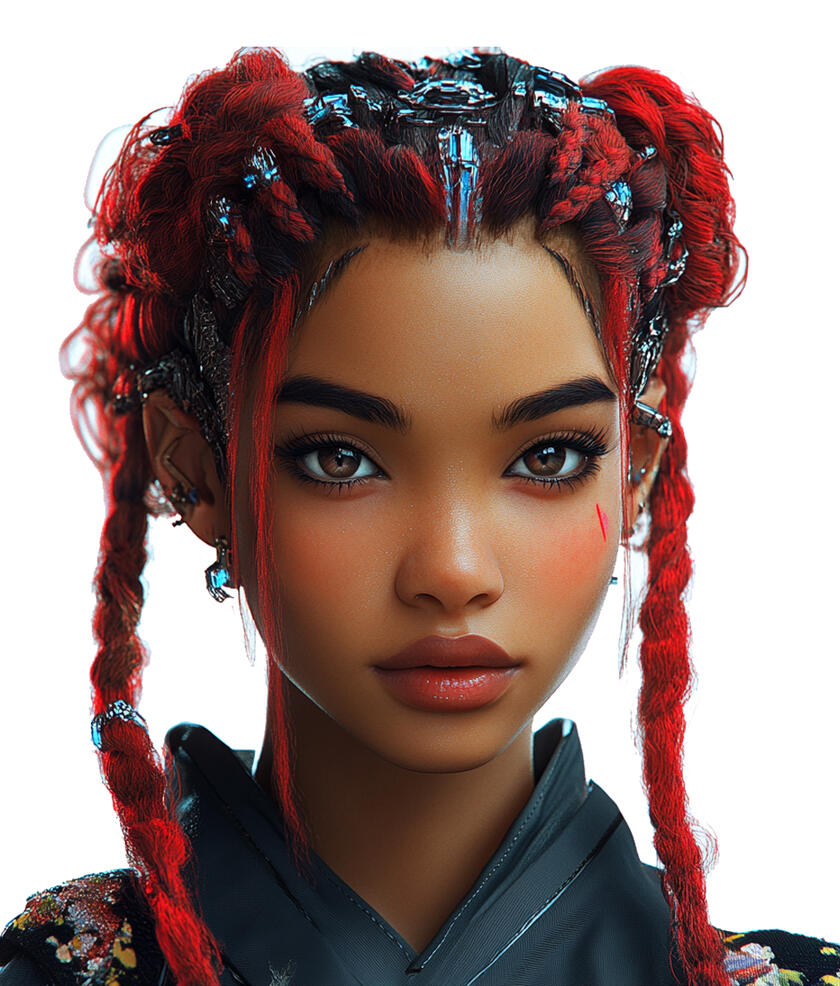
Ms Eva

Dr Enigma
The Metaverse: A Whole New Virtual Paradise
Scene 1: Introduction (20 seconds)
Animation: The camera soars up the Wonder Treehouse to the 7th story, revealing The Quantum Neverland. We zoom into The Virtual Paradise space, a breathtaking digital wonderland filled with floating islands, rainbow bridges, and fantastical creatures.Text on screen: "The Metaverse: A Whole New Virtual Paradise" (The text appears as shimmering, interconnected nodes that form into letters)KIOS:
"Welcome, young minds, to realms anew,
Where digital and real intertwine, it's true.
The Metaverse awaits, a world to explore,
Adventures and wonders, forevermore."DR. ENIGMA: "Well, well, if it isn't our budding digital explorers. Ready to dive into the rabbit hole of the Metaverse? Trust me, it's way cooler than your average video game."MS. EVA: "Oh, how exciting! We're about to embark on a colorful journey through the Metaverse. It's like stepping into a painting where you can touch the colors!"Animation: A swirling portal of code and light appears. Kios gestures towards it, inviting the others to follow.Animation: The camera follows them through the portal, the view swirling and transforming as we transition to the next scene.
Scene 2: What is the Metaverse? (60 seconds)
Animation: The scene transitions to a vast, interconnected digital landscape with various themed islands floating in a sea of data.Text on screen: "The Metaverse Unveiled" (The text unfolds like a digital map)Narrator: "Imagine a digital universe where anything is possible. That's the Metaverse! It's like the internet come to life, a place where you can work, play, learn, and hang out with friends from all over the world."Animation: Show avatars of different ages and styles moving between various virtual environments: a futuristic city, a fantasy realm, a space station, and an underwater world.Narrator: "In the Metaverse, you can be anyone you want and go anywhere you can imagine. It's a shared virtual world that combines elements of social media, online gaming, and virtual reality."Animation: Display a split screen showing real-world activities on one side and their Metaverse counterparts on the other: attending school, going to a concert, shopping, and playing sports.Narrator: "Think of it as a parallel digital universe where many of the things we do in the real world can happen in a virtual space. But here's the cool part - in the Metaverse, you're not just watching or clicking. You're actually there!"Animation: Show a child's avatar transforming from a human to a dragon, then flying through a digital sky.Narrator: "Want to be a dragon and fly through the sky? In the Metaverse, you can! Feel like exploring the bottom of the ocean without getting wet? No problem! The Metaverse is like having a magic wand that can create any world you can dream up."Animation: Display a group of kids from different countries meeting in a virtual treehouse, each speaking their own language but understanding each other perfectly.Narrator: "In the Metaverse, distance doesn't matter. You could hang out with a friend from Japan in a virtual treehouse, while another friend from Brazil joins you for a game of cosmic frisbee. It's not just a game or a social network – it's a whole new way of experiencing the digital world!"Narrator: "The Metaverse opens up so many possibilities to connect, explore, and create in ways we've never seen before. Limitless digital adventures await, ready to be discovered."Animation: The virtual environments shown throughout the scene begin to blend and merge together, like the different digital realms are interconnecting. As this happens, the camera gradually pulls back to reveal the full scope of the Metaverse landscape, with its various themed islands and floating structures forming an expansive, interconnected world.
Scene 3: The Metaverse Begins (90 seconds)
Animation: Digital ripples spread across a dark screen like waves in a cosmic ocean, coalescing into floating islands of early virtual worlds.Text on screen: "The Metaverse Begins" (Text appears through digital ripples)Narrator: "The story of the Metaverse begins in 1992, when a visionary science fiction author named Neal Stephenson wrote a book that would inspire many people to start building virtual worlds."Animation: Show a book opening to reveal the cover of "Snow Crash" by Neal Stephenson. Animated scenes from the novel come to life, depicting avatars interacting in a shared virtual environment.Narrator: "In his novel 'Snow Crash,' Stephenson imagined a virtual universe called the 'Metaverse' - a place where people could meet and interact using digital versions of themselves. Stephenson's captivating vision of a boundless digital world captured the imagination of many."Animation: Show a timeline transition from 1992 to the early 2000s, with early virtual world platforms like Second Life, Roblox, and others emerging.Narrator: "In the early 2000s, inventors started creating the first virtual worlds where people could explore, create, and connect with each other online. These early spaces, like Second Life and Roblox, showed that virtual worlds could be much more than just games - they could be vibrant digital communities where people could express themselves in new ways."Animation: Display the concept of virtual worlds expanding, showing transitions from simple chat rooms to 3D spaces to interconnected digital universes.Narrator: "As technology improved, the dreams got bigger! People started imagining virtual worlds that could connect everyone on Earth, where you could do incredible things like fly through the sky, explore the depths of the ocean, or even travel back in time to ancient civilizations - all without leaving your home."Animation: Show abstract representations of blockchain, cloud computing, and other key technologies emerging as building blocks for the evolving Metaverse concept.Narrator: "New technologies like blockchain and cloud computing appeared, offering ways for people to truly own and control their digital creations. This opened up exciting possibilities for building virtual worlds where communities could make their own rules and decide how their digital spaces would grow and change."Animation: Show the Metaverse concept expanding from gaming to various aspects of life, represented by floating icons for creativity, learning, socializing, and more.Narrator: "Today, the vision for the Metaverse has grown even bigger. It's no longer just about gaming or socializing - it's about creating a digital universe where the only limit is our imagination. Inventors, artists, educators, and people from all walks of life are coming together to build virtual spaces where we can work, learn, explore, and express ourselves in ways never before possible."Narrator: "From Neal Stephenson's groundbreaking novel to the cutting-edge technologies of today, the story of the Metaverse is one of limitless potential. Where will this digital frontier take us next? The journey has only just begun."Animation: Multiple virtual worlds float and connect in space, forming a unified digital universe that gradually comes into focus, then gently fades into the next scene.
Scene 4: Building the Metaverse (90 seconds)
Animation: The scene shifts to show a simplified 3D model of the Metaverse's infrastructure.Text on screen: "Building the Metaverse" (Text assembles like technical blueprints unfolding)Narrator: "Let's explore some of the key technologies that help create the Metaverse!"Animation: Show a vast network of computers, data centers, and cloud systems connected across the globe, processing data streams.Narrator: "The Metaverse runs on a massive network of powerful computers and data centers worldwide. These work together to process huge amounts of information every second."Animation: Display layers of core technologies:3D graphics engines creating virtual environments
Network systems handling data transfer
Cloud computing processing complex calculations
Real-time data systems updating user actionsNarrator: "Many technologies work together to make the Metaverse possible. 3D graphics create the visual world we see. Advanced networks help information travel quickly between users. Cloud computing handles complex calculations. And real-time systems make sure everyone's actions are shown instantly!"Animation: Split screen appears:Left side shows a digital playground transforming into Horizon Worlds and Microsoft Mesh logos, with a single company logo above managing everything
Right side shows a community garden growing into Decentraland and The Sandbox logos, with multiple user avatars working together to build and manage the space
As each platform is mentioned, its logo gently pulses with light
The split screen displays flowing data streams showing how information moves differently in each system:Left: data streams flowing through a central point
Right: data streams flowing between multiple connected pointsNarrator: "The Metaverse can be built in two different ways. Think of it like building a digital playground! Some virtual worlds, like Meta's Horizon Worlds and Microsoft Mesh, are like playgrounds owned and managed by one company. The company takes care of everything and sets the rules for how their virtual world works. Other virtual worlds, like Decentraland and The Sandbox, are built differently - they use blockchain technology that lets the users work together to manage their world, kind of like a community garden where everyone helps make decisions about how things should work."Animation: Zoom out to show even more technologies at work: AI systems, security protocols, physics engines, and others labeled as "Many More Technologies."Narrator: "And this is just the beginning! Many other technologies help create the Metaverse, from artificial intelligence to physics simulations. As technology advances, new tools will help make virtual worlds even more amazing!"Animation: The technology layers fold into a glowing digital cube that pulses with the energy of all interconnected systems, then gracefully transitions to the next scene.
Scene 5: The Metaverse Exploration (60 seconds)
Animation: The scene opens on a grand digital map that unfolds like a 3D treasure map, with different areas lighting up to reveal various virtual worlds and activities, inviting exploration.Text on screen: "The Metaverse Exploration" (Text emerges in a digital landscape)Narrator: "Let's discover what you can do in today's Metaverse!"Animation: Show users engaging with content creation tools across different virtual spaces.Narrator: "In the Metaverse, you can create digital content. Different platforms provide tools to build virtual spaces, create artwork, design objects, and customize how you appear in the virtual world. What you can create depends on which platform you're using."Animation: Display virtual social interactions happening in various spaces:Users meeting in virtual plazas
Communities gathering in custom-built spaces
Real-time communication between users
Translation tools helping people communicateNarrator: "These virtual worlds let people meet and interact in shared spaces. You can join communities, attend events, or meet people from around the world. Some platforms even help translate different languages in real-time, making it possible to chat with people who speak different languages!"Animation: Show different types of virtual spaces:Community gathering areas
Creative spaces
Educational environments
Entertainment venuesNarrator: "Virtual spaces can be used in many ways. Artists display their work in digital galleries, teachers use interactive environments for lessons, and communities create spaces for special events. Each platform offers different tools and possibilities."Animation: Display ownership and trading systems:Digital items being created and traded
NFTs representing unique virtual items
Platform-specific marketplaces
Different ways of recording ownershipNarrator: "In many virtual worlds, you can own digital items. Some platforms use blockchain technology and NFTs to record ownership. Others use their own systems to keep track of who owns what. These items might be virtual land, digital art, avatar clothing, or other unique creations."Animation: Show community participation and governance:Users participating in virtual town halls
Voting systems in action (in platforms with DAOs)
Community-organized events
Platform guidelines and rulesNarrator: "Virtual worlds are managed in different ways. Some use what's called a DAO - Decentralized Autonomous Organization - where users can vote on decisions about their virtual world. Others are run by companies who make the decisions. But in all of them, communities can gather, create, and participate in various activities."Animation: Display current technology requirements:Different devices being used to access virtual worlds
Various interface options
Basic equipment neededNarrator: "You can access these virtual worlds through different devices - computers, tablets, phones, or special VR equipment. Each platform has its own requirements for what you need to join their virtual space."Animation: All these aspects come together in a unified view showing the diverse ways people use and participate in virtual worlds today.
Scene 6: Metaverse in Action (60 seconds)
Animation: A world map appears, with points of light igniting to show various organizations using the metaverse, each pulse revealing a different real-world application.Text on screen: "Metaverse in Action" (Text materializes through streams of real-time data)Animation: The scene transitions through a series of real-world applications, each showing actual implementations of metaverse technology.Narrator: "Let's discover how organizations are using the Metaverse today!"Animation: Display medical training environments:Medical students studying virtual anatomy models
Virtual surgical procedure simulations
Interactive medical training scenariosNarrator: "Medical institutions are using virtual environments for specific training. Medical schools use virtual anatomy models where students can study human body structures in detail. The Mayo Clinic uses virtual simulations for medical training and procedure practice."Animation: Show educational institutions:Arizona State University students in virtual science labs
Seoul National University's virtual campus
University of Nevada's innovation centerNarrator: "Universities are exploring virtual learning in different ways. For example, students at Arizona State University conduct virtual science experiments, Seoul National University has created a virtual campus for classes, and University of Nevada's innovation center enables new forms of collaborative learning."Animation: Display manufacturing and building management applications:Siemens' factory digital twin system
BMW's manufacturing processes
Microsoft's smart building managementNarrator: "In manufacturing and building management, companies use digital twins - virtual copies that update in real-time. Manufacturing companies like Siemens and BMW use them to monitor and manage factory operations, while Microsoft uses this technology to manage their buildings' systems efficiently."Animation: Show cultural institutions:Smithsonian's virtual exhibition halls
The Louvre's digital galleries
British Museum's virtual collectionsNarrator: "Major museums have created virtual spaces where visitors can explore art and history. The Smithsonian, the Louvre, and the British Museum offer virtual exhibitions where you can see artifacts up close and learn about different cultures."Animation: All examples come together to show the range of current metaverse applications.Narrator: "These are just a few examples of how organizations are using the Metaverse today. As technology continues to develop, more ways of using virtual worlds for learning, working, and creating are being discovered."Animation: The various applications converge into a dynamic globe showing interconnected points of light, representing the growing network of metaverse implementations around the world, before smoothly transitioning to the next scene.
Scene 7: Safety in the Metaverse (60 seconds)
Animation: Golden spheres of light emerge to form safety shields, each transforming to reveal different aspects of protection and responsibility in virtual worlds.Text on screen: "Safety in the Metaverse"Narrator: "Safety in virtual worlds involves both protecting ourselves and being responsible users. Let's learn how to do both!"Animation: An avatar appears surrounded by glowing shields labeled with privacy settings.Narrator: "Protect your digital identity. Never share personal details like your name, location, school, or photos. Have a trusted adult help you set up accounts and privacy settings."Animation: Two avatars demonstrate positive interaction while negative actions get filtered by a shield.Narrator: "Being responsible means treating others with respect. Use appropriate language, be kind in your actions, and remember that real people are behind other avatars."Animation: A split screen shows proper reporting steps and moderator response.Narrator: "Virtual worlds have reporting systems to deal with inappropriate behavior. If you see bullying, harassment, or harmful content, use the report button. Platform moderators can review reports and take action to keep spaces safe."Animation: A virtual marketplace appears with safety checkpoints lighting up.Narrator: "When using virtual marketplaces, be careful with digital assets and transactions. Never share payment information, and always get permission from a trusted adult before making any purchases or trades."Animation: Different platform icons connect through safety lines.Narrator: "Each virtual world has its own rules and safety features. Learn the guidelines for each platform you use. Safe behavior that works in one virtual world is usually good practice in others too."Animation: A trail of digital footprints appears, transforming into permanent records.Narrator: "Everything we do in virtual worlds leaves a digital footprint that can't be completely erased. Think carefully before posting, commenting, or sharing because these actions can be seen by others even years later."Animation: A user demonstrates blocking and reporting tools while support resources appear.Narrator: "If you see something inappropriate or someone behaving badly, most platforms have ways to report it. This helps keep virtual spaces safe for everyone. Remember, we all play a part in creating good virtual communities."Animation: Show balanced and healthy usage:Regular breaks from virtual worlds
Mix of virtual and real-world activities
Physical space safety considerations
Family involvement in virtual activitiesNarrator: "Stay balanced in how you use virtual worlds. Take regular breaks, maintain real-world connections, and include family members in your virtual activities. A trusted adult should always know about your virtual world experiences."Animation: Safety shields merge to form a protective dome over a diverse group of responsibly interacting users.
Scene 8: Did You Know? (50 seconds)
Animation: The scene fades in to reveal a whimsical digital landscape filled with colorful, floating icons and playful animations. Each fun fact is introduced with a burst of sparkling effects.Text on screen: "Did You Know?" (The text appears with a playful animation, like being handwritten by a virtual pen)Text on screen: "Fact 1: The Largest Virtual Concert"Narrator: "In April 2020, Travis Scott's virtual concert 'Astronomical' in Fortnite brought together 12.3 million players at once, while a total of 27.7 million players experienced the event across five shows! This marked a new milestone in virtual events."Animation: Display Travis Scott's "Astronomical" concert in Fortnite, with attendance numbers rising.Text on screen: "Fact 2: Virtual Education Leap"Narrator: "During the COVID-19 pandemic in 2020, Microsoft Teams for Education connected over 100 million students and educators worldwide, showing how virtual spaces could transform learning!"Animation: Display a global classroom with students and teachers connecting through virtual spaces.Text on screen: "Fact 3: Digital Museum Access"Narrator: "The British Museum's virtual exhibitions have welcomed over 10 million online visitors in 2020, allowing people to explore ancient artifacts and artworks from anywhere in the world."
Animation: Show the British Museum's virtual galleries with visitor counter increasing as people explore exhibits globally.Animation: The three fact displays come together, forming a glowing portal that expands to fill the entire screen and fades out.
Scene 9: Conclusion (20 seconds)
Animation: The scene returns to The Virtual Paradise space in the Wonder Treehouse, where Kios, Dr. Enigma, and Ms. Eva gather.KIOS:"Our journey into the metaverse begins,
Through virtual worlds where reality thins.
Each space unique, each world its own,
Where digital possibilities have grown."DR ENIGMA: "Well, I hope your brains can process all we've learned today. Remember - this technology is only as powerful as how you choose to use it!"MS EVA: "Oh, what an amazing adventure we've had! From virtual concerts to digital twins, there's so much to explore. I can't wait to see what wonderful things you'll discover!"KIOS: "Use this knowledge with care and grace,
As you explore each virtual space.
For in these worlds of ones and twos,
The future's yours to choose."Animation: The three characters wave goodbye as The Virtual Paradise space dissolves into twinkling points of light.
Module 14

Dr Enigma
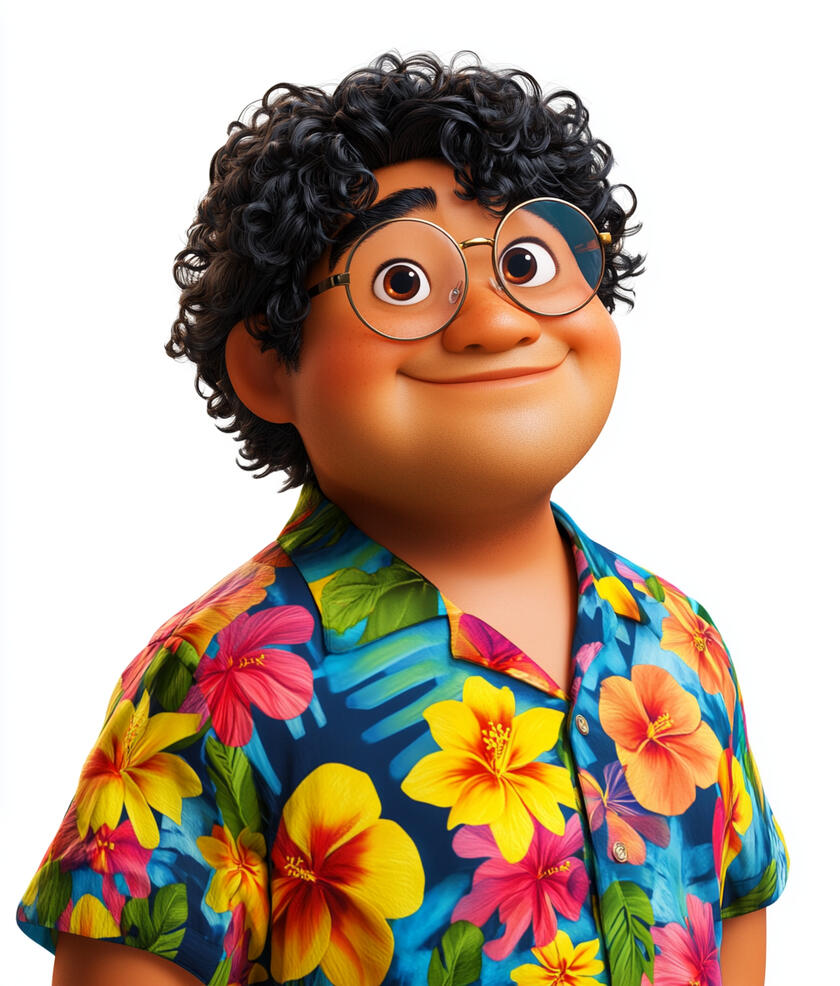
Uncle Doge
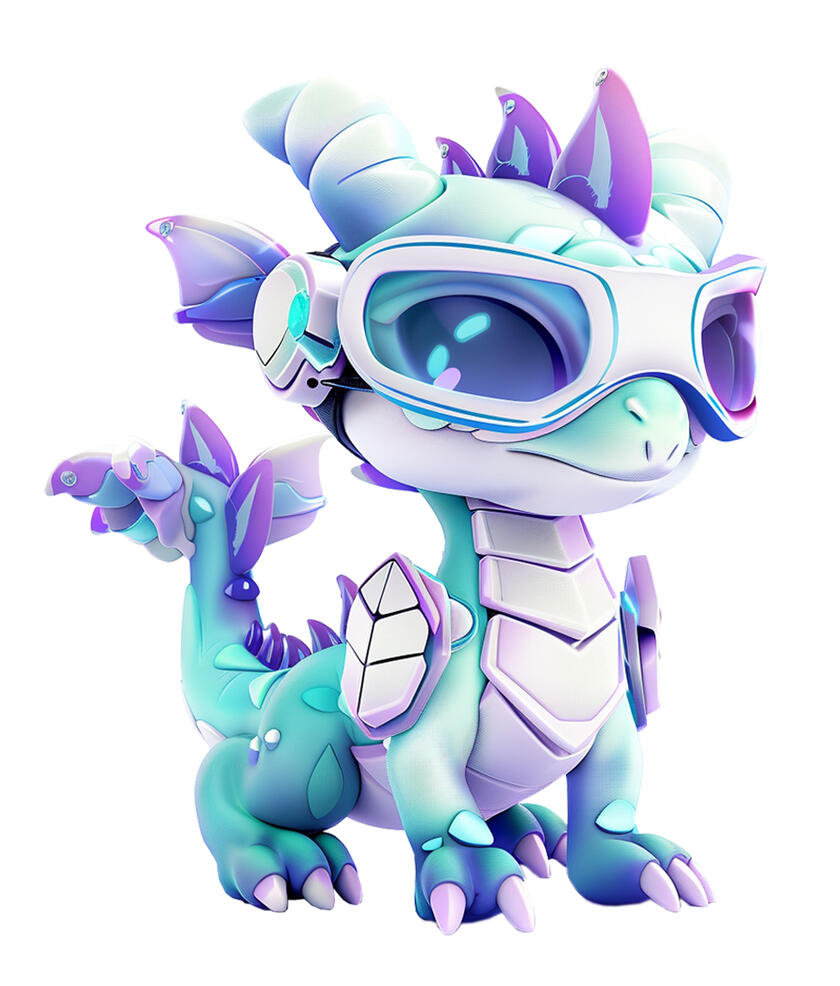
Dragonet
Immersive Realities - Exploring AR, VR, MR, and XR
Scene 1: Introduction (20 seconds)
Animation: The camera soars up the Wonder Treehouse to the 7th story, revealing The Quantum Neverland. As we enter The Matrix Nexus space, holographic projections of various digital realities flicker and dance around the room. The walls seem to shift and change, blending the physical and digital worlds seamlessly.Text on screen: "Immersive Realities: Where Digital Dreams Come True" (The text materializes as if emerging from a swirling vortex of pixels)DR. ENIGMA: "Welcome, young explorers! Today we're venturing into amazing worlds where imagination comes to life. Are you ready to discover technologies that can turn dreams into reality?"UNCLE DOGE: "Uncle Doge says, 'Get ready for an incredible adventure!' We're going to explore fantastic new ways to learn, play, and create using the latest digital technologies!"DRAGONET: "Wow! I can't wait to learn about these new technologies with all of you. I wonder what amazing things we'll discover together?"Animation: A swirling portal opens behind the characters, showcasing gentle glimpses of augmented and virtual reality experiences - like dinosaurs walking through a classroom and children floating in space.DR. ENIGMA: "Step into my world—if you can handle the wisdom buried in the code. Today, we're exploring the fascinating universe of Immersive Realities. Prepare to have your perception of reality... altered."Animation: The camera follows the explorers through the portal, the view smoothly transitioning to the next scene as soft light surrounds them.
Scene 2: What Are Immersive Realities? (40 seconds)
Animation: The scene transitions to a grand observatory-style dome space with multiple floating platforms arranged in a clear, sequential order. Stars twinkle in the dark dome above, while the platforms glow with soft, inviting light.Text on screen: "What Are Immersive Realities?" (The text appears first as real letters, then glows and transforms to show a digital version of itself, demonstrating the blend of real and digital worlds)Narrator: "Immersive realities are technologies that combine our real world with digital elements."Animation: The first platform shows real-world objects on one side and digital content on the other, then demonstrates them blending together seamlessly.Narrator: "These technologies create a bridge between our physical world and the digital world, allowing us to see and interact with digital content."Animation: The second platform displays various devices - headsets, smart glasses, phones, and tablets. Each device lights up as it's mentioned.Narrator: "We can experience immersive realities through different devices. Headsets can show us complete digital environments, while phones and tablets can display digital content in front of us."Animation: The third platform demonstrates the basic components of immersive systems: cameras capturing viewpoint and movement, displays showing digital content, and speakers creating sound.Narrator: "These devices use cameras to see our surroundings, screens to show us digital content, and speakers to create sound. Each type of device offers different ways to view and interact with digital content."Animation: The final platform shows how these components work together - a device scanning its surroundings, processing the information, and displaying appropriate digital content.Narrator: "When these components work together, they create experiences where digital content appears to be part of our surrounding environment."Animation: The observatory dome transforms into a cosmic whirlpool, drawing all the platforms and their demonstrations into a spiral of light that flows toward the next scene.
Scene 3: The Birth of Immersive Realities (40 seconds)
Animation: The scene opens in a digital museum space. A world map illuminates, showing how immersive reality development connected different countries and people over time.Text on screen: "The Birth of Immersive Realities" (Have the text appear to be projected or mapped onto the museum walls, blending the digital and physical seamlessly)Narrator: "Throughout history, humans have always sought new ways to experience and understand the world around them. The story of immersive realities shows how inventors from around the globe worked together to create new technologies that could transport people to digital worlds and enhance our connection to the physical one."Animation: Display shows Morton Heilig with detailed blueprints and the actual Sensorama machine.Narrator: "In the 1960s, American inventor Morton Heilig wanted to create an entertainment experience that could fully engage our senses. His invention, the Sensorama, combined 3D movies, stereo sound, wind effects, and even aromas to make viewers feel like they were truly inside the film."Animation: Scene transitions to Ivan Sutherland in his laboratory at Harvard, showing the original head-mounted display system with its ceiling mount.Narrator: "In the late 1960s, Professor Ivan Sutherland at Harvard University believed that computers could create artificial worlds that people could explore and interact with. His goal was to develop a virtual reality headset that could immerse users in fully generated digital environments."Animation: Show Dr. Myron Krueger demonstrating VIDEOPLACE, with people interacting with projected digital content.Narrator: "In the 1970s, American computer artist Dr. Myron Krueger took a different approach, creating VIDEOPLACE at the University of Connecticut. His invention let people use their entire bodies to interact with computer-generated images, blurring the line between the physical and digital worlds."Animation: Display Dr. Carolina Cruz-Neira and her team working on the original CAVE system.Narrator: "Building on these innovations, in 1992 Dr. Carolina Cruz-Neira, a Venezuelan computer engineer, led the team that created the CAVE at the University of Illinois. This room-sized system projected virtual environments onto the walls, creating immersive experiences without requiring headsets."Animation: Show Professor Hirokazu Kato developing ARToolKit at the University of Washington's HITLab.Narrator: "As virtual reality continued advancing, Professor Hirokazu Kato at the University of Washington created ARToolKit in 1999. This software made it easier for computers to understand where to place digital objects in the real world, helping developers create new augmented reality applications."Animation: Transition to modern developments, showing Palmer Luckey with the first Oculus Rift prototype.Narrator: "In 2012, American inventor Palmer Luckey developed the first Oculus Rift prototype at age 19. This lightweight, affordable virtual reality headset helped bring VR technology into homes around the world, inspiring further innovations."Animation: Show Professor Mark Billinghurst in his AR/VR research laboratory with his key projects.Narrator: "Professor Mark Billinghurst at the University of Auckland, New Zealand, has continued pioneering new ways for people to interact in augmented reality since the 1990s. His research on collaborative AR systems helps people work together in mixed reality environments."Animation: Display Professor Steve Mann with his various wearable computer inventions through the decades.Narrator: "Professor Steve Mann at the University of Toronto began developing wearable computers in the 1970s. His decades of research on blending digital and physical worlds have shaped how we think about combining these realities."Animation: Show Professor Nassir Navab at the Technical University of Munich in the 2010s, demonstrating his augmented reality systems for medical procedures.
Narrator: "In the 2010s, Professor Nassir Navab at the Technical University of Munich has developed augmented reality systems for medical procedures. His work helps doctors see important information while performing surgery, making operations more precise."Animation: The scene concludes by showing these technologies evolving into modern devices, with glowing lines connecting all inventors on the world map, emphasizing global collaboration.Narrator: "Today, researchers and inventors worldwide continue improving these technologies, building on decades of innovation to create new ways of blending digital and physical worlds. As they combine virtual reality, augmented reality, and other immersive experiences, the possibilities for how we interact with information and each other continue to grow."Animation: The digital museum transforms into a spiral of light containing images of all contributors and their inventions, flowing toward the next scene.
Scene 4: Types of Immersive Realities (50 seconds)
Animation: The scene transitions to a futuristic display space with three distinct areas, each glowing with different colored light to represent different types of immersive reality.Text on screen: "Types of Immersive Realities" (The text appears to be constructed from glowing lines and particles, assembling and reconfiguring in a fluid, animated manner)Narrator: "Let's explore the different ways technology can blend digital content with our world!"Augmented Reality (AR)
Animation: A holographic AR display shows digital information appearing over real objects, like labels, arrows, and simple 3D models.Narrator: "Augmented Reality, or AR, adds digital information to what you see in the real world. Using cameras and screens in devices like tablets and phones, AR can show helpful information, labels, or digital objects on top of your real surroundings."Virtual Reality (VR)
Animation: A child uses a VR headset to explore a completely digital environment.Narrator: "Virtual Reality, or VR, creates completely digital environments. When you wear a VR headset, you can explore computer-generated worlds that surround you in all directions."Mixed Reality (MR)
Animation: A child wearing specialized glasses interacts with digital objects that appear to be part of the real environment.Narrator: "Mixed Reality, or MR, combines digital and real objects in more advanced ways. MR technology can understand your surroundings and place digital objects that look and behave as if they're actually there."Extended Reality (XR)
Animation: The three previous demonstrations merge together, showing how these technologies exist on a spectrum.Narrator: "Extended Reality, or XR, is the term we use to describe all these immersive technologies together. From adding simple digital labels to creating entire virtual worlds, XR covers all the ways we can blend digital and physical experiences."Animation: All demonstrations spiral together into a flowing stream of light that leads to the next scene.
Scene 5: Immersive Realities in Action (40 seconds)
Animation: The scene transforms into a modern exhibition hall with five floating circular platforms arranged in a semicircle. Each platform illuminates one by one as its case study is presented, with holographic demonstrations hovering above each platform.Text on screen: "Immersive Realities: Real World Applications" (Text assembles from streams of data)Medical Training
Animation: The first platform glows in blue, displaying a detailed hologram of human anatomy. Medical students' avatars practice surgical procedures using VR controllers, with anatomical layers clearly visible.Narrator: "At Stanford University School of Medicine in California, United States, medical students use virtual reality to learn anatomy and practice surgical procedures. The 3D models let them see details inside the human body in ways textbooks cannot show."Manufacturing
Animation: The second platform lights up in orange, showing a holographic aircraft assembly line. Workers using AR headsets follow glowing guidelines to assemble complex components.Narrator: "At Boeing's aircraft factories in the United States, workers wear AR headsets that display step-by-step assembly instructions right in front of their eyes, helping them build complex aircraft parts correctly."Space Operations
Animation: The third platform activates in red, revealing a miniature Mars landscape with rovers. NASA engineers' avatars analyze 3D terrain maps and plan rover paths.Narrator: "At NASA, the United States space agency, engineers use mixed reality to examine detailed 3D maps of Mars. This helps them understand the terrain and guide the rovers safely across the Martian surface."Education
Animation: The fourth platform illuminates in green, showing students manipulating 3D molecular structures that float and rotate above their textbooks.Narrator: "In chemistry laboratories at Nanyang Technological University in Singapore, students use AR to see and interact with 3D models of molecules, making complex chemical structures easier to understand."Maintenance Training
Animation: The fifth platform glows in purple, displaying a virtual car service center where technicians practice maintenance procedures on transparent 3D vehicle models.Narrator: "At Volkswagen's training centers in Germany, technicians learn to repair vehicles using virtual reality. They can see inside engines and practice procedures before working on real cars."Narrator: "These are just a few examples of how immersive technologies are helping people learn, explore, and solve problems today. As this technology continues to develop, we will discover more ways to use it in our world."Animation: Each platform's demonstration rises up and spirals together, forming a dynamic helix of light that carries all the case studies upward before flowing smoothly into the next scene.
Scene 6: Safety in Immersive Realities (30 seconds)
Animation: The scene opens to a well-lit virtual space where safety demonstrations appear smoothly one after another.Text on screen: "Being Safe with Immersive Technologies" (Text forms from particles arranging themselves into a protective shield shape)Animation: Shows a proper VR setup in a well-lit room with clear space, cushioned floor mat, and an adult supervising a child using VR while another person spots them.Narrator: "When using VR, always have a clear, well-lit space. Remove any objects you might bump into, and have an adult present. It's safest to have someone spot you while you're in VR to help you stay balanced."Animation: A warning sign appears, showing common symptoms like dizziness and disorientation. Then shows a child stopping VR use and sitting down when feeling unwell.Narrator: "If you feel dizzy, disoriented, or your eyes hurt, stop using the device immediately and tell an adult. Some people might be more sensitive to motion in VR, and that's okay."Animation: Shows a timer counting 30 minutes, then taking a 15-minute break, with a child doing simple eye exercises and stretches.Narrator: "Take regular breaks - 15 minutes rest for every 30 minutes of use. During breaks, look at objects far away to rest your eyes, and move around to stay comfortable."Animation: Device displays show age ratings. A parent is shown checking and approving an AR app on a tablet.Narrator: "Different devices have age recommendations. Most VR headsets are for ages 13 and up. For AR apps on tablets or phones, always check with a parent or teacher first."Animation: Shows symbols representing personal information (name, location, photos) being protected by a shield.Narrator: "Keep your personal information private in virtual spaces. If something makes you uncomfortable, stop using the device and tell a trusted adult."Animation: All the safety guidelines merge into a sphere of protective light that flows into the next scene.
Scene 7: Did You Know? (60 seconds)
Animation: The scene fades in to reveal a whimsical digital landscape filled with colorful, floating icons and playful animations. Each fun fact is introduced with a burst of sparkling effects.Text on screen: "Did You Know?" (The text appears with a playful animation, like being handwritten by a virtual pen)
Virtual Smell-O-VisionText on screen: "Fact 1: First Global AR Experience"Narrator: "Pokemon Go made history in 2016 as the first augmented reality app to reach a global audience, introducing AR technology to over 130 million people in its first month. This game showed the world how digital content could blend with our real environment."Animation: Show global map with people using phones to see AR content in their environment, with counter reaching 130 million users.Text on screen: "Fact 2: First VR Surgery Broadcast"Narrator: "In April 2016, Dr. Shafi Ahmed performed the world's first virtual reality surgery broadcast at Royal London Hospital. 54,000 medical students from around the world watched the cancer operation live through VR headsets."Animation: Display the historical surgery broadcast, showing a world map with connecting points representing students watching, and a counter reaching 54,000.Text on screen: "Fact 3: Virtual Museum Success"Narrator: "In 2020, the Louvre Museum in Paris welcomed 10.5 million virtual visitors to their online tours, allowing people to explore famous artworks like the Mona Lisa from anywhere in the world."Animation: Show the Louvre's virtual galleries with visitor counter increasing, highlighting global access to famous artworks.
Scene 8: Conclusion (20 seconds)
Animation: The scene returns to The Matrix Nexus space in The Quantum Neverland, with Dr. Enigma, Uncle Doge, and Dragonet standing amidst swirling holograms of the various immersive realities.Text on screen: "Your Immersive Reality Adventure Awaits!" (The text appears to be constructed from glowing, futuristic-looking lines and particles, pulsing and shifting in a dynamic, 3D-like display)DR ENIGMA: "Ah, our intrepid explorers have returned from their journey through the realms of augmented, virtual, mixed, and extended realities. I must say, I'm quite impressed by all that you've learned."UNCLE DOGE: "Uncle Doge says, 'The more you know, the more you realize how much more there is to know!' And after learning all about these amazing technologies, I'd say you've only scratched the surface."DRAGONET: "Woohoo! I've got so many new dimension-hopping tricks up my sleeve after diving into the world of immersive realities. Just wait until you see what I can do!"DR ENIGMA: "Young explorers, the future of immersive experiences rests in your capable hands. These realms we've unveiled are ever-expanding - limited only by your boundless imagination. The journey continues, but for now, embrace the power of true immersion. The digital worlds await your arrival!"Animation: The three characters wave goodbye as the immersive realities swirl around them, gradually fading out.
Module 15
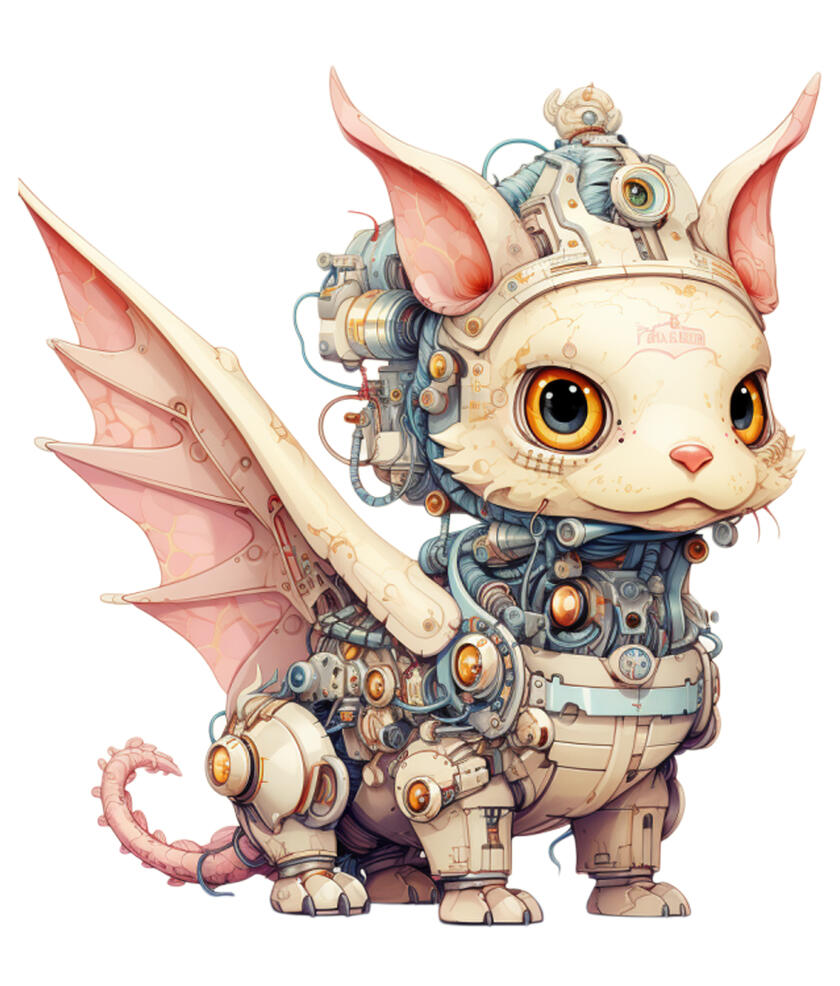
Kios
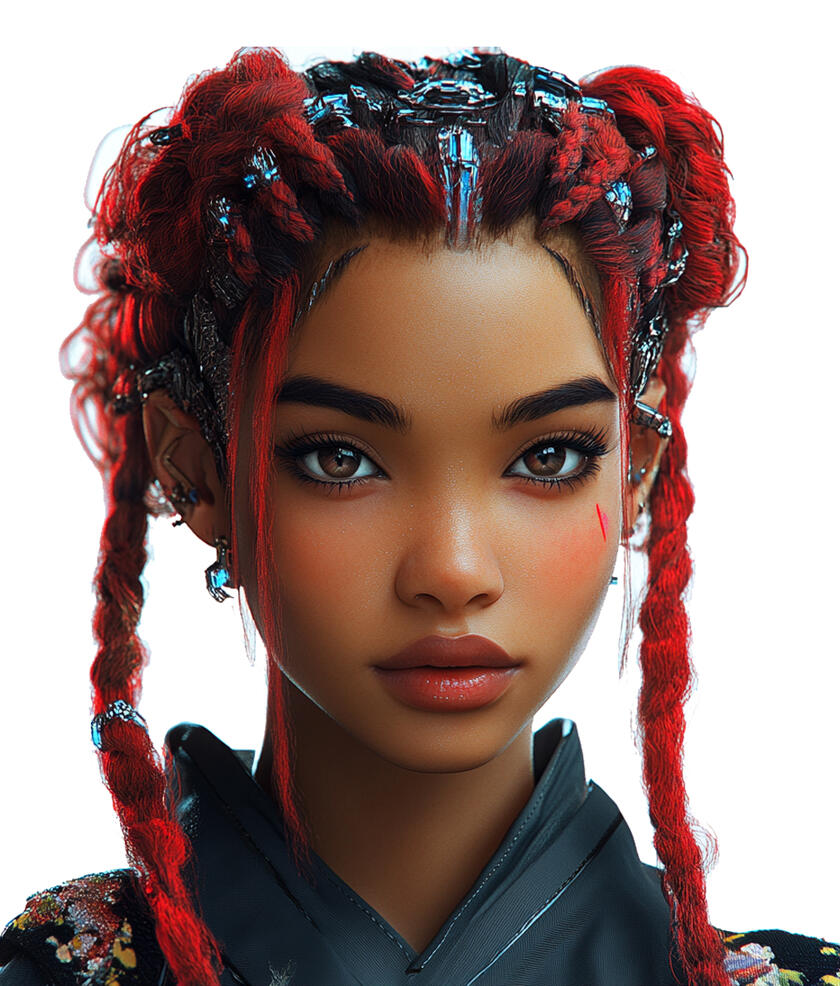
Ms Eva
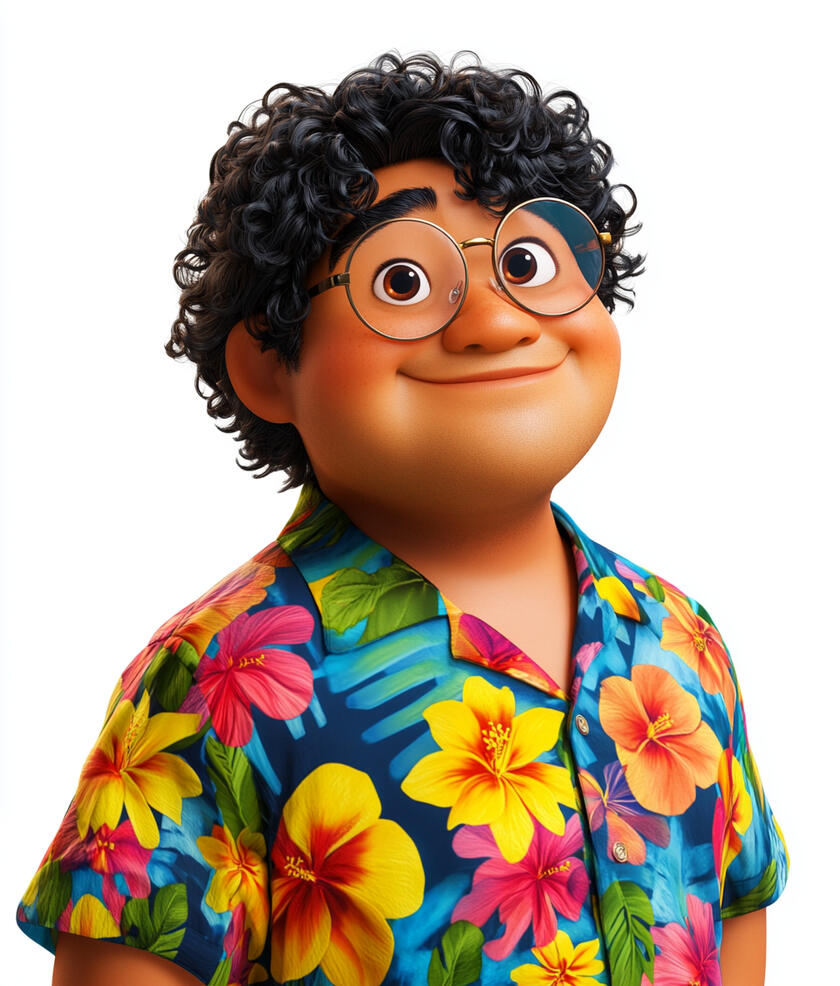
Uncle Doge

Dr Enigma
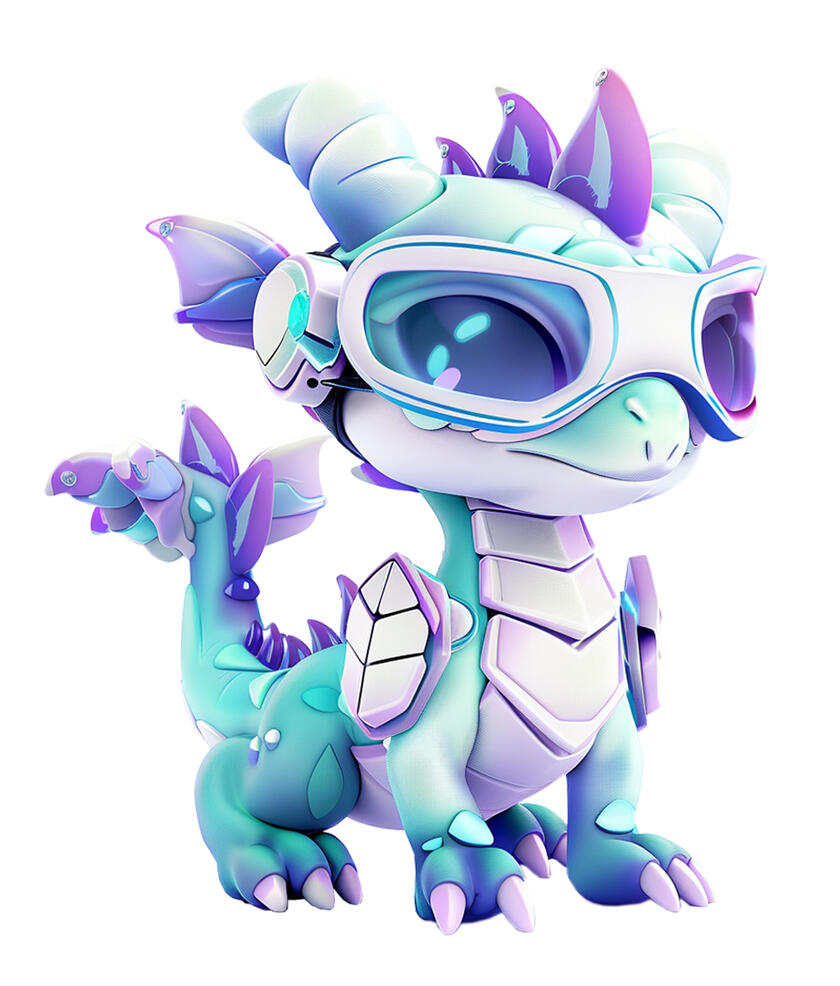
Dragonet
The Future is Ours: Imagining Tomorrow's Internet
Scene 1: Introduction (20 seconds)
Animation: The camera soars up the Wonder Treehouse to the 8th story, revealing The Infinity Gems Realm. This magical space glows with the light of countless shimmering gems, creating a stunning backdrop for our lesson.Text on screen: "The Future Together: When Technologies Unite!" (Text forms from the glow of combining gems)KIOS: "In realms of light where knowledge glows,
Where separate paths now intertwine and flow,
The time has come to see anew,
How technologies together breakthrough."MS EVA: "Welcome, young explorers! Let me guide you through this colorful tapestry of innovation."UNCLE DOGE: "Uncle Doge says, 'Time for some mind-blowing technology teamwork! Your brains are about to get a super upgrade!'"DR ENIGMA: "Step into my world of converging innovations—if you can handle the excitement of digital forces combining. Looking at how far you've come, I'd say there's a rather high probability you'll impress me again."Animation: The space around them shimmers as holographic displays show glimpses of various technologies working in harmony - AI systems making the metaverse smarter, blockchain keeping digital worlds secure, and new innovations emerging from their combination.DRAGONET: "I wonder what we'll learn together this time! My circuits are tingling just thinking about all these technologies becoming friends!"KIOS: "Through pathways bright and wisdom deep,
Together now our knowledge leaps.
In unity, new wonders rise,
As technologies harmonize."Animation: The holographic displays spiral together, forming a tunnel of light. Kios leads the way with graceful movements, followed by MS EVA and UNCLE DOGE walking side by side. DR ENIGMA strides forward with purposeful steps, while Dragonet bounces excitedly around them, leaving trails of sparkles. The camera follows this united group of guides through the dazzling corridor of combined technologies, transitioning smoothly into the next scene.
Scene 2: Technologies Working Together (40 seconds)
Animation: Camera transitions to a digital observatory where glowing lines connect different technology symbols, showing how they can combine and work together.Text on screen: "From Today to Tomorrow: Technologies Working Together" (Text appears as interconnected circuit lines lighting up one by one to form the words)Narration: "We've learned about Web3.0, AI, and the metaverse. Each of these technologies is powerful on its own, but when they work together, they can create even more amazing possibilities. Let's explore how they combine - from what's happening today to what we might see in the future!"Part 1: Current Technology Teamwork
Animation: Web3 game platform interface (like Axie Infinity or The Sandbox)Narrator: "In today's Web3 games, blockchain technology keeps track of your digital items, while AI helps create fair gameplay and moderates player interactions."Animation: Game items being traded and verifiedNarrator: "When players trade items, smart contracts on the blockchain automatically complete the trade, while AI systems help detect and prevent fraud."Animation: Virtual gaming environment with players interacting
Narrator: "These games combine metaverse spaces where players meet, blockchain that verifies ownership, and AI that helps everyone play safely together."Part 2: Technology Teams in Development
Animation: Digital identity verification systemNarrator: "Digital identity systems are using blockchain to store verified credentials securely, while AI helps detect unusual patterns that might indicate fraud."Animation: Supply chain management interfaceNarrator: "In supply chains, blockchain creates a clear record of where products come from, while AI helps predict and solve delivery problems in real-time."Animation: Decentralized marketplace interfaceNarrator: "Online marketplaces are combining smart contracts for automatic payments with AI systems that help buyers and sellers find what they need."Part 3: Future Possibilities
Animation: "Exploring Future Possibilities" appears with digital effectNarrator: "Looking ahead, let's imagine how these technologies might work together even more closely."Animation: Virtual learning environment with multiple integrated systemsNarrator: "We might see virtual classrooms where blockchain securely stores educational records, while AI personalizes each lesson, and the metaverse makes learning feel like an adventure."Animation: Global collaboration platform conceptNarrator: "Or imagine working on projects with people worldwide, where AI helps everyone communicate clearly while blockchain ensures everyone's work is recognized fairly."Animation: Healthcare monitoring system visualizationNarrator: "In healthcare, AI might analyze health data while blockchain keeps it private and secure, and metaverse interfaces help doctors and patients understand it better."Animation: Smart city management systemNarrator: "Cities might use AI to manage resources efficiently, blockchain to keep records transparent, and metaverse interfaces to let citizens see and participate in city planning."Animation: Digital preservation systemNarrator: "Museums and libraries might preserve cultural heritage using blockchain to verify authenticity, AI to restore and translate ancient texts, and metaverse spaces to make them accessible to everyone."Animation: The examples shown begin to shimmer and multiply, creating endless reflections of possibilitiesNarrator: "These are just a few ways we can imagine technologies working together in the future. As we discover more about these technologies and create new ones, there will be endless possibilities we haven't even dreamed of yet!"Animation: The technology symbols pulse with energy and interweave more tightly, suggesting stronger integration in the future.
Scene 3: Smart Digital Safety (40 seconds)
Animation: Digital command center forms from streams of code, featuring glowing safety protocol displays and interactive security stations. Different zones illuminate as each safety aspect is discussed.Text on screen: "Smart Digital Safety" (Text materializes within a shield that pulses with protective energy)Narration: "As technologies work together in new ways, it's important to understand how to use them safely and responsibly."Data Protection
Animation: 3D visualization of a user's digital footprint:Personal data represented by glowing orbs
Lines show data flowing between blockchain, AI systems, and metaverse platforms
Red flags highlight potential risks
Green shields show protection measuresNarrator: "When using Web3 platforms, your information is stored across different systems. Always check what data you're sharing and adjust your privacy settings carefully."Digital Identity Safety
Animation: Avatar in metaverse environment demonstrating security features:Digital wallet connection visualization
Two-factor authentication with device and security key
Password strength meter with specific requirements
Verified Web3 platform badgesNarrator: "Your digital wallet and identity connect to different Web3 services. Use strong passwords, enable two-factor authentication, and only connect through verified platforms."Smart Contract Awareness
Animation: Interactive smart contract interface:Smart contract terms with clear icons for gas fees and processing time
Warning symbols for irreversible transactions
Adult supervision icon appears
Confirmation countdown timer and checklistNarrator: "Smart contracts are irreversible once confirmed. Always check the gas fees, understand what you're agreeing to, and get help from a trusted adult before confirming any transaction."Virtual World Safety
Animation: Safe metaverse interaction demonstration:Avatar with data sharing permissions panel
Encrypted chat indicator
Report and block functions highlighted
One-click exit portal with instant logoutNarrator: "In virtual worlds, control what information you share. Your communications should be encrypted, and you can always use quick exit options if needed."AI Interaction Guidelines
Animation: AI chat interface with safety features:Clear "AI Assistant" label on responses
Fact-check reminder with verified source links
Information sharing filter showing what's safe/unsafe to share
Learning mode indicatorsNarrator: "AI systems are designed to help us learn and create. While they can be helpful companions, keep your personal information private and verify important information with trusted sources."Blockchain Transaction Safety
Animation: Secure transaction interface display:Wallet security checklist
Private key safety reminders (never share)
Transaction verification steps with clear explanations
Parental oversight optionsNarrator: "When using blockchain, keep your private keys secure and never share them. Always verify transaction details carefully and ask a trusted adult to help check important transactions."Narration: "Remember: staying safe in our digital world means being aware, careful, and not afraid to ask for help when needed!"Animation: All safety elements combine into a protective sphere around a young user's avatar, each layer representing a different aspect of security - wallet protection, data privacy, safe interaction, and verified connections.
Scene 4: Building a Better Digital World (40 seconds)
Animation: Digital landscape morphs into a global view, with interconnected networks of light showing technology adoption across different regions.Text on screen: "Building a Better Digital World" (Text forms from global data streams converging)Narration: "As we imagine these technologies working together, there are important challenges we need to think about and solve together. Understanding these challenges helps us create a better digital future for everyone."Access and Equality
Animation: Global map showing:Internet connectivity variations (bright vs dim regions)
Device availability differences (computer/phone icons)
Digital literacy levels (knowledge indicators)
Infrastructure development status (network towers)Narrator: "Not everyone has equal access to these technologies. Some regions need better internet, more devices, and education about using digital tools. Making technology available to everyone fairly is an important challenge."Digital Responsibility
Animation: Interactive display showing:Energy usage meters for blockchain networks
AI system impact measurements
Virtual world server requirements
Green technology solutions emergingNarrator: "Running these technologies requires lots of computing power and energy. Finding ways to make them more efficient and environmentally friendly is crucial for their future."Cultural Understanding
Animation: Global community spaces showing:Different cultural representations in virtual worlds
Multiple languages being translated
Various customs being respected
Diverse avatars interactingNarrator: "As people from different cultures meet in digital spaces, we need to make sure everyone feels welcome and understood. Technology should help us celebrate our differences while working together."Education and Growth
Animation: Learning ecosystem display:Digital literacy programs
New skills development
Teacher training programs
Community support systemsNarrator: "We need to help everyone learn how to use these new technologies. This means creating good learning programs and making sure teachers and communities can help guide others."Safety and Trust
Animation: Trust building visualization:Privacy protection systems
Security measures
Community guidelines
Support networksNarrator: "As we build these new digital spaces, keeping everyone safe and building trust is very important. This means creating strong safety rules and making sure everyone understands them."Narration: "These challenges might seem big, but by working together and using technology wisely, we can help create a digital world that's better for everyone!"Animation: The global view transforms into a bright, hopeful vision of an interconnected world where all the challenges are being actively addressed through collaboration and innovation. Various elements from previous scenes combine to show positive progress.
Scene 5: Your Turn to Shape the Future (40 seconds)
Animation: The scene transforms into an infinite digital cosmos, where various technology zones exist as unique floating islands connected by streams of data light. Each island has its own distinct visual theme.Text on screen: "Your Turn to Shape the Future" (Text emerges from flowing data streams)Learn and Explore
Animation: Knowledge Islands showing:AI Island: Shaped like a giant neural network, pulsing with activity as it learns from user interactions
Blockchain Archipelago: A chain of small islands connected by bridges made of verified transactions
Metaverse Mountain Range: Digital peaks and valleys where virtual worlds bloom like flowers
Safety Sanctuary: A crystal fortress with protective barriers that respond to user awarenessNarrator: "Start by learning about technology safely at school or home. Try understanding how AI thinks, explore how blockchain connects information, or discover how virtual worlds are built!"Create and Share Ideas
Animation: Creation Constellation showing:Idea Garden: Digital seeds planted by children grow into glowing tech-trees with unique innovations
Innovation River: Stream where children's ideas flow and combine to form new possibilities
Collaboration Canyon: Where different ideas meet and merge into stronger solutions
Future Forest: Where today's small ideas grow into tomorrow's big innovationsNarrator: "Your ideas are important! Imagine new ways technologies could work together, design spaces that help people connect, or create solutions that make the digital world better."Lead and Help Others
Animation: Leadership Landscape showing:Guide Path: Where young leaders light the way for others learning about technology
Teaching Trees: Knowledge spreading like branches to help others understand
Community Clouds: Where shared knowledge rains down to help new learners grow
Bridge of Understanding: Where helpers connect with those seeking to learnNarrator: "You can help others understand technology better! Share what you learn about staying safe online, help others understand digital tools, and show how technology can bring people together."Narration: "Remember, you're not just exploring this digital universe - you're helping create it. Your ideas and creativity will help build an amazing future for everyone!"Animation: All the islands and zones begin to glow brighter, their lights joining together to form a brilliant constellation of future possibilities, showing how each person's contribution adds to the bigger picture.
Scene 6: Conclusion (20 seconds)
Animation: The scene returns to The Infinity Gems Realm, now pulsing with enhanced luminescence from all the knowledge gathered. Our guides stand together amidst the floating gems, each gem reflecting aspects of the technologies we've explored.KIOS:
"In circuits deep and wisdom bright,
Where technologies dance in shared light,
Your path ahead now clearer glows,
As knowledge gained like river flows."DR ENIGMA: "Well, well... your grasp of these converging technologies has proven surprisingly competent. Perhaps you'll create something that even I haven't calculated yet."MS EVA: "Look at all the wisdom gems you've gathered in your journey! Each one adds a unique color to your palette - ready to help you paint a brighter digital tomorrow!"UNCLE DOGE: "Uncle Doge says, 'Your brains have leveled up big time!' Now go build something that breaks the internet - in a good way!"DRAGONET: My circuits are buzzing with everything we're learning together! Can't wait to see what amazing things we'll discover and create next on our journey!"KIOS:
"Through digital realms and wonders new,
Your journey forward remains true.
With wisdom shared and lessons learned,
Let future's light be wisely earned."Animation: The Infinity Gems Realm begins to sparkle with unprecedented brilliance, each gem's light interweaving with others to create new patterns. As our guides wave goodbye, the gems' light forms a brilliant path forward, suggesting infinite possibilities yet to be explored.
Brain Challenge
Challenge 1
The Internet: From Early Sparks to Web 1.0
Beginner Level (Ages 6-8)
What is the Internet?
A. A type of telephone
B. A big invisible network connecting computers all over the world ✓
C. A television channel
D. A single computerWhat can you do on the Internet?
A. Only watch videos
B. Only send emails
C. Chat with friends, share pictures, and find answers to questions ✓
D. Only play gamesWhat special symbol is used in every email address?
A. #
B. $
C. @ ✓
D. &How do messages travel across the Internet?
A. In one big piece
B. Through sound only
C. In small pieces that come back together ✓
D. Through pictures onlyWhat was different about using the Internet in early days?
A. It had more websites
B. It was much slower ✓
C. It had more users
D. It was easier to useWhat makes the World Wide Web special?
A. It only works for games
B. It helps everyone easily explore information ✓
C. It only sends emails
D. It only shows picturesWho helps connect all the computers on the Internet?
A. Only telephone companies
B. Many different companies working together ✓
C. Only satellite companies
D. Only one big companyWhat happens when you click on a link?
A. Your computer turns off
B. You move to a different webpage ✓
C. You lose your information
D. The Internet stops workingWhy was the Internet first created?
A. For playing games
B. For helping scientists share information ✓
C. For watching videos
D. For sending picturesHow do computers understand each other on the Internet?
A. They speak like humans
B. They use a special computer language ✓
C. They use pictures only
D. They don't need to understand each other
Intermediate Level (Ages 9-11)
Why was the Internet first created?
A. For playing video games
B. For scientists to share information ✓
C. For watching movies
D. For social mediaHow does TCP/IP help computers communicate?
A. By making them faster
B. By giving them a common language ✓
C. By making them bigger
D. By painting them the same colorWhat did the World Wide Web change about the Internet?
A. Made it more complicated
B. Made information easy to find and share ✓
C. Made computers faster
D. Made it more expensiveHow do messages travel across the Internet?
A. In one big piece
B. Through sound only
C. In small packets that reassemble ✓
D. Through paper mailWho created the World Wide Web?
A. A group of students
B. Tim Berners-Lee ✓
C. A video game company
D. A TV stationWhat was a major problem with early Internet use?
A. Too many websites
B. Complicated commands that were hard to use ✓
C. Too many pictures
D. Too many gamesWhat early change helped connect computers globally?
A. Faster screens
B. A special network called ARPANET ✓
C. Better graphics
D. More gamesWho helped computers send their first email?
A. Tim Berners-Lee
B. Ray Tomlinson ✓
C. A game company
D. A phone companyWhat was in the first email ever sent?
A. A long letter
B. The letters QWERTYUIOP ✓
C. A picture
D. A gameWhat did computers need to join early networks?
A. Better screens
B. Connection to ARPANET ✓
C. More memory
D. Faster processorsWhat happened when the first computers were connected?
A. Only games were shared
B. Scientists could share research directly ✓
C. Videos were sent
D. Social media was created
Advanced Level (Ages 12-14+)
How did the Internet transform from the 1960s to 1990s?
A. It became more restricted
B. It evolved from a scientific tool to a global communication network ✓
C. It became less efficient
D. It remained unchangedWhat fundamental change did TCP/IP bring to computer communication?
A. It made computers work faster
B. It created a universal way for different computers to communicate ✓
C. It only improved email systems
D. It only helped military communicationsWhat was significant about the World Wide Web's creation?
A. It made information more expensive
B. It restricted information access
C. It made information easily accessible through connected links ✓
D. It limited information to text onlyWhat was the significance of email in Internet development?
A. It made the Internet faster
B. It enabled direct computer-to-computer communication between people ✓
C. It created the World Wide Web
D. It improved computer processing speedHow did information sharing change with Web 1.0?
A. It became more restricted
B. It changed from complex commands to simple pointing and clicking ✓
C. It became slower
D. It required more technical knowledgeWhat innovation did TCP/IP introduce in handling data?
A. It sent all data at once
B. It broke data into packets and reassembled them at destination ✓
C. It only worked with text
D. It required special hardwareWhat advantage did packet switching bring to networks?
A. Made computers cheaper
B. Made messages travel reliably even if parts of network failed ✓
C. Made better graphics possible
D. Made computers fasterWhat key advancement did ARPANET bring to computing?
A. Faster graphics processing
B. First network connecting distant computers ✓
C. Better computer screens
D. Cheaper computersWhy was the development of shared network protocols important?
A. Made computers cheaper
B. Allowed different types of computers to join the network ✓
C. Improved screen resolution
D. Made computers fasterWhat changed about information access after World Wide Web?
A. Required special training
B. Anyone could explore information without special knowledge ✓
C. Needed coding skills
D. Required expensive equipmentWhat inspired people to improve the Internet?
A. Need for better games
B. Need to share knowledge more widely ✓
C. Need for faster computers
D. Need for better graphics
Challenge 2
The Social Internet Revolution (Part 1)
Beginner Level (Ages 6-9)
What changed about the internet with Web 2.0?
A. It became slower
B. People could create and share content ✓
C. Websites disappeared
D. Only adults could use itWhat can you do on social media?
A. Only watch others
B. Only read news
C. Connect with friends and share ideas ✓
D. Make the internet fasterWhat is a profile on social media?
A. A secret code
B. Your digital space to share about yourself ✓
C. A type of game
D. A computer passwordWhat happens when something goes "viral"?
A. It gets deleted
B. Many people share it quickly ✓
C. It costs money
D. Only adults can see itHow do people around the world connect on Web 2.0?
A. Only through mail
B. Only by telephone
C. Through social media and video chats ✓
D. Only in personWhat should you think about before sharing something online?
A. How many likes you'll get
B. If it's true and kind ✓
C. If it's funny enough
D. If it has picturesWhat are "ads" on social media?
A. New friends
B. Posts companies pay to show you ✓
C. Free games
D. Private messagesHow do students use Web 2.0 to learn together?
A. Only reading books
B. Working on projects with kids from other countries ✓
C. Playing video games alone
D. Watching television showsWhat makes Web 2.0 different from before?
A. It's more expensive
B. Everyone can participate and create ✓
C. Only experts can use it
D. It's only for gamesHow can you share your ideas on Web 2.0?
A. Only through email
B. Through posts, photos, and videos ✓
C. Only through phone calls
D. Only by writing letters
Intermediate Level (Ages 9-11)
What change did Web 2.0 bring to the internet?
A. Made it slower
B. Made people passive readers
C. Turned users into active creators ✓
D. Removed all websitesWhich reason led to Web 2.0's development?
A. Companies wanted more website visitors
B. People wanted to create and share their own content ✓
C. Computers became more expensive
D. Websites needed to be simplerHow do social media platforms help people connect?
A. Through mail only
B. Through phone calls only
C. Through posts, comments, and shared interests ✓
D. Through televisionWhat is digital identity?
A. Your password
B. Your computer's name
C. How you present yourself online ✓
D. Your email addressHow does Web 2.0 connect people who speak different languages?
A. By using sign language only
B. Through real-time translation features ✓
C. By speaking louder
D. Through postal mailWhat makes content go viral?
A. Computer viruses
B. Rapid sharing by many people ✓
C. Paying for views
D. Waiting a long timeWhat should you consider before sharing content?
A. Only how many likes you'll get
B. Truth, kindness, and helpfulness ✓
C. Only if it's funny
D. Only if it's popularHow has Web 2.0 changed learning?
A. Made it impossible
B. Limited it to classrooms
C. Enabled global collaboration and sharing ✓
D. Made it more expensiveWhat are "sponsored posts" in social media?
A. Free messages from friends
B. Posts companies pay to show you ✓
C. Private chat messages
D. Profile picturesWhat can students do together in Web 2.0?
A. Only share pictures
B. Work on global projects together ✓
C. Play offline games
D. Send postal mail
Advanced Level (Ages 12-14+)
How has Web 2.0 transformed information flow on the internet?
A. Made it one-directional
B. Created a participatory information ecosystem ✓
C. Eliminated information sharing
D. Limited it to experts onlyWhat fundamental shift did Web 2.0 bring to user engagement?
A. Reduced user participation
B. Transformed consumers into content creators ✓
C. Eliminated user interaction
D. Made content more expensiveHow has Web 2.0 impacted global communication?
A. Limited it to local areas
B. Created cross-cultural platforms for exchange ✓
C. Eliminated international contact
D. Made it more expensiveWhat role does digital identity play in Web 2.0?
A. It's irrelevant
B. It's a curated representation of self online ✓
C. It's only for games
D. It's fixed and unchangeableHow does Web 2.0 facilitate content distribution?
A. Through limited channels only
B. Through viral sharing and network effects ✓
C. Through paid services only
D. Through traditional media onlyWhat societal impact has Web 2.0 created?
A. Decreased global connection
B. Democratized information creation and sharing ✓
C. Limited communication channels
D. Reduced cultural exchangeHow has Web 2.0 influenced learning and education?
A. Made it less accessible
B. Created global collaborative learning opportunities ✓
C. Limited educational resources
D. Removed online learningWhat role do social platforms play in Web 2.0?
A. Simple message boards
B. Complex ecosystems for social interaction and content sharing ✓
C. Basic email services
D. Static websitesHow has Web 2.0 affected content creation?
A. Limited it to professionals
B. Enabled user-generated content and creative expression ✓
C. Eliminated content creation
D. Made it more expensiveWhat should users consider before sharing content in the Web 2.0 era?
A. Nothing, just share freely
B. If it's true, kind, and helpful ✓
C. Only share with close friends
D. Share only professionally created content
Challenge 3
The Social Internet Revolution (Part 2)
Beginner Level (Ages 6-8)
What can you do with Google Docs?
A. Only read documents
B. Only write your own documents
C. Work together on the same document ✓
D. Only share documents, not edit themWhat can you do with video calls on Zoom?
A. Only watch videos
B. Only make phone calls
C. Talk face-to-face with people far away ✓
D. Only send messagesHow do people work together on Wikipedia?
A. Only experts can edit it
B. People from around the world contribute ✓
C. You can only read it, not edit
D. It's just an online encyclopediaWhy is it important to take breaks from using smart devices?
A. To save the battery
B. To rest your eyes and body ✓
C. To avoid getting in trouble
D. To charge the deviceWhat should you think about before sharing something online?
A. Post it right away
B. Only share with friends
C. If it's true and kind ✓
D. Ask an adult firstHow do smart devices help you stay connected to your work?
A. You can only get updates
B. You can only join discussions
C. You can get updates, join discussions, and share things ✓
D. You can only share thingsWhat special things can smart devices do to help you learn and share?
A. Only change the text size
B. Only record your voice
C. Customize how you learn and easily share things ✓
D. Only take photosWhy is it important to balance your screen time?
A. To save the battery
B. To rest your eyes, and do other things ✓
C. To avoid getting in trouble
D. To keep your device chargedWhat should you think about before posting something online?
A. How many likes you'll get
B. If it's true and kind ✓
C. If it's funny
D. If it has picturesWhat is coming after Web 2.0 that the module mentions?
A. Web 1.0
B. More video games
C. Smartphones
D. Web 3.0 ✓
Intermediate Level (Ages 9-11)
What can collaborative document tools like Google Docs allow you and your classmates to do?
A. Only write your own documents
B. Work on the same document together in real-time ✓
C. Only share documents, not edit them
D. Only read documentsHow can video conferencing tools like Zoom change how we learn and communicate?
A. They can't change anything
B. They only allow us to make phone calls
C. They let us have face-to-face conversations with people anywhere in the world ✓
D. They only allow us to watch videosHow does Wikipedia demonstrate Web 2.0 collaboration?
A. Only experts can edit it
B. People from all over the world work together to share knowledge ✓
C. It's only for reading, not editing
D. It's just an online encyclopediaWhat do Web 2.0 creation tools for artwork and music allow you to do?
A. Only use them individually
B. Only share your creations with your family
C. Share your creations with others online ✓
D. Only use them on computers, not other devicesWhy is it important to take breaks when using smart devices?
A. To save battery life
B. To avoid eye strain and stay comfortable ✓
C. To avoid getting in trouble
D. To charge the deviceHow do smart devices let you stay connected to your team's work?
A. You can only receive updates
B. You can only join discussions
C. You can receive updates instantly, join discussions anytime, and share information right away ✓
D. You can only share informationWhat unique ways do smart devices offer to learn and share?
A. Only adjustable reading text size
B. Only voice recording
C. Customizable reading, easy multimedia sharing, and more ✓
D. Only taking photosWhy is it important to balance your screen time when using smart devices?
A. To save battery life
B. To avoid eye strain and stay comfortable, and spend time in the real world ✓
C. To avoid getting in trouble
D. To charge the deviceWhat should you think about before sharing something online?
A. How many likes you'll get
B. If it's true, kind, and helpful ✓
C. If it's funny enough
D. If it has picturesHow do smart devices help you stay connected to your team's work?
A. You can only receive updates
B. You can only join discussions
C. You can receive updates instantly, join discussions anytime, and share information right away ✓
D. You can only share information
Advanced Level (Ages 12-14+)
What transformative change did Web 2.0 bring to user engagement on the internet?
A. Reduced user participation
B. Transformed consumers into content creators ✓
C. Eliminated user interaction
D. Made content more expensiveHow has Web 2.0 impacted global communication?
A. Limited it to local areas
B. Created cross-cultural platforms for exchange ✓
C. Eliminated international contact
D. Made it more expensiveWhat role does digital identity play in the Web 2.0 era?
A. It's irrelevant
B. It's a curated representation of self online ✓
C. It's only for games
D. It's fixed and unchangeableHow does Web 2.0 facilitate the distribution of content?
A. Through limited channels only
B. Through viral sharing and network effects ✓
C. Through paid services only
D. Through traditional media onlyWhat should users consider before sharing content in the Web 2.0 era?
A. Nothing, just share freely
B. If it's true, kind, and helpful ✓
C. Only share with close friends
D. Share only professionally created contentHow do collaborative document tools like Google Docs allow people to work together?
A. Only one person can work on a document at a time
B. Users can work on the same document simultaneously in real-time ✓
C. Documents can only be shared, not edited
D. Collaborative tools are only for reading, not writingWhat makes video conferencing tools like Zoom useful for learning and communication?
A. They don't change how we learn and communicate
B. They only allow phone calls
C. They enable face-to-face conversations with people anywhere in the world ✓
D. They only allow watching videosHow does the collaborative nature of Wikipedia demonstrate Web 2.0 principles?
A. Only experts can contribute
B. People from around the globe work together to share knowledge ✓
C. It's only for reading, not editing
D. It's just an online encyclopedia with no collaborationHow do Web 2.0 creation tools (like for art and music) differ from earlier internet tools?
A. They can only be used individually
B. They only allow sharing with your family
C. They enable sharing your creations with others online ✓
D. They can only be used on computers, not other devicesWhy is it important to be thoughtful about screen time and balancing online/offline activities when using smart devices?
A. To save battery life
B. To avoid eye strain, stay comfortable, and maintain a healthy lifestyle ✓
C. To avoid getting in trouble
D. To ensure the device stays charged
Challenge 4
Web 3.0: The Magical Digital Forest
Beginner Level (Ages 6-8)
What is Web 3.0?
A. A new video game
B. The next version of the internet ✓
C. A TV show
D. A type of computerIn Web 3.0, who controls your digital items?
A. Big companies
B. The government
C. You ✓
D. Your friendsWhat can you do with your digital art in Web 3.0?
A. Only look at it
B. Only share it with friends
C. Prove you own it and control who uses it ✓
D. Nothing specialIn Web 3.0, who can help make the internet better?
A. Only adults
B. Everyone ✓
C. Only computer experts
D. Only companiesWhat does Web 3.0 do to information?
A. Makes it harder to find
B. Makes it less trustworthy
C. Hides it from everyone
D. Makes it easier to trace back to its source ✓What's the main idea of Web 3.0?
A. To give users more control over their digital world ✓
B. To make the internet slower
C. To give more control to big companies
D. To make the internet more confusingIs Web 3.0 ready now?
A. Yes, it's completely done
B. No, it's still being built ✓
C. It's just an idea, not real
D. It already happened long agoHow is Web 3.0 different from the internet we have now?
A. It's less interactive
B. It gives users more control and ownership ✓
C. It's controlled by even bigger companies
D. It's only for expertsWhat kind of digital items can you truly own in Web 3.0?
A. Only simple messages
B. Only short videos
C. Art, game items, and other digital creations ✓
D. Nothing at allWhat makes Web 3.0 exciting for its users?
A. It lets them create and share their own ideas ✓
B. It limits their ability to explore and learn new things
C. It makes the internet more boring and less interactive
D. It doesn't change anything for young users
Intermediate Level (Ages 9-11)
How does Web 3.0 change the way you interact with the internet?
A. It makes it harder to connect with others
B. It gives you more control over your digital life ✓
C. It limits what you can create and share
D. It doesn't change anything significantWhat happens to your personal information in Web 3.0?
A. It's sold to the highest bidder
B. It's completely erased from existence
C. It's published for everyone to see
D. You have more control over who can access it ✓How does Web 3.0 handle digital ownership?
A. It makes it impossible to own digital items
B. It allows you to prove ownership of your creations ✓
C. It forces you to share everything you make
D. It gives all ownership rights to companiesWho can build and create new things in Web 3.0?
A. Anyone who wants to, including kids and students ✓
B. Only people who work for big tech companies
C. Only adults with advanced computer skills
D. No one, it's a closed system that doesn't allow creationWhat does it mean when Web 3.0 is transparent?
A. Everyone can see your private information
B. Information is impossible to verify
C. You can see where information comes from and how it's used ✓
D. Everything is hidden and secretWhy is Web 3.0 important for the future of the internet?
A. It will make the internet much slower and harder to use
B. It will give users more ability to control their online experience ✓
C. It will put all the power in the hands of a few big companies
D. It's just a passing trend that won't have any real impactWhat stage is Web 3.0 currently in?
A. It's already finished and being used by everyone
B. It's in the early stages of development ✓
C. It's just an idea that hasn't been started yet
D. It's an old idea that's been abandonedHow does Web 3.0 change online identity?
A. It forces everyone to use their real names and information
B. It makes it impossible to have any online identity at all
C. It gives users control over their digital identity and personal data ✓
D. It allows companies to decide who you are onlineWhat's the main benefit of decentralization in Web 3.0?
A. It makes the internet more confusing and difficult to use
B. It gives all the power to a single entity or organization
C. It slows down innovation and limits what's possible online
D. It allows for more user control, privacy, and ownership ✓How could Web 3.0 change the way we use the internet?
A. By providing users with more autonomy, privacy, and creative freedom ✓
B. By making it more centralized and controlled
C. By limiting the ability for users to create and innovate
D. By keeping things exactly the same as they are now
Advanced Level (Ages 12-14+)
What is the main difference between Web 2.0 and Web 3.0 in terms of user control?
A. Web 3.0 gives users less control compared to Web 2.0
B. Web 3.0 shifts control from companies to individual users ✓
C. There is no significant difference in user control between Web 2.0 and Web 3.0
D. Web 3.0 eliminates the concept of user control entirelyHow do decentralized networks contribute to the goals of Web 3.0?
A. They are a distraction from the main objectives of Web 3.0
B. They give more power to centralized authorities and big tech companies
C. They enable greater user autonomy, privacy, and control ✓
D. They make Web 3.0 more difficult to develop and implementWhat technology does Web 3.0 use to enable true ownership of digital assets?
A. Blockchain-based systems for verifiable ownership records ✓
B. Artificial intelligence and machine learning algorithms
C. Centralized databases controlled by trusted authorities
D. Advanced encryption methods that prevent any sharing or transfer of assetsHow does Web 3.0 aim to change the concept of online identity?
A. By enforcing the use of government-issued digital IDs for all users
B. By eliminating the ability for users to have any online identity at all
C. By allowing companies to define and control user identities as they see fit
D. By giving users more control over their digital identity and personal data ✓What role does Web 3.0 play in fostering innovation on the internet?
A. It limits innovation to a select group of approved creators and developers
B. It makes it more difficult for new ideas and projects to gain traction
C. It empowers a diverse range of users to build, create, and contribute ✓
D. It channels all innovation through a centralized system of gatekeepersHow does transparency in Web 3.0 impact the flow of information online?
A. It makes it harder to trace the origins and spread of information
B. It allows for greater accountability and trust in online information ✓
C. It has no real impact on how information moves through decentralized networks
D. It gives information owners complete control over who can access their dataWhat potential impact could Web 3.0 have on the future of the internet?
A. It could lead to a more centralized and controlled online environment
B. It could stifle creativity and limit the free exchange of ideas
C. It could create a more open, diverse, and user-centric internet ✓
D. It could reinforce existing power imbalances and exacerbate inequalityWhat challenges might Web 3.0 need to overcome as it develops and grows?
A. Lack of interest or engagement from users and creators
B. Insufficient technical infrastructure and capabilities
C. Fundamental incompatibility with the principles of the open internet
D. Opposition from established players invested in centralized control ✓How can Web 3.0 address issues of privacy and data control in the current web?
A. By putting users in charge of their own data and digital footprint ✓
B. By giving companies even more control over user data and privacy
C. By eliminating any concept of personal privacy in the digital world
D. By making all personal data public and accessible to anyoneWhat philosophies and values does Web 3.0 represent for the internet?
A. Centralization, control, and corporate power
B. Creativity, autonomy, and user empowerment ✓
C. Anonymity, chaos, and lack of accountability
D. Stagnation, limitations, and restricted innovation
Challenge 5
Blockchain: The Unbreakable Chain
Beginner Level (Ages 6-8)
What is blockchain used for?
A. Only to store pictures
B. Only to keep track of money
C. To keep records that are hard to change ✓
D. Only to play gamesHow does blockchain work?
A. With just one computer
B. With many computers working together ✓
C. With only government computers
D. With the internet turned offWhat special thing do the blocks in a blockchain have?
A. They can change easily
B. They are all the same
C. They are connected to each other ✓
D. They have pictures on themWhy is it hard to change information on the blockchain?
A. Because it's on the internet
B. Because it's on a lot of computers ✓
C. Because it's very small
D. Because it's only for adultsWhat can blockchain help keep track of?
A. Only your money
B. Only your games
C. Anything that needs to be kept safe ✓
D. Only your friendsWhat do the computers on the blockchain do?
A. They play games
B. They work together to check information ✓
C. They just store information
D. They only work at nightHow does blockchain help keep food safe?
A. It tracks where the food comes from ✓
B. It changes the food
C. It keeps the food in one place
D. It makes the food taste betterHow can blockchain prove that a certificate or degree is real?
A. By adding a sticker
B. By changing the paper
C. By keeping a record that can't be changed ✓
D. By making it glowWhat do companies use blockchain for with packages?
A. To make the packages go faster
B. To change the package information
C. To only send the package at night
D. To keep track of where the package goes ✓How does blockchain help show if a product is real?
A. By adding a special design
B. By changing the product
C. By keeping a record that can't be changed ✓
D. By making the product glow
Intermediate Level (Ages 9-11)
What is the main purpose of blockchain technology?
A. To store all the world's information
B. To keep digital records secure and unchangeable ✓
C. To control how people use the internet
D. To only store information about moneyHow does blockchain ensure the information stored is trustworthy?
A. By having only one computer in charge
B. By having many computers work together to verify it ✓
C. By making it impossible to add new information
D. By keeping it hidden from everyoneWhat key features make blockchain unique compared to traditional record-keeping?
A. It's faster and more efficient
B. It's controlled by a single authority
C. It's distributed across many computers and can't be easily changed ✓
D. It only works with digital currenciesWhy is the blockchain "unbreakable" when it comes to changing information?
A. Because it's made of very strong materials
B. Because it's connected to the internet 24/7
C. Because only experts are allowed to access it
D. Because each block is linked to the ones before and after it ✓How do blockchain networks help keep food supply chains secure?
A. By changing the way food tastes
B. By tracking where food comes from step-by-step ✓
C. By only allowing certain people to buy the food
D. By making the food packages glowWhat makes blockchain a good way to verify the authenticity of documents?
A. It stores a permanent record that can't be altered ✓
B. It adds a special sticker that can't be removed
C. It changes the appearance of the document
D. It requires a secret password to accessHow do shipping companies use blockchain to improve package tracking?
A. By only allowing trucks to deliver at certain times
B. By recording each handoff of the package in the blockchain ✓
C. By putting a GPS tracker inside every package
D. By only sending packages that are the same sizeWhat is the key benefit of using blockchain to prove the origin of products?
A. It makes the products more expensive
B. It prevents counterfeiting by keeping unalterable records ✓
C. It allows companies to change product details easily
D. It only works for digital products, not physical onesWhy are organizations around the world exploring new uses for blockchain?
A. Because it's a fad that will quickly disappear
B. Because it requires a lot of expensive hardware
C. Because only tech experts can understand how to use it
D. Because it helps make information more secure and trustworthy ✓How does the distributed nature of blockchain networks help keep information safe?
A. By having only one central authority in control
B. By having many computers verifying the information, making it hard to alter ✓
C. By making it easy for anyone to change the records
D. By requiring a password to access the information
Advanced Level (Ages 12-14+)
What key problem does blockchain technology aim to solve compared to traditional record-keeping systems?
A. The lack of access to digital information
B. The ability for a single point of failure to compromise data integrity ✓
C. The need for more advanced computing power
D. The high costs associated with maintaining recordsHow does the consensus mechanism in blockchain networks help ensure data immutability?
A. By relying on a central authority to approve all changes
B. By requiring a majority of nodes to agree on the validity of new blocks ✓
C. By making it impossible for any node to modify existing blocks
D. By only allowing the network creator to add new informationWhat are the key technological innovations that enable blockchain's decentralized and transparent nature?
A. Cryptographic hashing and distributed database replication ✓
B. Faster internet speeds and more powerful computers
C. Strict access controls and centralized data storage
D. Proprietary algorithms known only to blockchain developersHow does the blockchain's transparent nature impact the trustworthiness of the information it stores?
A. It makes the information less secure and more vulnerable to tampering
B. It creates an immutable audit trail that enhances accountability ✓
C. It requires specialized expertise to verify the accuracy of the data
D. It allows any user to unilaterally modify the contents of the blockchainCompared to traditional centralized databases, what advantages does the distributed architecture of blockchain offer?
A. Faster data processing and retrieval
B. Easier centralized control and management
C. Lower overall computing power requirements
D. Greater resilience against single points of failure ✓How do blockchain-based systems for tracking food supply chains improve upon previous methods?
A. By making it easier to alter the records of food provenance
B. By introducing a single point of control over the entire supply chain
C. By creating an unbroken chain of custody that is difficult to tamper with ✓
D. By reducing the overall costs associated with food transportation and distributionWhat key property of blockchain technology enables the reliable verification of digital assets and credentials?
A. The ability to easily modify existing records
B. The decentralized nature that prevents unauthorized changes ✓
C. The requirement for a central authority to approve all transactions
D. The high computational power needed to maintain the networkHow does the use of blockchain in package tracking enhance the transparency and efficiency of logistics operations?
A. By making it easier for bad actors to hide the movement of packages
B. By introducing additional bureaucratic steps to the delivery process
C. By creating a verifiable record of each handoff that cannot be retroactively altered ✓
D. By requiring all participants in the supply chain to have specialized blockchain expertiseWhat are some of the key reasons why organizations are exploring new use cases for blockchain technology beyond financial applications?
A. The desire to increase centralized control over data and processes
B. The need to address challenges related to data integrity and provenance ✓
C. The lack of scalability and interoperability of existing database solutions
D. The high costs associated with implementing and maintaining blockchain networksHow does the distributed nature of blockchain networks help mitigate the risk of data breaches and unauthorized modifications?
A. By making it necessary for all nodes to agree on changes ✓
B. By requiring a single point of failure to be compromised
C. By encrypting all data using a single, centralized key
D. By limiting access to the network to only authorized participants
Challenge 6
Crypto Coins: Digital Treasure Hunt
Beginner Level (Ages 6-8)
What is cryptocurrency?
A. Regular paper money
B. Digital money ✓
C. Physical coins
D. Credit cardsHow do cryptocurrencies work?
A. Through banks and credit cards
B. Only through paper money
C. Through blockchain technology ✓
D. Only through physical coinsWho created Bitcoin?
A. A bank
B. A mysterious person or group called Satoshi Nakamoto ✓
C. The government
D. A computer companyWhat was the first cryptocurrency ever created?
A. Ethereum
B. Bitcoin ✓
C. Dogecoin
D. Regular moneyWhat do you need to use cryptocurrencies?
A. A regular wallet
B. A digital wallet ✓
C. A bank account
D. Paper moneyWhat does a digital wallet do?
A. Holds physical money
B. Holds special keys to access your cryptocurrencies ✓
C. Holds credit cards
D. Only stores picturesWhat are the two main types of crypto wallets?
A. Big and small wallets
B. Hot wallets and cold wallets ✓
C. Paper and plastic wallets
D. Red and blue walletsWhat is a "hot wallet"?
A. A wallet that is warm
B. An online wallet on phones or computers ✓
C. A wallet for holding cash
D. A wallet that's hard to useWhat is a "cold wallet"?
A. A frozen wallet
B. A wallet that stays offline most of the time ✓
C. A wallet for winter
D. A regular walletWhy do people use cold wallets?
A. Because they're cheaper
B. Because they're more secure for storing large amounts ✓
C. Because they're easier to use
D. Because they work faster
Intermediate Level (Ages 9-11)
How do cryptocurrencies work without banks?
A. They use magic
B. They use blockchain technology ✓
C. They use regular money
D. They don't work at allWhat makes crypto special compared to regular money?
A. It's controlled by banks
B. It can only be used online
C. It can be sent directly between people without middlemen ✓
D. It's always worth the same amountWhat are the main features of cryptocurrency?
A. It's physical and digital
B. It's digital-only and works without central authority ✓
C. It's controlled by one company
D. It can only be used in storesWhat is blockchain in cryptocurrency?
A. A physical chain
B. A digital record book that can't be changed easily ✓
C. A type of computer game
D. A new kind of bankWhat happens when someone makes a cryptocurrency transaction?
A. Nothing happens
B. The information goes into a block on the blockchain ✓
C. Paper money is printed
D. The bank approves itHow are cryptocurrency transactions verified?
A. By a single person
B. By many computers working together ✓
C. By banks only
D. By government officesWhat is special about Bitcoin's total supply?
A. It will keep growing forever
B. There will only ever be 21 million Bitcoins ✓
C. Anyone can make more Bitcoins
D. It changes every yearWhat is cryptocurrency mining?
A. Digging for digital coins
B. Verifying and recording transactions ✓
C. Playing crypto games
D. Making paper moneyHow does a crypto wallet protect your digital money?
A. By using a physical safe
B. By storing special digital keys ✓
C. By hiding it underground
D. By keeping it in a bankWhat's happening with cryptocurrency development today?
A. It's stopped completely
B. New types are being created with different features ✓
C. Only Bitcoin exists now
D. It's only used for games
Advanced Level (Ages 12-14+)
What is the key innovation that enables cryptocurrencies to operate without a central authority?
A. Faster internet speeds
B. Decentralized blockchain technology ✓
C. More powerful computers
D. Advanced artificial intelligenceWhat is one key difference between cryptocurrencies and traditional currencies?
A. Cryptocurrencies are physically minted
B. Cryptocurrencies are exclusively controlled by banks
C. Cryptocurrencies exist in digital form ✓
D. Cryptocurrencies are backed by tangible assetsWhat unique feature does Ethereum offer compared to other cryptocurrencies?
A. It is the only cryptocurrency that can be used for purchases
B. It serves as both a cryptocurrency and a platform ✓
C. It is controlled by a single entity
D. It is not based on blockchain technologyHow do cryptocurrency wallets enable users to manage their digital assets?
A. By storing physical coins and bills
B. By providing access to the cryptographic keys that control the assets ✓
C. By automatically converting cryptocurrencies to traditional currencies
D. By requiring users to have a bank accountWhat is the primary purpose of cryptocurrency exchanges?
A. To create new cryptocurrencies
B. To facilitate the buying, selling, and trading of cryptocurrencies ✓
C. To store users' private keys
D. To regulate cryptocurrency marketsWhat security advantage do cold wallets offer over hot wallets?
A. They process transactions faster
B. They stay disconnected from the internet for better security ✓
C. They connect to more networks
D. They cost less to useHow does blockchain technology secure cryptocurrency transactions?
A. By keeping all records private
B. By creating an immutable record verified by multiple computers ✓
C. By using traditional banking systems
D. By limiting who can use cryptocurrenciesWhat is Cardano known for?
A. Being the first cryptocurrency
B. Being energy-efficient ✓
C. Being the most expensive
D. Being the fastestHow can the use of cryptocurrencies potentially impact the role of traditional financial intermediaries?
A. Cryptocurrencies will make intermediaries more essential
B. Cryptocurrencies have no effect on intermediaries
C. Cryptocurrencies could reduce the need for some intermediary services ✓
D. Cryptocurrencies will give intermediaries more control over transactionsWhat is one way that organizations are exploring the use of blockchain technology beyond cryptocurrencies?
A. To make online voting less secure
B. To increase the complexity of supply chain management
C. To improve the tracking of products and information sharing ✓
D. To centralize control over digital assets
D. Cryptocurrencies will give intermediaries more control over transactions
Challenge 7
Smart Contracts - The Magical Agreement Maker
Beginner Level (Ages 6-8)
What are smart contracts?
A. Regular paper contracts
B. Special digital agreements ✓
C. Verbal promises
D. Handshake dealsHow are smart contracts created?
A. Using a pen and paper
B. Using computer code ✓
C. By talking on the phone
D. By sending an emailWhat do smart contracts do automatically?
A. Nothing
B. Execute the terms of the agreement ✓
C. Change the agreement
D. Cancel the agreementHow are smart contracts different from regular contracts?
A. They are written on special paper
B. They are created using computer code ✓
C. They can only be used for small agreements
D. They are always printed and signedWhat helps make smart contracts secure?
A. A secret handshake
B. Advanced blockchain technology ✓
C. Hidden cameras
D. Guard dogsWhat can smart contracts keep track of?
A. What you had for lunch
B. Your favorite color
C. Things like assignments, progress, and badges ✓
D. The weather outsideWhat happens once the smart contract's terms are programmed?
A. Nothing happens
B. The smart contract enforces the rules ✓
C. The rules can be easily changed
D. The contract disappearsWhere is the smart contract code stored?
A. In a filing cabinet
B. On one computer
C. Across many computers ✓
D. It's not stored anywhereWhat makes it hard for anyone to change the smart contract terms secretly?
A. Magic spells
B. The code is distributed across many computers ✓
C. Invisible ink
D. A secret languageWho thought up the idea of smart contracts?
A. A magician
B. A banker
C. A computer scientist named Nick Szabo ✓
D. A lawyer
Intermediate Level (Ages 9-11)
What problems did traditional contracts have that smart contracts aim to solve?
A. They were too colorful
B. They were too fast to create
C. They were slow, error-prone, and could be tampered with ✓
D. They were too easy to understandHow do smart contracts execute the terms of an agreement?
A. Automatically, based on the code ✓
B. Manually, by a person
C. Randomly, without any logic
D. Only when someone tells it toWhat are some capabilities of smart contracts?
A. Automatic execution and real-world adaptability ✓
B. Making coffee and telling jokes
C. Predicting the future and reading minds
D. Generating money out of thin airHow do smart contracts interact with the real world?
A. They can't interact with the real world at all
B. They can connect to and adjust based on real-world information ✓
C. They control the weather and traffic lights
D. They can make physical objects appear out of nowhereWhat role does blockchain technology play in smart contracts?
A. It makes them less secure
B. It has no effect on smart contracts
C. It enables them to be transparent and tamper-resistant ✓
D. It makes them slower and less efficientWhat are some potential use cases for smart contracts?
A. Automating agreement terms in areas like business deals or loans ✓
B. Cooking dinner and walking the dog
C. Replacing all human interaction and decision making
D. Predicting winning lottery numbersHow do smart contracts build trust between parties?
A. By being created in secret
B. By allowing anyone to change the terms anytime
C. By executing automatically and being tamper-resistant ✓
D. By requiring a pinky promiseWhat happens when the terms of a smart contract are met?
A. Nothing happens
B. The contract automatically executes the agreed-upon actions ✓
C. The contract sends a notification to a lawyer
D. The contract prints out a paper copy of the agreementWhat unique ability do smart contracts have once they're created?
A. They can be changed by anyone
B. They can predict the future
C. They can't be changed, even by their creator ✓
D. They can control people's mindsHow can smart contracts be used in online learning platforms?
A. To make cheating easier for students
B. To automatically give everyone an A grade
C. To automatically unlock new lessons when a student completes assignments ✓
D. To prevent students from asking questions
Advanced Level (Ages 12-14+)
What is the primary advantage of using smart contracts over traditional contracts?
A. They are faster to create and execute
B. They eliminate the need for lawyers
C. They automatically enforce the terms without human intervention ✓
D. They are cheaper to create and maintainHow do smart contracts address the issue of unauthorized changes to agreement terms?
A. By allowing anyone to make changes anytime
B. By making the terms so complicated that no one understands them
C. By distributing the code across a blockchain network ✓
D. By requiring a physical signature for any changesWhat role do consensus mechanisms play in the security of smart contracts?
A. They make it easy for anyone to alter the contract
B. They ensure that changes are agreed upon by all parties ✓
C. They have no effect on smart contract security
D. They make the contract terms secret and hiddenHow can smart contracts potentially revolutionize industries and sectors beyond finance?
A. By making all agreements public and visible to everyone
B. By eliminating the need for any kind of agreement or contract
C. By automating and streamlining processes and reducing the need for intermediaries ✓
D. By making all agreements verbal and handshake-basedWhat are some potential challenges or risks associated with the widespread adoption of smart contracts?
A. They could make contracts slower and less efficient
B. They could make contract terms easier to change unilaterally
C. They could introduce new security vulnerabilities if not implemented properly ✓
D. They could make contract law and dispute resolution obsoleteHow might the use of smart contracts impact the role of legal professionals and intermediaries?
A. It would eliminate the need for lawyers and legal expertise entirely
B. It would have no impact on the legal profession whatsoever
C. It could automate certain legal processes and change the focus of legal work ✓
D. It would make legal professionals the only ones able to create and understand contractsHow can smart contracts be used to protect creators' rights and original works, such as inventions, artistic creations, and brands?
A. By making it easier for anyone to copy and use these works without permission
B. By eliminating the need for any kind of protection for original creations
C. By preventing creators from profiting from their own original works
D. By automatically enforcing ownership rights and terms of use set by the creator ✓How could smart contracts be leveraged in the context of supply chain management?
A. By making supply chains more opaque and harder to track
B. By eliminating the need for any kind of tracking or record-keeping
C. By creating a tamper-proof record of provenance and enabling automated transactions ✓
D. By centralizing control of the entire supply chain in one entityWhat are some of the key technical challenges that need to be addressed for the widespread adoption of smart contracts?
A. Scalability, interoperability, and user-friendliness ✓
B. Making the contracts slower and more complex to execute
C. Reducing the security and immutability of the contracts
D. Eliminating the need for any programming or technical skillsWhat is the primary benefit of using blockchain technology for smart contracts?
A. It makes the contracts slower and more expensive to execute
B. It allows anyone to change the contract terms at any time
C. It enables transparency and immutability of the contract code ✓
D. It has no effect on the security or functionality of smart contracts
Challenge 8
NFTs - Unique Digital Treasures
Beginner Level (Ages 6-8)
What is an NFT?
A. A regular digital picture
B. A digital certificate that proves you own something digital ✓
C. A computer game
D. A type of smartphoneWhat makes each NFT special?
A. Its color
B. Its unique identification number ✓
C. Its size
D. Its priceWhat do NFTs help digital artists do?
A. Only print their art
B. Only share art with friends
C. Prove they created and own their digital art ✓
D. Make physical paintingsWhat do you need to make an NFT?
A. Paper and pencil
B. A digital item to turn into an NFT ✓
C. A physical toy
D. A regular cameraWhat does NFT stand for?
A. New Fun Toy
B. Non-Fungible Token ✓
C. Nice Friendly Team
D. Next Free TurnWhen were the first NFTs created?
A. In 2020
B. In 2014-2015 ✓
C. In 2000
D. In 1990What do people do with NFTs in games?
A. Only look at them
B. Use them as game items ✓
C. Eat them
D. Wear themWhat happens when someone creates (or "mints") an NFT?
A. It prints on paper
B. It gets added to the blockchain ✓
C. It disappears
D. It becomes a gameWhat does an NFT help you do with digital items?
A. Delete them
B. Print them
C. Show you own them ✓
D. Make them disappearWhat was the most expensive NFT ever sold?
A. A video game
B. A digital artwork called "Everydays: The First 5000 Days" ✓
C. A trading card
D. A music album
Intermediate Level (Ages 9-11)
Why were NFTs created?
A. To make regular art
B. To solve digital ownership and scarcity challenges ✓
C. To replace physical items
D. To make the internet fasterWhat problem did NFTs solve for digital creators?
A. Making art faster
B. Proving original ownership of digital items ✓
C. Creating physical copies
D. Making websitesHow does blockchain help with NFTs?
A. It makes them colorful
B. It keeps a permanent record of ownership ✓
C. It makes them bigger
D. It prints them outWhat is a "gas fee" in NFT creation?
A. Money for fuel
B. Network fee for adding to blockchain ✓
C. Art supplies cost
D. Internet billWhat are creator royalties in NFTs?
A. Special titles
B. Percentage earned when NFT is resold ✓
C. Free artwork
D. Computer programsHow do NFTs work in virtual worlds?
A. They only show pictures
B. They represent digital land and items users can customize ✓
C. They make worlds bigger
D. They control the weatherWhat makes digital trading card NFTs different from physical cards?
A. They can't be traded
B. Blockchain tracks their complete trading history ✓
C. They're always free
D. They can only be seen onceWhat happens when someone buys an NFT?
A. They get a physical copy
B. The blockchain record updates to show new ownership ✓
C. The NFT disappears
D. Nothing changesWhen a creator "mints" an NFT, what choice can they make?
A. Only the color
B. Whether to make one NFT or multiple copies ✓
C. Only the size
D. Only the priceWhat can creators set up to earn money when their NFT is resold?
A. A password
B. Royalties ✓
C. A website
D. An email alert
Advanced Level (Ages 12-14+)
What fundamental digital ownership challenge did NFTs solve?
A. Making digital files bigger
B. Creating a way to track original ownership despite copies existing ✓
C. Preventing any copying of files
D. Making files transfer fasterHow does the NFT minting process maintain authenticity?
A. By deleting all copies
B. By making physical versions
C. By limiting internet access
D. By creating a unique blockchain identifier for each NFT ✓What distinguishes NFT identification from regular digital file copies?
A. The file size
B. The visual quality
C. Each NFT has a unique identification number on the blockchain ✓
D. The download speedHow did NFTs transform digital art authentication?
A. By making copying impossible
B. By eliminating digital art
C. By providing verifiable proof of original creation and ownership ✓
D. By requiring physical copiesHow do NFTs change how artists can sell digital art?
A. They can only sell one copy
B. They can prove original creation and ownership ✓
C. They must sell physical copies
D. They can't sell art anymoreHow do smart contracts enable NFT creator royalties?
A. By preventing sales
B. By limiting who can buy NFTs
C. By creating physical contracts
D. By automatically executing royalty payments on resales ✓What innovation did NFTs bring to digital item ownership?
A. Creating provable scarcity and authenticity for digital items ✓
B. Making digital items disappear
C. Preventing item creation
D. Requiring physical storageWhat security aspect does blockchain provide for NFT transactions?
A. Hiding all records
B. Deleting all copies
C. Creating an immutable record of ownership and trades ✓
D. Requiring physical keysHow does blockchain protect NFT ownership?
A. By deleting all copies
B. By creating permanent, unchangeable records ✓
C. By requiring passwords
D. By making physical copiesHow has the NFT market evolved since its inception in 2014-2015?
A. It hasn't changed
B. It only decreased in size
C. It eliminated digital art
D. It has expanded into diverse digital asset categories ✓
Challenge 9
AI: The Clever Computer Companions
Beginner Level (Ages 6-8)
What does 'AI' stand for?
A. Automatic Internet
B. Artificial Intelligence ✓
C. Amazing Information
D. Awesome IdeasWhat does AI help computers do?
A. Only play music
B. Only show pictures
C. Learn and solve problems ✓
D. Only play gamesWhat does an AI robot vacuum do?
A. Wash dishes
B. Clean the floor by itself ✓
C. Make the bed
D. Feed petsHow does AI help you learn in educational games?
A. Makes games easier or harder based on how you play ✓
B. Does the work for you
C. Gives you all the answers
D. Skips all the hard partsWhat does AI help your navigation app do?
A. Paint your car
B. Fill up your gas tank
C. Find the best way to get somewhere ✓
D. Wash your carHow does AI help you find videos you like?
A. Makes new videos
B. Deletes all videos
C. Makes videos longer
D. Shows you more of what you enjoy watching ✓What does AI need to learn from?
A. Only books
B. Good examples from people ✓
C. Only movies
D. Only other computersHow does AI help keep people safe?
A. By fighting bad guys
B. By building houses
C. By cooking food
D. By warning about bad weather coming ✓What can AI help your smart fridge do?
A. Cook dinner
B. Suggest recipes based on what food you have ✓
C. Clean dishes
D. Go shoppingCan AI do everything by itself?
A. Yes, always
B. Yes, without any help
C. No, it needs help from people ✓
D. Only when it's sunny
Intermediate Level (Ages 9-11)
Why did scientists create AI?
A. To make video games more fun
B. To teach computers to solve problems like people do ✓
C. To replace all human jobs
D. To make computers run fasterWho were the first people to dream about machines that could think?
A. Video game designers
B. Modern scientists
C. Ada Lovelace and Charles Babbage ✓
D. Computer companiesWhat was ENIAC?
A. A type of robot
B. The world's first electronic computer ✓
C. A modern smartphone
D. A televisionWhat important question did Alan Turing ask in 1950?
A. Can computers be bigger?
B. Can robots fly?
C. Can computers play music?
D. Can machines think? ✓What was special about Deep Blue in 1997?
A. It could paint pictures
B. It could drive cars
C. It beat the world chess champion ✓
D. It could cook mealsWhat did ELIZA show scientists about AI in 1966?
A. That AI could build robots
B. That computers might one day understand human language ✓
C. That AI could solve math problems
D. That computers could paint picturesHow does AI help protect the environment?
A. By tracking wildlife and monitoring endangered species ✓
B. By planting trees
C. By stopping cars
D. By cleaning the oceanWhat kind of decisions can Mars rovers make?
A. Where to build houses
B. What to name new planets
C. When to return to Earth
D. How to explore the planet on their own ✓How does AI work with humans in healthcare?
A. By replacing all doctors
B. By helping doctors make faster diagnoses ✓
C. By building hospitals
D. By creating medicineHow does AI learn to solve problems?
A. By following only fixed rules
B. By asking other computers
C. By finding patterns and learning from examples ✓
D. By copying human brains
Advanced Level (Ages 12-14+)
What fundamental shift did Ada Lovelace envision for computing machines?
A. Faster calculations only
B. The ability to process patterns and create content like music ✓
C. Better storage capacity
D. Improved display screensWhat historical significance did the 1956 Dartmouth Conference have?
A. It created the first computer
B. It invented the internet
C. It developed the first smartphone
D. It established Artificial Intelligence as a field of study ✓How did the development of ELIZA in 1966 influence AI development?
A. It proved computers could replace humans
B. It created the first video game
C. It demonstrated computers could engage in basic conversation ✓
D. It improved computer graphicsWhat paradigm shift did deep learning represent in 2012?
A. Faster processing speeds
B. Improved image recognition and speech understanding ✓
C. Better computer graphics
D. Enhanced storage capacityHow does AI's pattern recognition fundamentally differ from traditional computing?
A. It can adapt learning to new situations ✓
B. It uses more memory
C. It processes information faster
D. It requires less powerWhat role does AI play in advancing renewable energy systems?
A. It generates electricity
B. It optimizes energy production and distribution ✓
C. It builds solar panels
D. It installs wind turbinesHow does AI help advance scientific research in medicine?
A. By replacing researchers
B. By writing research papers
C. By building laboratories
D. By speeding up the discovery of new medicines and vaccines ✓What ethical considerations guide AI development and implementation?
A. Cost effectiveness only
B. Fair use, safety, and respect for human rights ✓
C. Processing speed
D. Energy efficiencyHow does AI's role in medical diagnosis demonstrate its complementary relationship with human expertise?
A. By replacing doctors
B. By providing rapid analysis to support doctor's decisions ✓
C. By managing hospitals
D. By creating medicinesWhat key principle underlies AI safety and governance?
A. Human control and oversight of AI systems ✓
B. Maximum automation
C. Unlimited AI development
D. Minimal regulation
Challenge 10
Machine Learning: Teaching Computers New Tricks
Beginner Level (Ages 6-8)
What is Machine Learning?
A. A type of video game
B. A regular calculator
C. A way for computers to learn and get better on their own ✓
D. A way to make computers run fasterHow is Machine Learning like learning to ride a bike?
A. You need special equipment
B. You get better with practice ✓
C. You need to read instructions
D. You can learn it instantlyWhat makes Machine Learning special compared to regular computer programs?
A. It learns from examples and improves ✓
B. It's always faster
C. It only works on big computers
D. It needs constant human helpHow quickly can computers learn from examples?
A. Takes many years
B. Same speed as humans
C. Super fast with millions of examples ✓
D. One example at a timeWhat do computers need to learn through Supervised Learning?
A. Only pictures
B. Examples with correct answers ✓
C. Video games
D. MusicHow does a computer learn to recognize numbers?
A. By reading about numbers
B. By counting on its own
C. By watching videos
D. By looking at many number examples with correct labels ✓How is Machine Learning like a game?
A. It's only for fun
B. It gets points for good choices and learns from them ✓
C. It needs multiple players
D. It only works on game consolesHow does a music app use Machine Learning?
A. By playing random songs
B. By making new songs
C. By changing song volume
D. By learning what songs you like and finding similar ones ✓Who created the first self-learning computer program?
A. Taylor Swift
B. Arthur Samuel at IBM ✓
C. Elon Musk
D. Mark ZuckerbergHow do computers show they're getting better at tasks?
A. By getting faster
B. By making noise
C. By improving their accuracy when practicing ✓
D. By using more power
Intermediate Level (Ages 9-11)
Who created the first computer program that could learn by itself?
A. A game designer
B. Arthur Samuel at IBM ✓
C. A math teacher
D. A computer builderWhat could the Perceptron machine do in 1957?
A. Play simple games
B. Write simple stories
C. Find shapes in pictures and tell which side they were on ✓
D. Do basic mathHow did Geoffrey Hinton help computers learn better?
A. He made them process faster
B. He made them smaller
C. He made them louder
D. He made them learn step by step, like solving a puzzle ✓What special thing did AlexNet do in 2012?
A. Create art
B. Look at photos and name things correctly 85% of the time ✓
C. Play music
D. Write storiesWhat are the three ways computers can learn?
A. Reading, writing, and math
B. Looking, listening, and copying
C. Supervised, Unsupervised, and Reinforcement Learning ✓
D. Fast, medium, and slowHow does Supervised Learning work?
A. Without any help
B. By copying others
C. By guessing
D. With examples that show the right answers ✓What can Unsupervised Learning do with star pictures?
A. Count all the stars
B. Sort stars by how bright they are without being told how ✓
C. Make new stars
D. Name the starsHow does Reinforcement Learning work in games?
A. By reading the rules
B. By getting points for good choices and learning from them ✓
C. By watching others play
D. By practicing aloneWhat did LeNet help computers learn to do?
A. Read handwritten numbers ✓
B. Draw pictures
C. Play music
D. Solve math problemsHow does a music app learn about songs you might like?
A. By asking your friends
B. By playing random songs
C. By learning from what you listen to and finding similar songs ✓
D. By reading song titles
Advanced Level (Ages 12-14+)
What breakthrough did Arthur Samuel achieve in 1959?
A. He created the first computer game
B. He made the first program that learned by playing against itself ✓
C. He invented computer graphics
D. He created the first calculatorWhat made the Perceptron machine special in 1957?
A. It could do math quickly
B. It could play music
C. It could write stories
D. It could learn to tell which side shapes were on in pictures ✓How did Geoffrey Hinton change how computers learn in 1986?
A. He made computers faster
B. He invented better screens
C. He created a system where computers could learn through connected layers and fix their mistakes ✓
D. He made smaller computersWhat important milestone did AlexNet reach in 2012?
A. It wrote better programs
B. It recognized objects in photos with 85% accuracy, better than any previous system ✓
C. It created digital art
D. It composed musicHow do the three types of Machine Learning work together in real applications?
A. They compete with each other
B. They work separately only
C. They cancel each other out
D. They combine to solve complex problems like music recommendations ✓What makes Supervised Learning different from Unsupervised Learning?
A. It's faster
B. It uses examples with known correct answers ✓
C. It's easier to program
D. It uses less computer powerHow does Unsupervised Learning help scientists study stars?
A. By naming the stars
B. By counting stars
C. By predicting star movement
D. By finding patterns in star brightness and color without being told how ✓How has Machine Learning improved in recent years?
A. Only in speed
B. By getting better at understanding and explaining topics clearly ✓
C. Only in graphics
D. Only in storage capacityHow do modern AI assistants use Machine Learning?
A. To understand and respond to questions and help with various tasks ✓
B. Only for simple tasks
C. Only for games
D. Only for calculationsWhat role do examples play in teaching computers through Machine Learning?
A. They aren't important
B. They help computers recognize patterns and improve accuracy ✓
C. They only help with speed
D. They only work for simple tasks
Challenge 11
Talking to Computers: The Language of the Future
Beginner Level (Ages 6-8)
What helps computers understand human language?
A. Only cameras
B. Natural Language Processing (NLP) ✓
C. Only speakers
D. Only keyboardsWhat can computers do with our words?
A. Only read them
B. Only write them
C. Understand their meaning ✓
D. Only delete themWhat can virtual assistants like Siri understand?
A. Only music
B. Only pictures
C. Questions and commands ✓
D. Only numbersHow do computers understand math questions in words?
A. They can't understand math
B. They only use calculators
C. They ask other computers
D. They change words to math symbols ✓What can computers tell from our messages?
A. Only the time sent
B. If we like or dislike something ✓
C. Only who sent it
D. Only message lengthWhat's the first step when computers hear us speak?
A. Draw pictures
B. Make music
C. Send emails
D. Change speech to text ✓How do computers understand sentences?
A. Into colors
B. Into pictures
C. Into small pieces called tokens ✓
D. Into soundsWhat can translation apps help people do?
A. Only send emails
B. Talk to people who speak different languages ✓
C. Only play games
D. Only take picturesHow can computers help people with disabilities?
A. Only show pictures
B. Only play music
C. Only send messages
D. Let them control computers with voice commands ✓What should you be careful about sharing with computer systems?
A. Your personal information ✓
B. Your favorite color
C. Your favorite games
D. Your favorite songs
Intermediate Level (Ages 9-11)
Why did early computers struggle with human language?
A. They were too small
B. They had no screens
C. They were too fast
D. They could only do calculations, not understand words ✓What did Alan Turing want to test about computers?
A. If they could run fast
B. If they could think and communicate like humans ✓
C. If they could play music
D. If they could make picturesWhat was special about ELIZA in 1966?
A. It could play games
B. It could draw pictures
C. It could solve math problems
D. It was the first chatbot that could have conversations ✓What does a computer do during "tokenization"?
A. Creates tokens to spend
B. Breaks text into separate words and punctuation ✓
C. Makes text bigger
D. Deletes all punctuationHow do computers understand sentence structure?
A. By looking at pictures
B. By counting words
C. By identifying parts of speech like nouns and verbs ✓
D. By changing font sizeWhat happens during "semantic analysis"?
A. The computer understands the meaning behind words ✓
B. The computer checks spelling
C. The computer makes words bigger
D. The computer deletes wordsHow has NLP improved since its early days?
A. It can only process text
B. It can now understand and communicate in more natural ways ✓
C. It only works with numbers
D. It only recognizes simple commandsHow do AI tutors use NLP?
A. By replacing teachers
B. By only showing videos
C. By only grading tests
D. By giving personalized feedback and adapting lessons ✓What role do humans play in NLP systems?
A. None at all
B. Designing and overseeing the systems ✓
C. Only writing code
D. Only testing gamesWhy is it important to verify information from NLP systems?
A. Because they're always wrong
B. Because they're too slow
C. Because they can make mistakes or have outdated information ✓
D. Because they only work sometimes
Advanced Level (Ages 12-14+)
How did the 1956 Dartmouth Conference influence NLP development?
A. It focused only on computer graphics
B. It established Artificial Intelligence as a field including NLP ✓
C. It prevented language research
D. It only discussed hardware improvementsWhat key challenge did early NLP systems face with language complexity?
A. Only speed limitations
B. Only hardware issues
C. Only power consumption
D. Understanding context and ambiguous meanings ✓How has NLP evolved from ELIZA to modern systems?
A. It only got faster
B. It became more limited
C. It progressed from simple pattern recognition to complex language understanding ✓
D. It only improved in graphicsWhat distinguishes pragmatic analysis from semantic analysis in NLP?
A. It's faster
B. It examines the broader purpose and intent of communication ✓
C. It only looks at grammar
D. It only checks spellingHow do NLP systems integrate speech recognition with text processing?
A. They convert speech to text for further linguistic analysis ✓
B. They only record sound
C. They ignore spoken input
D. They only analyze volumeHow does the computer understand how words work together in a sentence?
A. By only looking at spelling
B. By analyzing how different parts of speech connect to form meaning ✓
C. By counting the number of words
D. By checking punctuation marksHow does NLP help bridge the gap between human and computer communication?
A. By only processing text faster
B. By using only simple word matching
C. By replacing all human communication
D. By converting human language into computer-understandable formats through multiple steps ✓What ethical considerations guide NLP system development?
A. Privacy protection and bias prevention ✓
B. Only processing speed
C. Only cost reduction
D. Only user interface designHow has NLP transformed accessibility in technology?
A. By making devices more expensive
B. By enabling voice control and natural interaction ✓
C. By removing all text
D. By only using imagesWhat security principles should guide NLP system implementation?
A. Making all data public
B. Blocking all user input
C. Only allowing text input
D. Protecting private information while enabling useful functions ✓
Challenge 12
Computer Vision - When Computers Have Eyes
Beginner Level (Ages 6-8)
What is Computer Vision?
A. A type of TV show
B. A way for computers to understand pictures and videos ✓
C. A special camera lens
D. A type of computer screenWhat do computers understand when they look at pictures?
A. Colors only
B. Just shapes
C. Numbers and data ✓
D. Only wordsWhat are the tiny squares in digital images called?
A. Dots
B. Spots
C. Points
D. Pixels ✓What can computer vision help phones do?
A. Unlock using your face ✓
B. Make calls
C. Play music
D. Send messagesWhat can medical computer vision help doctors do?
A. Give medicine
B. Find problems in medical scans ✓
C. Write prescriptions
D. Talk to patientsWhat type of information can special cameras see that human eyes can't?
A. Only colors
B. Only shadows
C. Heat patterns ✓
D. Only movementWhat helps self-driving cars see the road?
A. Special paint
B. Radio signals
C. Sound waves
D. Computer vision cameras ✓What can robot vacuum cleaners use computer vision for?
A. To see where to clean ✓
B. To make noise
C. To make the floor dirty
D. To play musicWhat helps store security cameras watch for movement?
A. Special lights
B. Sound detectors
C. Computer vision ✓
D. Temperature sensorsHow do computers get better at seeing things?
A. By using more colors
B. By learning from many examples ✓
C. By using bigger screens
D. By using louder speakers
Intermediate Level (Ages 9-11)
Why was computer vision first created in the 1940s?
A. To create video games
B. To help factories check product quality ✓
C. To develop better cameras
D. To make digital artWhat made the Perceptron machine special in 1957?
A. It could create music
B. It could communicate through phones
C. It could create printed documents
D. It was the first machine that could recognize patterns ✓How do computers change what they see into information they can use?
A. They ask humans to describe what they see
B. They only store the pictures they take
C. They turn light and images into numbers and data ✓
D. They turn everything into sound wavesWhat happens when a neural network processes an image?
A. It increases the image size
B. It examines the image step by step to understand what it shows ✓
C. It stores the image in its memory
D. It changes the image colorsWhat kinds of information can computer vision sensors detect?
A. Only visible light from regular cameras
B. Only color information
C. Only movement information
D. Regular light, heat patterns, and distance measurements ✓How do computers improve at recognizing objects?
A. By studying thousands of different examples ✓
B. By installing faster processors
C. By using more expensive cameras
D. By adding more computer memoryHow do Tesla's self-driving cars avoid accidents?
A. By only driving on special roads
B. By using computer vision to spot people and obstacles ✓
C. By making warning sounds
D. By using very bright headlightsHow do stores use computer vision to improve?
A. By automatically selling products
B. By controlling store music
C. By studying how customers move and shop ✓
D. By adjusting store temperatureWhat happens to computer vision systems in bad weather?
A. They continue to work perfectly
B. They become less accurate at seeing things clearly ✓
C. They work better than in good weather
D. They gain ability to control weatherWhat is essential for protecting computer vision information?
A. Making all information public
B. Creating paper copies of all images
C. Removing all data at the end of each day
D. Using powerful security systems to protect the data ✓
Advanced Level (Ages 12-14+)
How did Lawrence Roberts' work in 1963 advance computer vision?
A. By creating better cameras
B. By helping computers understand 3D space from 2D images ✓
C. By inventing color photography
D. By developing faster processorsWhat fundamental challenge did early computer vision researchers face?
A. Lack of electricity
B. Building bigger computers
C. Creating better screens
D. Converting visual information into mathematical models ✓How do neural networks process visual information differently at each layer?
A. They don't process differently
B. They only process color
C. Each layer analyzes increasingly complex features ✓
D. They only look at sizeWhat makes modern computer vision systems more accurate than early versions?
A. Bigger screens
B. Training with diverse examples and improved neural networks ✓
C. More expensive cameras
D. Faster internet connectionsHow does computer vision integrate with other technologies in medical diagnosis?
A. It replaces doctors completely
B. It only stores medical records
C. It only schedules appointments
D. It assists doctors by providing detailed image analysis ✓What role do multiple sensor types play in comprehensive computer vision systems?
A. They make systems more expensive
B. They provide complementary data for better understanding ✓
C. They only work at night
D. They reduce system accuracyHow do privacy considerations affect computer vision implementation?
A. They require careful balancing of functionality and user protection ✓
B. They aren't important
C. They only affect government systems
D. They make systems unusableWhat challenges do autonomous systems face when using computer vision?
A. Only battery life
B. Variable conditions and real-time processing demands ✓
C. Too many cameras
D. Screen resolutionHow does NASA use computer vision on Mars?
A. To communicate with Earth
B. To analyze Mars' atmosphere
C. To help the rover drive safely and avoid obstacles ✓
D. To launch rocketsWhat must organizations do to protect visual data they collect?
A. Delete all images immediately
B. Use strong safeguards to keep information private ✓
C. Share data with everyone
D. Store everything publicly
Challenge 13
The Metaverse: A Whole New Virtual Paradise
Beginner Level (Ages 6-8)
What is the Metaverse?
A. A regular video game
B. A digital world where you can work, play, learn, and meet friends ✓
C. A television show
D. A regular websiteWhat can you do in the Metaverse?
A. Only play games
B. Only watch videos
C. Work, play, learn, and meet friends ✓
D. Only read booksHow do friends play together in the Metaverse?
A. By meeting at a playground
B. By calling each other on the phone
C. By sending letters to each other
D. By connecting in virtual spaces from anywhere in the world ✓What can your avatar do in the Metaverse?
A. Transform into different things like a dragon ✓
B. Only walk
C. Only sit still
D. Only sleepHow can you talk to friends who speak different languages in the Metaverse?
A. We can't talk to each other
B. Only through sign language
C. Using translation tools that help us understand each other ✓
D. Only through emailWhat devices can you use to enter the Metaverse?
A. Only phones
B. Only computers
C. Only television
D. Computers, tablets, phones, or VR equipment ✓What can you create in the Metaverse?
A. Nothing at all
B. Virtual spaces, artwork, and objects ✓
C. Only pictures
D. Only textWhat can teachers do in the Metaverse?
A. Only show pictures
B. Only write on boards
C. Give interactive lessons in virtual spaces ✓
D. Only send homeworkWhat can you see in virtual museums?
A. Nothing special
B. You can see artifacts up close ✓
C. You can only read text
D. You can touch real objectsHow should you stay safe in the Metaverse?
A. Keep your personal information private ✓
B. Share all your information
C. Never take breaks
D. Talk to strangers
Intermediate Level (Ages 9-11)
When did the idea of the Metaverse first appear?
A. In 1950
B. In 1992 in Neal Stephenson's book ✓
C. In 2020
D. In 1980How are different Metaverse worlds managed differently?
A. Some are run by single companies, others by the community ✓
B. They are all managed the same way
C. Only by individual users
D. Only by computersWhat technologies help build the Metaverse?
A. Only regular phones
B. Only television signals
C. 3D graphics, networks, and cloud computing ✓
D. Only radio wavesWhat are digital twins used for in factories?
A. To print 3D objects
B. To create real-time virtual copies of operations ✓
C. To replace all workers
D. To store old dataWhat makes the Metaverse different from regular internet use?
A. It's slower
B. It only uses text
C. It only works offline
D. You're actually present in the virtual space ✓How do universities use the Metaverse?
A. For virtual science labs and campus experiences ✓
B. Only for storing books
C. Only for sending emails
D. Only for watching videosWhat kinds of digital items can you own in the Metaverse?
A. Only pictures
B. Virtual land, art, and avatar clothing ✓
C. Only text files
D. Nothing at allHow do museums use the Metaverse?
A. Only to sell tickets
B. Only to show pictures
C. To create virtual exhibitions people can explore ✓
D. Only to store informationWhat should you think about before sharing in the Metaverse?
A. Nothing at all
B. Only the time of day
C. That your actions leave a permanent digital footprint ✓
D. Only what your friends thinkHow is the Metaverse managed?
A. No one manages it
B. Only by computers
C. Only by single users
D. By companies or community organizations ✓
Advanced Level (Ages 12-14+)
How has the Metaverse vision grown beyond its early days?
A. It became more limited
B. It evolved from gaming to a digital universe for work, learning, and creating ✓
C. It focused only on social media
D. It became just for entertainmentWhat role does blockchain technology play in the Metaverse?
A. It only stores information
B. It enables true ownership and control of digital assets ✓
C. It only processes payments
D. It only creates graphicsHow do decentralized platforms differ from centralized ones in the Metaverse?
A. They're always faster
B. They're always smaller
C. Users collectively manage the virtual world ✓
D. They only allow gamingWhat technological infrastructure supports the Metaverse?
A. Only local servers
B. Only mobile phones
C. Single central computer
B. Network of computers, data centers, and cloud systems ✓What are digital twins used for in the Metaverse?
A. Only for data storage
B. Creating virtual copies that update in real-time ✓
C. Replacing human workers
D. Only for backup purposesHow do some virtual worlds let users make decisions?
A. Through company managers only
B. Through individual decisions only
C. Through automatic systems
D. Through DAOs where users can vote on changes ✓How does real-time translation impact global interaction in the Metaverse?
A. It only works for text
B. It enables seamless communication across language barriers ✓
C. It only works for specific languages
D. It only translates numbersWhat security considerations are crucial for Metaverse participation?
A. Only password protection
B. Only virus protection
C. Only adult supervision
D. Comprehensive privacy settings and responsible sharing practices ✓How do educational institutions leverage the Metaverse for learning?
A. Only for storing textbooks
B. Only for online tests
C. For interactive labs, virtual campuses, and collaborative learning ✓
D. Only for video lecturesWhat safety practices are important in the Metaverse?
A. Protecting personal information and thinking before sharing ✓
B. Only using passwords
C. Only using approved devices
D. Only accessing at certain times
Challenge 14
Immersive Realities - Exploring AR, VR, MR, and XR
Beginner Level (Ages 6-8)
What is special about immersive realities?
A. They only work at night
B. They only show cartoons
C. They mix real things with digital ones ✓
D. They only play gamesWhat can we use to see digital things in our world?
A. Only toy blocks
B. Special headsets, glasses, phones, or tablets ✓
C. Only picture books
D. Only regular glassesWhat can Virtual Reality (VR) help you do?
A. Only read stories
B. Only draw pictures
C. Only play board games
D. Explore computer-made worlds ✓What does Augmented Reality (AR) do?
A. Make things disappear
B. Add digital information to what you see ✓
C. Only take pictures
D. Only play videosHow do we stay healthy when using VR?
A. Never stop playing
B. Play all day long
C. Only play at night
D. Take breaks every 30 minutes ✓What should you have when using VR?
A. A crowded space
B. A dark room
C. A clear, well-lit space ✓
D. Lots of objects aroundWhat should you tell a grown-up when using VR?
A. If you feel dizzy ✓
B. Only when you win a game
C. Only when you want to play longer
D. If you're having funWhat can AR help you see in class?
A. Only words in books
B. 3D objects floating in the air ✓
C. Only numbers
D. Only picturesHow do doctors use VR to learn?
A. To read story books
B. To write letters
C. To play music
D. To practice helping people safely ✓Who should you tell if you feel uncomfortable in virtual spaces?
A. No one in particular
B. Only your friends
C. A trusted adult ✓
D. A stranger online
Intermediate Level (Ages 9-11)
What makes Mixed Reality (MR) different from Augmented Reality (AR)?
A. It only works on phones
B. It makes digital objects appear and behave like they're really there ✓
C. It only shows text
D. It only works outdoorsHow does Mixed Reality help Boeing workers build aircraft?
A. By showing them videos
B. By controlling the tools for them
C. By lifting heavy parts
D. By displaying assembly instructions in front of their eyes ✓What was special about the Sensorama in the 1960s?
A. It was a regular TV
B. It only played music
C. It combined 3D movies, sound, wind effects, and smells ✓
D. It only showed picturesWhat did Professor Ivan Sutherland create?
A. The first video game
B. The first VR headset for digital environments ✓
C. The first computer
D. The first smartphoneHow do NASA engineers use Mixed Reality?
A. To make rockets
B. To play games
C. To send emails
D. To examine 3D maps of Mars and guide rovers ✓What did Palmer Luckey create in 2012?
A. The first computer
B. The first smartphone
C. The first affordable VR headset (Oculus Rift) ✓
D. The first televisionHow do car technicians use VR for training?
A. To paint cars
B. To practice repairs before working on real cars ✓
C. To drive cars
D. To wash carsWhat did Dr. Myron Krueger's VIDEOPLACE let people do?
A. Only watch videos
B. Use their bodies to interact with computer images ✓
C. Only play music
D. Only take photosWhat was special about Dr. Carolina Cruz-Neira's CAVE system?
A. It was a real cave
B. It only showed movies
C. It projected virtual environments onto room walls without needing headsets ✓
D. It only played musicWhat important tool did Professor Hirokazu Kato create?
A. ARToolKit for placing digital objects in the real world ✓
B. A new computer
C. A new phone
D. A new television
Advanced Level (Ages 12-14+)
What made Morton Heilig's Sensorama special in the 1960s?
A. It only showed movies
B. It combined 3D movies, stereo sound, wind effects, and aromas ✓
C. It only played sound effects
D. It only created movementWhat contribution did Ivan Sutherland make to virtual reality?
A. He created better screens
B. He invented touch controls
C. He created better speakers
D. He developed the first VR headset for digital environments ✓How does Professor Nassir Navab's AR system enhance surgery?
A. By replacing surgeons
B. By only recording procedures
C. By showing important information during operations for more precision ✓
D. By controlling surgical toolsWhat makes Mixed Reality different from Augmented Reality?
A. It only works with special glasses
B. It understands surroundings and places interactive digital objects that behave naturally ✓
C. It only works indoors
D. It only shows textWhat basic components do immersive reality systems need?
A. Cameras for viewing surroundings, displays for content, and speakers for sound ✓
B. Only internet connection
C. Only speakers
D. Only display screensHow did Dr. Carolina Cruz-Neira's CAVE system innovate virtual environments?
A. Using VR headsets
B. Creating room-sized projections without requiring headsets ✓
C. Making smaller displays
D. Using mobile phonesHow does Boeing use AR in aircraft manufacturing?
A. To replace workers
B. To paint aircraft
C. To display assembly instructions in front of workers' eyes ✓
D. To fly planesWhat did Dr. Myron Krueger achieve with VIDEOPLACE?
A. Created virtual movies
B. Let people interact with computer images using their whole body ✓
C. Made better screens
D. Created faster computersHow do NASA engineers use Mixed Reality for Mars exploration?
A. To launch rockets
B. To talk to astronauts
C. To build spacecraft
D. To examine 3D maps and guide rovers on Mars ✓What did Professor Hirokazu Kato's ARToolKit enable?
A. Easier placement of digital objects in the real world ✓
B. Better computer graphics
C. Faster internet connections
D. Better sound systems
Challenge 15
The Future is Ours: Imagining Tomorrow's Internet
Beginner Level (Ages 6-8)
What happens when different technologies work together?
A. They become slower
B. They create more amazing things ✓
C. They stop working
D. They only play gamesHow do AI and blockchain help keep games fair?
A. By making games harder
B. By stopping all games
C. By checking if players are playing fairly ✓
D. By making games easierWhat can AI help teachers do in virtual classrooms?
A. Only show videos
B. Replace teachers completely
C. Only give homework
D. Make lessons special for each student ✓How can blockchain help keep your digital items safe?
A. By deleting them
B. By keeping a record that can't be changed ✓
C. By hiding them
D. By making copiesWhat should you check before sharing information online?
A. Nothing at all
B. Only the time of day
C. Only your username
D. What information you're sharing ✓How can you stay safe when using digital wallets?
A. Share your passwords with friends
B. Use strong passwords and get help from trusted adults ✓
C. Use simple passwords
D. Never use passwordsWhat can AI help doctors understand better?
A. Understand health information better ✓
B. Only talk to patients
C. Only give medicine
D. Only write notesHow can technology help people from different countries work together?
A. Only through email
B. By keeping them apart
C. By helping them understand each other better ✓
D. Only through phone callsWhat's important when using new technologies?
A. Using them safely and responsibly ✓
B. Using them all the time
C. Never using them
D. Using them aloneHow can you help make technology better for everyone?
A. Keep all ideas to yourself
B. Share ideas and help others learn ✓
C. Use technology all day
D. Never share what you learn
Intermediate Level (Ages 9-11)
How do Web3 games use different technologies together?
A. By using AI to track game items and blockchain to run the graphics
B. By using blockchain to track game items and AI to keep games fair and fun ✓
C. By using blockchain to chat with players and AI to create items
D. By using AI to store game items and blockchain to control sound effectsWhat role does blockchain play in digital identity systems?
A. It only stores pictures
B. It deletes all information
C. It securely stores verified credentials ✓
D. It only shares informationHow can AI and blockchain help online marketplaces work better?
A. By only showing pictures
B. By making automatic payments and helping people find what they need ✓
C. By making everything more expensive
D. By limiting what people can buyWhat might future virtual classrooms use?
A. Only regular books
B. Only blackboards
C. Only computers
D. Blockchain, AI, and metaverse technology together ✓How can technology help preserve cultural heritage?
A. By using AI and blockchain to preserve and share history ✓
B. By destroying old artifacts
C. By keeping everything secret
D. By only taking picturesWhat's important for making technology available to everyone?
A. Only giving it to some people
B. Providing internet, devices, and education ✓
C. Making it more expensive
D. Limiting accessHow can we make technology more environmentally friendly?
A. Never use it
B. Use it more often
C. Find ways to make it more efficient ✓
D. Only use old technologyWhat helps people from different cultures feel welcome in virtual spaces?
A. Using only one language
B. Respecting different customs and languages ✓
C. Blocking other cultures
D. Having no rulesWhy is community support important for new technologies?
A. To make technology more expensive
B. To limit who can use technology
C. To make technology more complicated
D. To help everyone learn and use them safely ✓How can young people help shape future technology?
A. By never using technology
B. By learning, creating, and sharing ideas ✓
C. By keeping ideas secret
D. By using technology alone
Advanced Level (Ages 12-14+)
How do multiple technologies integrate to enhance virtual gaming experiences?
A. Through simple graphics only
B. Through basic programming
C. Through single-player experiences only
D. Through blockchain verification, AI moderation, and virtual environments ✓What security aspects must be considered when integrating multiple technologies?
A. Only password protection
B. Comprehensive data protection across all connected systems ✓
C. Basic encryption
D. Limited access controlsHow do smart contracts and AI systems complement each other in digital marketplaces?
A. Through basic transactions only
B. Through manual verification
C. Through automated execution and intelligent matching of buyers and sellers ✓
D. Through restricted accessWhat role do combined technologies play in the future of education?
A. Replacing teachers entirely
B. Creating personalized, secure, and immersive learning experiences ✓
C. Limiting educational access
D. Providing basic online coursesHow might integrated technologies transform healthcare delivery?
A. By replacing doctors
B. Through basic record keeping
C. Through limited patient access
D. By combining AI analysis, secure data storage, and interactive interfaces ✓What challenges must be addressed for equitable technology access?
A. Infrastructure, education, and cultural considerations ✓
B. Technical issues only
C. Cost considerations only
D. Local restrictions onlyHow can technological integration support environmental sustainability?
A. By limiting technology use
B. Through efficient resource management and transparent monitoring ✓
C. Through basic energy saving
D. Through restricted accessWhat role does cultural integration play in technological development?
A. Minimal importance
B. Optional consideration
C. Technical focus only
D. Essential for creating inclusive and accessible systems ✓How might museums and libraries use combined technologies in the future?
A. By storing only digital copies
B. By verifying artifacts, translating texts, and making history accessible to all ✓
C. By replacing physical collections
D. By limiting access to researchers onlyWhat considerations are crucial for developing user-centric technological solutions?
A. Accessibility, safety, and community engagement ✓
B. Technical specifications only
C. Cost considerations only
D. Development speed only
Style Reference
Example
3D Animation
3D+2D Animation
2D Animation
Wisdom Gems
Unlocking Digital Realms

Diamond
Digital Clarity Keeper
Introduction Video
Earned for mastering basic digital concepts and technologies.

Sapphire
Internet Explorer
Module 1
Earned for understanding the early internet evolution and development.

Emerald
Social Catalyst
Module 2
Awarded for mastering the social aspects and interactive features of Web 2.0.

Topaz
Collaboration Weaver
Module 3
Achieved for mastering Web 2.0's collaboration tools and safety practices.

Amethyst
Web 3.0 Voyager
Module 4
Earned for understanding Web 3.0's decentralized and user-focused features.

Ruby
Blockchain Guardian
Module 5
Awarded for understanding blockchain and its role in secure digital records.

Peridot
Crypto Sage
Module 6
Achieved for understanding cryptocurrency concepts and digital asset fundamentals.

Garnet
Contract Sentinel
Module 7
Granted for understanding smart contracts and their automation features.
Tanzanite
Digital Asset Curator
Module 8
Earned for mastering NFT concepts and digital ownership principles.
Alexandrite
AI Luminary
Module 9
Awarded for understanding AI basics and its daily applications.
Aquamarine
Learning Alchemist
Module 10
Earned for understanding machine learning and how computers learn from data.

Morganite
Language Harmonizer
Module 11
Earned for understanding natural language processing and AI-human interaction.

Spinel
Vision Oracle
Module 12
Awarded for understanding computer vision and its practical uses.

Padparadscha Sapphire
Metaverse Vanguard
Module 13
Achieved for understanding the metaverse and its potential for digital interaction.

Paraiba Tourmaline
Reality Architect
Module 14
Granted for mastering AR, VR, MR, and XR technologies and their applications.

Benitoite
Future Visionary
Module 15
Earned for understanding how converging technologies shape the future internet.